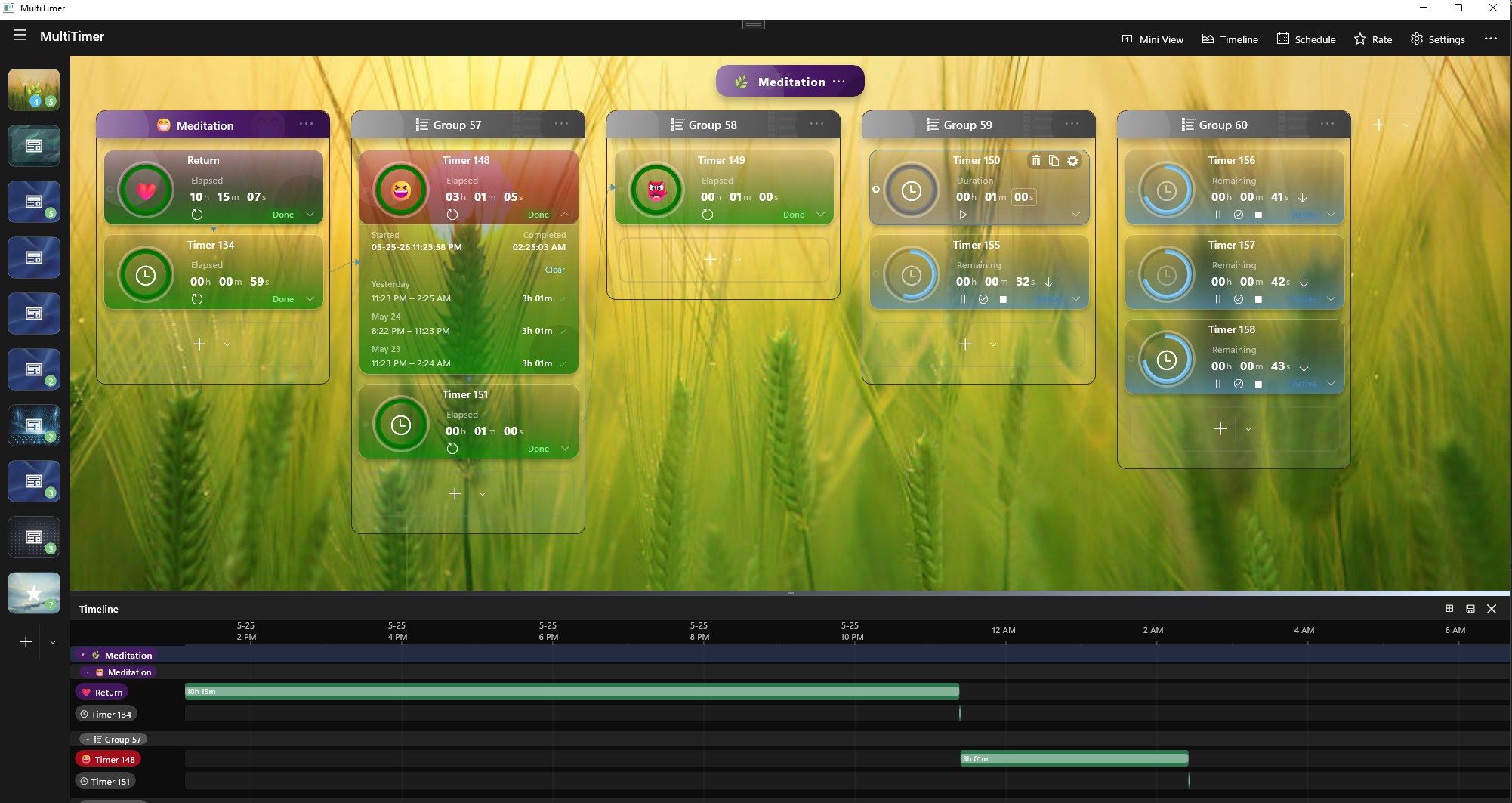
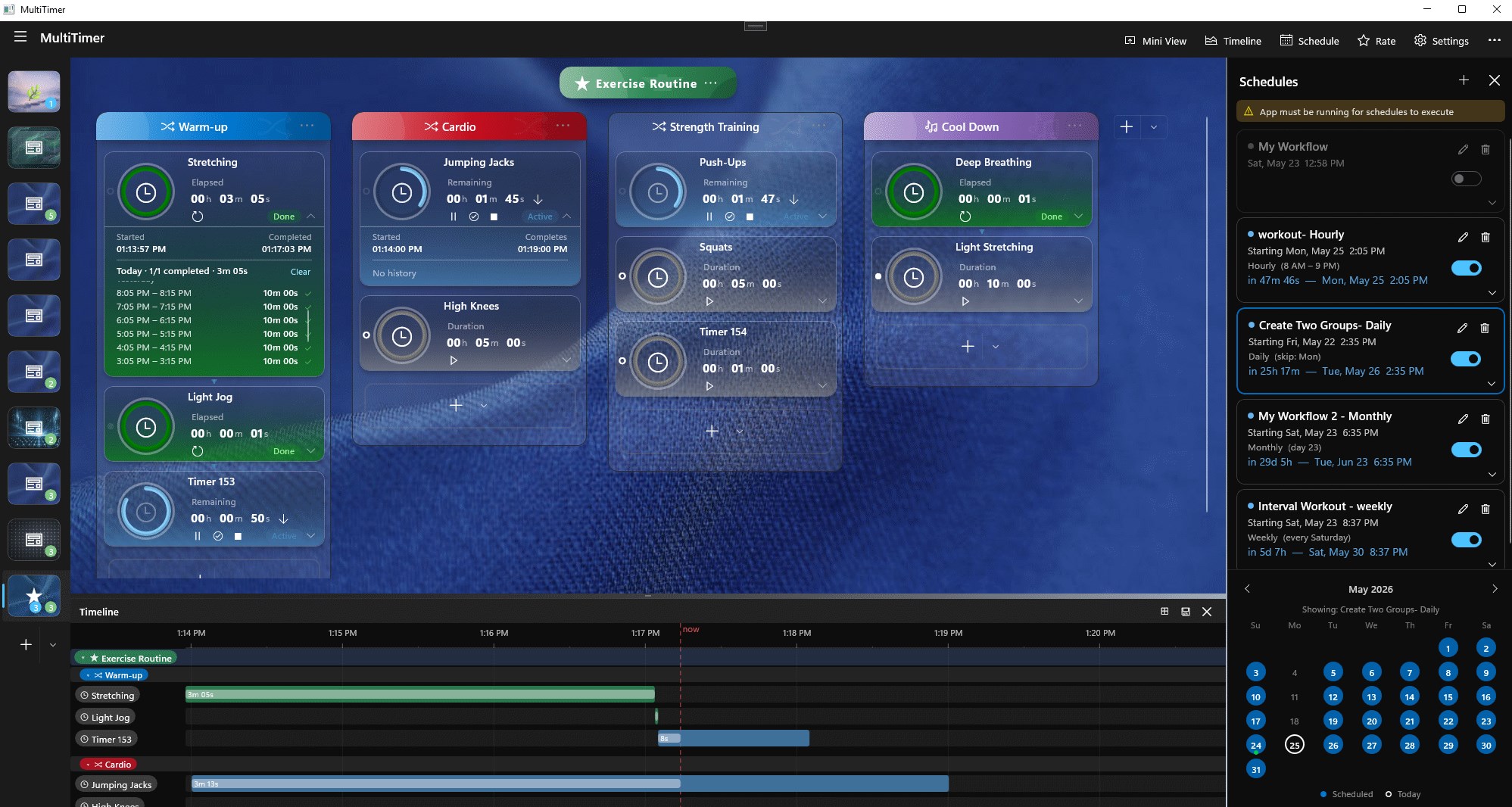
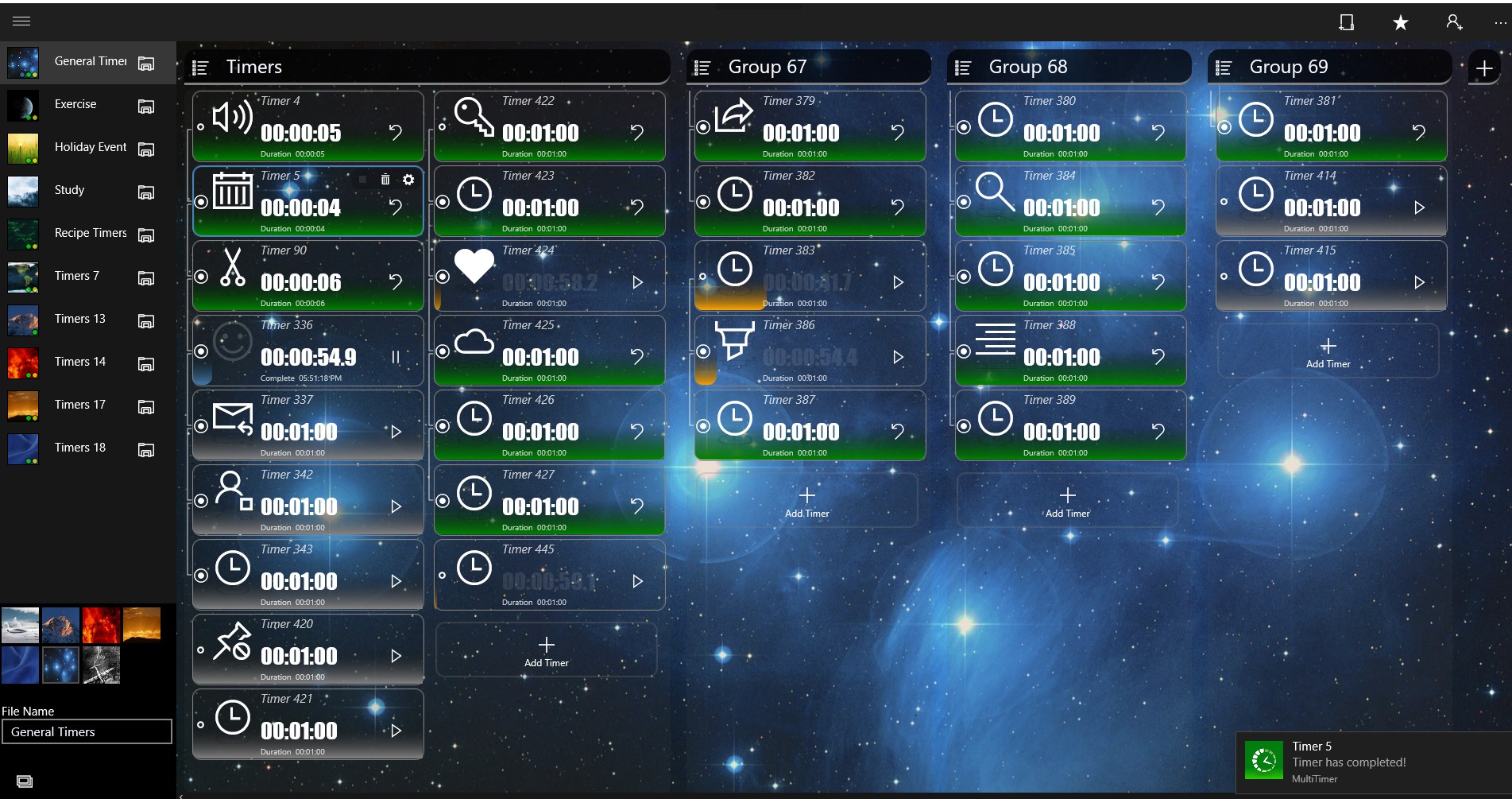
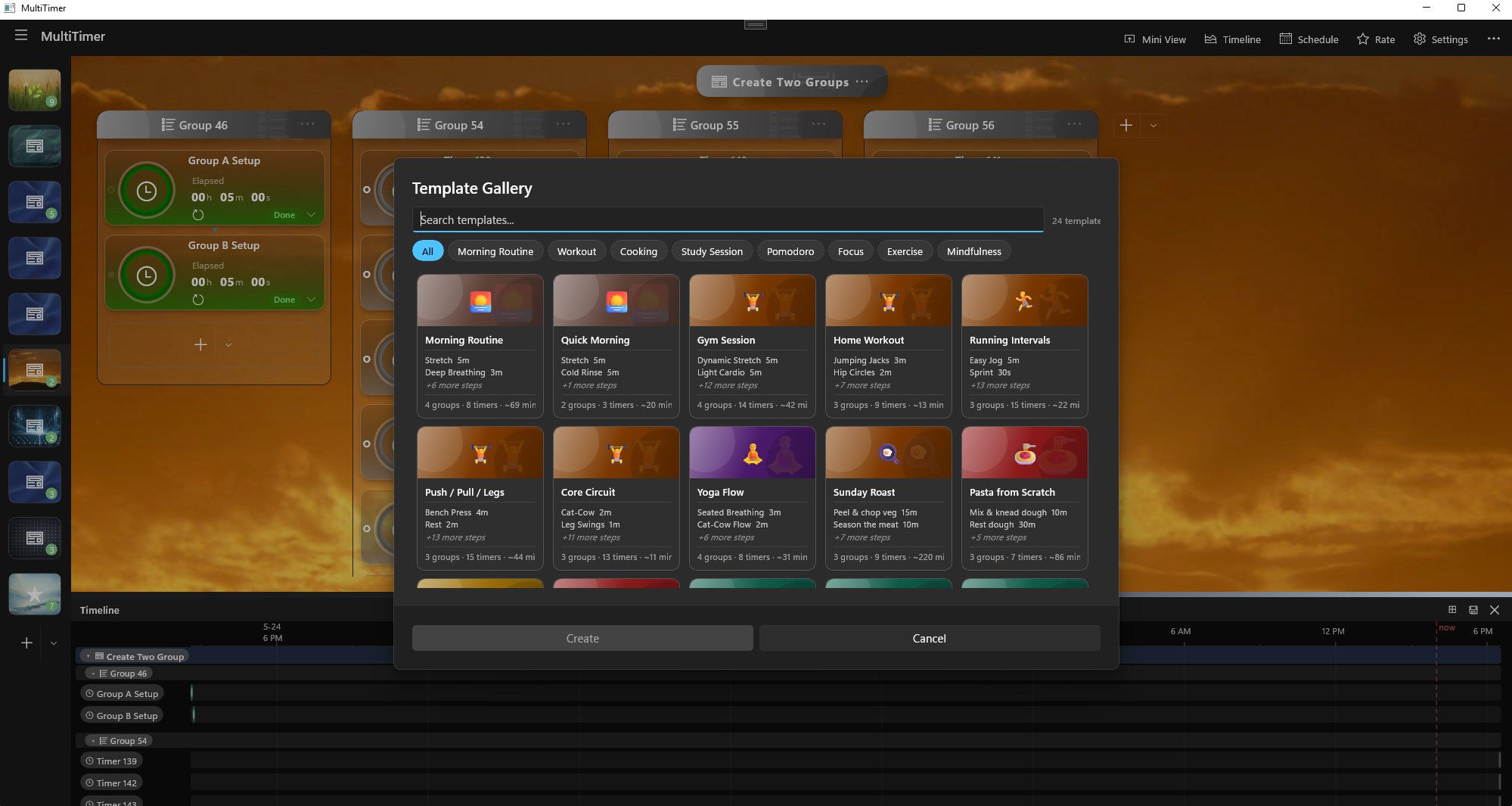
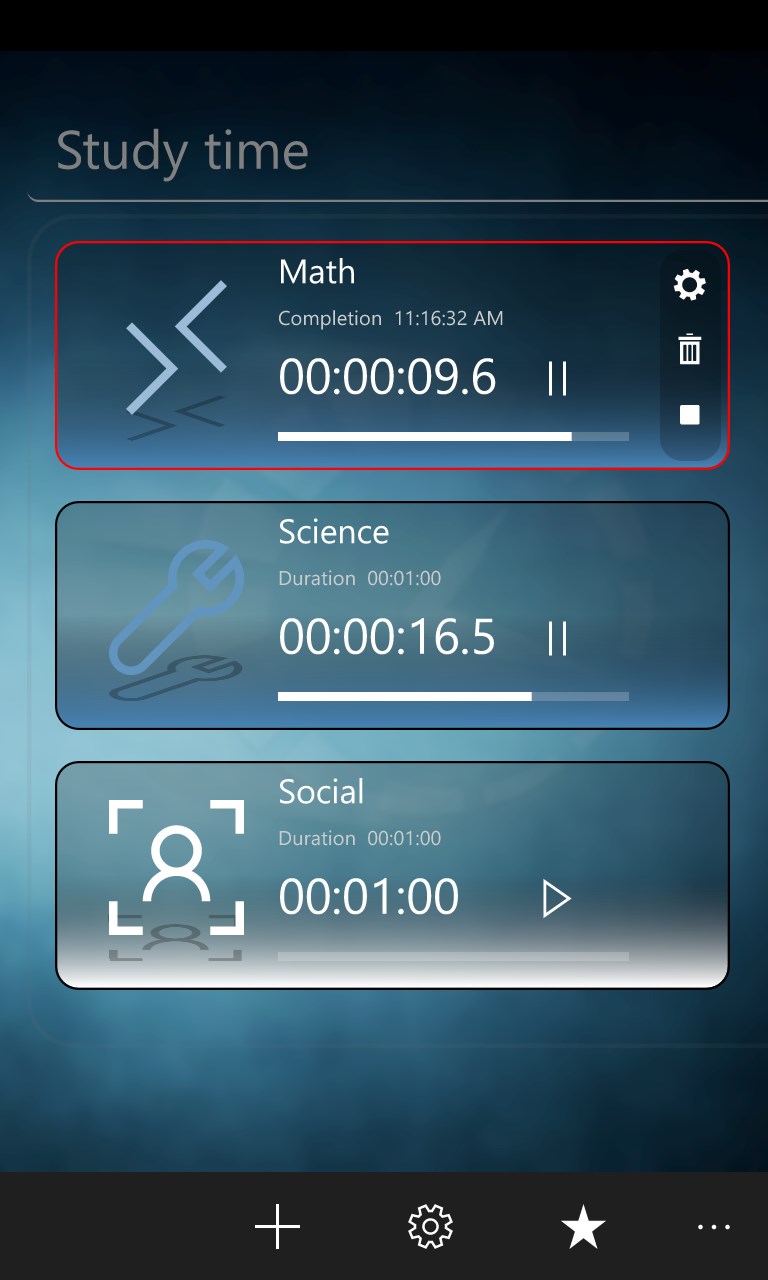
MultiTimer is a powerful productivity timer app for Windows, built for people who need to track and execute multiple timers. Unlike simple countdown apps, MultiTimer lets you organize timers into processes and groups, then chain them into sequential workflows that start automatically one after another. Whether you're tracking sprints, cooking steps, study sessions, or work intervals — MultiTimer keeps everything in order. Key Features: 🕐 Workflow Timers — Create timers arranged into groups and processes. Timers in a chain start automatically when the previous one finishes. 📅 Smart Scheduling — Fire workflows automatically on a schedule: one-time, daily, weekly, hourly, or monthly. A built-in calendar shows upcoming and completed schedule days at a glance. 🗂️ Timeline & Task Grid — Review your session history as a visual timeline or a detailed task grid with process, group, timer, duration, start time, and status columns. 🪟 Always-On-Top Mini View — A compact floating window shows your active and completed timers so you stay informed without switching away from your work. 🔔 Notifications & Voice Alerts — Get toast notifications and spoken announcements when a timer or scheduled workflow starts. 🎨 Fully Customizable — Assign emoji icons, accent colors, and names to processes, groups, and timers for instant visual recognition. Stay on top of everything — download MultiTimer and bring structure to your day.
Utilities · Windows, Android · Free
Rating: 4.7 out of 5, based on 677 user ratings.