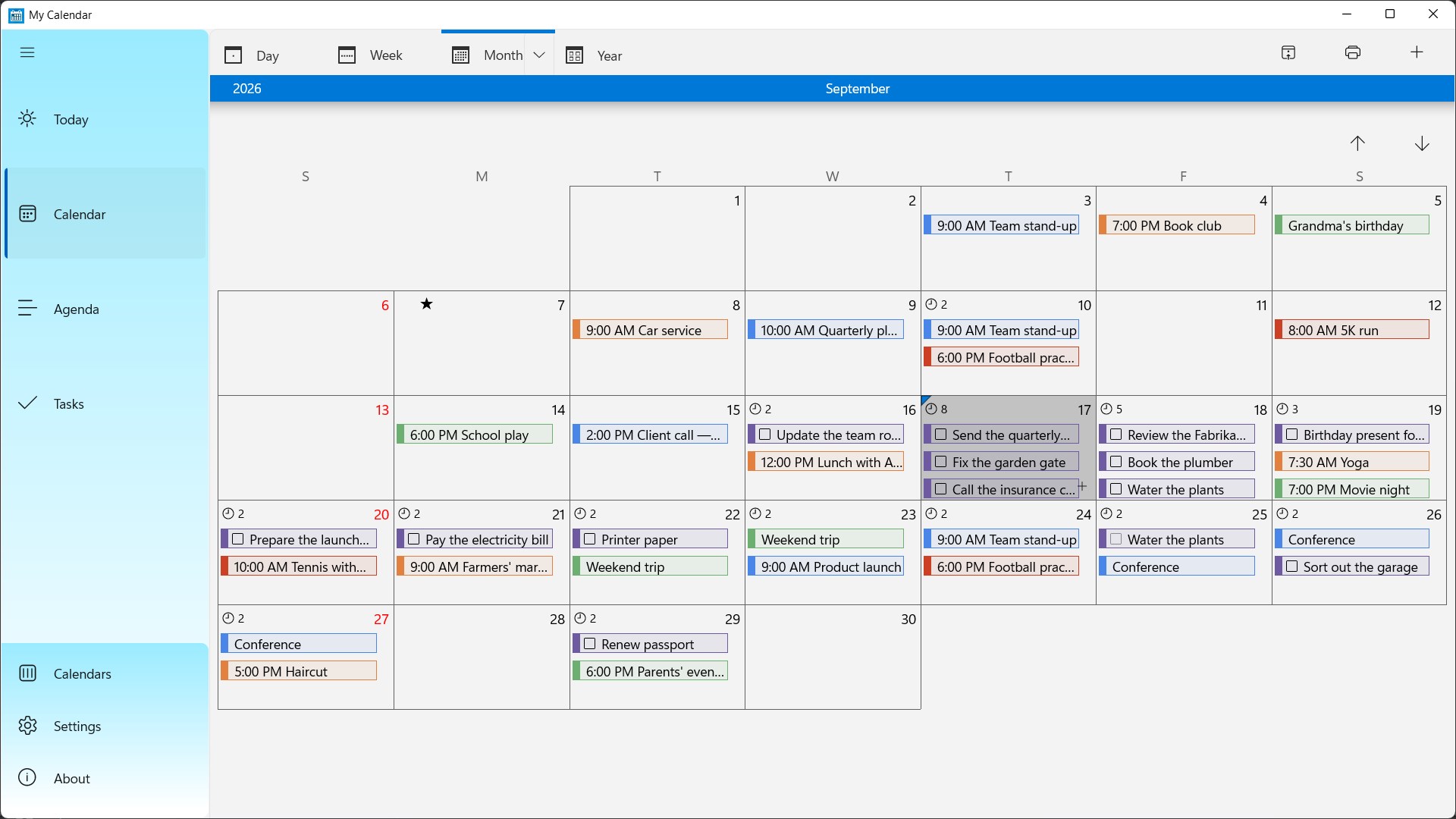
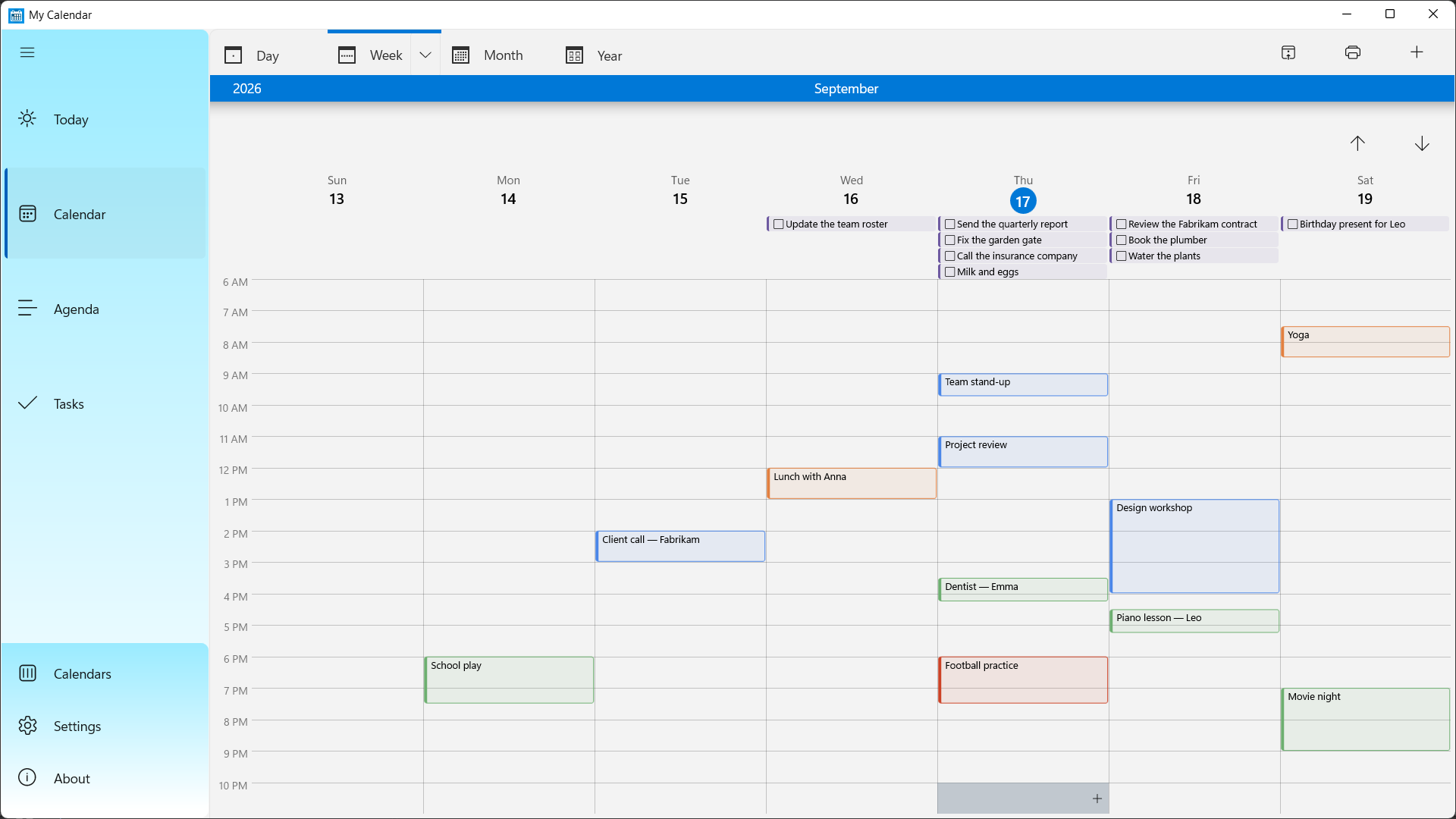
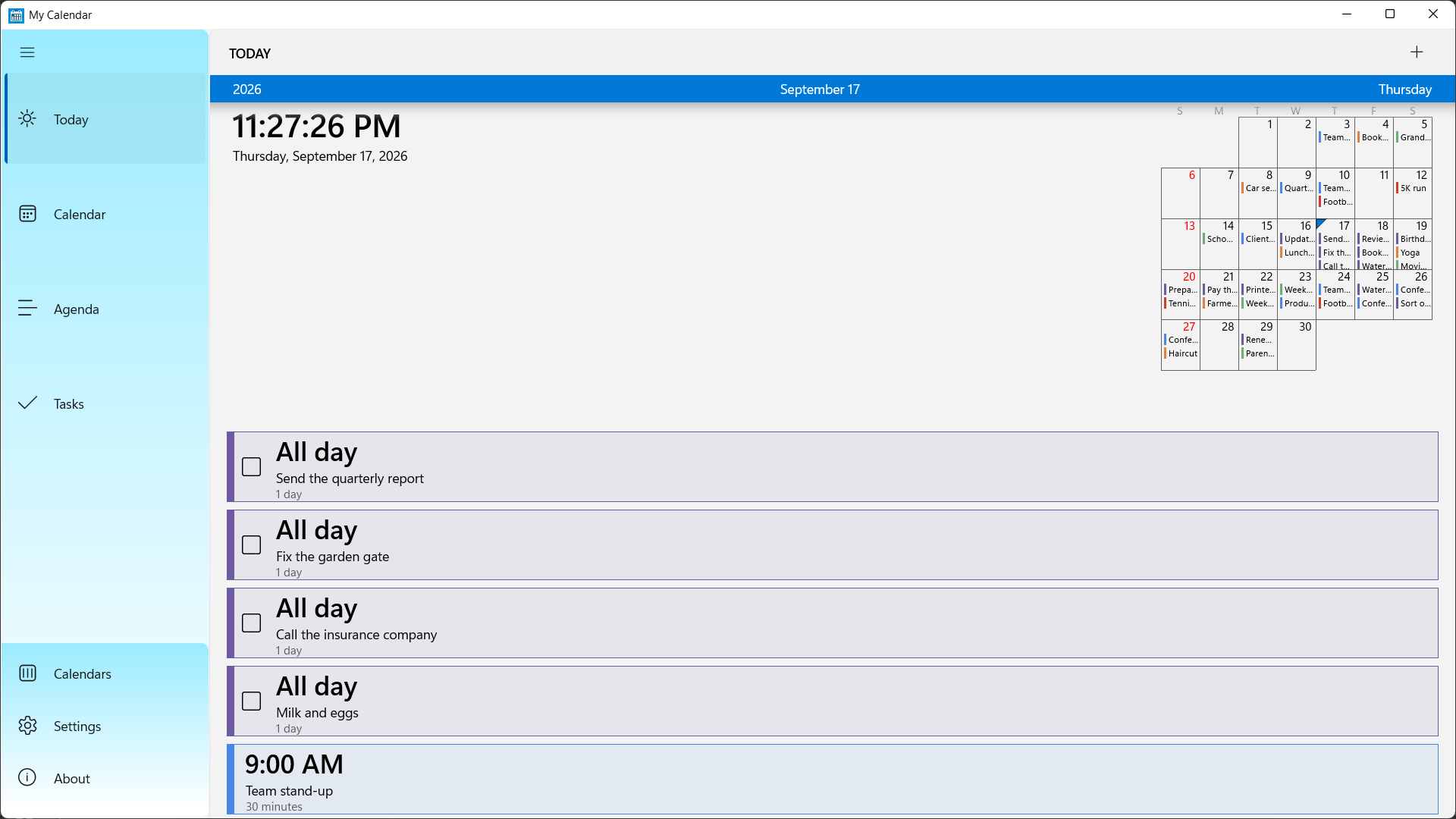
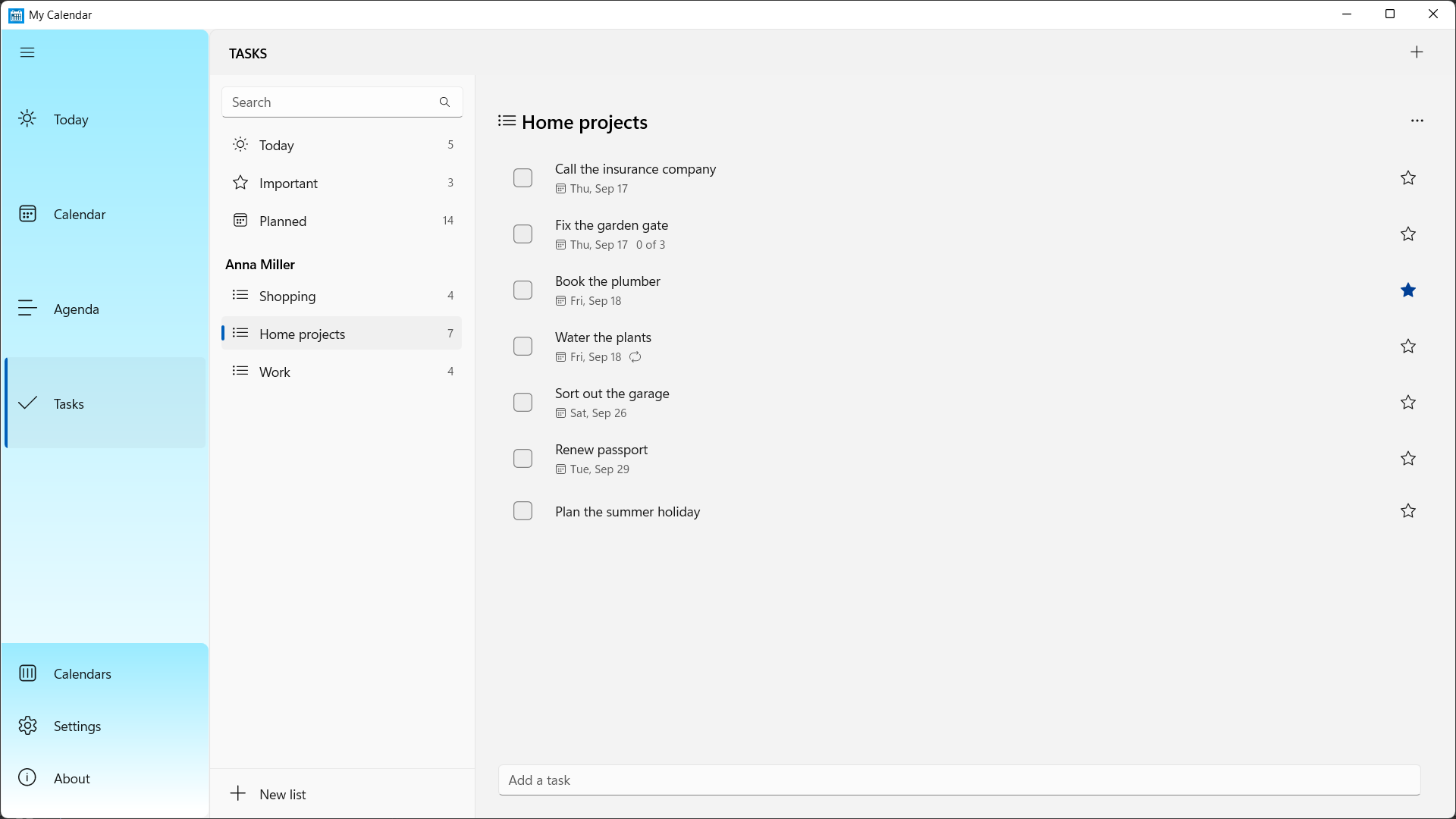
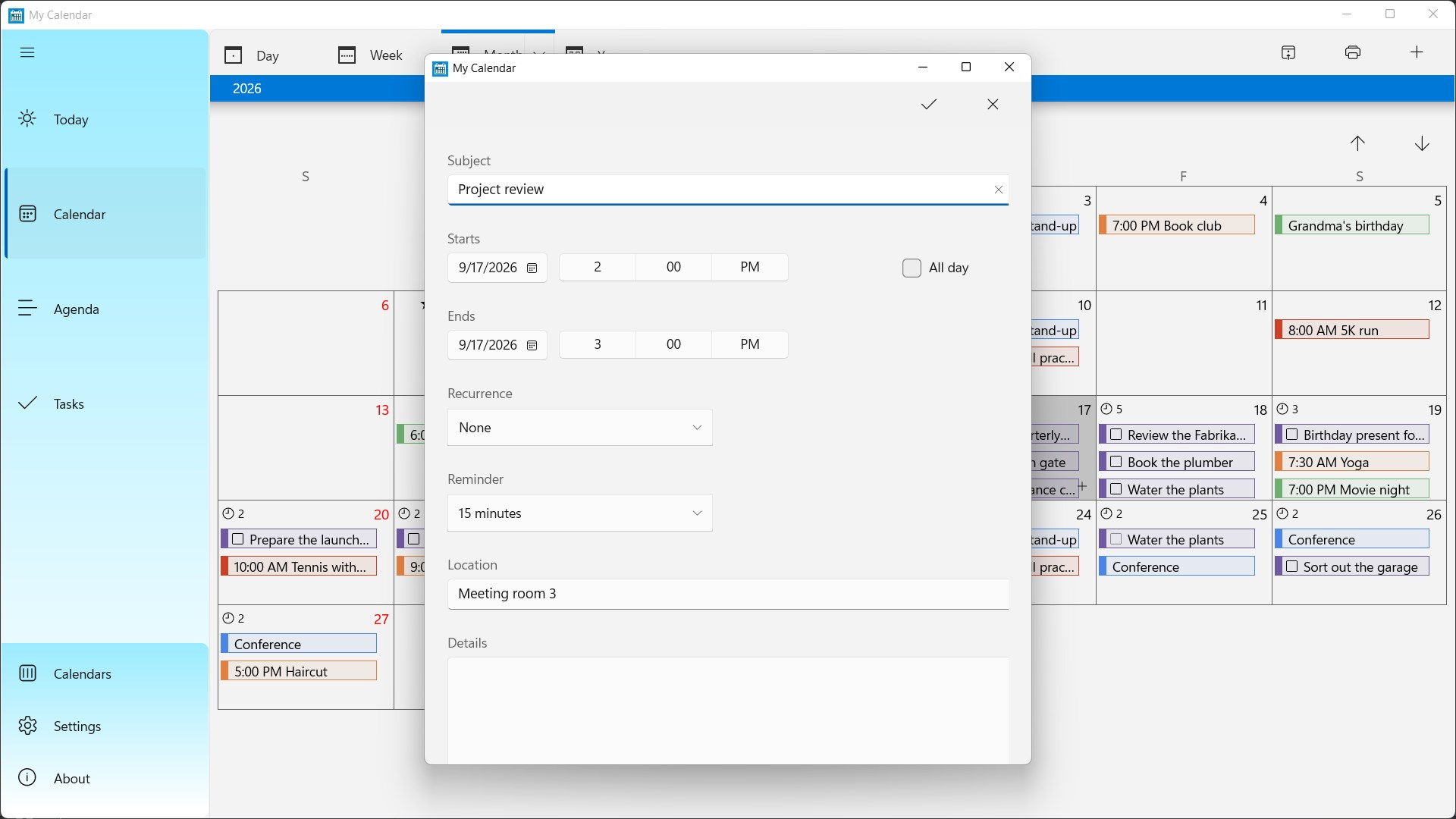
My Calendar is a fast, beautifully simple calendar app for Windows 11 and Windows 10. Bring your Outlook.com, Microsoft 365 and Google calendars together in one place, keep your Microsoft To Do tasks right next to your events, and get reminders exactly when you need them — in a native Windows app that opens instantly and stays out of your way. Whether you plan your family's week, run a small business or just want a better desktop calendar than the one that came with Windows, My Calendar gives you clear day, week, month and year views, a scrolling agenda, holidays and reminders, and the freedom to make it look and work the way you like. ALL YOUR CALENDARS IN ONE PLACE - Sign in with your Microsoft account (Outlook.com, Hotmail, Microsoft 365) or your Google account — or both. - Add several accounts and see all their calendars side by side, each in its own colour. - Create, rename and recolour calendars without leaving the app. - Changes sync both ways, and your events are cached so you can still check your schedule offline. A VIEW FOR EVERY WAY YOU PLAN - Today: your whole day at a glance, with the events and tasks that matter right now. - Day, week, month and year views — jump between them with a click to see the same day from every angle. - Week view in list, column or grid layout (column and grid: Pro Pack). - Agenda: an easy scrolling list of everything coming up. - Week numbers, first day of the week and working hours, set your way. - Drag an event to a new time in day and week views to reschedule it in seconds. NEVER MISS A THING - Reminders for events and tasks as Windows notifications, with snooze. - Birthday calendars from your Outlook or Google account show up like any other calendar. - Public holidays, name days and flag days built in for selected countries. - Launch at startup, so your calendar is always ready when you are. TASKS AND EVENTS, TOGETHER (Pro Pack) - Sync with Microsoft To Do: your task lists, due dates, reminders, recurrence and file attachments. - See your tasks alongside your events in the day, week and month views. - Smart views — Today, Planned and Important — plus search. - Quick-add tasks, star the important ones, and drag tasks between lists. MADE FOR WINDOWS - Native Windows 11 design with light and dark themes and your Windows accent colour. - Right-click context menus, a compact navigation menu and a layout that scales from a laptop to a big desktop monitor. - Small, fast and built for both x64 and Arm64 PCs. PRO PACK — UNLOCK EVERYTHING WITH A ONE-TIME PURCHASE My Calendar is free to use. Upgrade to Pro Pack once (no subscription) to add: - Tasks with Microsoft To Do sync. - Public holiday calendars for more than 200 countries and regions. - Subscribe to any web calendar (ICS or webcal link) and import ICS files. - Week column view with a time grid, plus week grid view. - Print your day, week, work week, month or agenda — with mini month calendars, space for notes and a calendar legend. - No ads. Tasks need a Microsoft account. Google accounts sync calendars and events. Download My Calendar for free and take control of your schedule today.
Productivity · Windows · Free