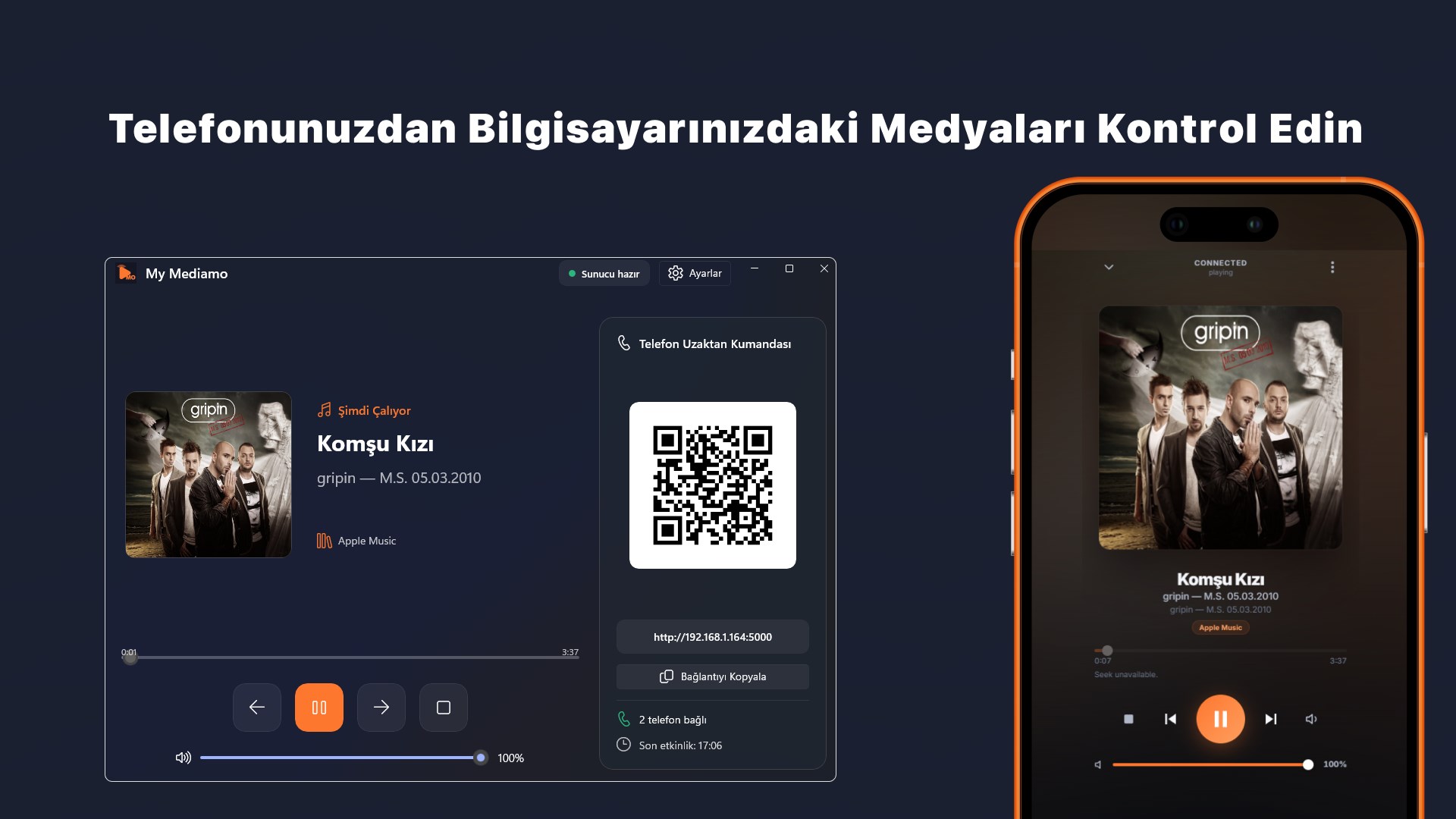
My Mediamo Remote lets you manage the active media session on your Windows 11 PC through a focused desktop interface and a convenient phone remote. View the currently playing title, artist, album, source application, and artwork. When supported by the active media application, play or pause, move to the previous or next track, stop playback, and navigate the timeline. Adjust system volume from either the desktop application or your phone. To use the phone remote, simply scan the QR code with a phone connected to the same local network. No account or publisher-operated cloud service is required. Media control takes place between your computer and devices on your local network. Built with WinUI 3 and the Windows 11 Fluent design system, the native desktop application supports the system theme, light and dark themes, Turkish and English interfaces, the system tray, and automatic startup with Windows. The computer and phone must be connected to the same Wi-Fi or local network to use the phone remote. This feature uses a local HTTP connection and does not include a device-pairing password. Use it only on a trusted, password-protected private network, and do not share the QR code or connection address with untrusted persons. Available controls may vary according to the capabilities exposed by the active media application through the Windows media session. Windows Firewall or your network configuration may need to allow local access for phone connectivity.
Utilities · Windows · Free