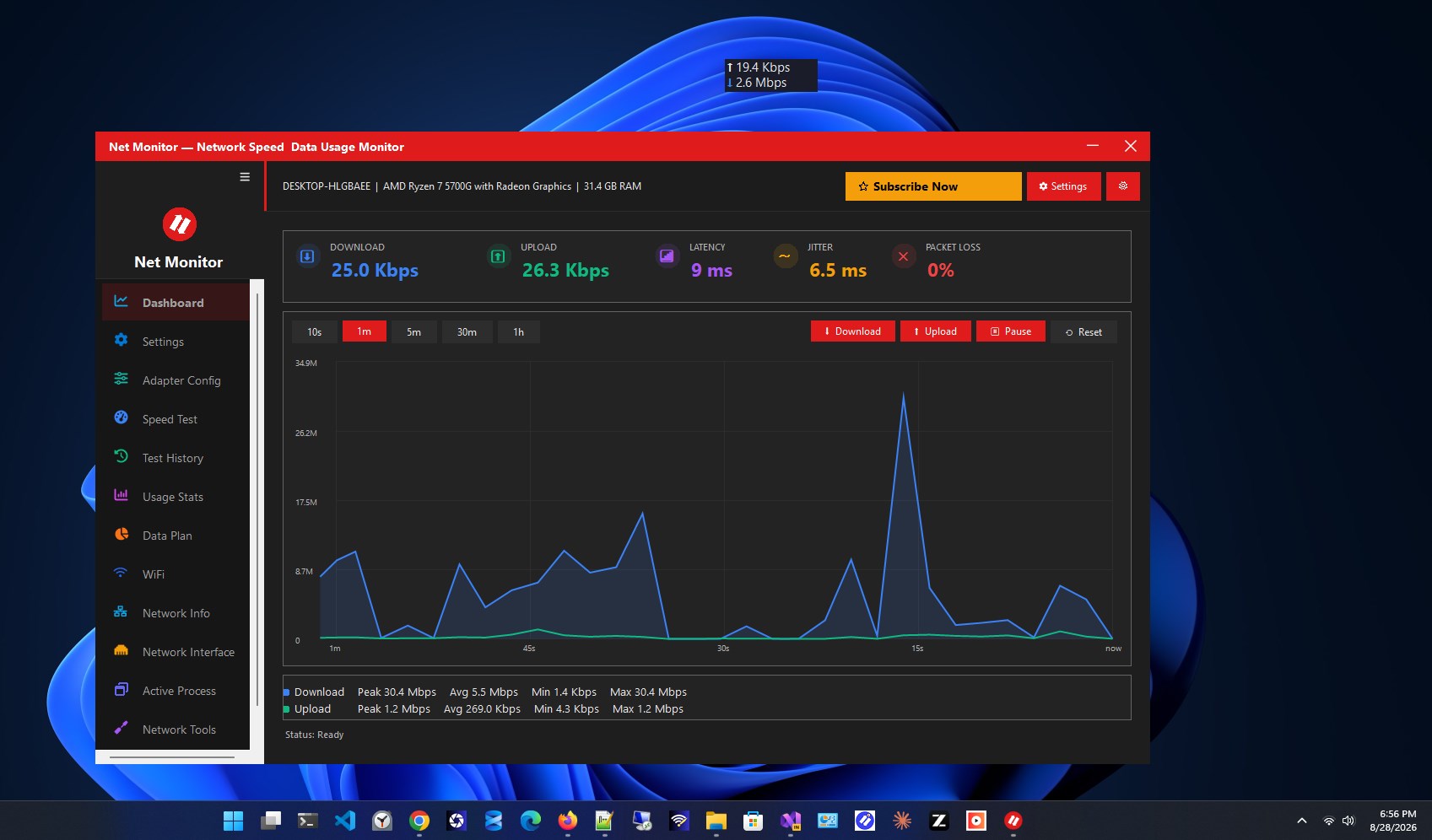
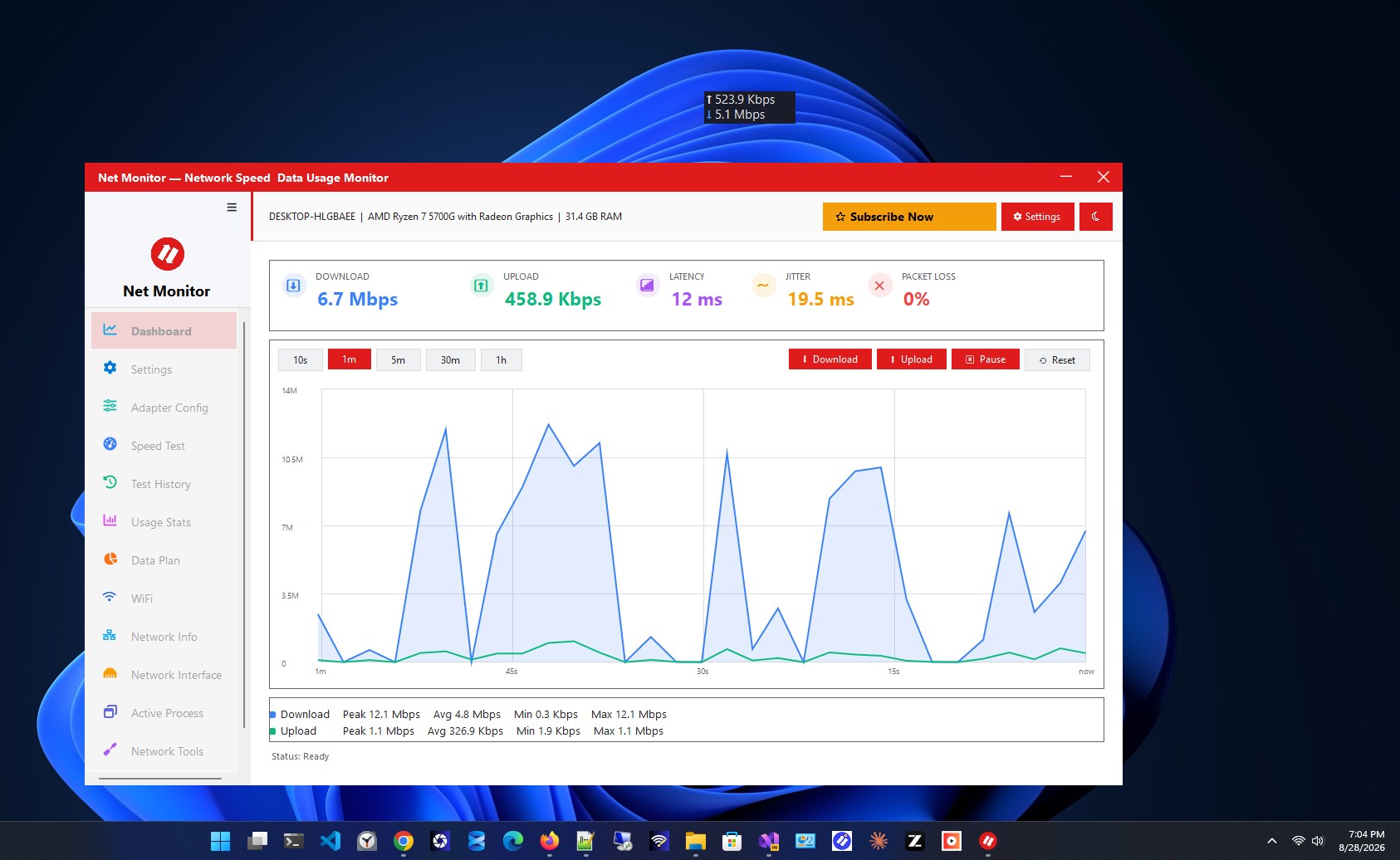
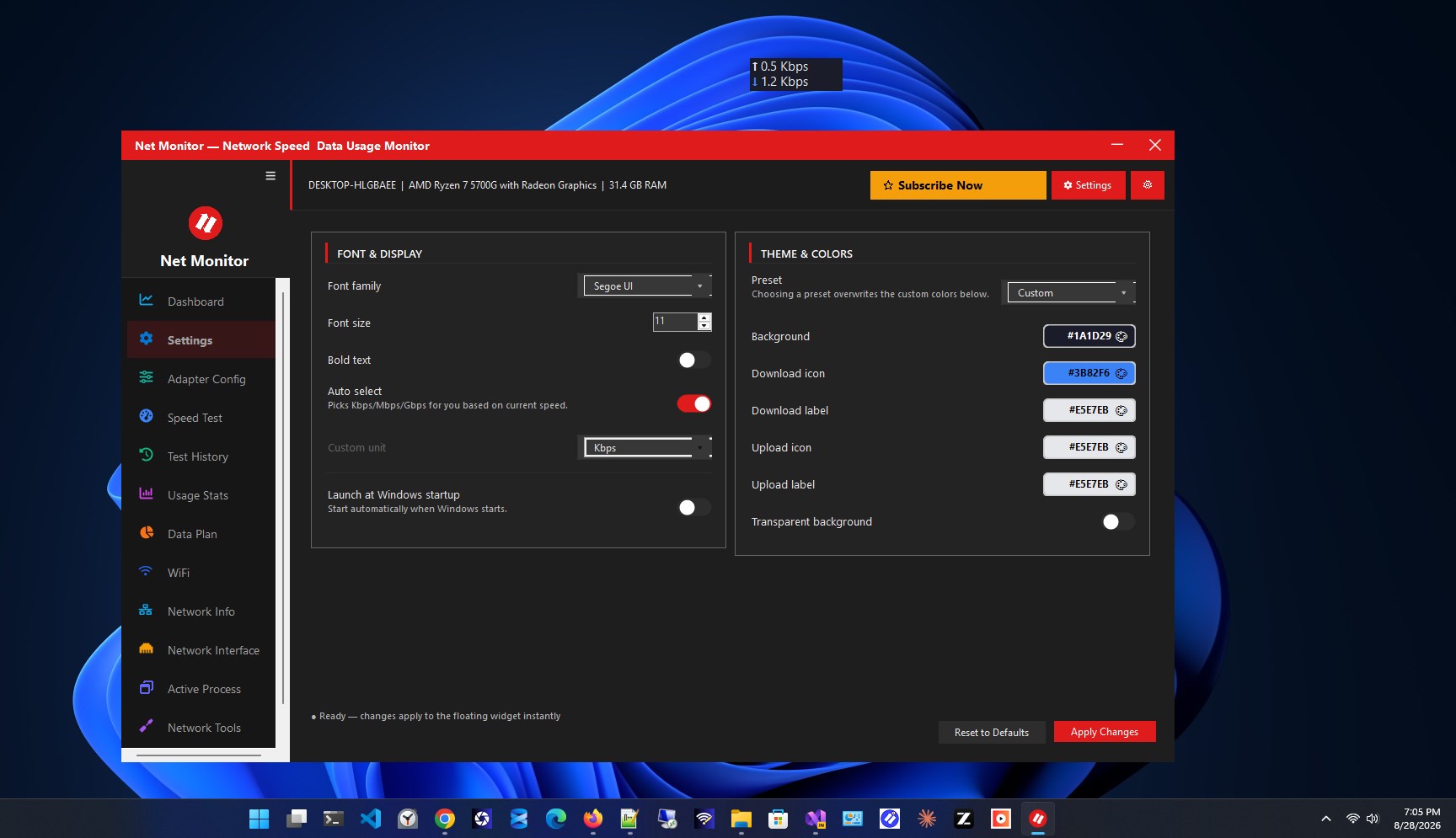
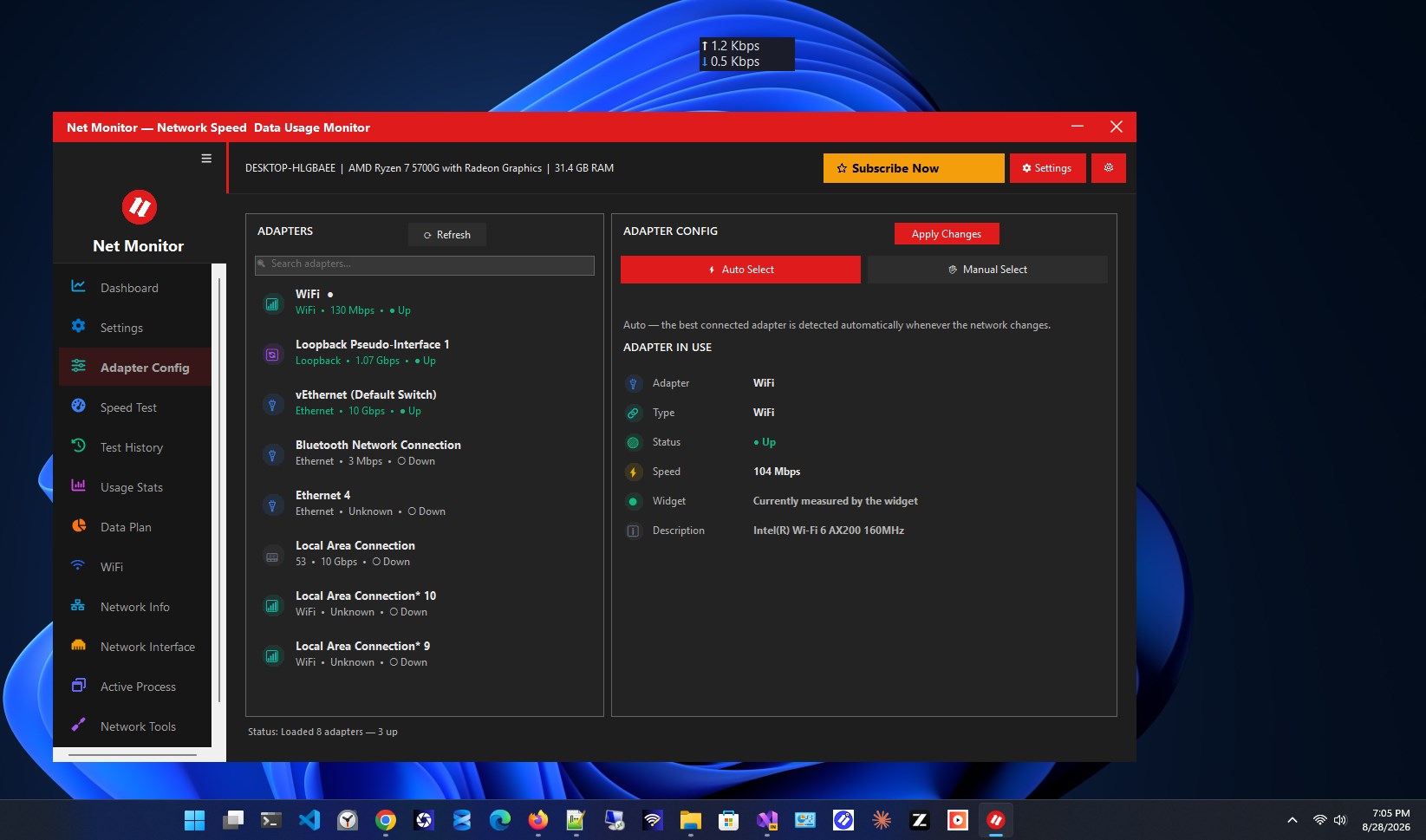
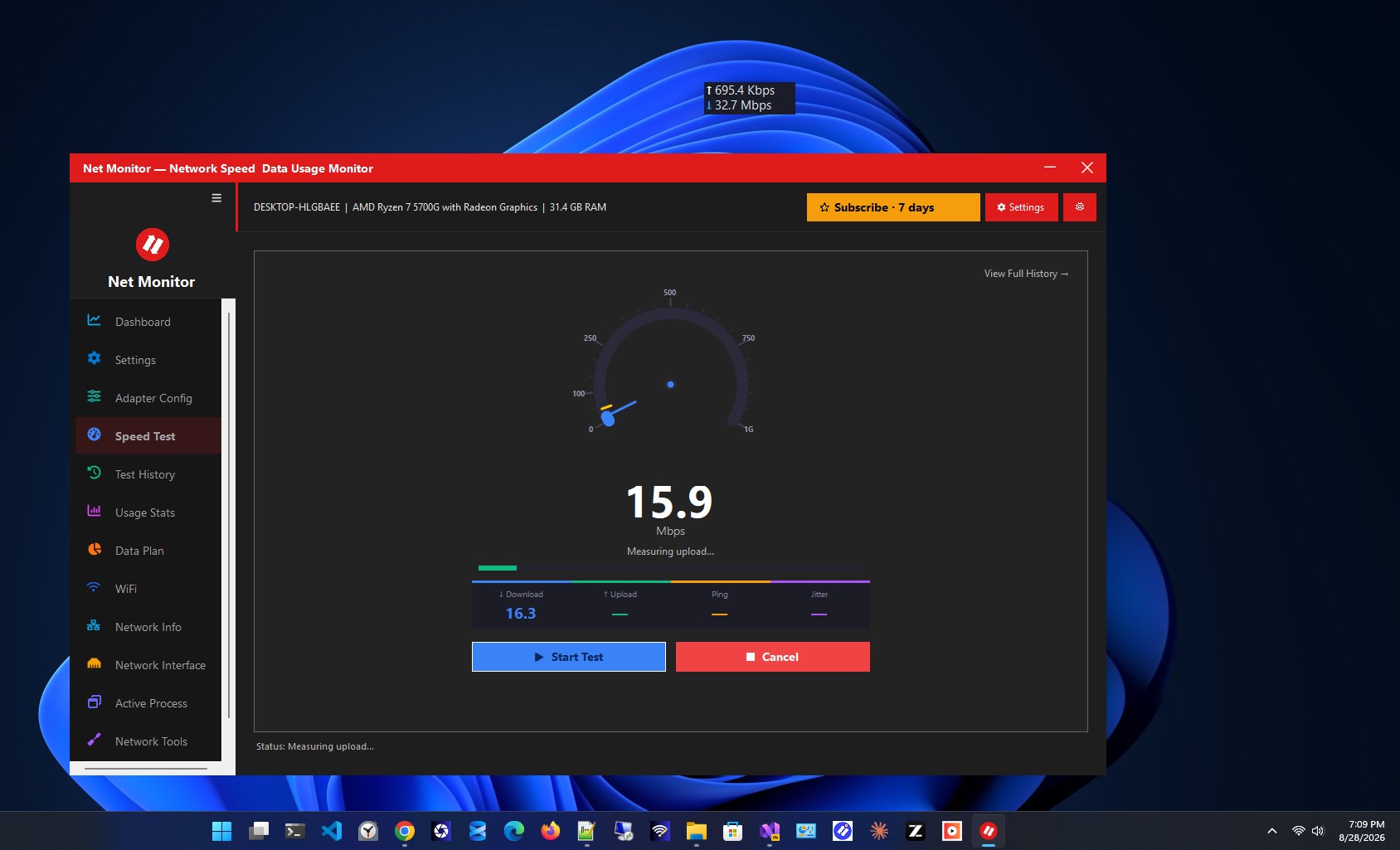
Net Monitor is a lightweight yet powerful desktop application that gives you complete visibility into your Internet connection — right from your desktop or system tray. Completely rewritten from the ground up, this latest version transforms a simple speed monitor into a full-featured network companion, combining real-time tracking, diagnostics, and data management in one sleek, customizable interface. Whether you're a casual user who just wants to glance at your current speed, or a power user who needs deep insight into data usage, app-level connections, and network diagnostics, Net Monitor adapts to your needs without slowing down your system. 📊 Live Download & Upload Speed Widget Monitor your internet speed in real time with a clean, always-updating widget. No more guessing whether your connection is lagging or your download is actually progressing — the numbers are right there on your screen. 📌 Always-On-Top, Drag-Anywhere Floating UI Position the widget exactly where you want it. It stays visible above all other windows, so you never lose track of your network performance while gaming, streaming, or working. 🔔 System Tray Icon With Notifications Minimize the app to your system tray and get notified about important network events without cluttering your taskbar or desktop. 🚀 Speed Test — Download, Upload & Ping Run a full speed test whenever you need one. Get accurate download speed, upload speed, and ping results in seconds, right from the app — no need to open a browser. 📁 Speed Test History Every speed test result is automatically saved, so you can look back and compare your connection's performance over days, weeks, or months. Great for spotting patterns or confirming issues with your ISP. 📅 Daily & Monthly Data Usage Statistics Get a clear breakdown of how much data you're using every day and every month. Visual stats make it easy to understand your consumption habits at a glance. 📉 Data Plan Tracking With Usage Alerts Set your data plan limits and let Net Monitor watch your usage for you. Receive alerts before you approach your cap, so you're never caught off guard by overage charges or throttled speeds. 🧩 Per-App Active Connection Monitor See exactly which applications are using your network in real time. Perfect for identifying bandwidth-hungry apps or spotting unexpected background activity. 🔌 Adapter, Interface & Connection Details Access detailed technical information about your network adapters and active connections — useful for troubleshooting or simply understanding your setup better. 🔑 Saved WiFi Passwords With QR Sharing Quickly retrieve passwords for networks you've previously connected to, and share them instantly with friends or family using a scannable QR code — no more typing out long passwords. 🧪 Network Tools — Ping, DNS, Traceroute Diagnose connectivity issues without leaving the app. Built-in Ping, DNS lookup, and Traceroute tools give you the diagnostic power of a command line, wrapped in a simple, user-friendly interface. 🌗 Dark / Light Theme Choose the look that suits you best. Switch between dark and light themes to match your system settings or personal preference. 🖥️ DPI-Aware, Scales Up to 200% Enjoy a crisp, sharp interface no matter your display resolution. The app scales properly on high-DPI monitors, so text and icons always look clean. ⚙️ Windows Auto-Start Set Net Monitor to launch automatically when your computer boots, so your network monitoring starts the moment you log in. 🪶 Resource-Efficient Design No database required. The app is built to be light on system resources, so it runs quietly in the background without slowing down your PC. Why Choose Net Monitor? Net Monitor isn't just another speed monitor — it's a complete network toolkit. From real-time speed tracking to detailed diagnostics, data plan management, and per-app monitoring, it covers everything you need to stay in control of your internet connection. The customizable, always-on-top interface means you're never more than a glance away from the information that matters most. Download Net Monitor today and take full control of your network monitoring — simple, powerful, and always within reach.
Utilities · Windows · Free
Rating: 3.4 out of 5, based on 14 user ratings.