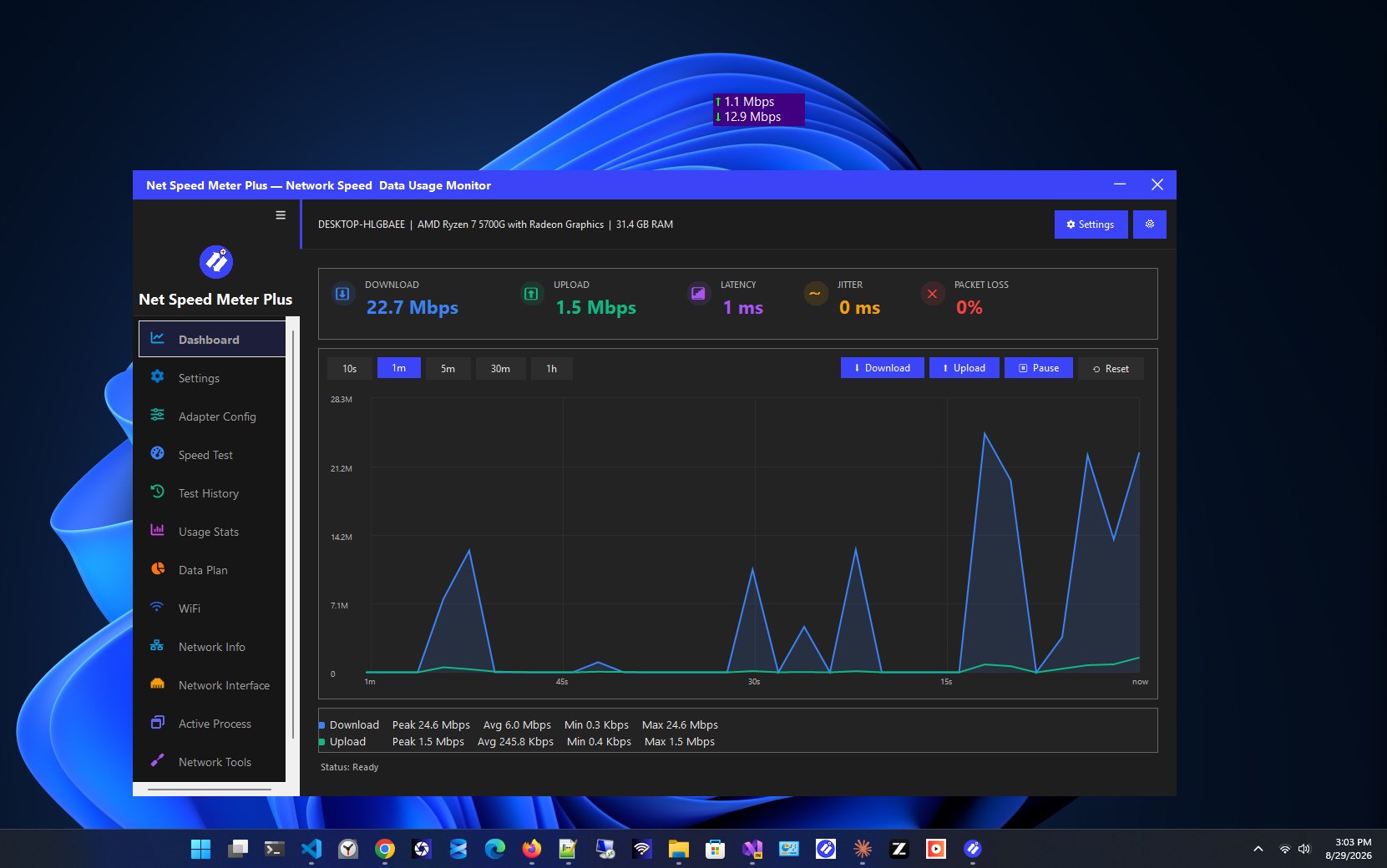
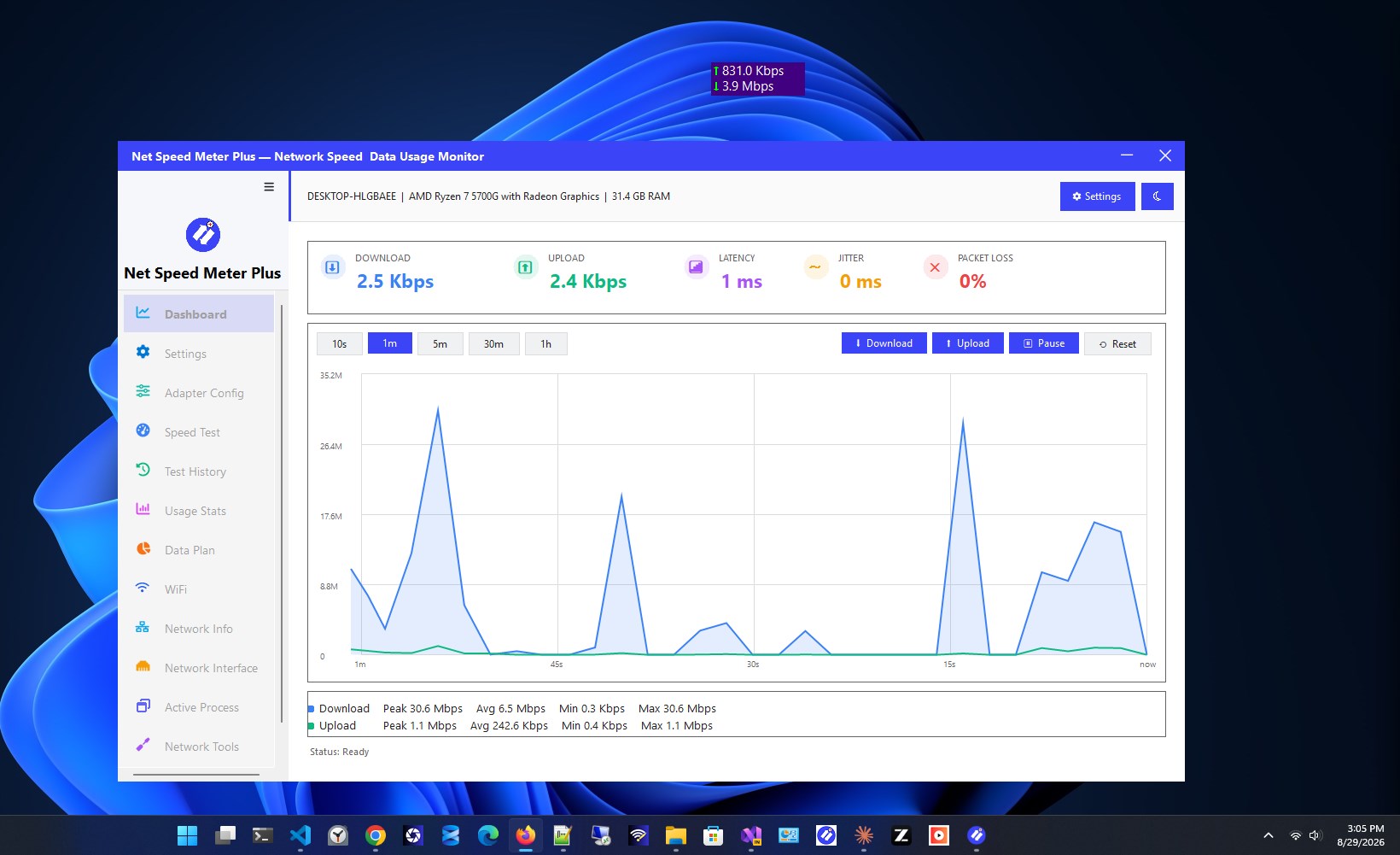
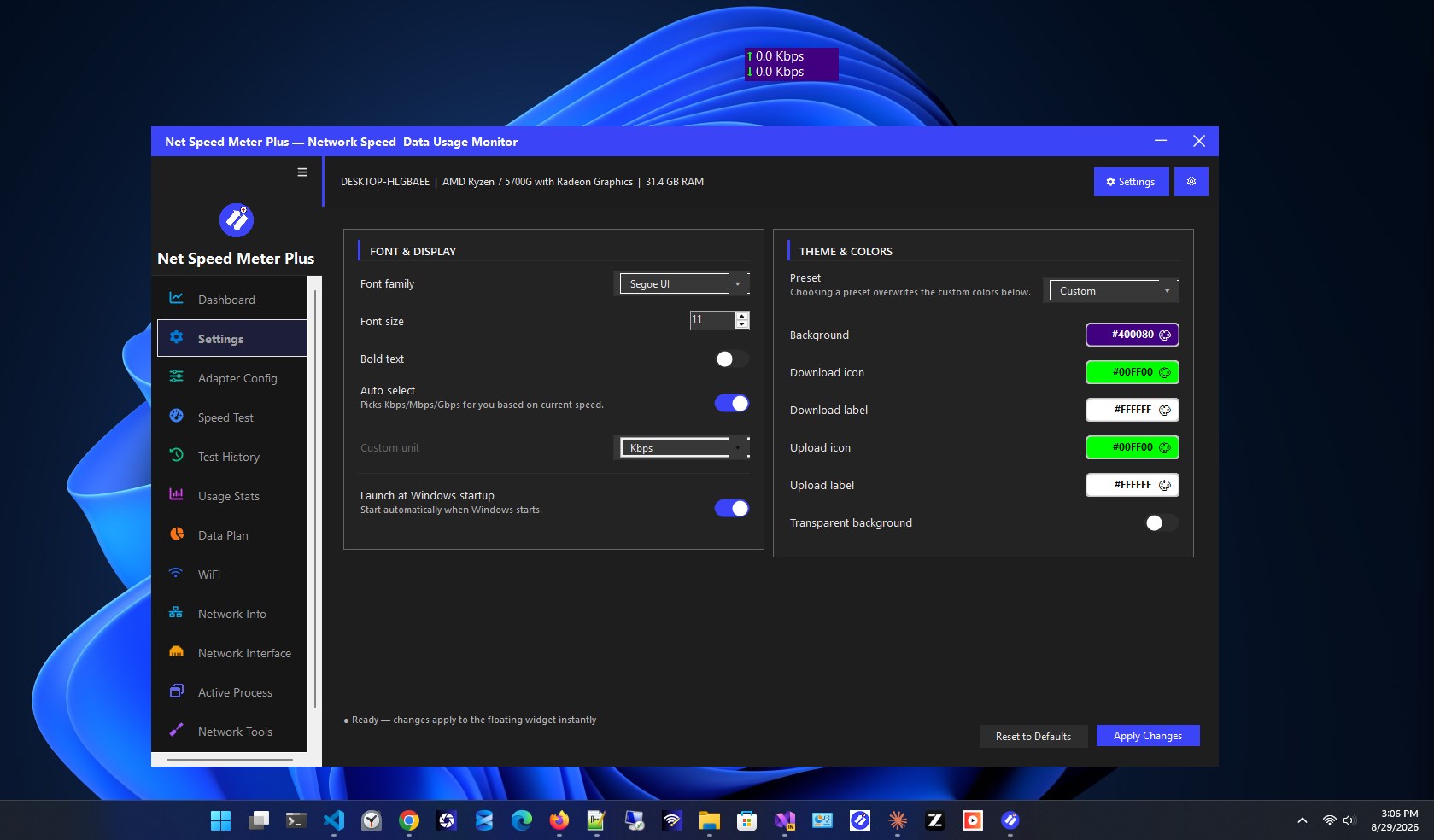
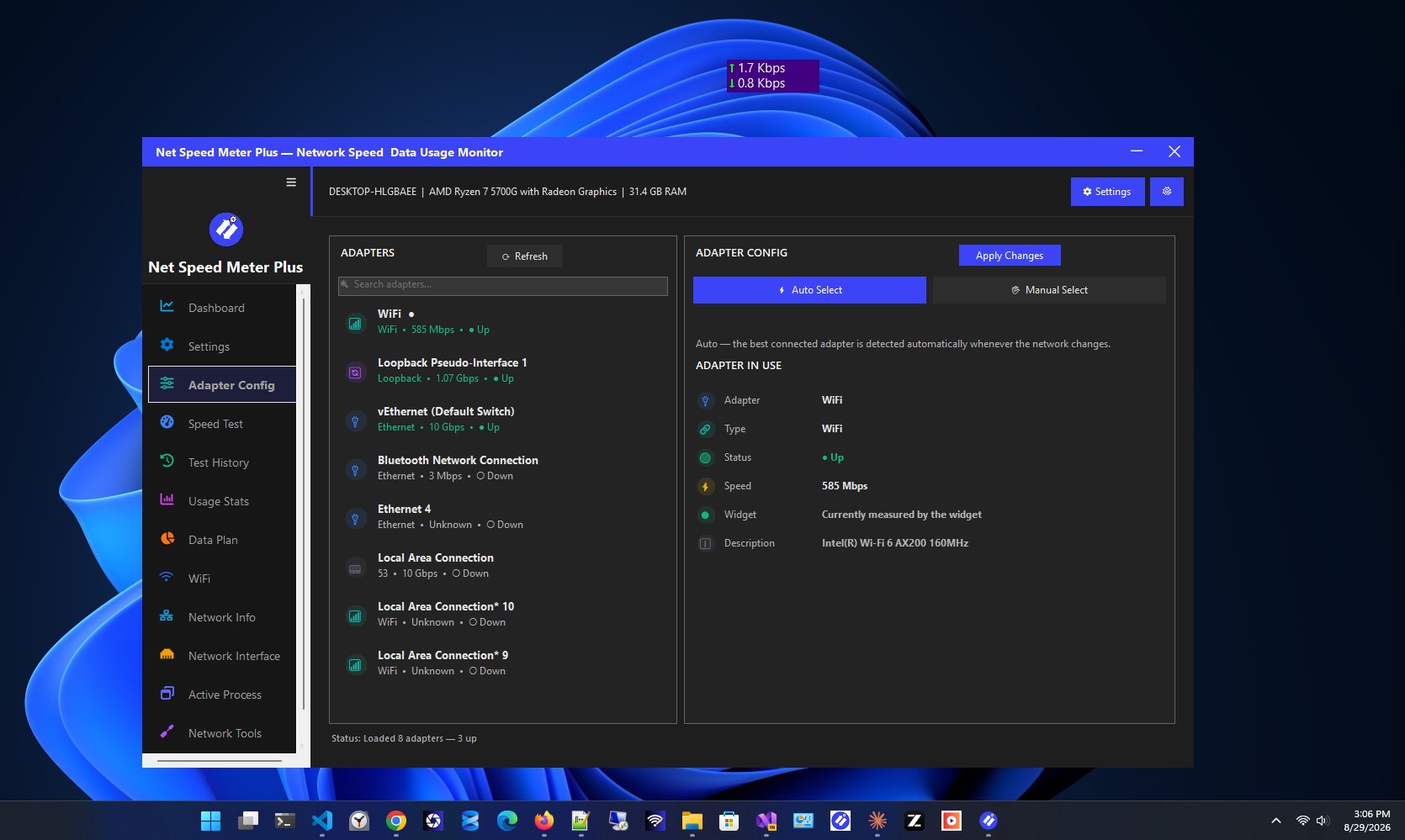
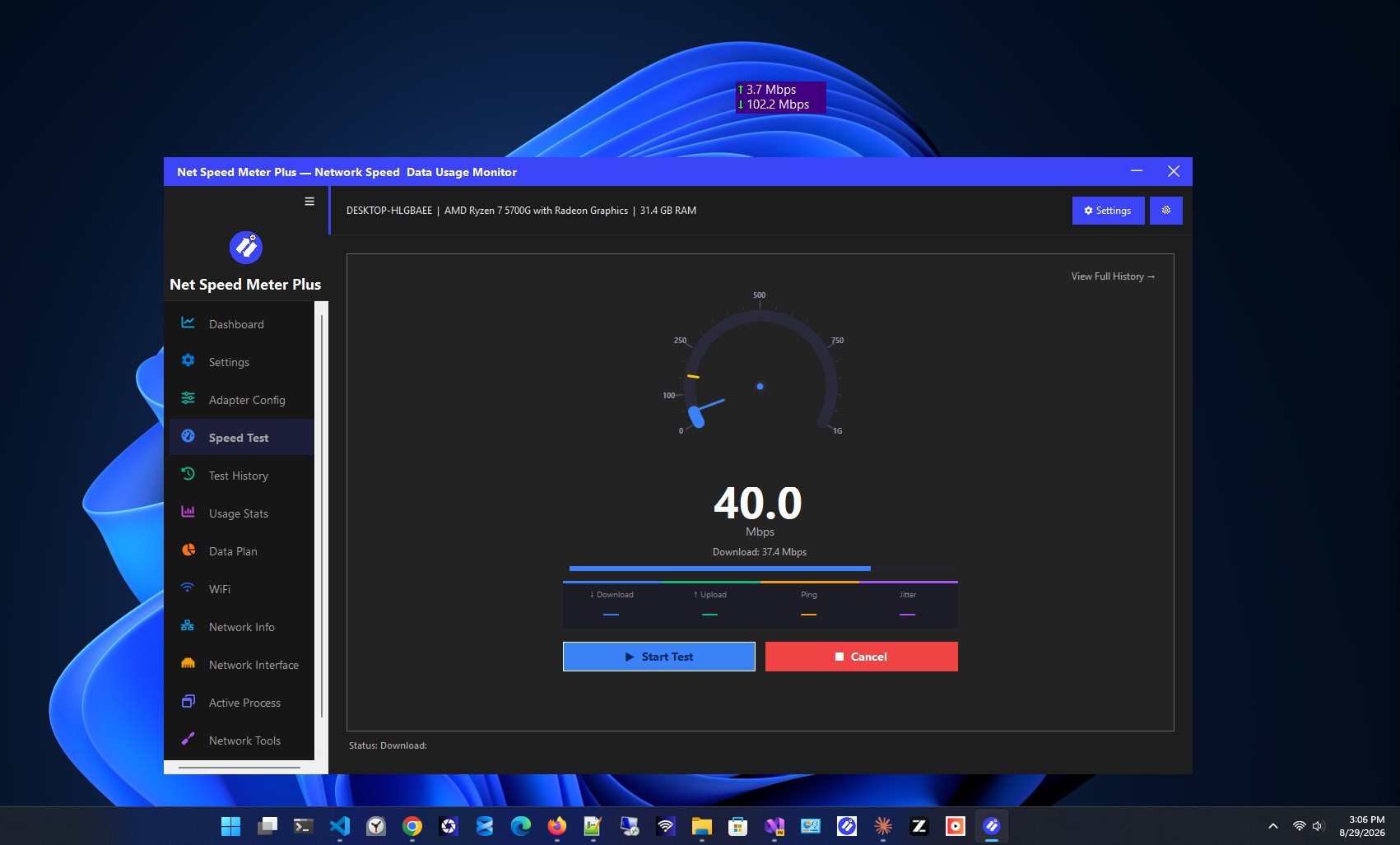
Net Speed Meter Plus is a lightweight yet powerful desktop application that gives you complete visibility into your Internet connection — right from your desktop or system tray. Built with a focus on real-time performance tracking and deep network insight, it combines essential monitoring tools with advanced diagnostics and data management, all in one sleek, customizable interface. Whether you're a casual user who just wants to glance at your current speed, or a power user who needs deep insight into usage trends, historical data, and network diagnostics, Net Speed Meter Plus adapts to your needs — with a generous set of free features and optional Premium tools for those who want even more. 🟢 Always Free — No Subscription Required 🧭 Widget A live, always-updating speed widget that displays your download and upload speeds directly on your desktop. Position it anywhere with drag-and-drop simplicity. ⚙️ Settings Customize the app's appearance, behavior, and monitoring preferences to fit exactly how you work. 🛠️ Adapter Config View and configure your network adapter settings with ease, giving you control over which interfaces the app monitors. 🚀 Speed Test Run a full speed test whenever you need one. Get accurate download speed, upload speed, and ping results in seconds — no need to open a browser. 📊 Usage Stats Get a clear breakdown of your data consumption, helping you understand your usage habits at a glance. 🌐 Network Info Access detailed technical information about your current network connection, including IP details and connection status. 🔌 Network Interface Dive into the specifics of your network interfaces for deeper technical insight and troubleshooting. 🧩 Active Process See exactly which applications are actively using your network in real time — perfect for identifying bandwidth-hungry apps. ⏱️ Stop Watch Measure your Internet speed over a specific period with a built-in stopwatch, ideal for tracking performance during a set task or timeframe. 🔒 Premium — Unlock the Full Experience 📈 Dashboard A comprehensive, at-a-glance view that brings together your speed, latency, jitter, and packet loss data in one beautifully organized screen. 📁 Test History Every speed test result is automatically saved, so you can look back and compare your connection's performance over days, weeks, or months. 📉 Data Plan Set your data plan limits and let the app track your usage against them, with alerts before you approach your cap — so you're never caught off guard by overage charges. 🔑 WiFi Quickly retrieve passwords for networks you've previously connected to, and share them instantly with friends or family using a scannable QR code. 🧪 Network Tools Diagnose connectivity issues without leaving the app. Built-in Ping, DNS lookup, and Traceroute tools give you the diagnostic power of a command line, wrapped in a simple, user-friendly interface. Why Choose Net Speed Meter Plus? Net Speed Meter Plus gives you a genuinely useful, fully functional free experience right out of the box — no trial countdowns, no artificial limits on the essentials. When you're ready for deeper insight into your network history, data plans, and advanced diagnostics, Premium unlocks the complete toolkit. Download Net Speed Meter Plus today and take control of your network monitoring — powerful for free, and even better with Premium.
Utilities · Windows · $14.99
Rating: 3.5 out of 5, based on 22 user ratings.