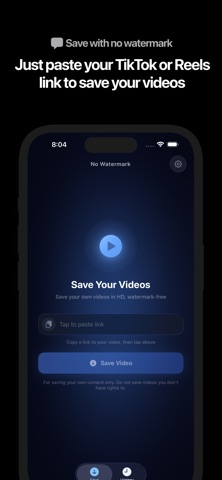
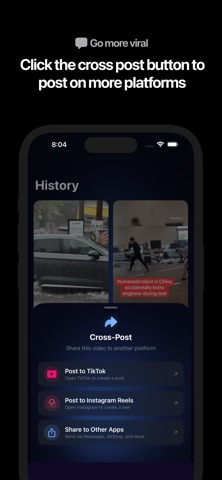
Your videos. Ready to save and share again. Save watermark-free copies of your own TikTok videos and Instagram Reels, keep them together in Library, and share them wherever your next audience is. No Watermark helps creators reuse the content they make. Copy a public video link, paste it into the app, and save the available video to Photos. KEEP YOUR CONTENT CLOSE • Save to Photos — Keep a copy of your video on your iPhone. • Find it in Library — Browse saved videos or search by title, creator, and caption. • Share from one place — Preview a saved video and open the iPhone share sheet when you're ready to use it elsewhere. • Bring the caption along — Edit and copy the caption for your next post. • Follow your saves — See download progress and retry a save that needs attention. HOW IT WORKS 1. Copy the link to your own public TikTok video or Instagram Reel. 2. Open No Watermark and paste the link. 3. Save to Photos, then preview or share your video from Library. Supports public TikTok videos and Instagram Reels. Video availability and quality depend on the original post and platform. Only save and share content you own or have permission to use. NO WATERMARK PRO A Pro subscription is required to save videos. Available plans and prices are shown in the app before purchase. Payment is charged to your Apple ID account at confirmation of purchase. Subscriptions auto-renew unless canceled at least 24 hours before the end of the current period. Manage or cancel anytime in Settings > Subscriptions. Privacy Policy: https://www.performbiometrics.com/privacy Terms of Use: https://www.performbiometrics.com/terms
Photo & Video · iPhone, iPad · Free
Rating: 4.0 out of 5, based on 4 user ratings.