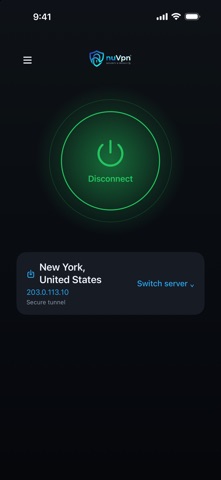
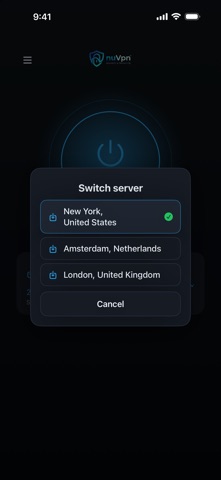
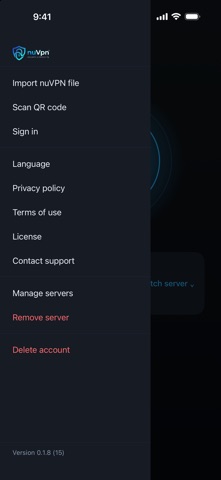
nuVPN keeps your connection private and protects your data. Designed to be lightweight and simple: open the app, choose a server and connect with one tap. WHY nuVPN - No-logs by design: we don't track your online activity. - Optional Kill Switch: when enabled, it blocks traffic if the tunnel disconnects, until the connection is restored. - DNS leak protection: requests stay inside the encrypted tunnel. - Connect with one tap and switch between your servers from the main screen. TWO WAYS TO ADD YOUR SERVERS - Sign in to an existing nuVPN account: your account's servers load automatically. - Without signing in: import the server file you received from nuVPN (.nuvpn) from the Files app, an email or the share menu, or use your camera to scan its QR code. Every nuVPN server file is digitally signed. The app only imports files issued by nuVPN. It rejects edited files and configuration files not issued by nuVPN. PRIVATE BY DEFAULT Strong, modern encryption protects your data on public Wi-Fi, at work or while traveling. No activity logs. LIGHTWEIGHT AND FOCUSED A VPN client, nothing more: no bloat, no ads, no tracking. Questions? Contact support from within the app.
Utilities · iPhone, iPad, Android · Free