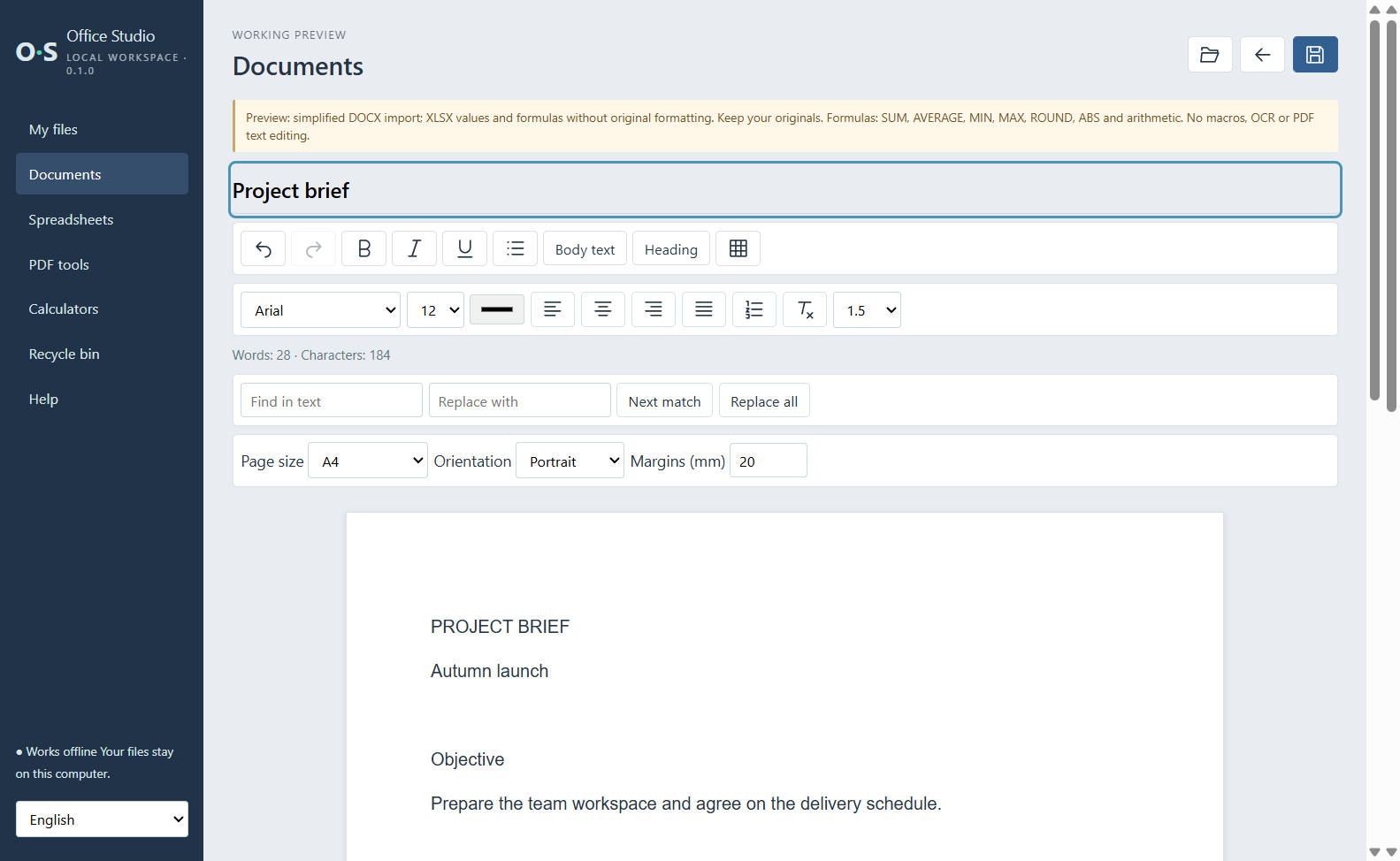
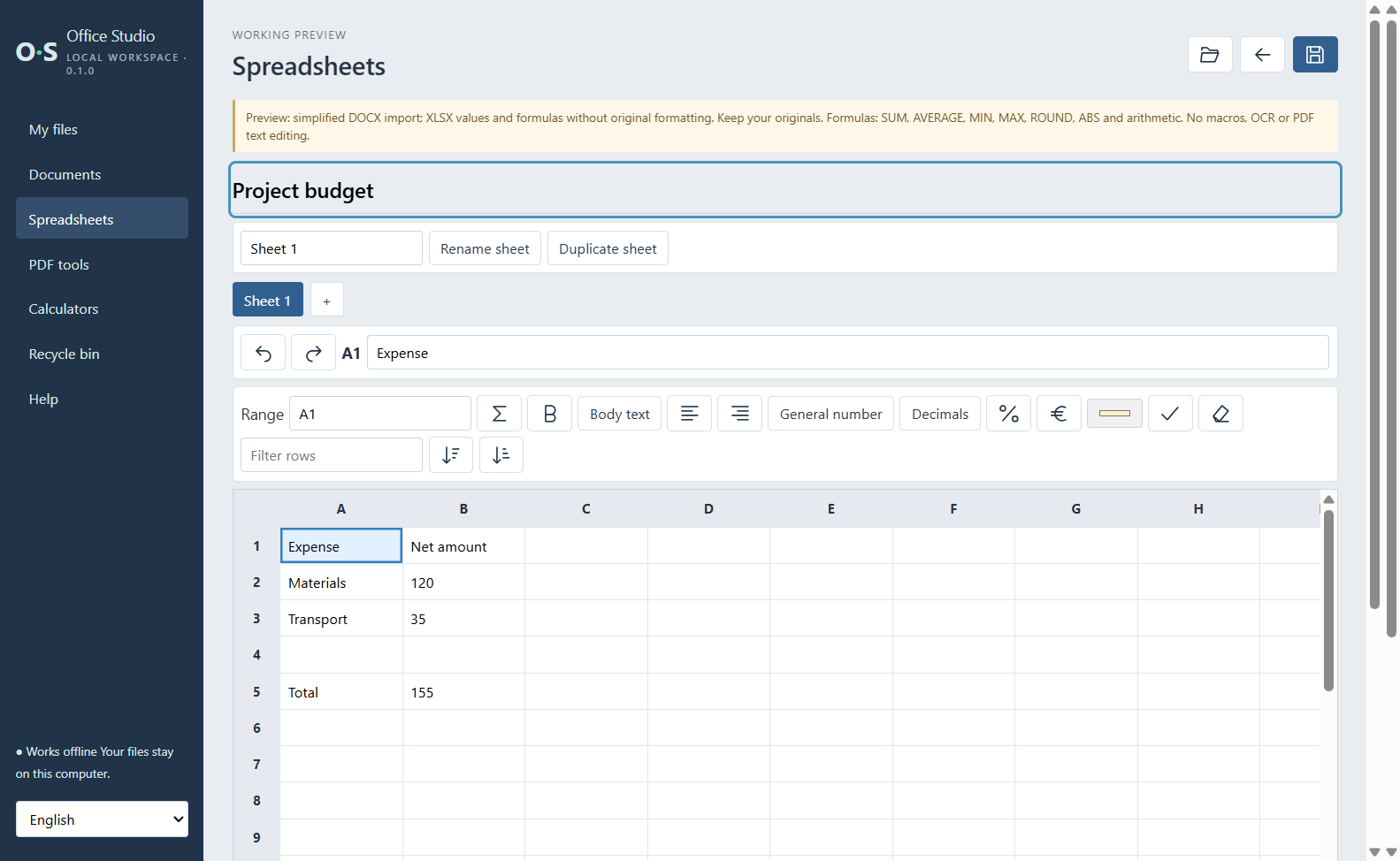
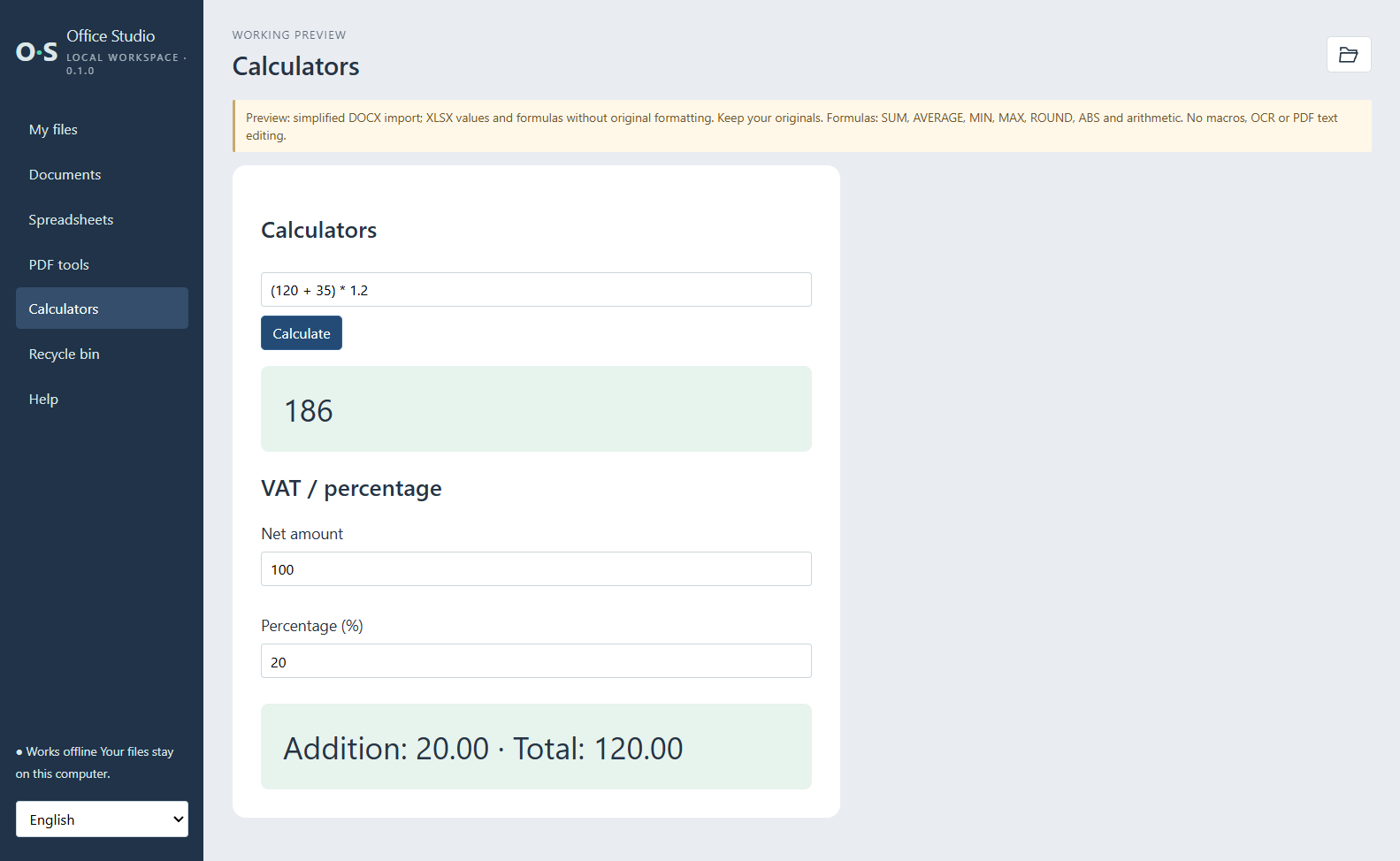
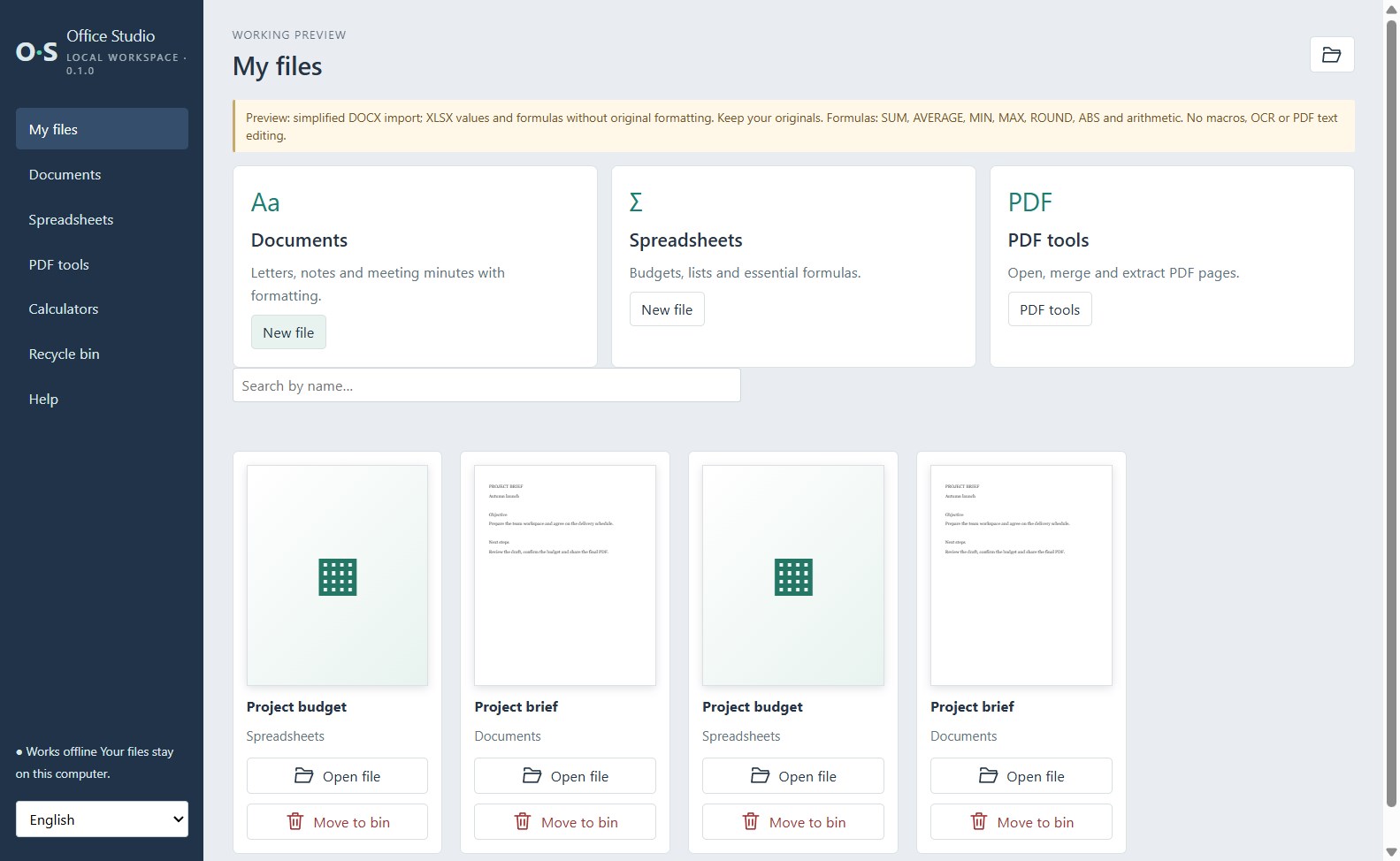
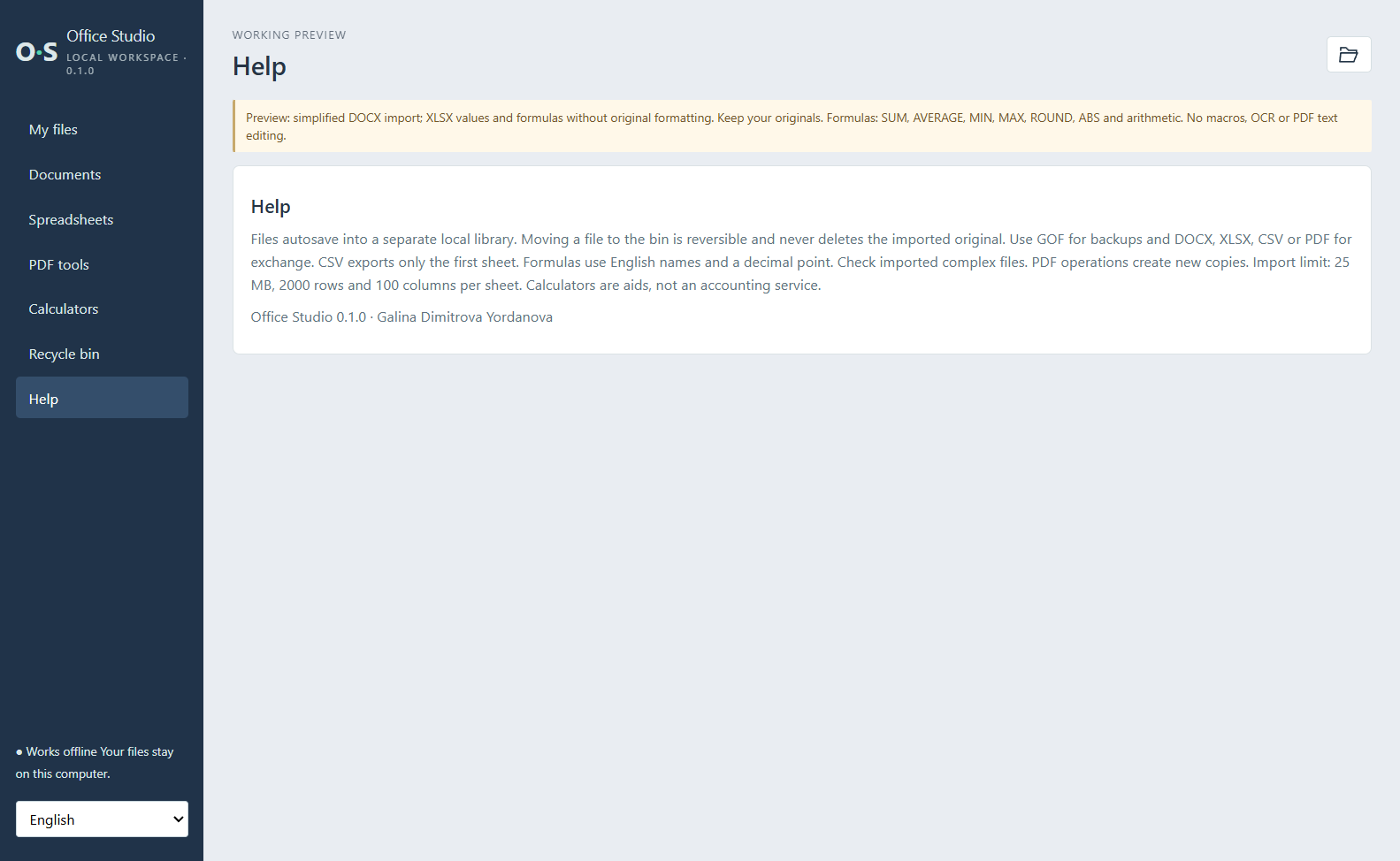
Keep everyday office work in one local workspace. Office Studio combines document writing, simple spreadsheets, PDF utilities and calculators without an account, advertising or a subscription. DOCUMENTS Write notes, letters and project briefs with headings, lists, tables and text formatting. Choose A4, A5 and other standard page sizes, custom dimensions, portrait or landscape orientation and margins. Find and replace text, undo changes, and export to DOCX or PDF. SPREADSHEETS Create budgets and lists, edit cell ranges, paste tabular data, format cells, filter rows and use AutoSum. Supported formulas include SUM, AVERAGE, MIN, MAX, ROUND, ABS and arithmetic. Rename or duplicate sheets and export XLSX or CSV files. PDF TOOLS AND CALCULATORS View PDF files, merge PDFs and extract selected pages into new files. Calculate expressions, percentages and VAT. LOCAL FILE LIBRARY Save work locally, search your library, restore items from the in-app Recycle bin and export backups. The interface offers English, Bulgarian, German, French, Spanish, Italian, Portuguese, Russian and Turkish. IMPORTANT FORMAT LIMITATIONS This is a lightweight early-version workspace, not a replacement for every feature of a full office suite. DOCX import is simplified; XLSX import retains supported values and formulas but not original formatting. Complex layouts and unsupported formulas may not be preserved. Keep original files and verify exported results. Import size is limited to 25 MB. Macros, charts, presentations, OCR and PDF text editing are not supported.
Productivity · Windows · $1.89