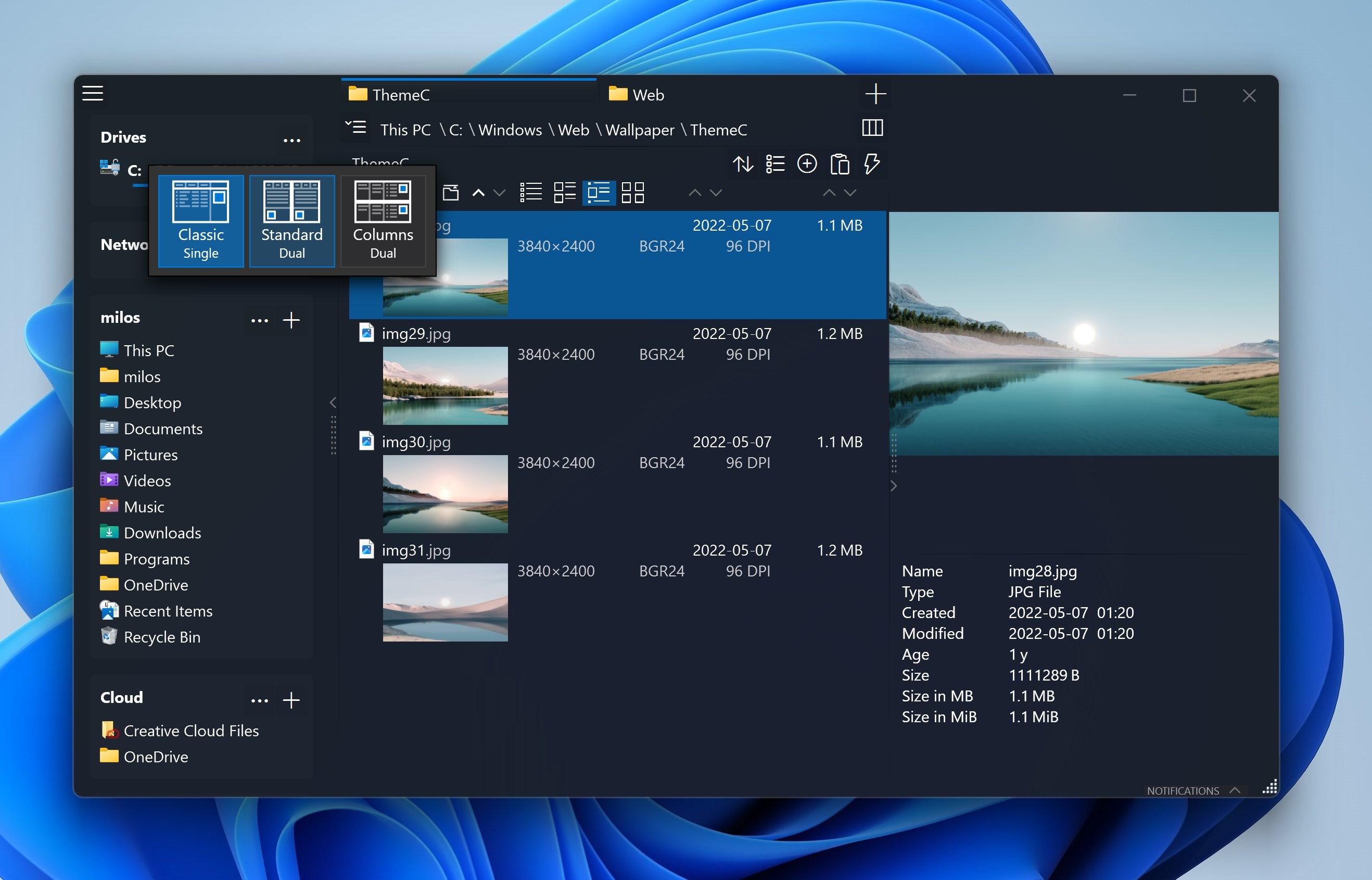
Fast dual-pane file manager for Windows 10/11 with tabs, preview and color tags. Free for home use, no ads Key features • Dual-pane layout with tabs – copy and compare folders without opening new windows • Columns view like macOS Finder – fly through deep folder trees • Built-in preview (Space) for images, videos, audio and documents • Color tags, file-age coloring and favorites organized in projects • Copy/move queue, batch file operations and advanced renaming (incl. RegEx) • Long path support • Custom dark/light themes and editable icons OneCommander is used by power users, developers, photographers and anyone who has outgrown the limitations of File Explorer. Commercial use requires a license purchase This program does NOT collect or transmit personal data (Microsoft Store has a bug not saving this selection properly)
Utilities · Windows · Free