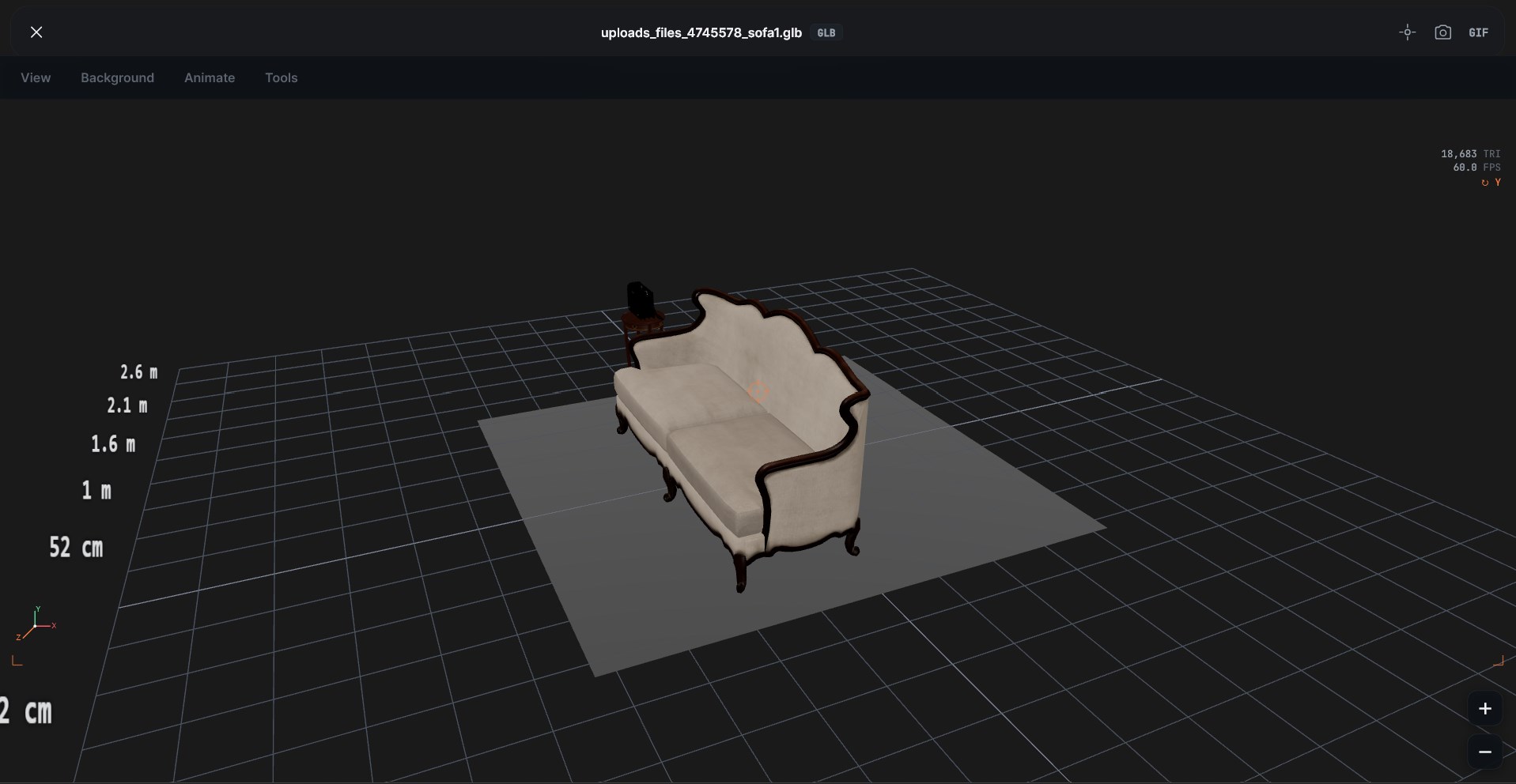
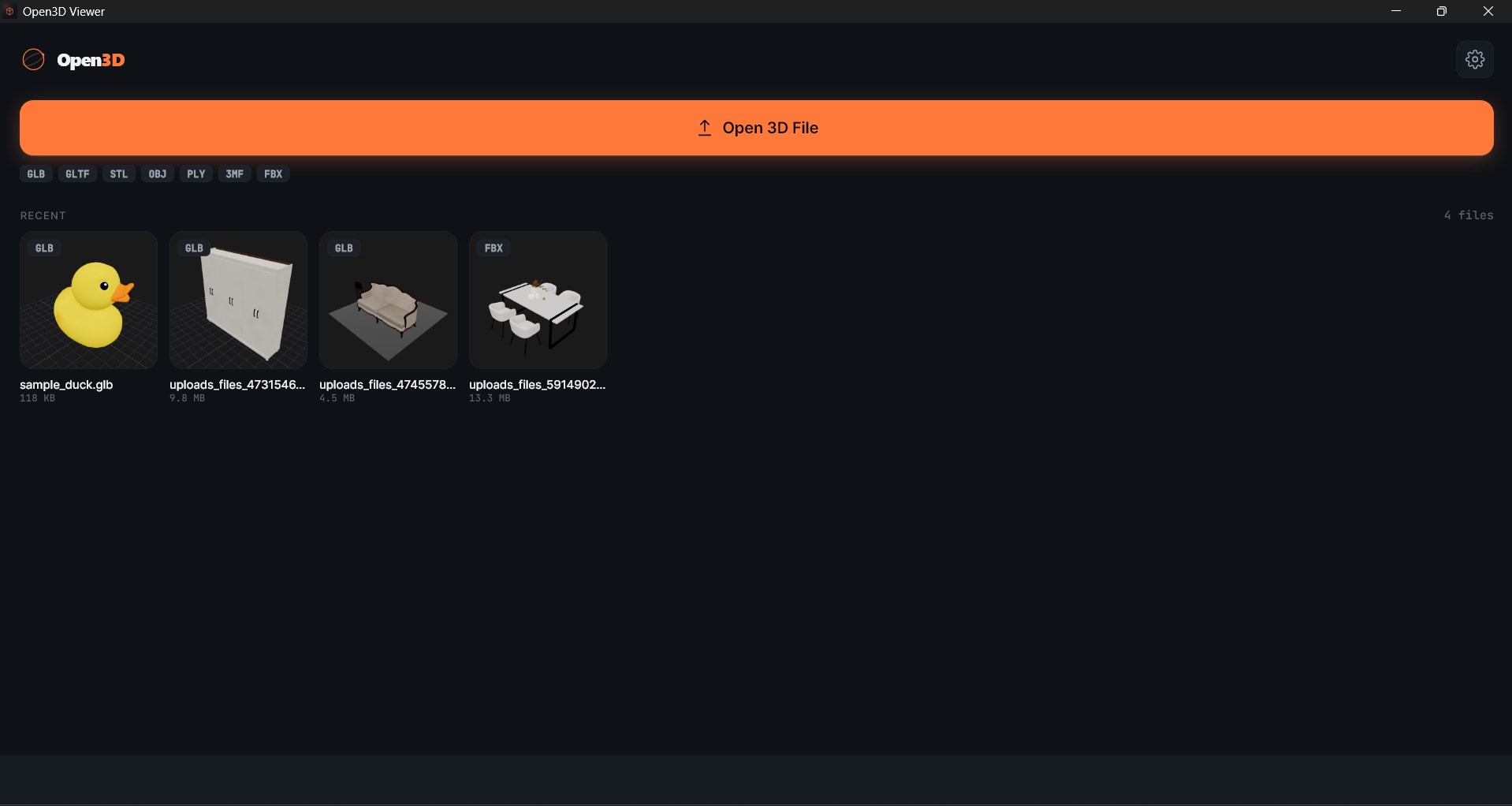
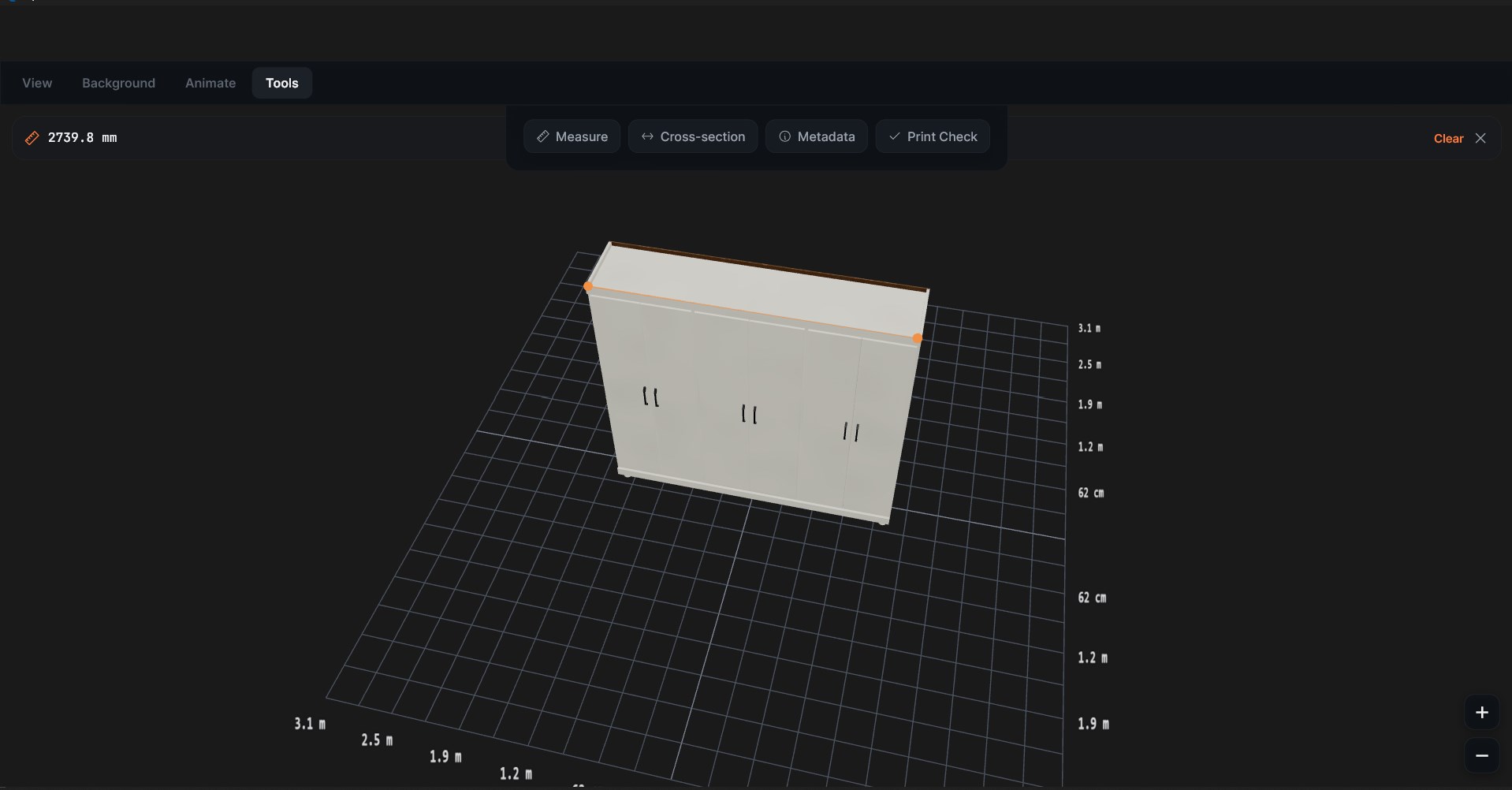
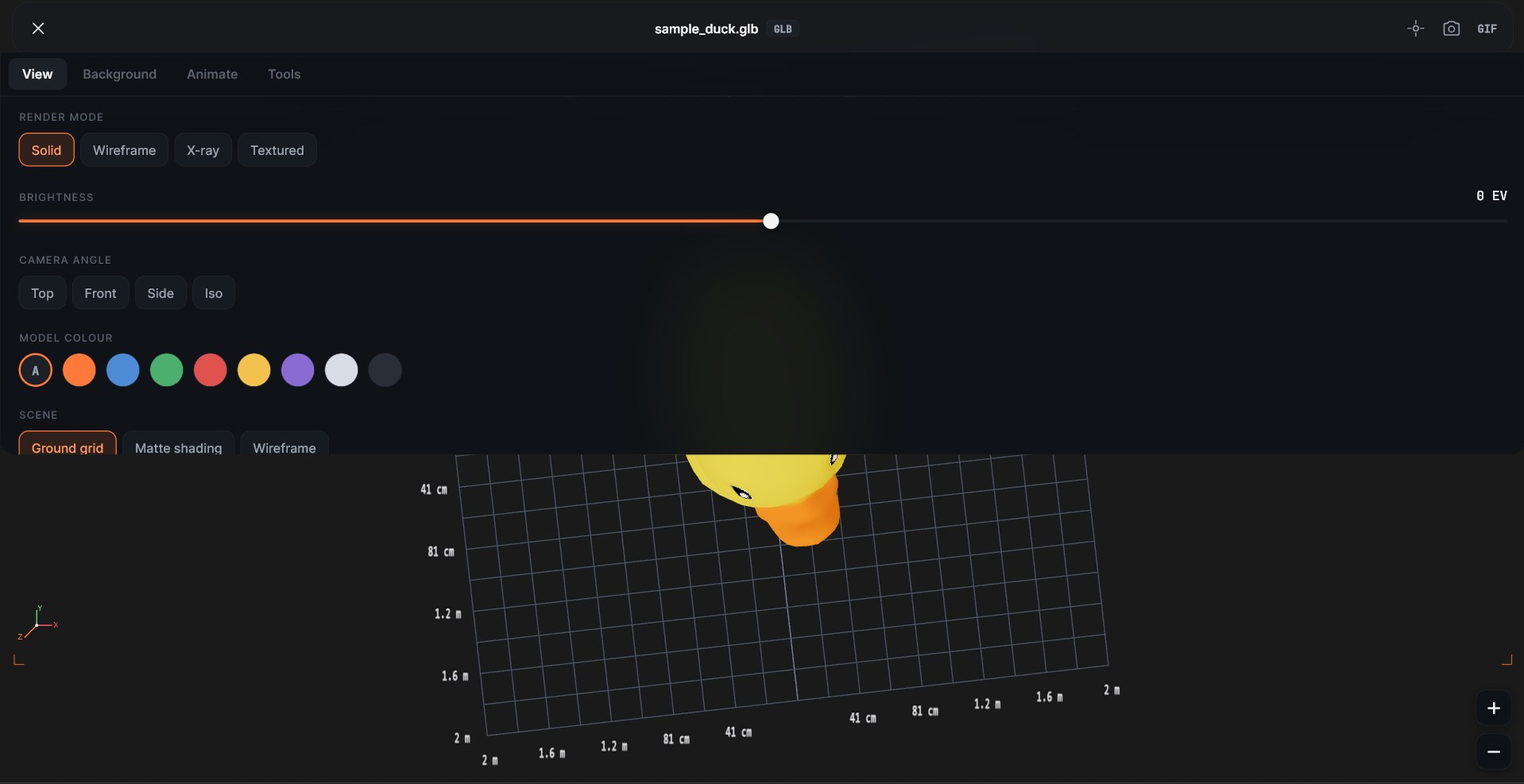
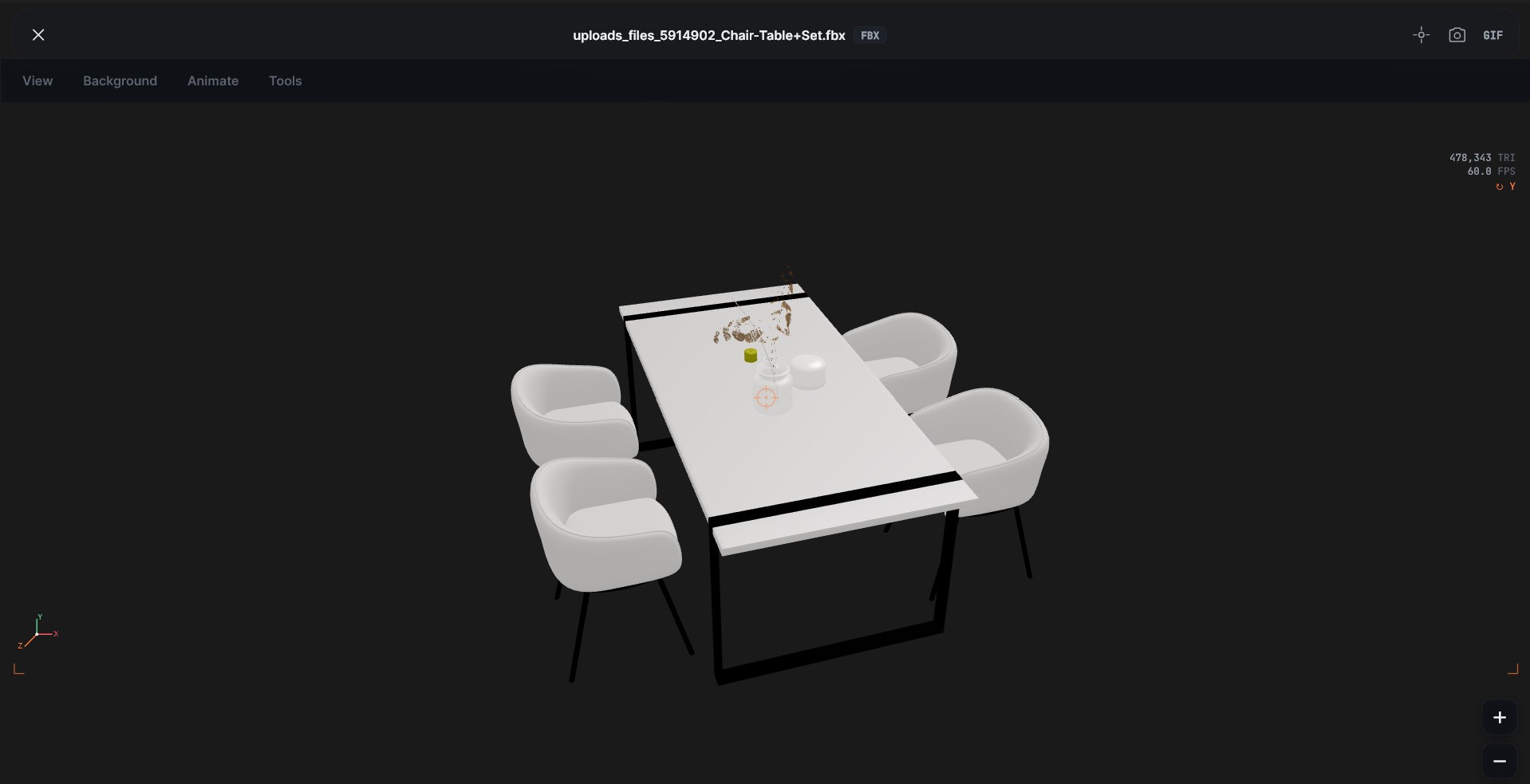
Open every 3D file on your PC. No upload, no account, no internet. Open3D opens 12 file formats in seconds. Drop a model, drag to orbit, get to work. Looking for a Windows 3D Viewer replacement? Microsoft removed its built-in 3D Viewer app in June 2026. Open3D opens the same files plus 6 formats Microsoft never supported. SUPPORTED FORMATS • GLB, GLTF — the web's 3D standard, used by Sketchfab and Khronos • STL, 3MF — 3D-printing meshes • OBJ — the universal mesh format, with .mtl and texture support • FBX — Maya, Blender, Unreal, Unity, with rigs and animation • PLY — point clouds from photogrammetry, LiDAR, 3D scans • DAE (Collada) — SketchUp, Daz, older Blender • 3DS — legacy Autodesk • DXF, DWG — AutoCAD drawings (2D plans render top-down) and 3D entities • STEP / STP — SolidWorks, Fusion 360, CATIA, Onshape • IGES / IGS — CAD interchange standard NEW: AI Tools (MCP), experimental Connect Open3D to Claude Desktop, ChatGPT/Codex, Cursor, Windsurf, Zed or Antigravity in one click. Your AI assistant can open your 3D files, take screenshots, measure, drop pins and even edit meshes, all locally on your PC. Off by default; turn it on in Settings → AI Tools. TOOLS THAT EARN THE INSTALL • Measure — click two points, get the real-world distance in mm or inches • Cross-section — slice through the model along X, Y or Z with a precise slider • Print-readiness check — manifold, normals, volume and dimensions • Render modes — Solid, Wireframe, X-ray • Real HDR lighting — 5 image-based scenes for accurate reflections • Lighting console — ambient, hemisphere, directional and HDR intensity sliders • 6 solid-color backgrounds plus 5 HDR scenes • Screenshots and animated GIF capture • Auto-rotate, real-scale grid BUILT FOR • 3D-printer owners — STL, OBJ, 3MF with manifold and thickness checks before you slice • CAD pros — STEP, IGES, DXF, DAE load with no conversion step • Game designers — GLTF, FBX with rigs and animation tracks • Architects — DXF floor plans, STEP and IGES building elements • Photogrammetry and 3D scanning — PLY point clouds rendered as proper splats WINDOWS INTEGRATION • Right-click any .glb, .stl, .step, .dxf, .obj file in Explorer and "Open with Open3D" • Set Open3D as the default handler for any supported format • Files load instantly from local disk — no cloud round-trip PRIVACY YOU CAN VERIFY Your files never leave the device. The viewer is fully local — open your network activity tab while loading a model and nothing crosses the wire. No accounts, no sign-up, no model uploads, no usage tracking on your files. A 3D viewer that respects your work. OPEN3D vs MICROSOFT 3D VIEWER Microsoft 3D Viewer ends in June 2026. Open3D opens everything Microsoft 3D Viewer did, plus STEP, IGES, DXF, DAE and 3DS — formats Microsoft never supported. Free, no sign-up, no telemetry. Drop a file and try it. Open3D Viewer is an independent product and is not affiliated with the Open3D open-source library (open3d.org).
Photo & Video · Windows · Free