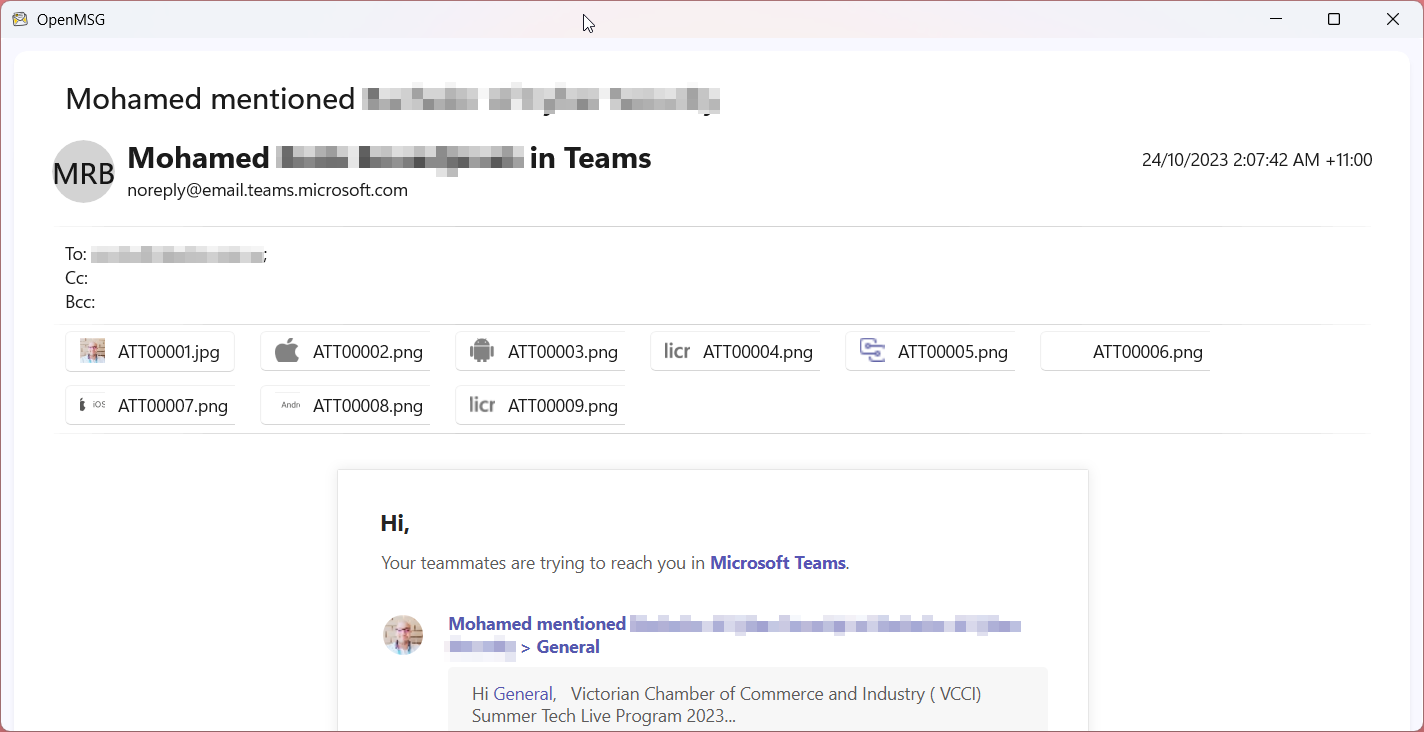
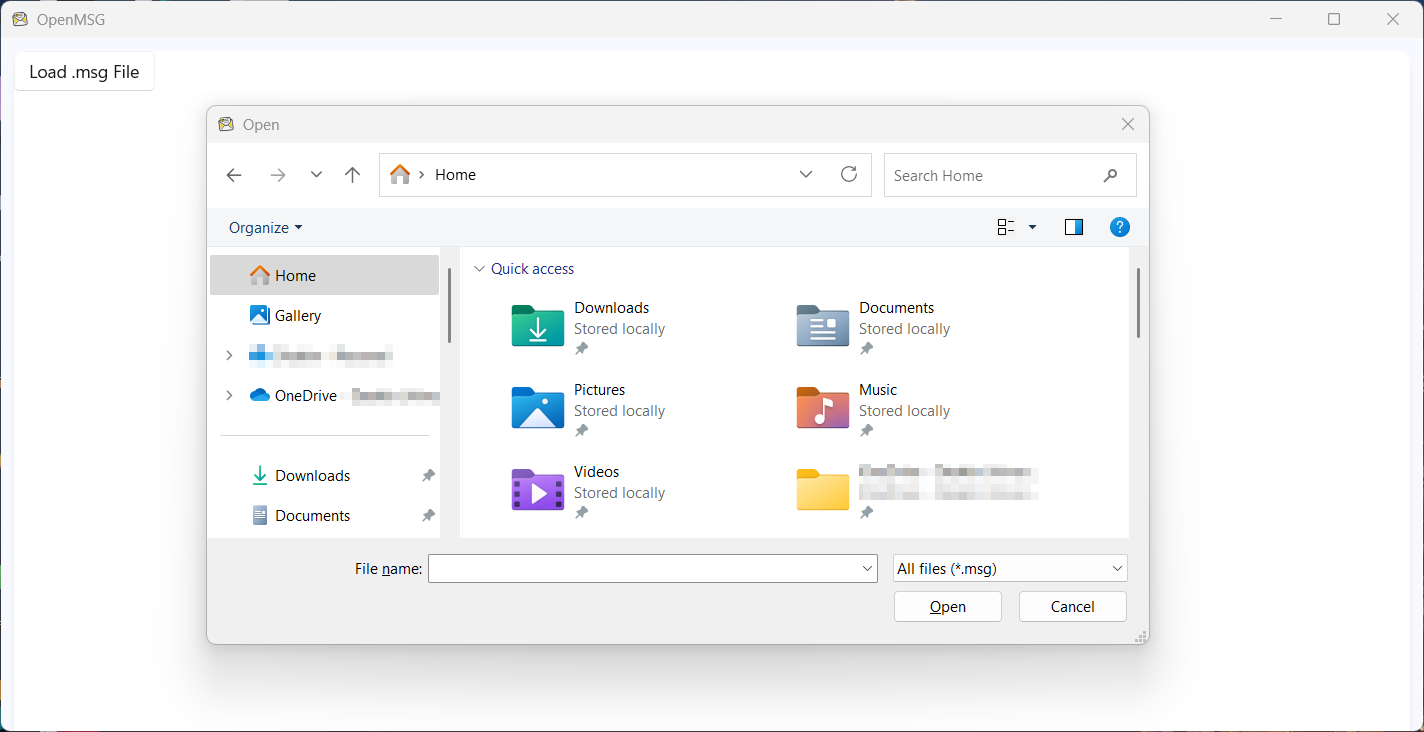
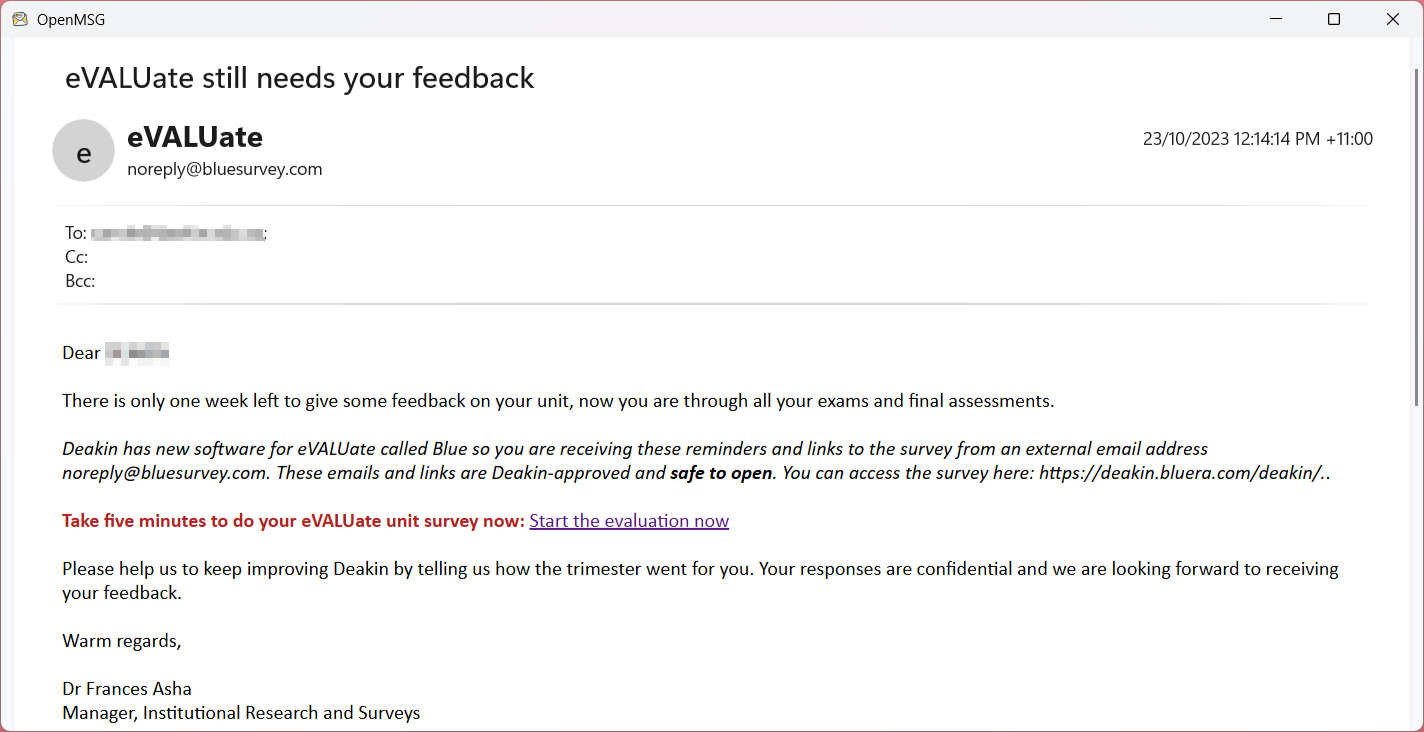
This is the consumer edition of OpenMSG. OpenMSG is a fast, lightweight and privacy‑focused way to open Microsoft Outlook .msg files on Windows—without installing Outlook. Whether you receive archived emails from colleagues, exported messages from legacy mailboxes, or .msg files from ticketing and legal systems, OpenMSG Viewer lets you open them instantly on Windows 10 and Windows 11 so you can read what matters and move on. The app installs in seconds from the Microsoft Store with a small ~15 MB download and doesn’t require creating an account, making it ideal for locked‑down or managed PCs. Use OpenMSG whenever Windows shows a .msg file it can’t open because Outlook isn’t installed. Instead of hunting for a trial of Outlook or uploading sensitive email to a random website, keep everything on your own machine with a dedicated MSG viewer that’s built for Windows and focused on privacy. It’s a simple utility that does one job well: open Outlook .msg files quickly and reliably so you can see sender, recipients, subject, dates and full message content at a glance. OpenMSG is designed for everyday users, IT admins, and support teams who regularly receive .msg attachments but don’t want the overhead of Outlook on every device. With clear messaging, Windows‑native behavior and a small footprint, it’s an easy addition to your toolbox for working with email exports and archived messages. Looking to use OpenMSG for your business? Email support@corporateappworks.com for a quote
Business · Windows · Free
Rating: 4.8 out of 5, based on 28 user ratings.