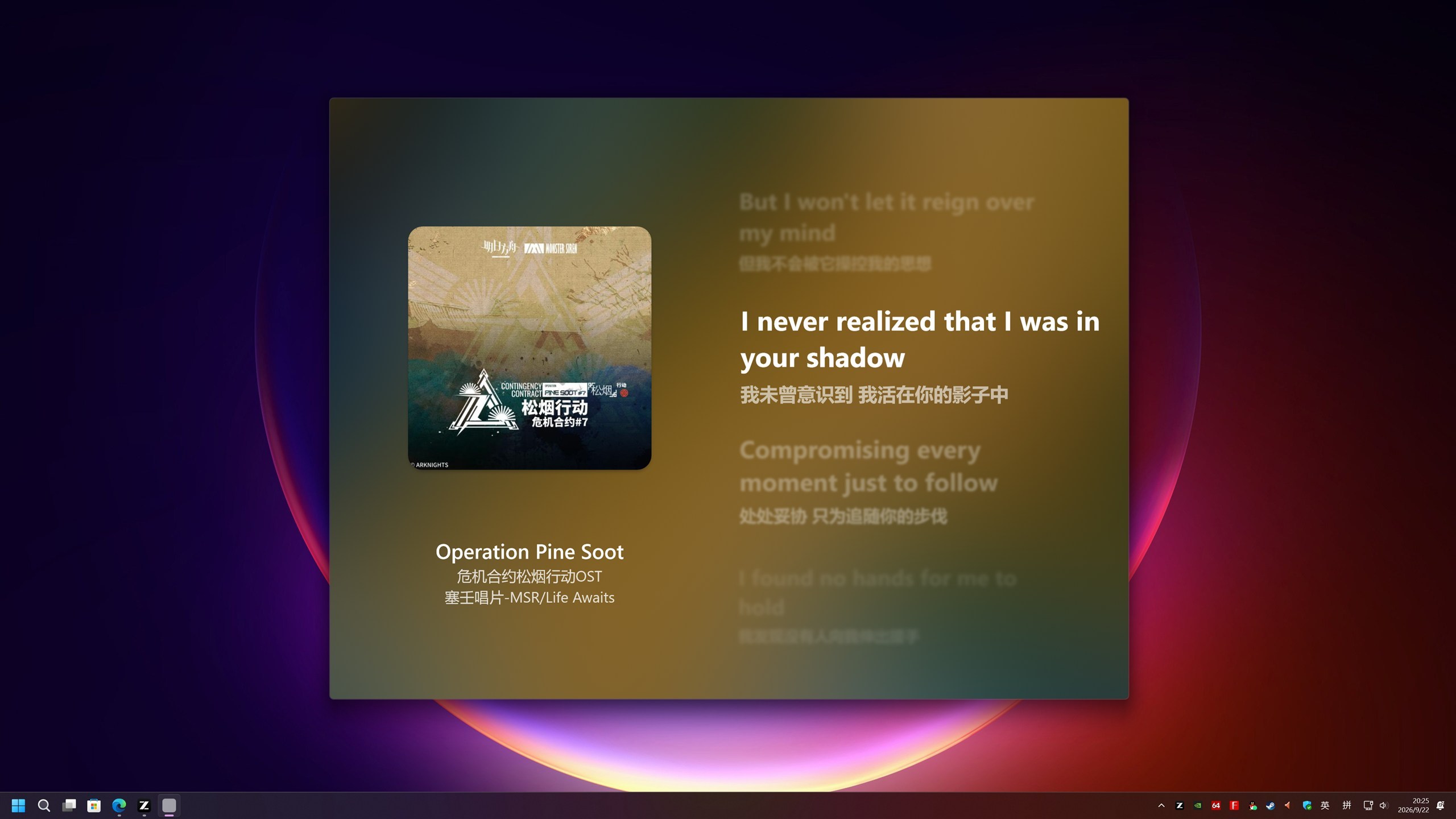
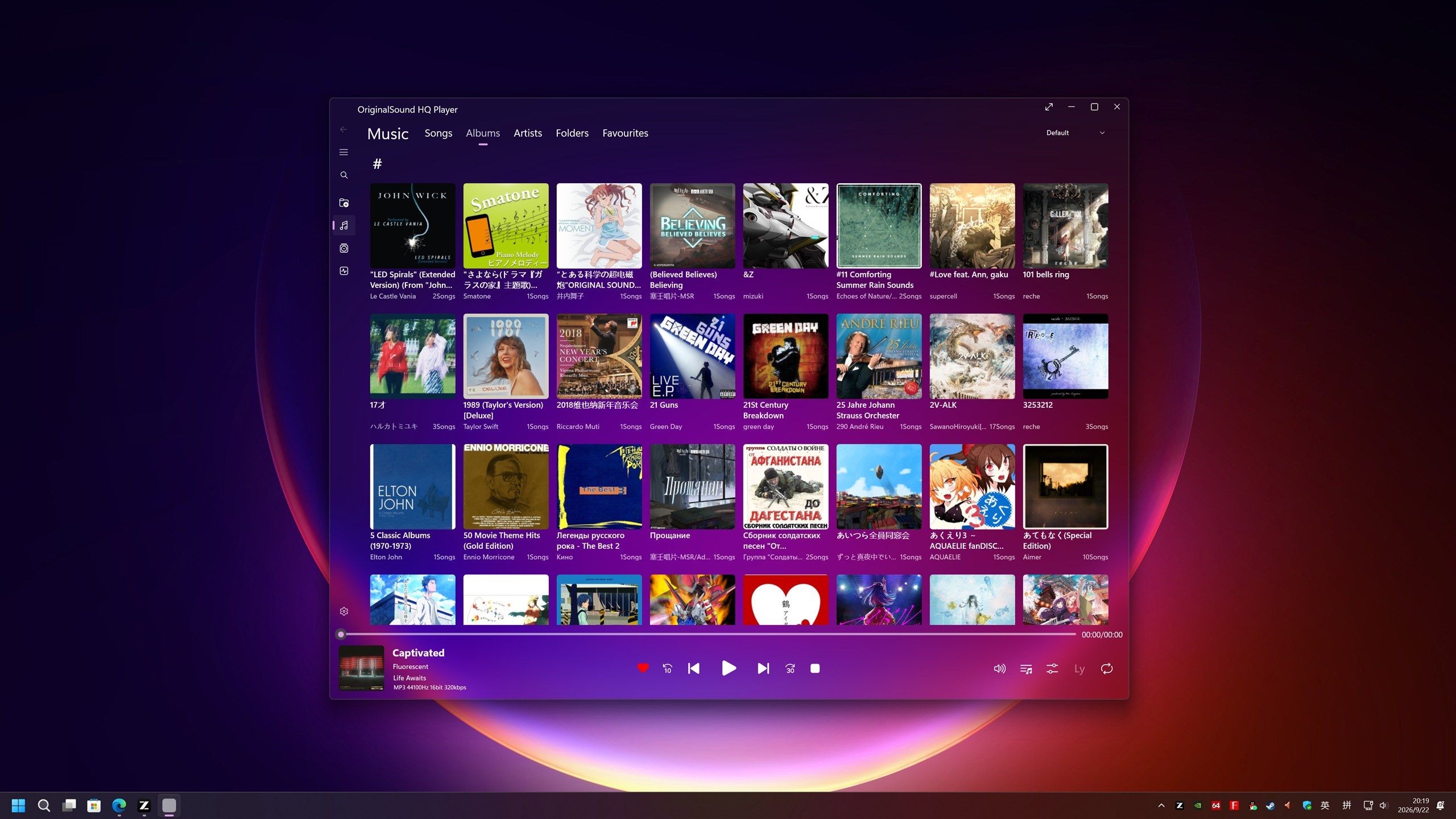
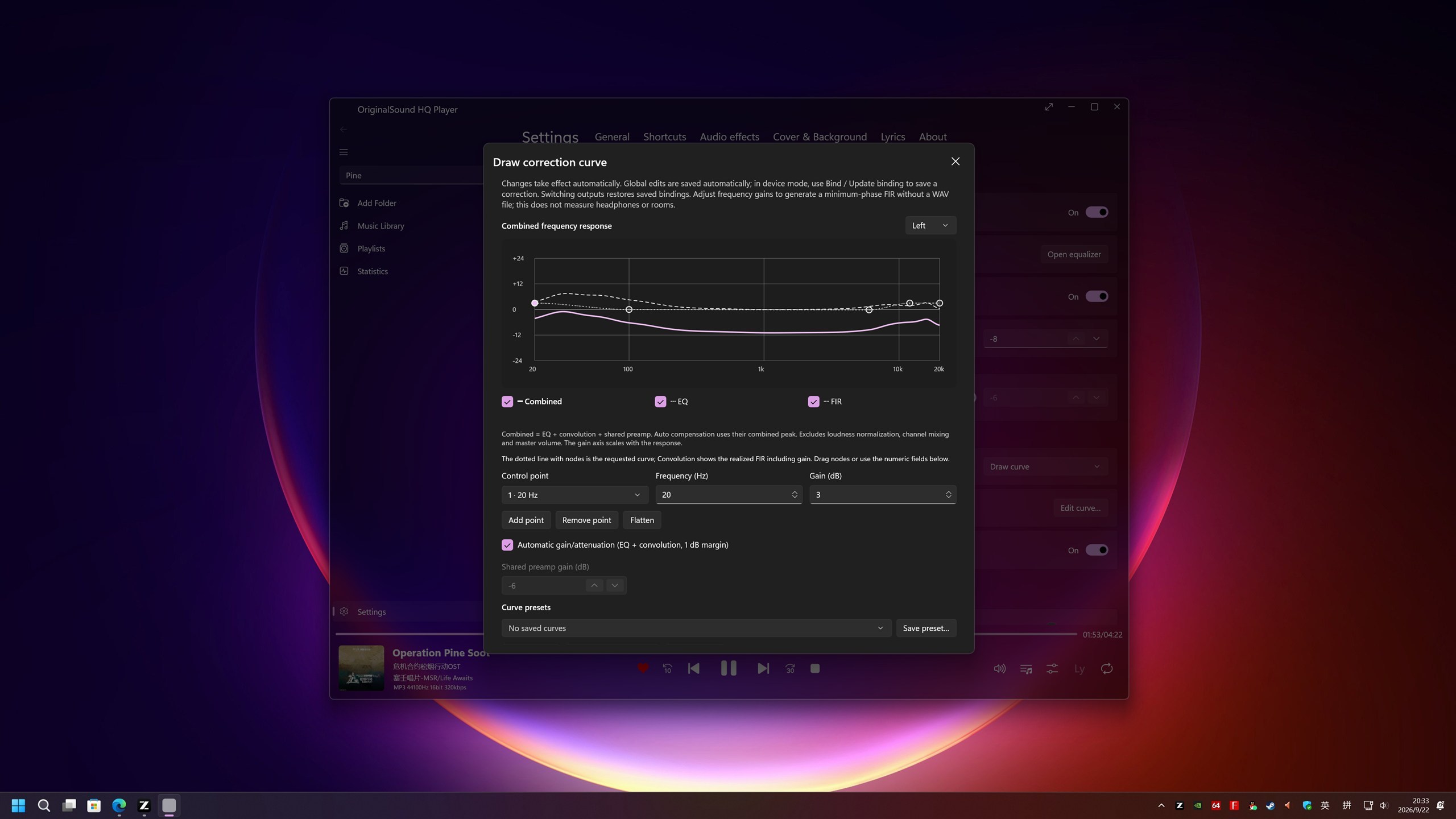
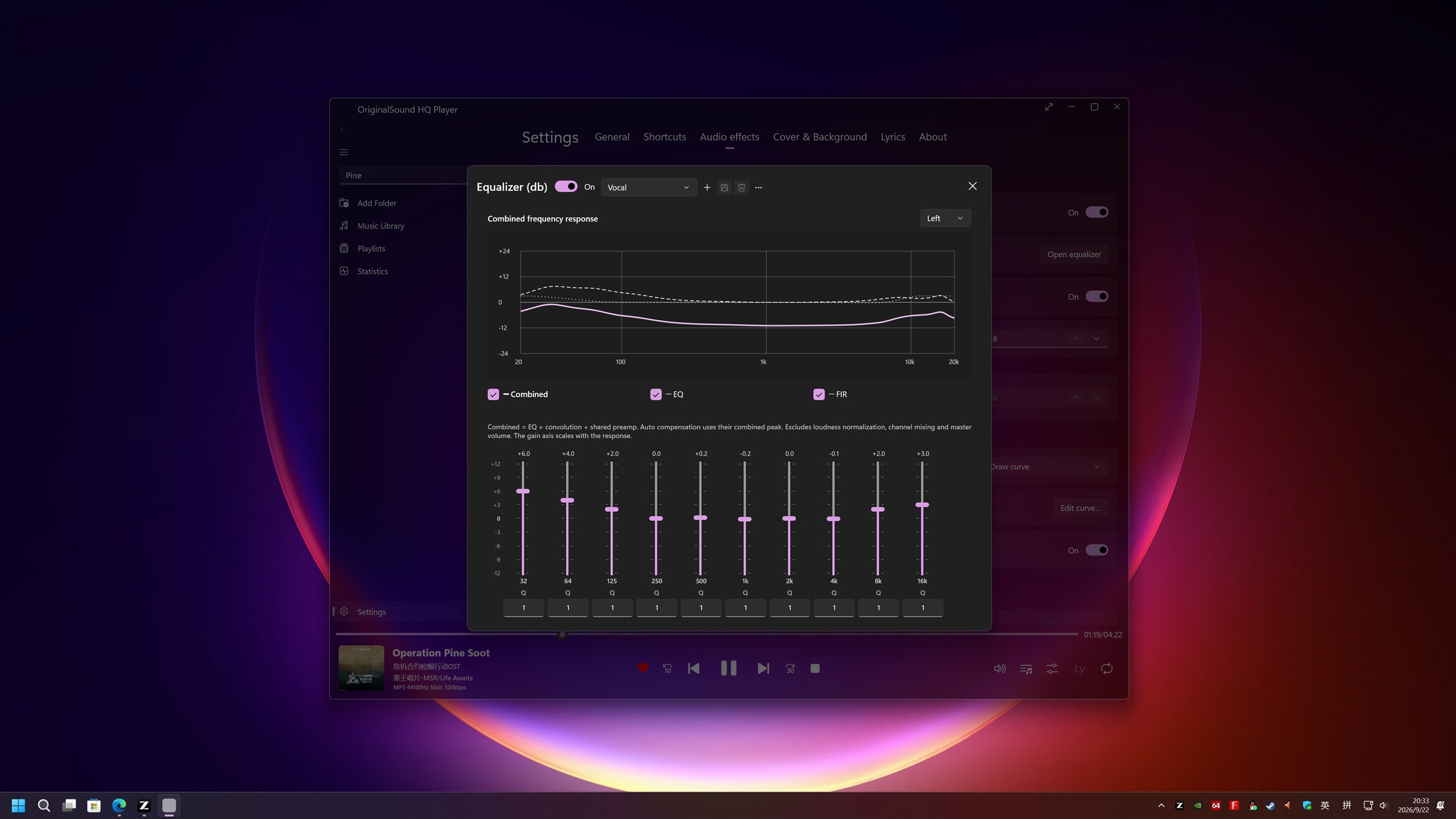
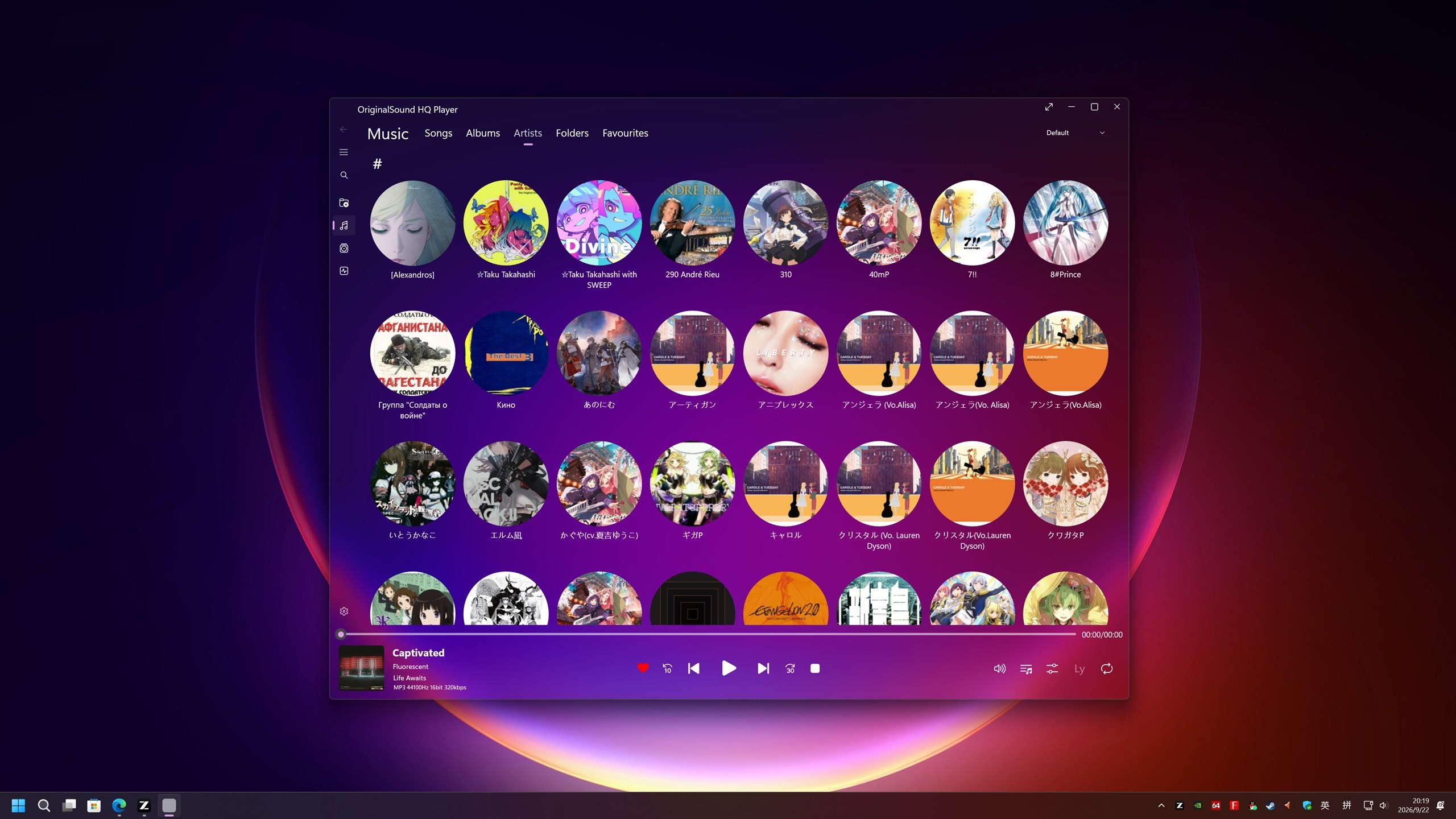
Original Sound HQ Player - Authentic Sound, Boundless Listening 1. Product Overview Original Sound HQ Player is a WinUI application dedicated to providing music enthusiasts with an ultimate original sound experience. It focuses on high-quality audio reproduction and breaks the boundaries of conventional listening through excellent technology. The app runs on a standalone audio engine with FFmpeg decoding and self-developed WASAPI/ASIO interop, processing the whole pipeline in 64-bit floating point. It supports 12+ music formats including DSD (DSF/DFF), FLAC, WAV, MP3, AAC, M4A, OGG/OGA, Opus, WMA, AIFF, APE, and WavPack (WV), and can convert supported audio to WAV, FLAC, ALAC, MP3, AAC, OGG, and Opus (lossy formats with selectable bitrate). Audio output supports WASAPI exclusive/shared, DirectSound, ASIO, and DSD DoP/Native. Important — trial & purchase: The app offers a free trial with every feature available (trial length as shown on the Store page). After the trial, local playback keeps working — core playback, the 10-band equalizer and other standard effects stay free, while convolution correction, DSD bitstream output (DoP/Native), 5.1 multichannel output and Atmos HDMI passthrough require the full-version purchase. While restricted, saved settings are never modified or erased and are restored automatically after purchase. The first launch asks you to accept the built-in user agreement and privacy policy. 2. Functional Features (1) Comprehensive Music Information Real-time detail display: the playback interface shows the song title, artist, album, duration, sampling rate, bitrate, and file type in real time. Metadata matching: album covers are matched automatically by music title. (2) Sony Walkman Support Transfer music with matched metadata to your Walkman over USB, including lyric files that have already been matched. (3) Efficient Folder Management Manual add & scan: pick local folders to scan and quickly import your collection into the library. Automatic rescans and folder watching keep the library up to date — existing records are updated by path and records of missing files are removed, so the library always stays fresh and organized. (4) Multiple Output Modes WASAPI exclusive mode: push and event driven modes — the player takes exclusive control of the audio device, minimizing system interference and latency for high-fidelity output. WASAPI shared mode: the player shares the audio device with other applications. DirectSound mode: good hardware acceleration, especially effective for complex audio scenes or multichannel audio. DSD DoP: raw DSD output encapsulated into PCM frames. DSD Native: raw DSD output via ASIO. ASIO support: native ASIO output with automatic driver enumeration and buffer/rate negotiation, including ASIO native DSD extensions. Multichannel & immersive: 5.1 multichannel PCM output and Atmos (E-AC-3/JOC) HDMI bitstream passthrough (requires a compatible receiver; full version). Reliability: an output watchdog recovers automatically — device hotplug and format changes never interrupt playback; devices are selected by stable endpoint IDs, so a replug never picks the wrong output. (5) Professional DSP Effects 10-band equalizer: per-band gain and Q, with multiple savable presets. Convolution correction: draw a correction curve (2–32 draggable control points) or import a headphone/room-correction WAV impulse response (IR) rendered into a minimum-phase FIR for real-time convolution; correction can be bound per output device and applied automatically on plug/unplug or switching; edits take effect instantly, with a live combined EQ/convolution response preview. Loudness normalization: background EBU R128 analysis per track applies a smooth fixed gain and caches the result — files are untouched and dynamics are not compressed. Unified preamp: applies to EQ and convolution together — set manually or auto-compensated from the combined response peak to prevent clipping. Channel & headphone effects: balance, L/R swap, mono mixdown, headphone crossfeed, stereo width. DSP master switch: bypass all effects with one tap. (6) Lyrics & Desktop Lyrics Scrolling lyrics: lyrics scroll on the playing page by timestamp, with per-word animated effects and multiple easing modes. Automatic lyrics matching: optional in settings (writing lyrics to files is done manually from the song properties page). Desktop lyrics: a floating desktop lyrics window with karaoke mode, position lock, and global shortcuts; it can hide automatically while the now-playing detail page is in the foreground. (7) Flexible Playback Modes Sequential playback: play every track in playlist order, ideal for enjoying a full album or a curated playlist. Shuffle: break the fixed order and let every click bring a surprise — great for discovering gems in your library. Single loop: lock in a favorite track and let the melody repeat endlessly. (8) Library Management Classic categories: browse by song, album, artist, folder, and favorites, locating any track in one click. Favorites: add songs to a dedicated favorites list. Custom playlists: easily create, edit, and delete personal playlists to organize music your way. (9) SMTC Integration Original album art display and timeline via System Media Transport Controls. (10) Highly Customizable Settings App styles: Mica, Acrylic, transparent Acrylic, and custom Acrylic with adjustable opacity. App themes: system default, dark, and light. (11) Global Shortcuts 13 built-in global shortcuts, all re-recordable in settings: play/pause (Ctrl+Alt+P), next track (Ctrl+Alt+→), previous track (Ctrl+Alt+←), volume up/down (Ctrl+Alt+↑/↓), toggle now-playing details (Ctrl+Alt+Q), back (Ctrl+Alt+B), show/hide main window (Ctrl+Alt+W), toggle fullscreen (Ctrl+Alt+F), plus desktop lyrics show/hide (Ctrl+Alt+D), lock/unlock (Ctrl+Alt+L), karaoke mode (Ctrl+Alt+K), and reset window (Ctrl+Alt+R). 3. Installation & Usage (1) System Requirements Windows 10 19041 or later (Windows 11 recommended) for smooth, stable playback. (2) First Use After launching, add folders containing music files — the player scans them and builds your local library. Navigate from the sidebar to switch between playlist pages and start exploring. To add more music, click "Add Folder" and pick a folder to scan. In the playing view, choose the right output mode (WASAPI exclusive, WASAPI shared, DirectSound) and output device (built-in speakers, headphones, Bluetooth speakers, etc.) for your scenario and sound-quality needs. 4. GitHub Main program (including the standalone AudioPlayer engine): https://github.com/Johnwikix/original-sound-hq-player 5. Feedback QQ groups for feedback and discussion: 1009034363 / 1033738779
Music · Windows · $5.99