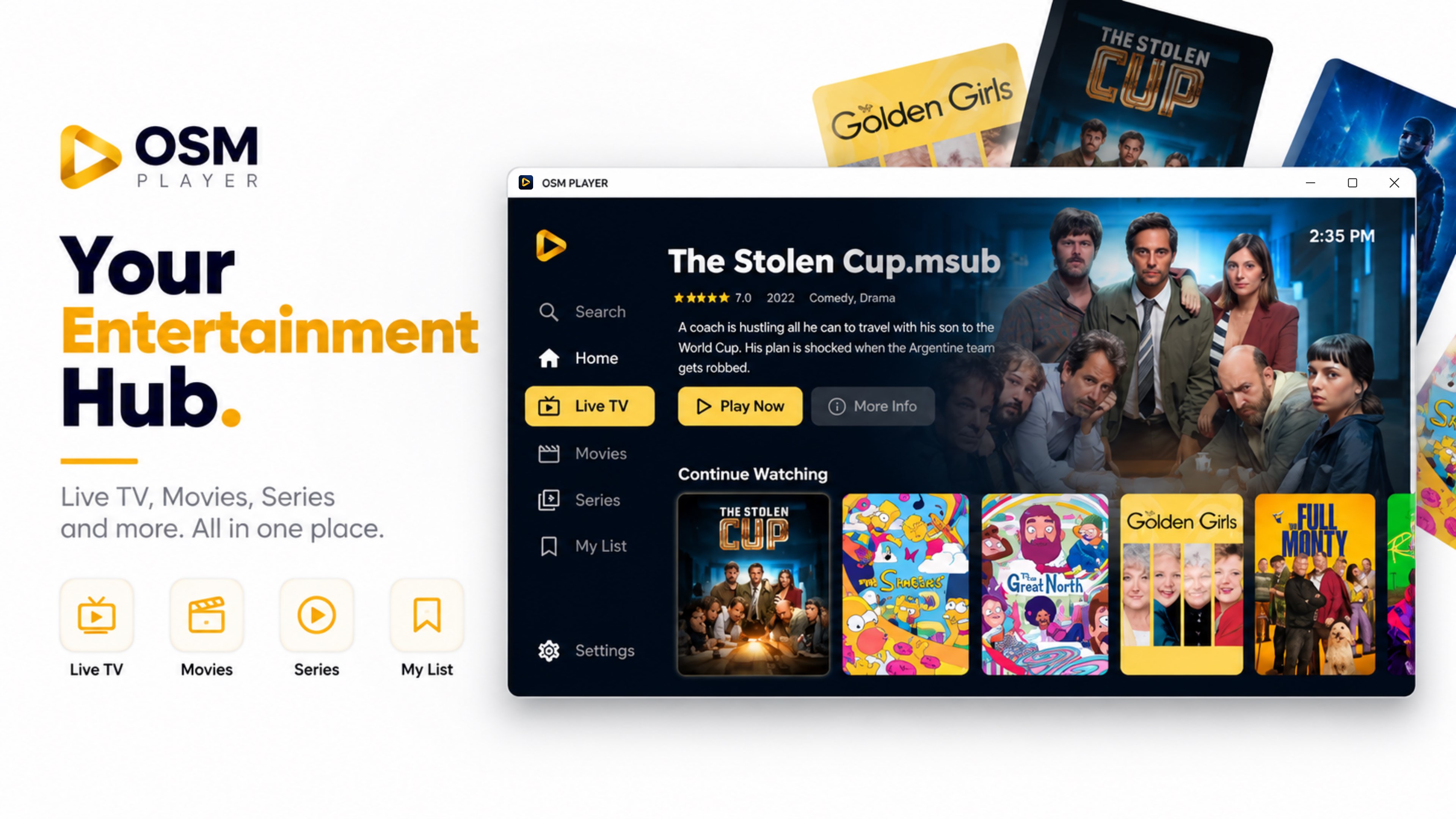
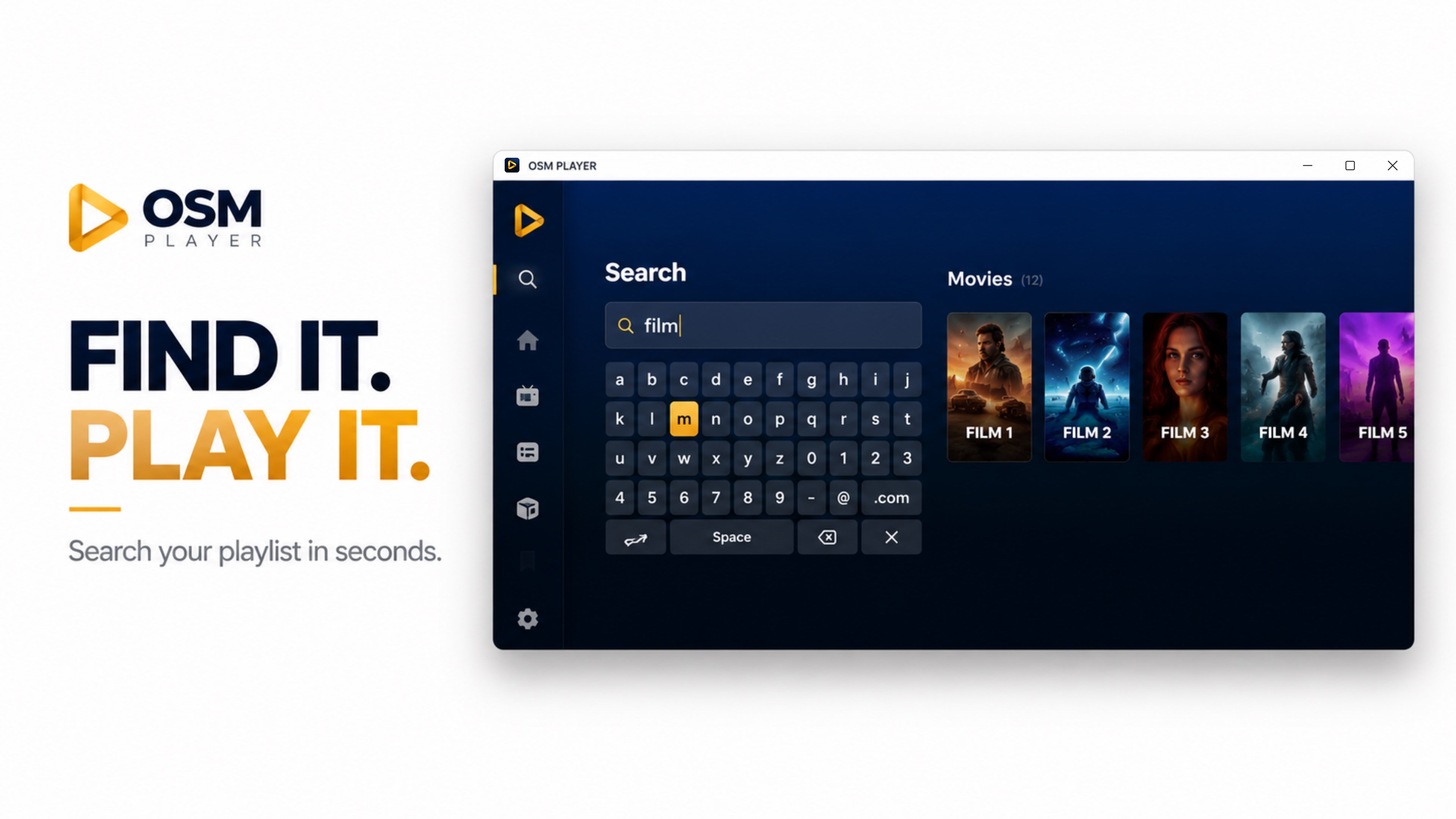
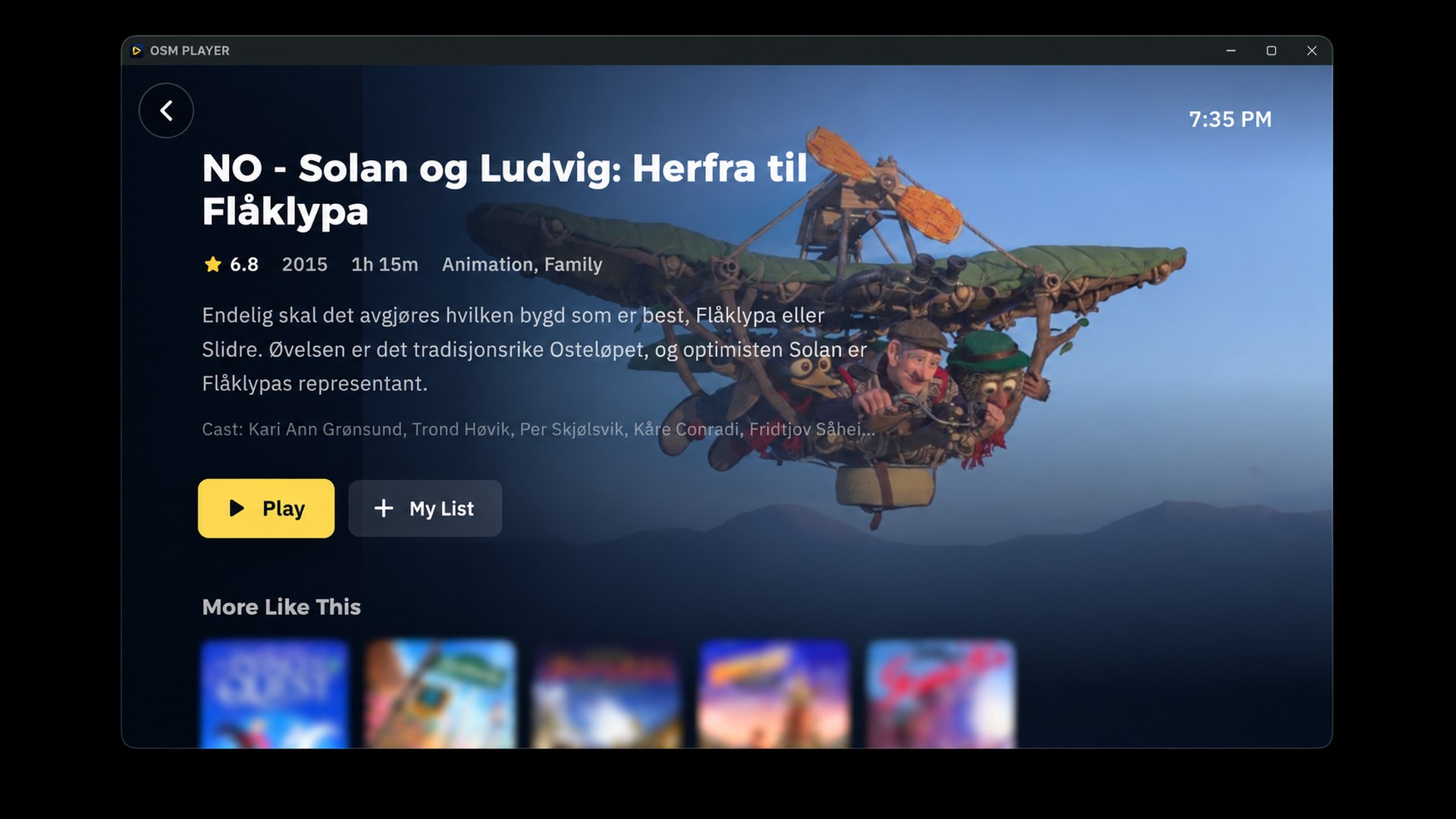
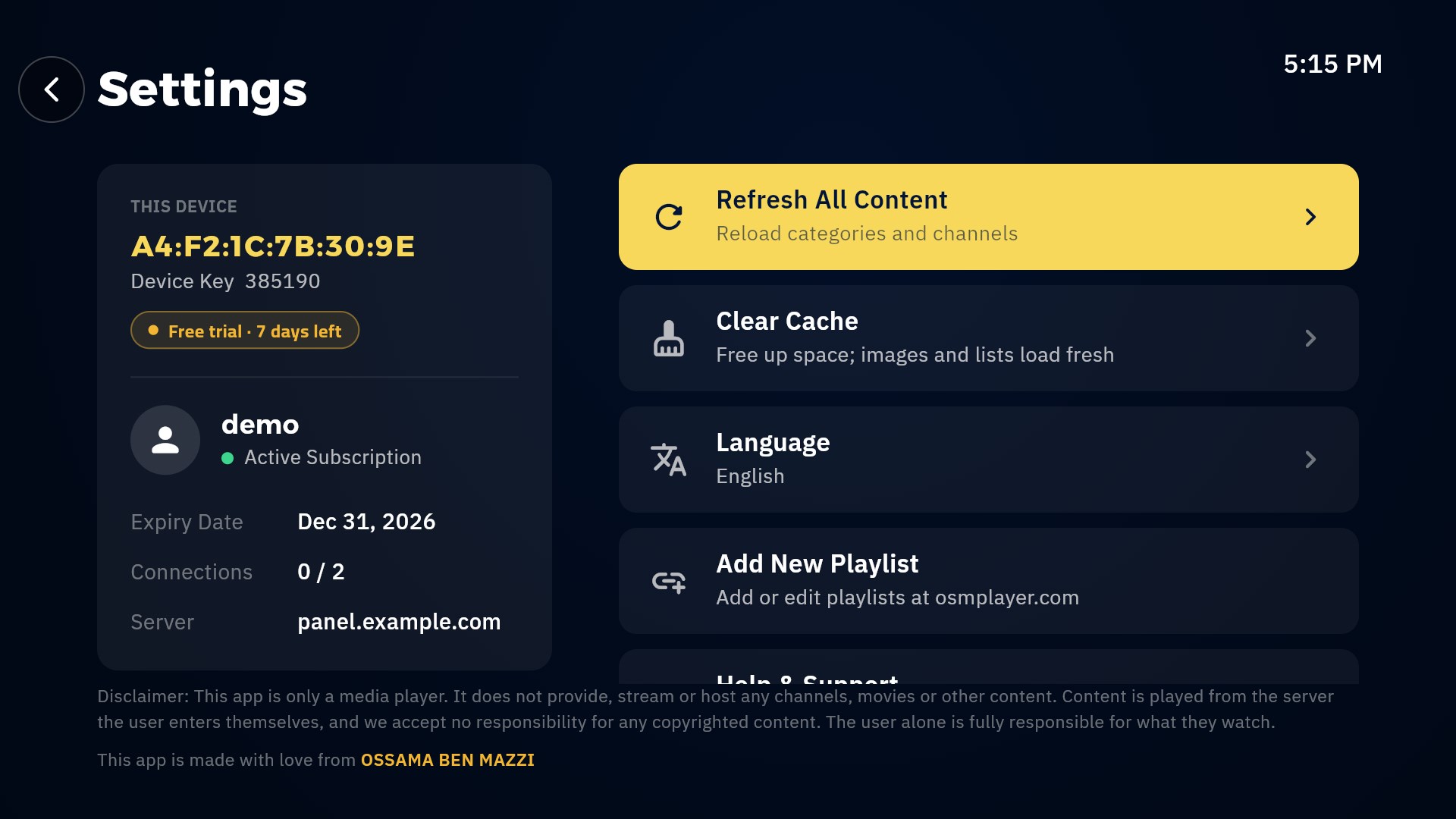
OSM PLAYER is a premium media player for your computer. It does not include any channels, films or playlists of its own. HOW IT WORKS 1. Open OSM PLAYER: the screen shows this device's MAC address, a device key and a QR code. 2. Scan the code with your phone (or visit our website) and add the M3U or Xtream Codes playlist you already have. 3. Press Refresh: your channels, films and series appear. Every new device gets a free trial with all features. Playlists can be changed from the phone at any time. FEATURES - Live TV with a programme guide, films and series, laid out for a big screen - Keyboard and mouse: arrow keys, Enter and Esc, or point and click - Plays MKV, MPEG-TS, AVI, MP4 and HLS - English, Danish, Swedish, Norwegian, Finnish, French, Spanish and Arabic, with full right-to-left support - Several playlists per device, switched from Settings - Favourites and continue-watching IMPORTANT This application is a player only. It does not provide, host, broadcast or sell any content, and it comes with no channels or subscriptions. Everything you watch is loaded from the playlist you add yourself.
Entertainment · Windows · Free