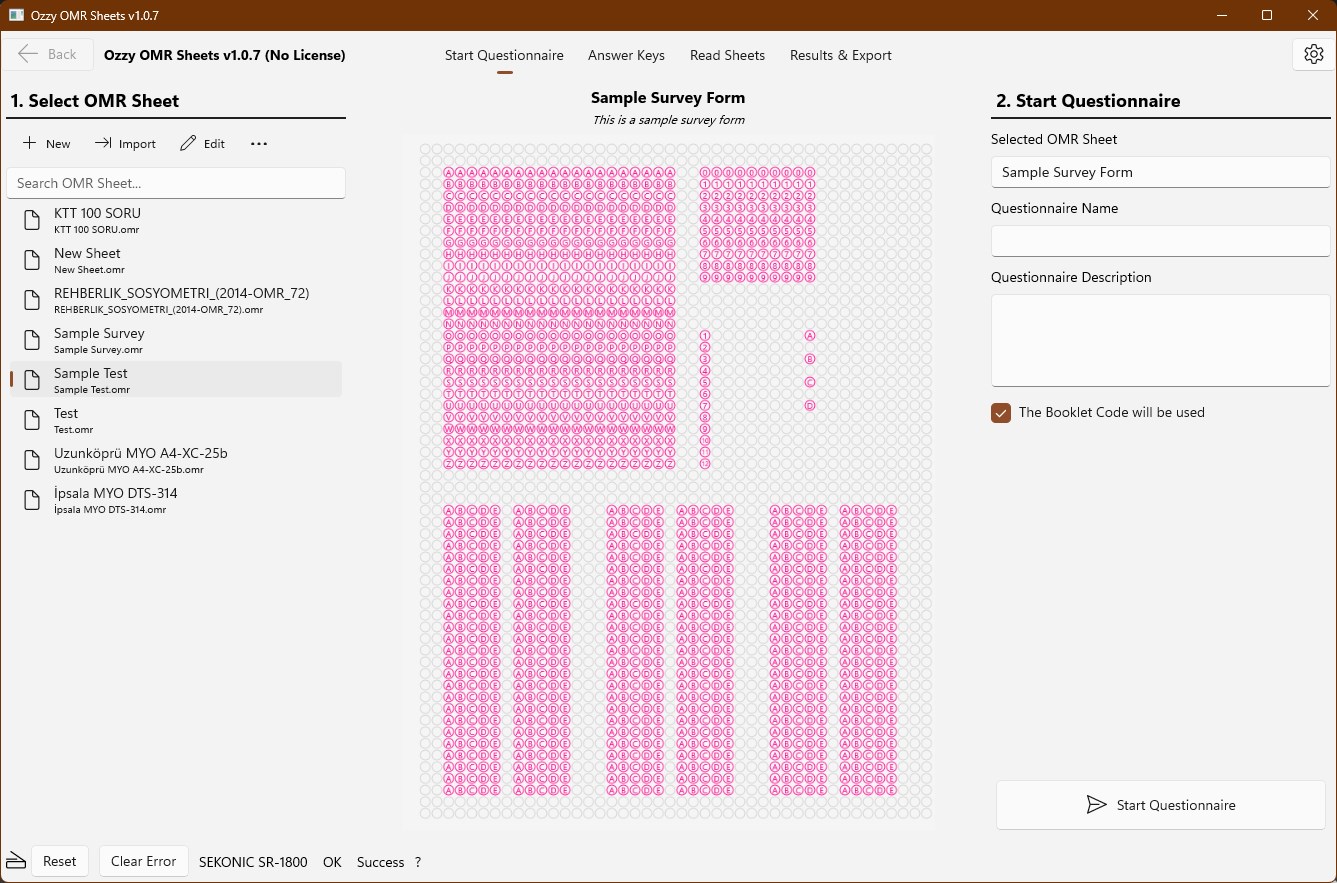
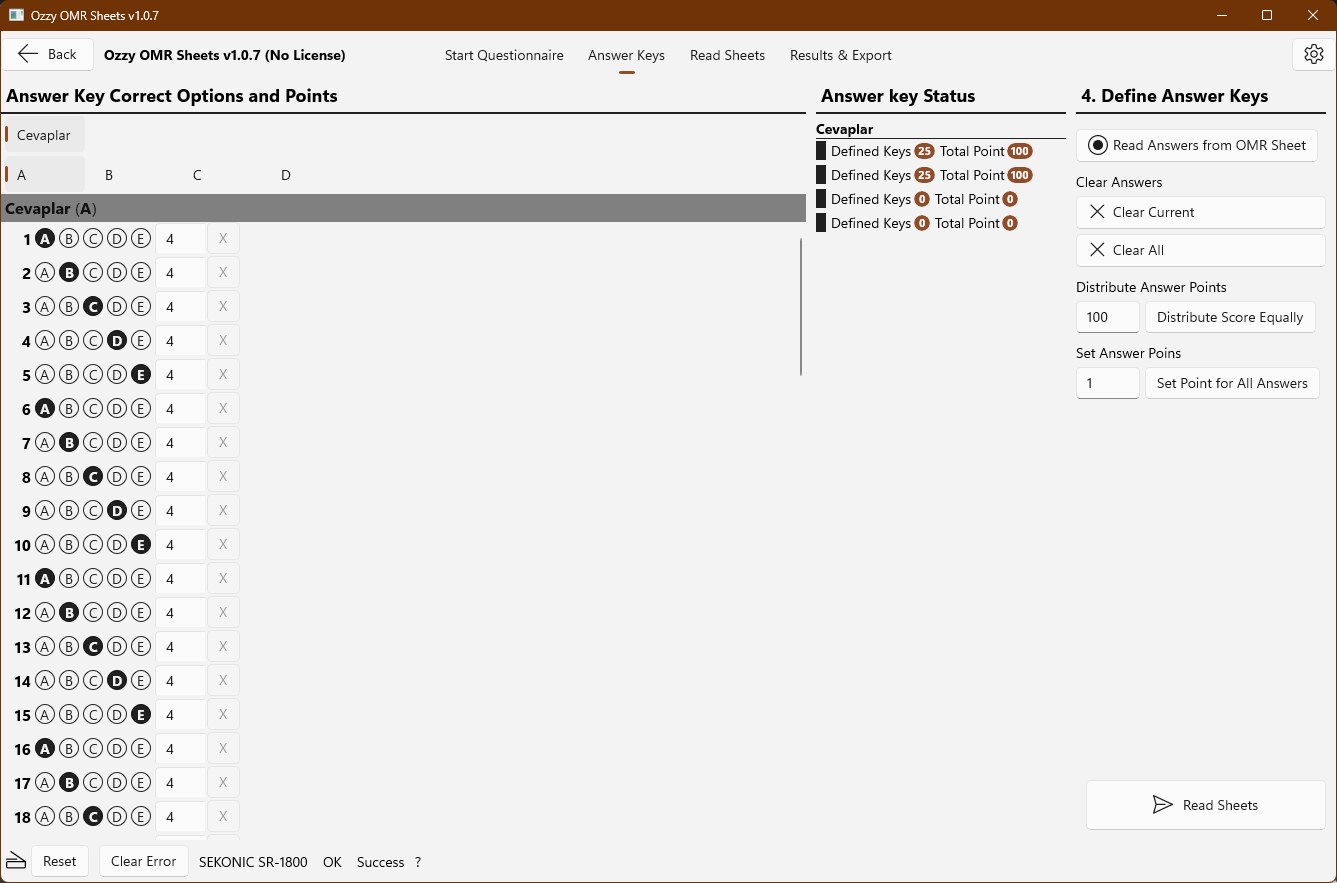
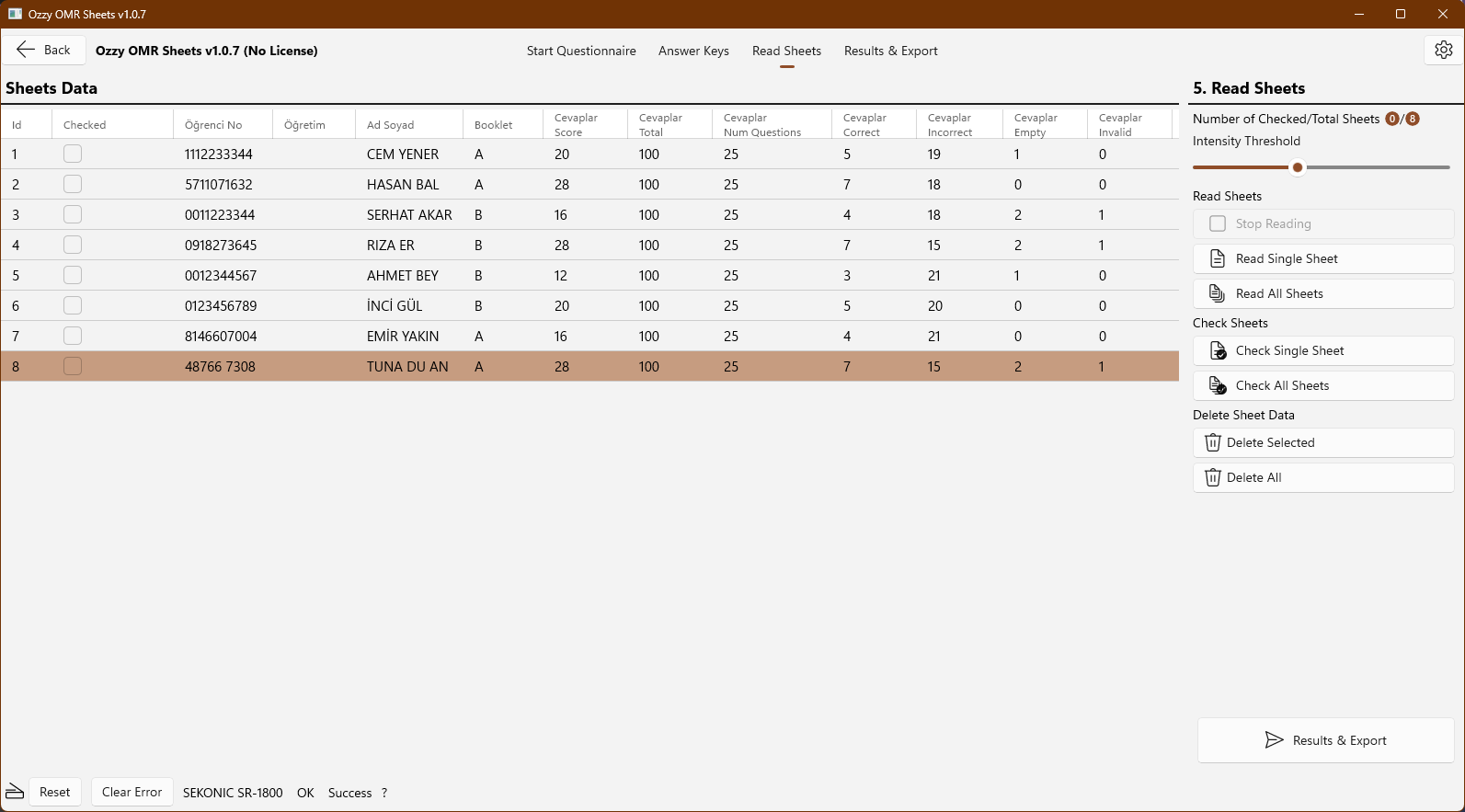
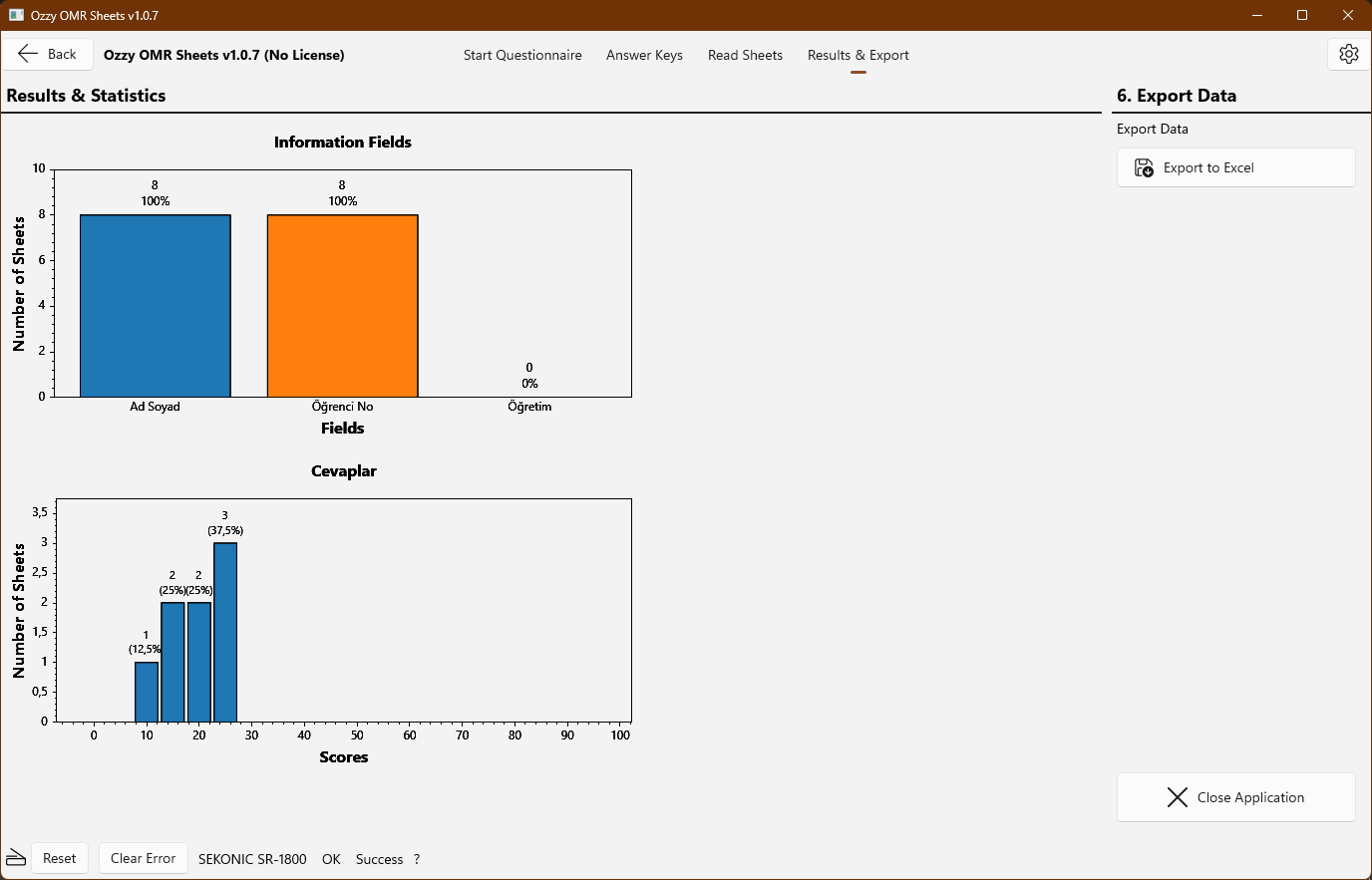
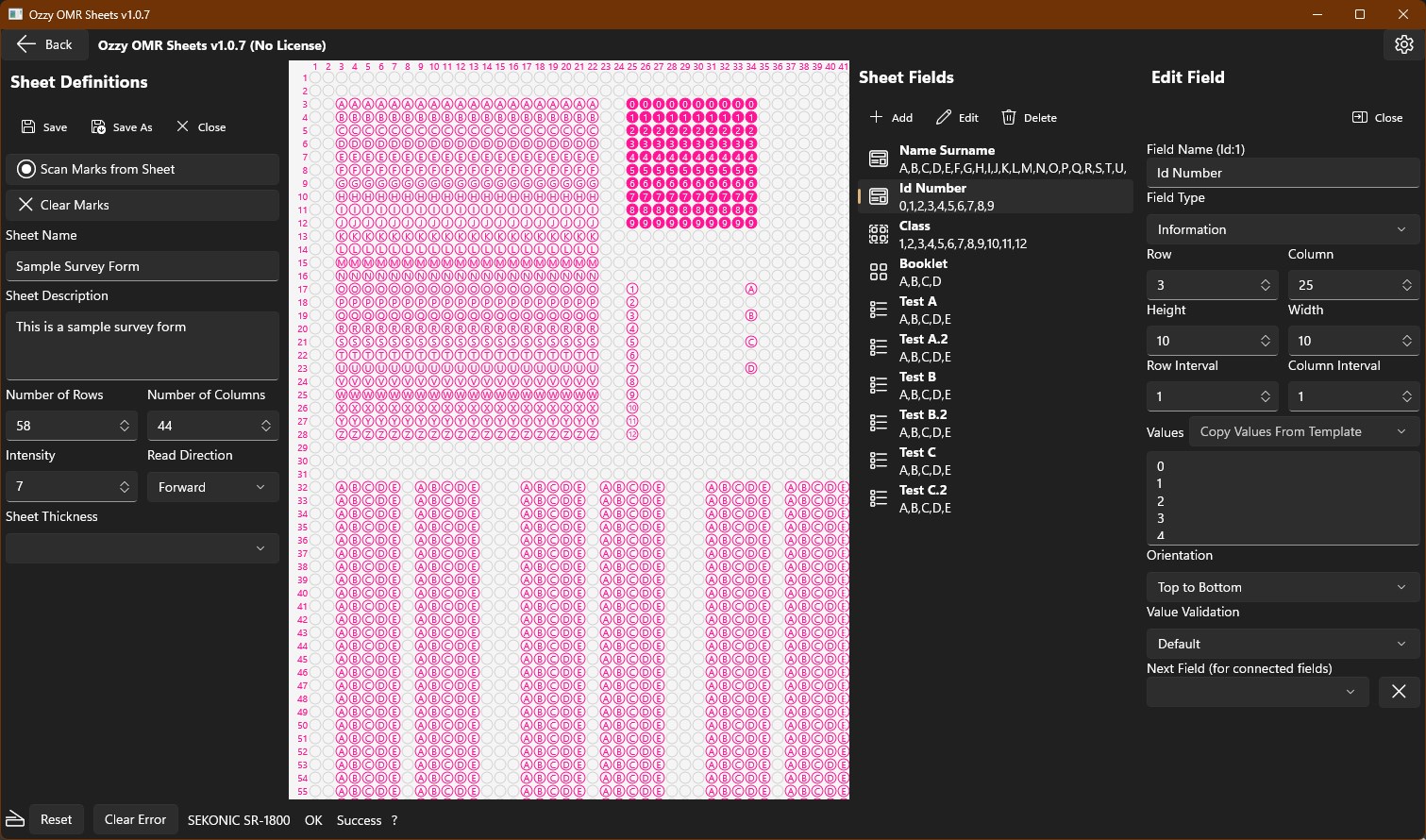
Define, read, evaluate, and export surveys or tests in four simple steps using Sekonic™ SR-1800 and Sekonic™ SR-55 Optical Mark Readers. 1. Define your own OMR Sheets easily by reading markings from the sheet. 2. Define your answer keys by simple clicks, or read the answer keys from the marked sheet for tests 3. Read OMR sheets using the Sekonic™ SR-1800 or SR-55 Optical Mark Reader devices. 4. Evaluate the results and export all individual sheet results and charts to a Microsoft™ Excel file.
Productivity · Windows · Free