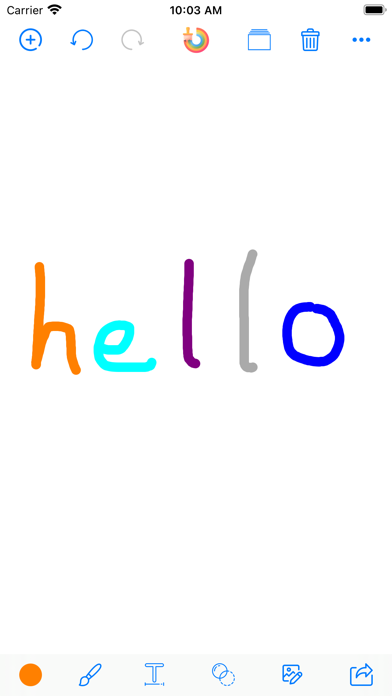
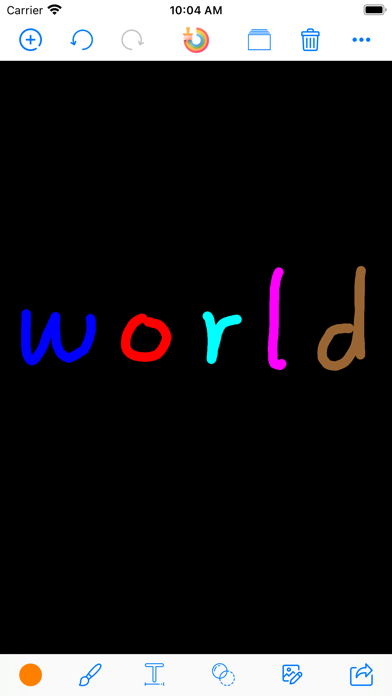
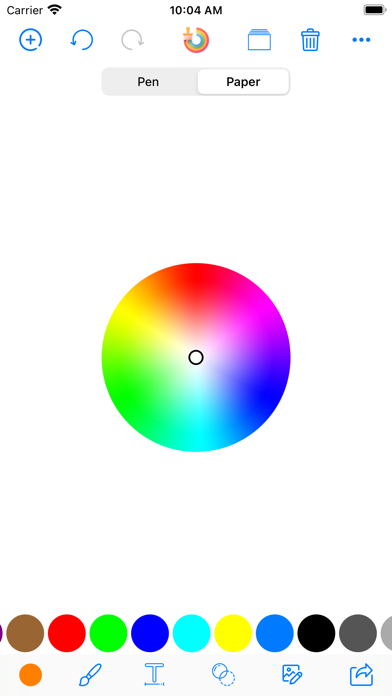
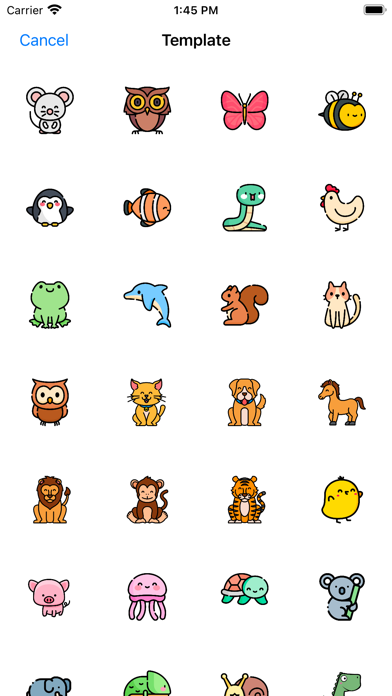
About: » You can draw everything what you want on blank paper use the painter brush tools and make it to one picture, save it and share with it. » You can edit your photos, apply effects, add stickers, remove blemishes, whiten smiles and so much more! » It Includes: Pen,Line,Arrow,Rect(Stroke),Rect(Fill),Ellipse(Stroke),Ellipse(Fill),Eraser,Text,Text (Multiline),Effects,Focus,Frames,Stickers,Enhance,Orientation,Crop,Lighting,Color,Splash,Text,Redeye,Whiten,Blemish… Many many colors, tools, filters and effects and they are all FREE!. Features: » Enhance with Hi-Def, Scenery, Food, Portrait, and Night » Stylize with over 100 free and purchasable filters » Get creative with stunning stickers, frames and overlays » Touch-up selfies with redeye and blemish removal » Boost smile wattage with teeth whitening » Selectively remove and replace color with Splash » Add drama with Sharpness » Add text and create your own memes » Crop, rotate, and straighten your photos » Draw attention to the subject of your photo with Focus or Vignette » Modify brightness, contrast, highlights and shadows » Adjust saturation, warmth, tint and fade » Share photos to TikTok, Instagram, Facebook, X » Print your favorite photos to the nearest Walgreens
Reference · iPhone, iPad · Free
Rating: 4.4 out of 5, based on 140 user ratings.