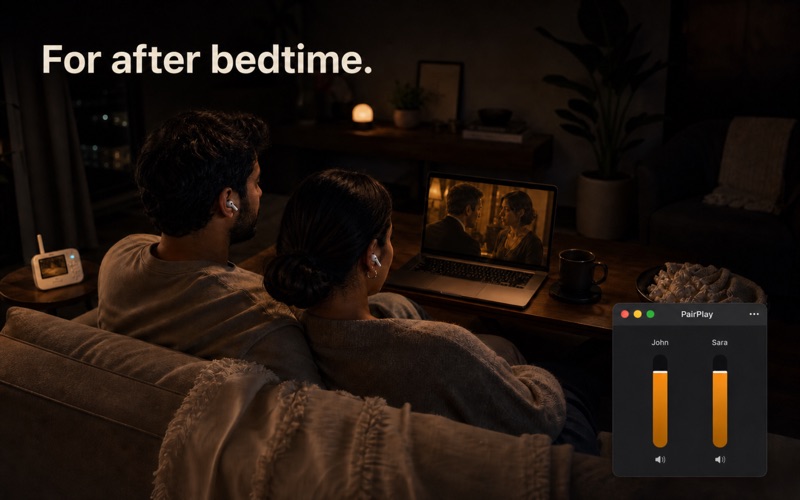
Watch a movie together on one Mac, with a pair of AirPods each. iPhone and Apple TV can share audio to two AirPods. Your Mac never learned how. The workaround is creating a Multi-Output Device in Audio MIDI Setup, which is fiddly, breaks your volume keys, and needs redoing whenever your devices change. PairPlay replaces all of that with two clicks. Pick two headphones. Press Start. Watch. HOW IT WORKS PairPlay lives in your menu bar. Open it, choose any two Bluetooth headphones or speakers, and press Start. Your Mac instantly plays everything to both. When the credits roll, press End and your audio is restored exactly how it was. A VOLUME FOR EACH OF YOU The feature that changes everything: separate volume for each pair. One of you likes it loud, the other does not. PairPlay gives each person their own slider, labeled with their name, adjustable live while the movie plays. No shared compromise volume ever again. MADE FOR REAL EVENINGS - Works with AirPods, AirPods Pro, AirPods Max, Beats, and any Bluetooth headphones or speakers - Remembers your pair, so night two is a single click - Keeps playing calmly if one pair disconnects, no alarming popups - Restores your previous sound output perfectly on exit, every time - No settings maze, no account, no subscription
Utilities · iPhone, iPad · $2.99