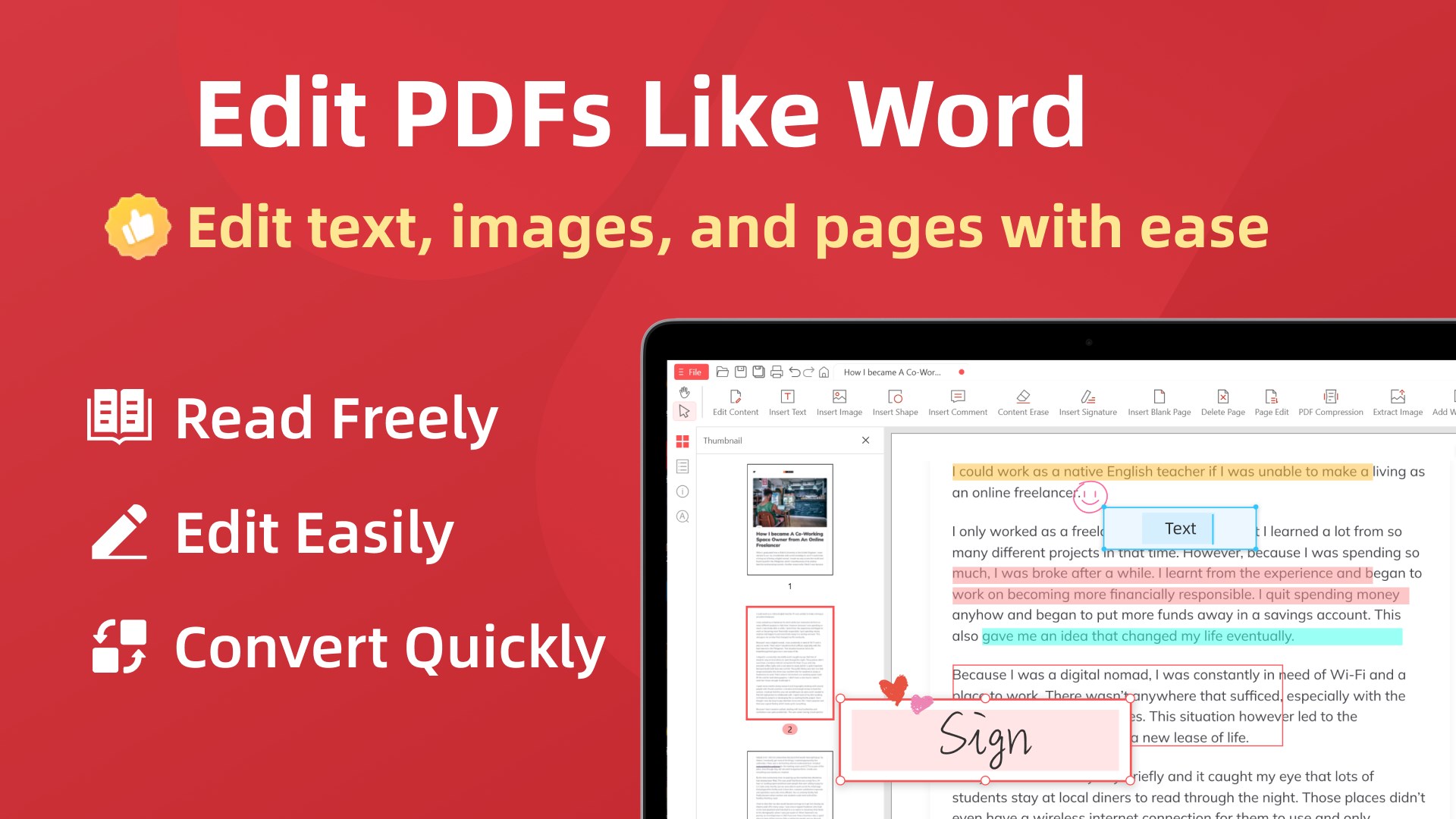
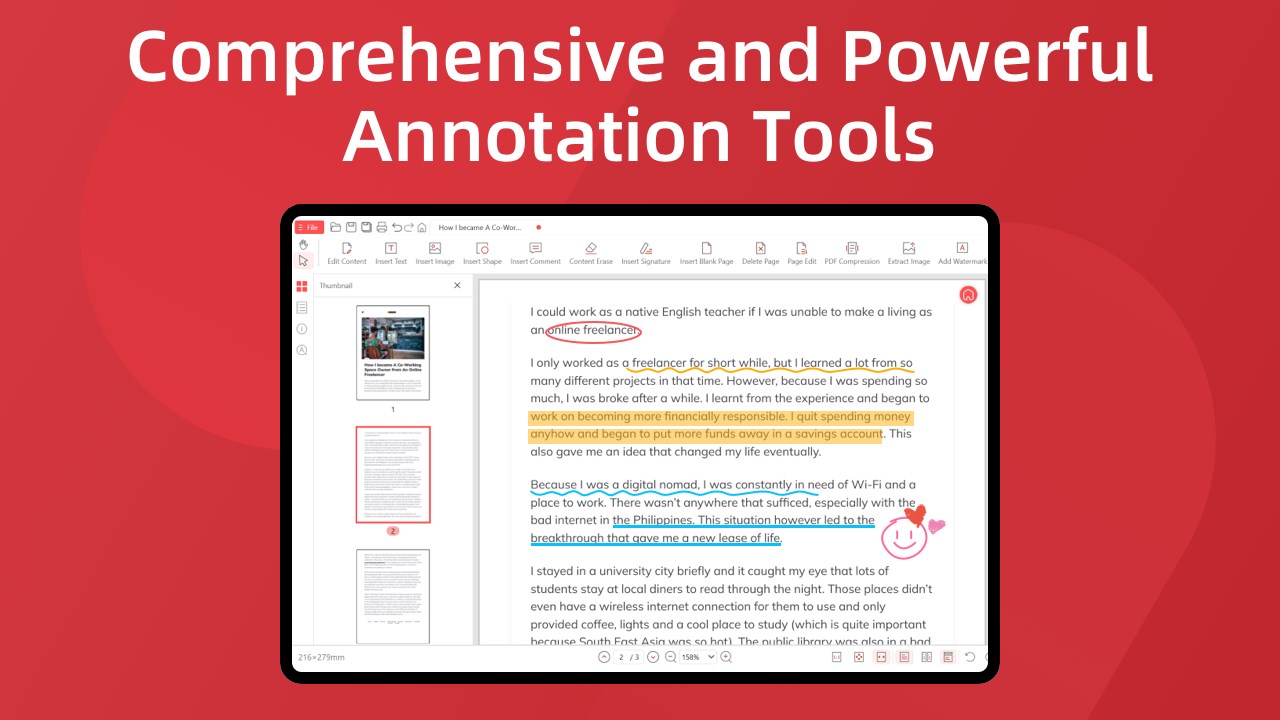
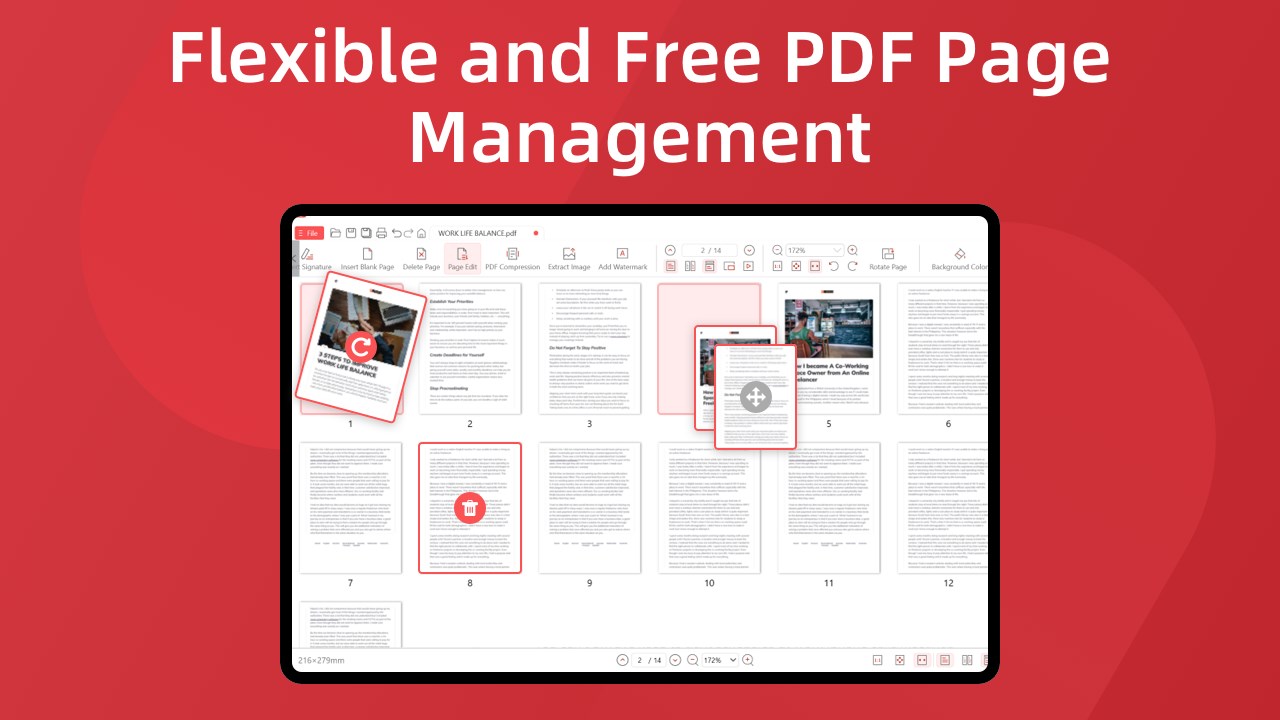
Work with PDF files faster and more efficiently on your Windows PC. This all-in-one PDF Editor, PDF Reader, and PDF Converter lets you edit, read, merge, split, convert, compress, sign, protect, and manage PDF documents in one convenient desktop application. PDF Editor – Edit PDF Files Edit PDF documents with powerful and easy-to-use editing tools. • Edit PDF: Add and edit text, images, shapes, annotations, highlights, underlines, and strikethroughs. • Add Text to PDF: Insert text and customize its font, size, style, position, and appearance. • Add Images to PDF: Insert images into PDF pages and adjust their position and size. • Annotate PDF: Add notes, highlights, drawings, and other annotations. • Crop PDF: Crop PDF pages and remove unwanted areas. • Rotate PDF: Rotate individual pages or entire PDF documents. • Watermark PDF: Add text or image watermarks to PDF files. • Remove Images from PDF: Remove unwanted images from PDF pages. PDF Reader – Read and View PDF Open, read, and navigate PDF documents with a clean and convenient PDF reader. • PDF Reader: Open and read PDF files quickly and easily. • PDF Viewer: View PDF documents using different page and presentation modes. • Search PDF: Find words and phrases quickly inside PDF documents. • Zoom PDF: Zoom in or out to read text and view document details. • Page Navigation: Move between PDF pages quickly and efficiently. Merge, Split and Organize PDF Manage PDF pages and combine multiple documents with flexible PDF tools. • Merge PDF: Combine multiple PDF files into one document. • Combine PDF: Combine PDFs, images, and supported documents into a single PDF. • Split PDF: Split PDF files by page, page range, or selected sections. • Extract PDF Pages: Extract selected pages and save them as a new PDF file. • Remove PDF Pages: Delete unwanted pages from PDF documents. • Organize PDF: Add, remove, and reorder PDF pages. • Rearrange PDF Pages: Change the order of pages quickly and easily. PDF Converter – Convert PDF Files Convert PDF documents and images between popular file formats. • PDF Converter: Convert PDF files to and from supported document and image formats. • PDF to JPG: Convert PDF pages to JPG images. • PDF to PNG: Convert PDF pages to PNG images. • JPG to PDF: Convert JPG images into PDF documents. • Image to PDF: Create PDF files from JPG, PNG, and other supported image formats. • PDF to Word: Convert PDF documents into editable Word-compatible files. • Word to PDF: Convert supported Word documents into PDF files. • PDF to Excel: Convert PDF documents and tables into Excel spreadsheets. • Excel to PDF: Convert Excel spreadsheets into PDF documents. • PDF to PowerPoint: Convert PDF files into PowerPoint presentations. • PowerPoint to PDF: Convert PowerPoint presentations into PDF files. Compress and Repair PDF Reduce file size and recover accessible content from damaged documents. • Compress PDF: Reduce PDF file size while keeping documents easy to read and share. • Reduce PDF Size: Create smaller PDF files for email, uploads, storage, and online sharing. • Repair PDF: Repair damaged or corrupted PDF files and recover accessible document content. Sign, Fill and Protect PDF Handle forms, signatures, passwords, and document security in one place. • Sign PDF: Add electronic signatures to PDF documents. • Fill PDF: Fill out PDF forms and add information to PDF files. • Protect PDF: Protect PDF documents with passwords and security options. • Encrypt PDF: Secure sensitive PDF files and help prevent unauthorized access. • Unlock PDF: Remove password protection from PDF files when you have permission to access the document. • Secure PDF: Protect important documents before sharing or storing them. More PDF Tools Additional tools make everyday PDF management faster and easier. • Extract Images from PDF: Save images contained in PDF documents. • Print PDF: Open, manage, and print PDF documents directly from Windows. • Manage PDF Pages: Add, remove, extract, and rearrange pages within PDF files. All-in-One PDF Solution for Windows Whether you need to edit a PDF, merge PDF files, split PDF pages, compress a document, convert PDF to JPG, convert JPG to PDF, convert PDF to Word, convert Word to PDF, sign a document, fill out a PDF form, protect a PDF, or repair a damaged PDF, this PDF software provides the tools you need in one desktop application. Use this PDF editor and reader for Windows for work, school, business documents, invoices, forms, reports, presentations, contracts, and everyday PDF tasks. Key PDF Features • PDF Editor • PDF Reader • PDF Viewer • PDF Converter • Edit PDF • Merge PDF • Combine PDF • Split PDF • Compress PDF • Reduce PDF Size • PDF to JPG • PDF to PNG • JPG to PDF • Image to PDF • PDF to Word • Word to PDF • PDF to Excel • Excel to PDF • PDF to PowerPoint • PowerPoint to PDF • Sign PDF • Fill PDF • Protect PDF • Encrypt PDF • Unlock PDF • Repair PDF • Organize PDF • Rearrange PDF Pages • Extract PDF Pages • Extract Images from PDF • Crop PDF • Rotate PDF • Watermark PDF • Annotate PDF • Add Text to PDF • Add Images to PDF • Search PDF • Print PDF Simple, powerful, and designed for Windows, this all-in-one PDF solution gives you the essential tools to read, edit, convert, organize, compress, merge, split, sign, and protect PDF documents from one convenient desktop application. ⚠️ The current version is the free acquisition edition, with limitations on the number of times features can be used. If you are satisfied with the product, you can purchase in-app services to unlock the full range of features. You can choose to subscribe monthly, quarterly, or annually, and fees will be automatically deducted from your Microsoft account at renewal. Alternatively, you can opt for a lifetime membership, which requires a one-time payment for permanent access.
Utilities · Windows, iPhone, iPad · Free
Rating: 4.5 out of 5, based on 88 user ratings.