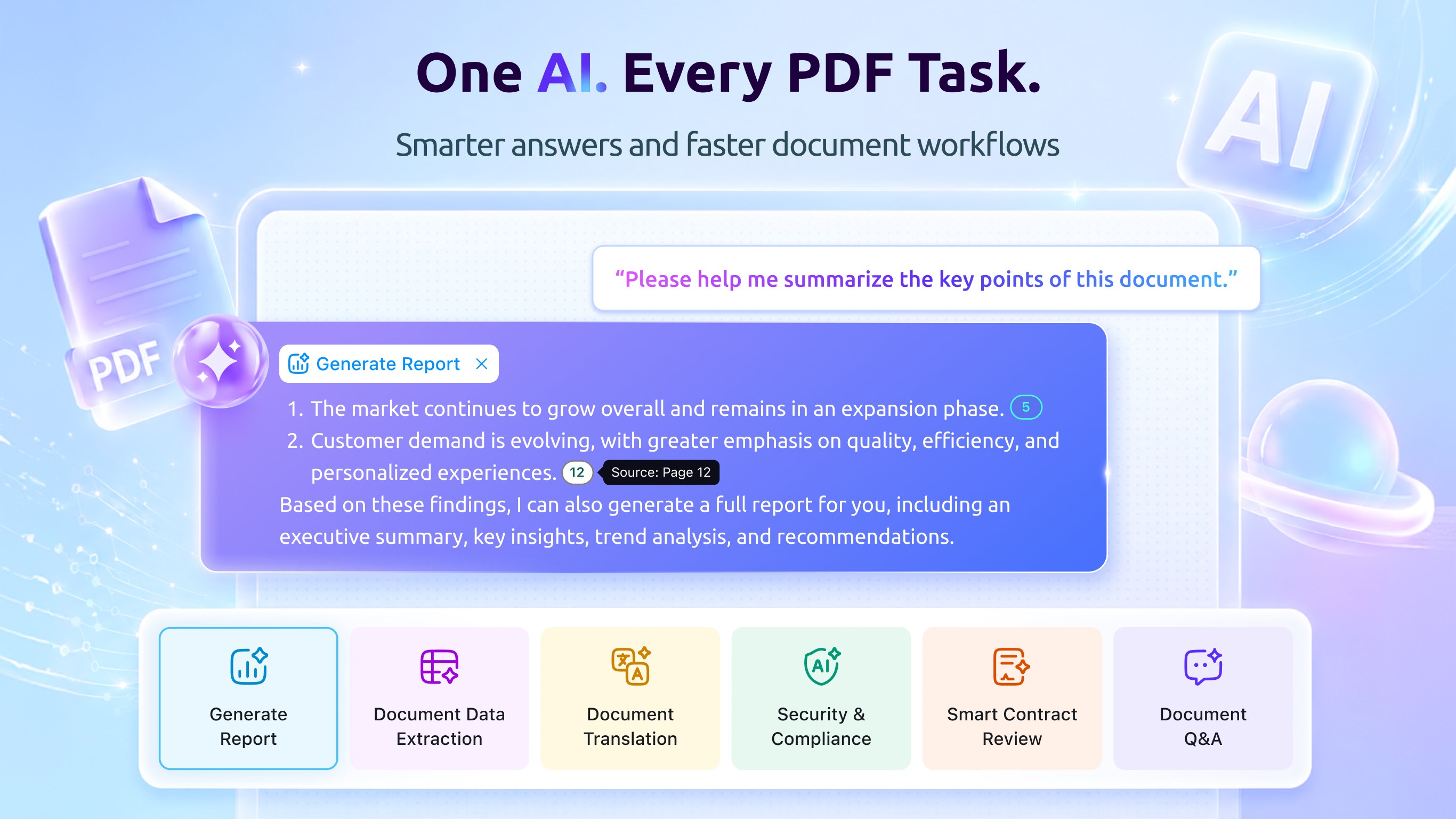
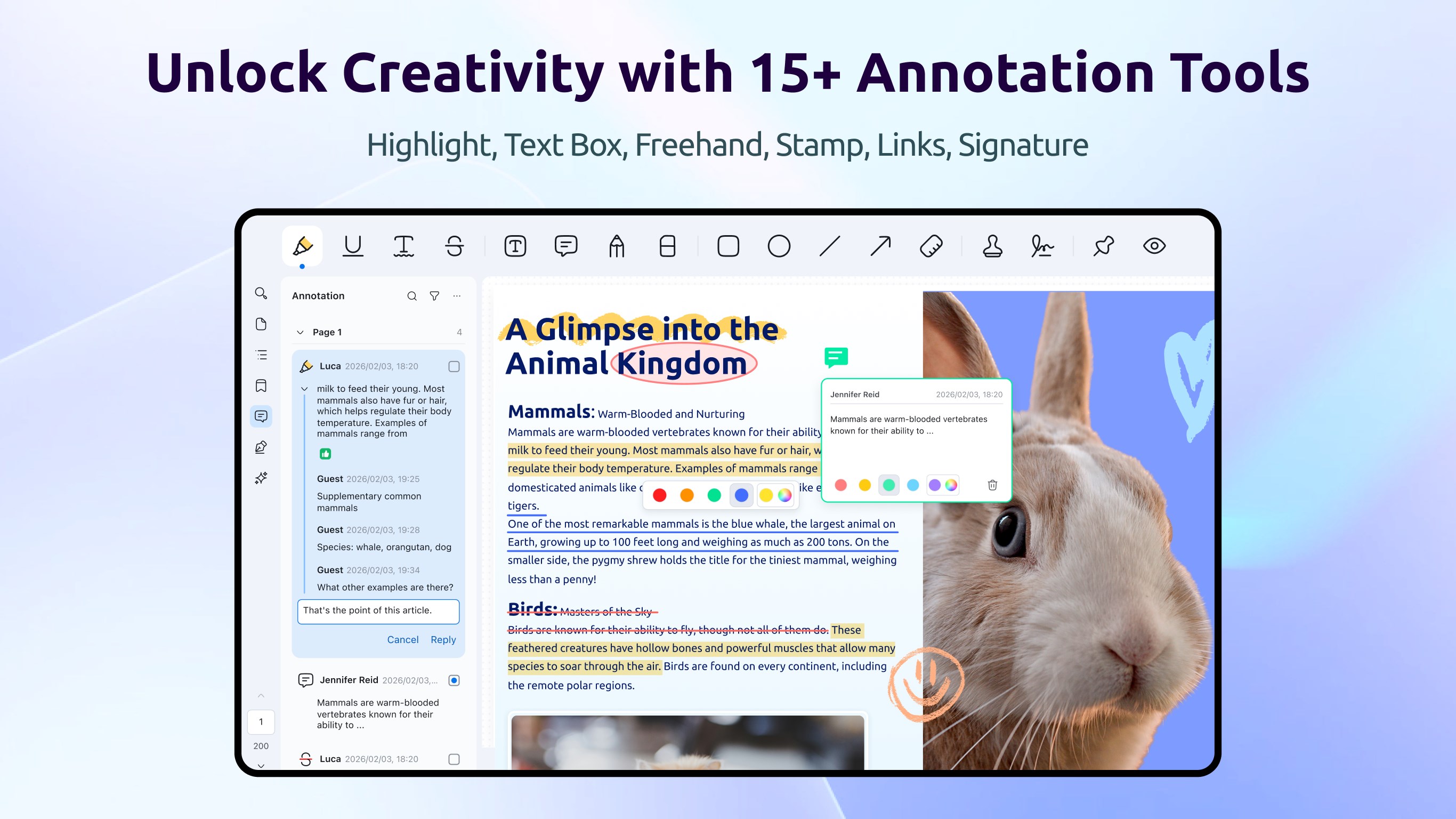
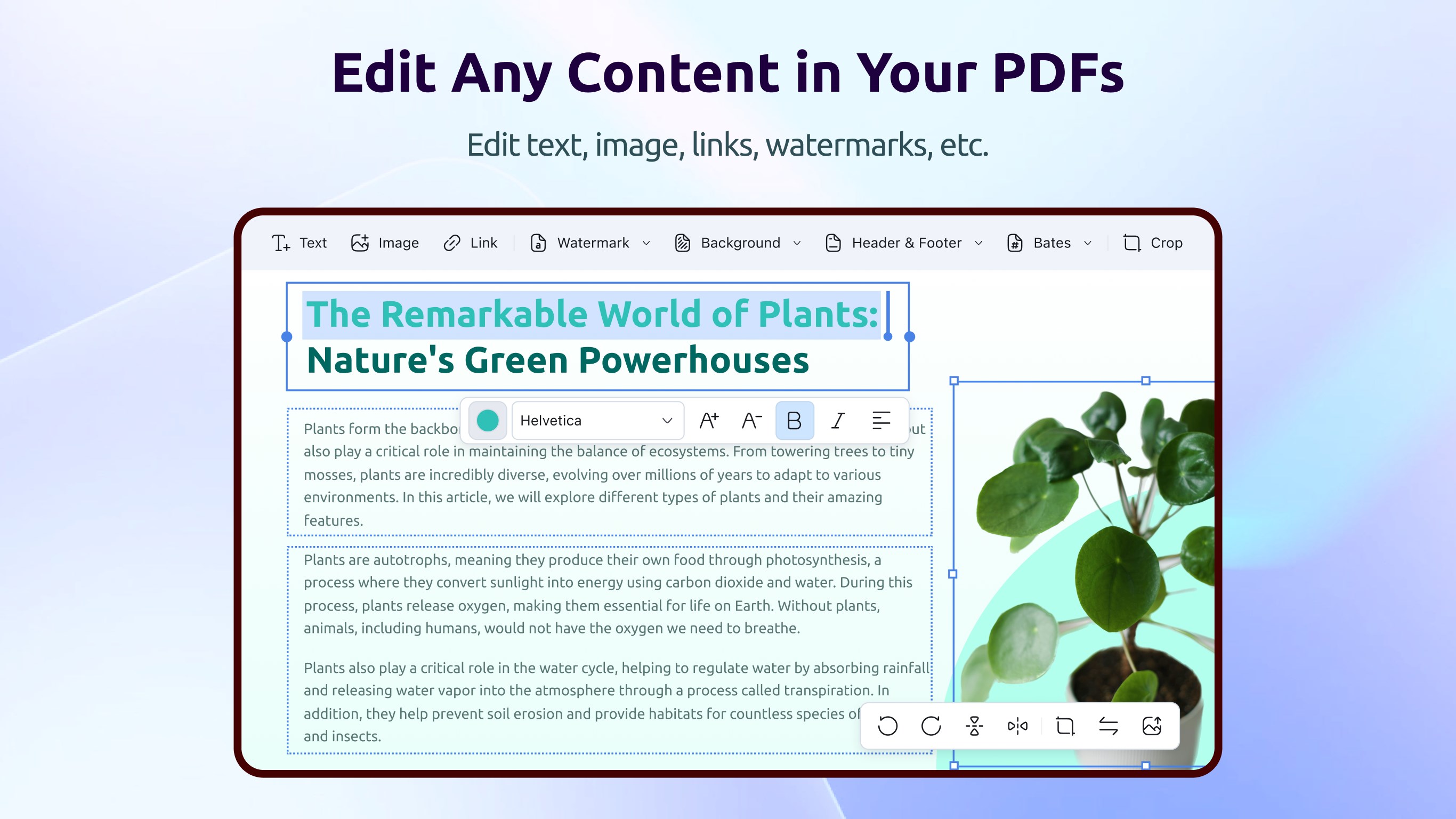
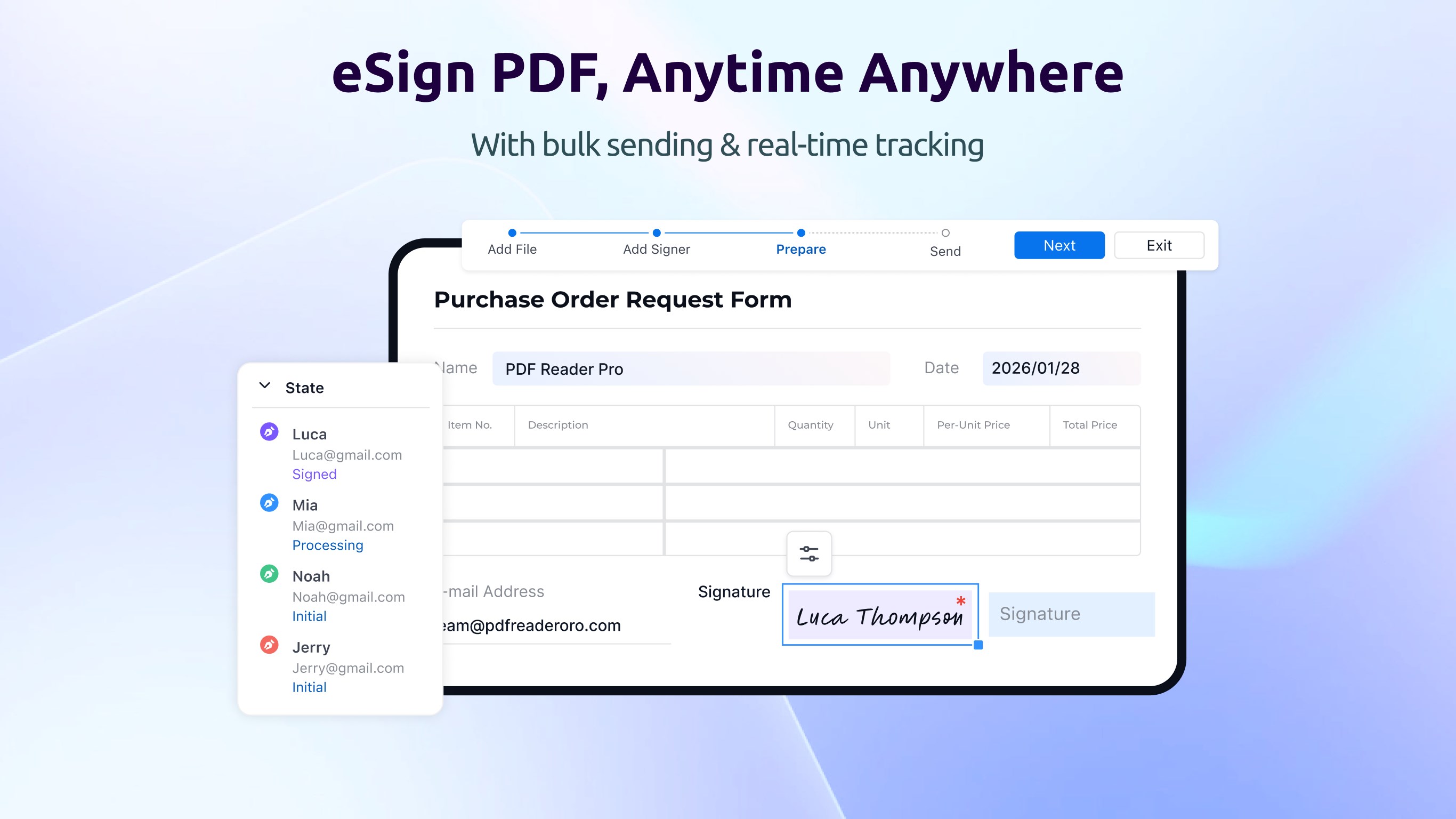
PDF Reader Pro is well praised by Windows users for its multiple functions like AI assistant, view, annotate, edit, merge, create, convert, fill & sign, OCR, watermark, encrypt, and more, making document workflows simpler. PDF Reader Pro is trusted by 90 million users worldwide and is consistently rated a High Performer on G2. What Can You Do with PDF Reader Pro? 【AI FUNCTION】 • AI Summarize: Fast summarize lengthy PDFs and extract valuable insights from data chat. • AI Translate: Translate entire PDFs or specific paragraphs to any language. • AI Rewrite: Enhance style and polish content by rewriting PDFs. • AI Proofread: Ensure professionalism by detecting grammar and spelling mistakes. 【Annotate & Measure PDFs】 • A wealth of annotation tools, such as Highlight, Underline, Freehand, Eraser, Shapes, Text Box, Anchored Note, Link, Stamps, Signature • Annotate dimensions directly within a PDF like distance, perimeters, areas and angle. 【Convert PDFs】 • Quickly convert PDFs to Word, Excel, PowerPoint, Text, RTF, CSV, Images. • Convert Image (JPEG, JPG, PNG, BMP, TIFF, GIF) to PDF. • Batch convert multiple PDF files simultaneously. 【Edit PDFs】 • Edit PDF Text: Add, modify or delete original text in PDFs, or change the size and color of the font, just like what you do in Word. • Edit PDF images: Insert, delete, replace, rotate, crop, move images in a PDF. • Edit PDF pages: Organize PDF pages freely, including rearranging, deleting, inserting, inserting, rotating, replacing and more. 【Merge PDFs】 Combine multiple PDF files into a new document in your desired order. Or you can select specific pages of a file to merge. 【Sign PDF】 • eSign: Create, distribute, and track signing status in real time. • Quick Signatures: Add typed, handwritten, or image-based signatures in seconds—perfect for approvals. • Secure Digital Signatures: Protect integrity and verify signer identity with trusted digital signatures. 【Add Background】 To give your file a fresh new look, you can add background to PDFs via image or color. Or delete an unwanted background as needed. 【Secure PDF】 • Add watermarks to your document or batch add watermarks to PDFs (image watermark and text watermark are provided). • Set Password to restrict file access permission, printing and copying permissions. • Redact PDF: Remove sensitive content to secure your confidential data. 【Different Reading Modes】 You can read PDF files in different display modes for different occasions • Book Mode: Displayed in two-page mode with the cover removed separately, just like reading a real paper-based book. • Read Mode: Turn on read mode so you can focus on reading. PDF will be displayed in a way that hides much of the interface, like the properties pane and toolbar. • Slideshow Mode: Better present your PDF as a PPT in slideshow mode. 【OCR】 • Convert scanned documents to an editable PDF for fast editing. • Image enhancement and image correction. • Use area OCR to extract specific content from any page. • Scan documents, receipts, forms, and notes into PDFs. 【Create Fillable Form】 You can create a fillable form via inserting editable Text Field, Check Box, Radio Button, List Box, Button, etc, so your customers can easily fill out the form immediately from anywhere. 【Fill & Sign PDFs】 PDF Reader Pro is an easy-to-use PDF form creator & filler. Effortlessly fill out PDF forms and sign PDFs with keyboard, trackpad or picture on any Windows device. No need for a printer or pen, enjoy a smooth filling and signing experience. 【AI Subscription Plan】 PDF Reader Pro AI tool gets a full upgrade: Newly function (AI Summarize) is added. We also enhanced AI translation and proofreading so that you can translate a large PDF document and get a better AI experience. Based on the above feature optimization, PDF Reader Pro has adjusted the AI subscription plan, which costs $14.99 a month, manual renewal. We will keep optimizing our software to provide you with a better PDF reading and editing experience. If you have any questions or suggestions, please feel free to contact us. Get a 7-day free trial of advanced features before the purchase Today! Email: support@pdfreaderpro.com Website: https://www.pdfreaderpro.com Education Discount: https://www.pdfreaderpro.com/education Volume License: https://www.pdfreaderpro.com/vpp-purchase-program
Business · Windows · Free
Rating: 4.0 out of 5, based on 15 user ratings.