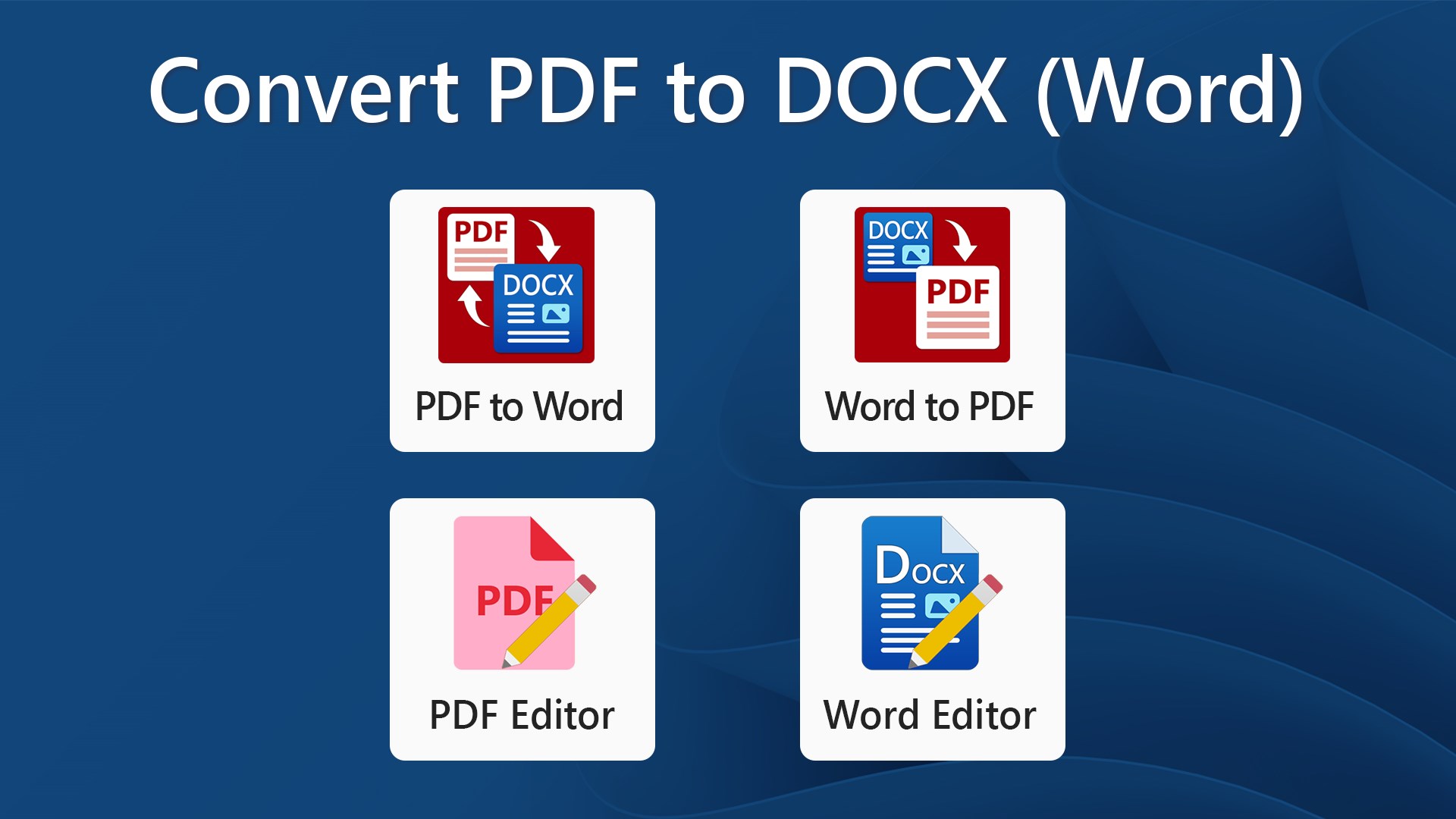
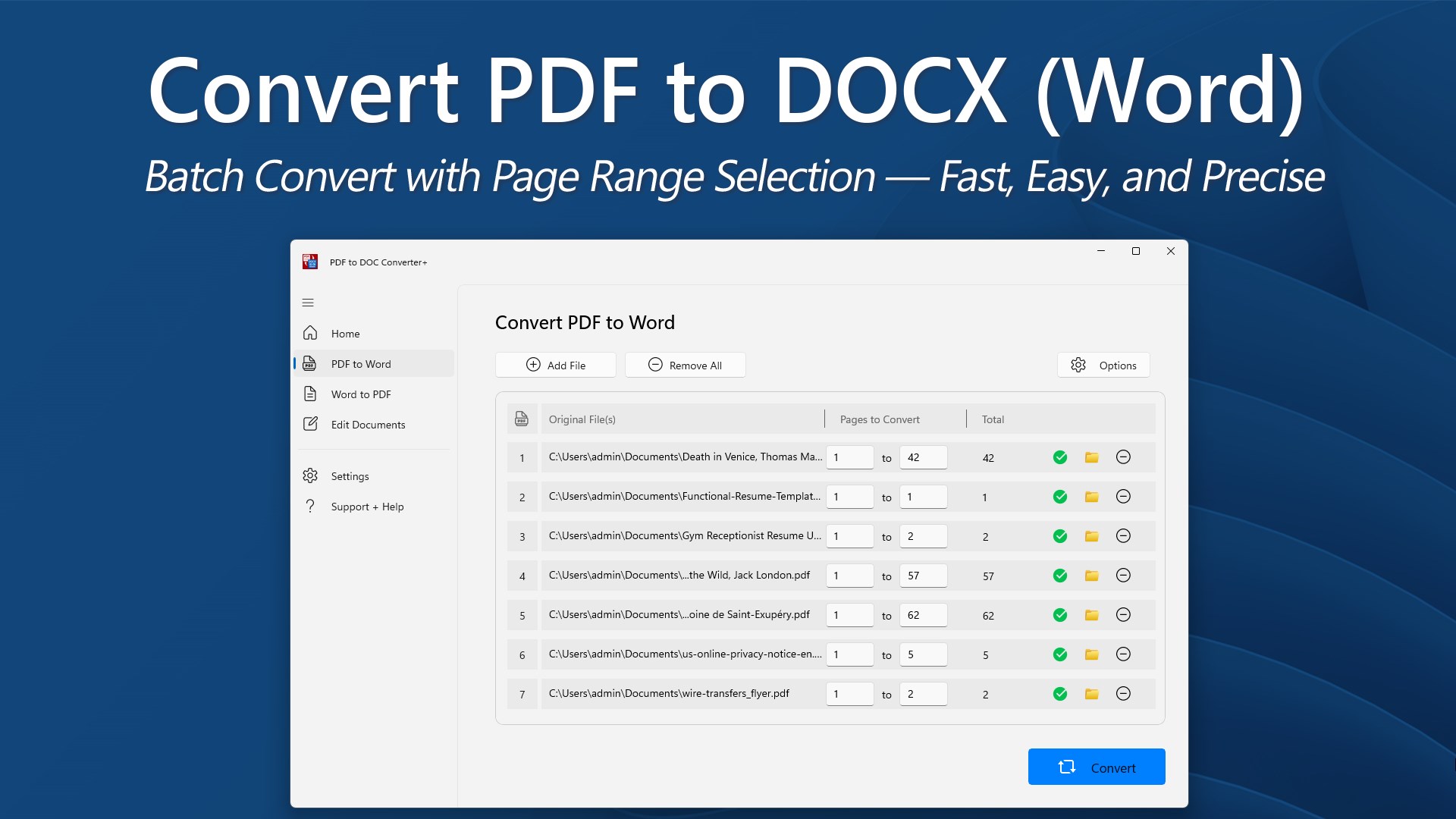
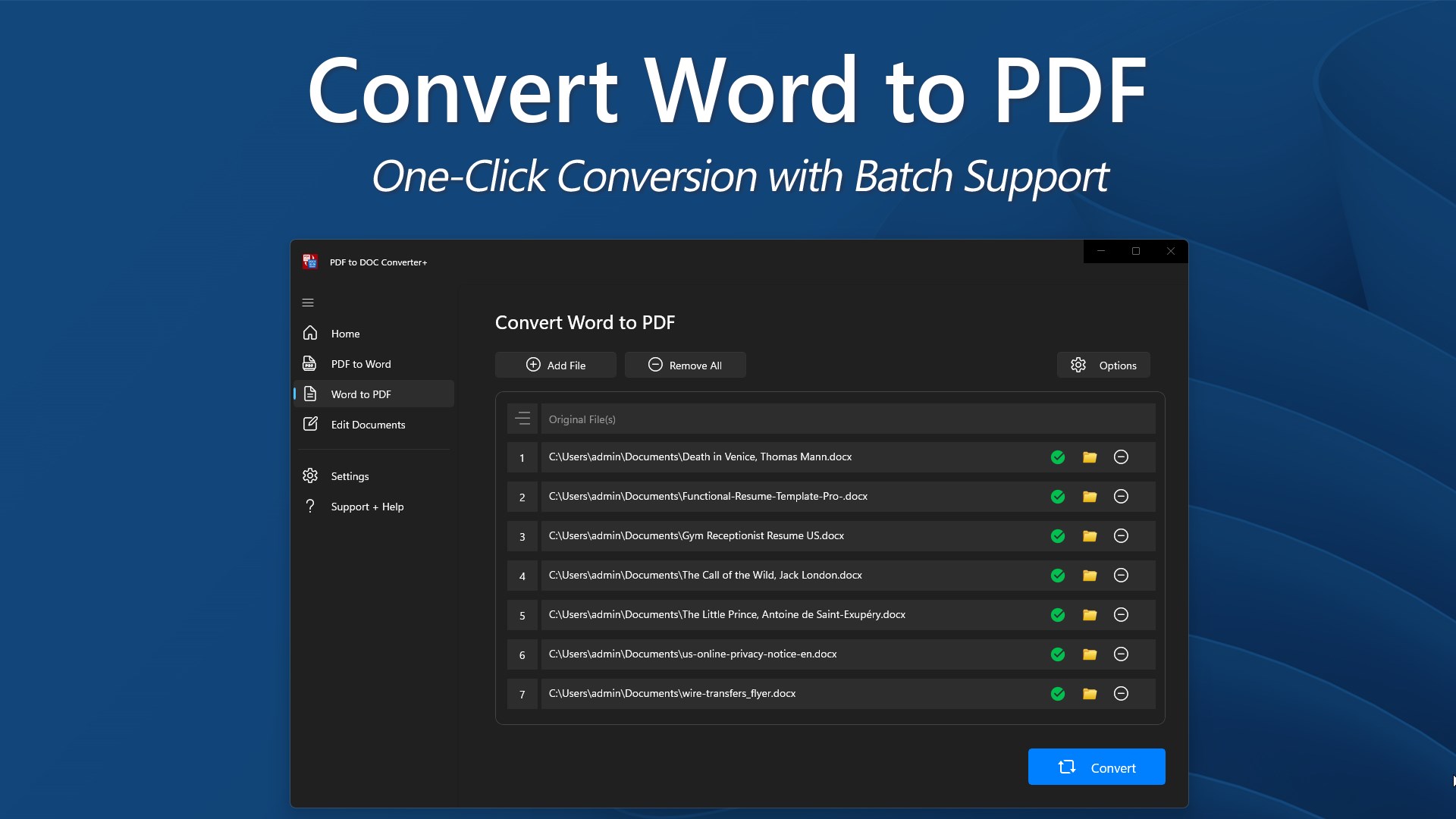
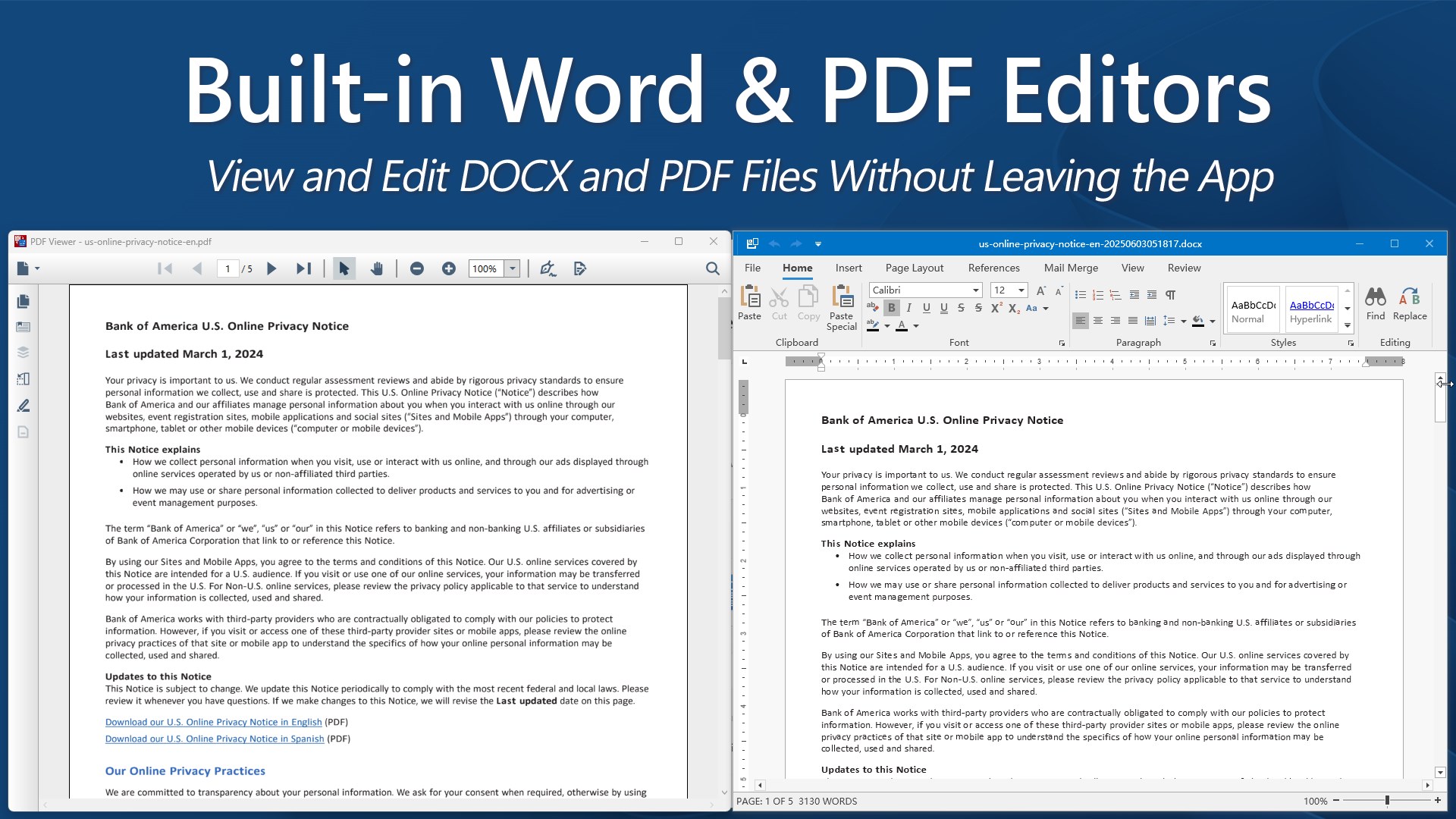
Convert between PDF and Microsoft Word documents in both directions—fast, accurate, and easy to use. PDF to DOC Converter+ supports batch conversions, partial page selection, and offers built-in editing tools so you can work with your documents directly inside the app. Software License: Enjoy a 3-day full-access trial to explore every feature of PDF to DOC Converter+ without limits. Once the trial period concludes, the app continues to serve as a convenient viewer for your documents. To enable PDF and Word conversions, as well as the ability to save and print your edits, an upgrade to a Premium license is required. Key Features: • Convert PDF to Word (.docx), with support for page range selection • Convert Word (.docx) to PDF with one-click simplicity • Batch conversion support for handling multiple files at once • Built-in Word Editor for quick edits to .docx documents • Integrated PDF Editor for basic annotations and modifications • Choose output folder or save to the same location as source files • Lightweight and efficient—no internet connection required Whether you need to extract text from a PDF, create a PDF from a Word file, or make final edits before exporting, PDF to Word Converter+ handles it all from one clean interface.
Productivity · Windows · Free
Rating: 4.6 out of 5, based on 42 user ratings.