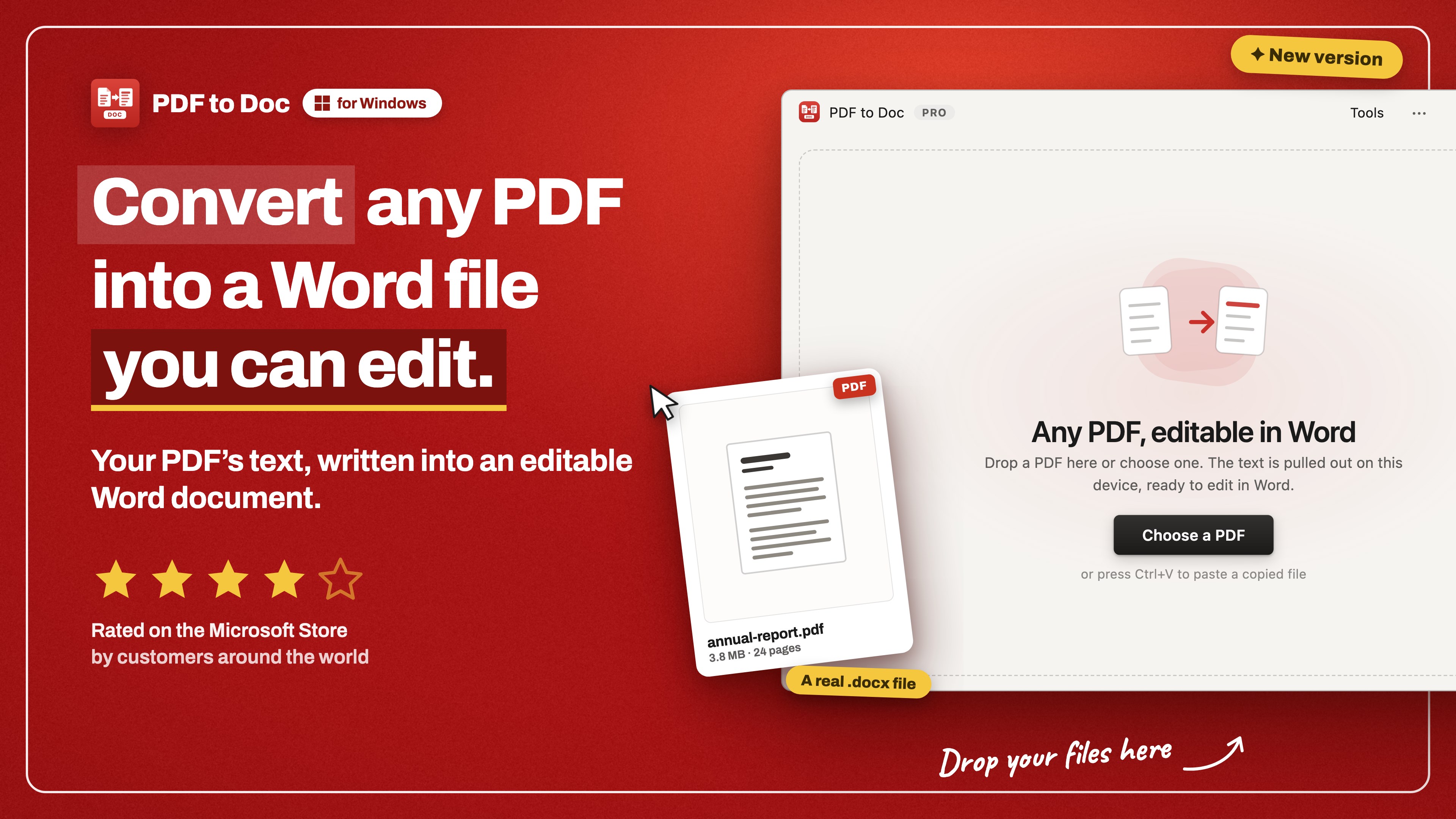
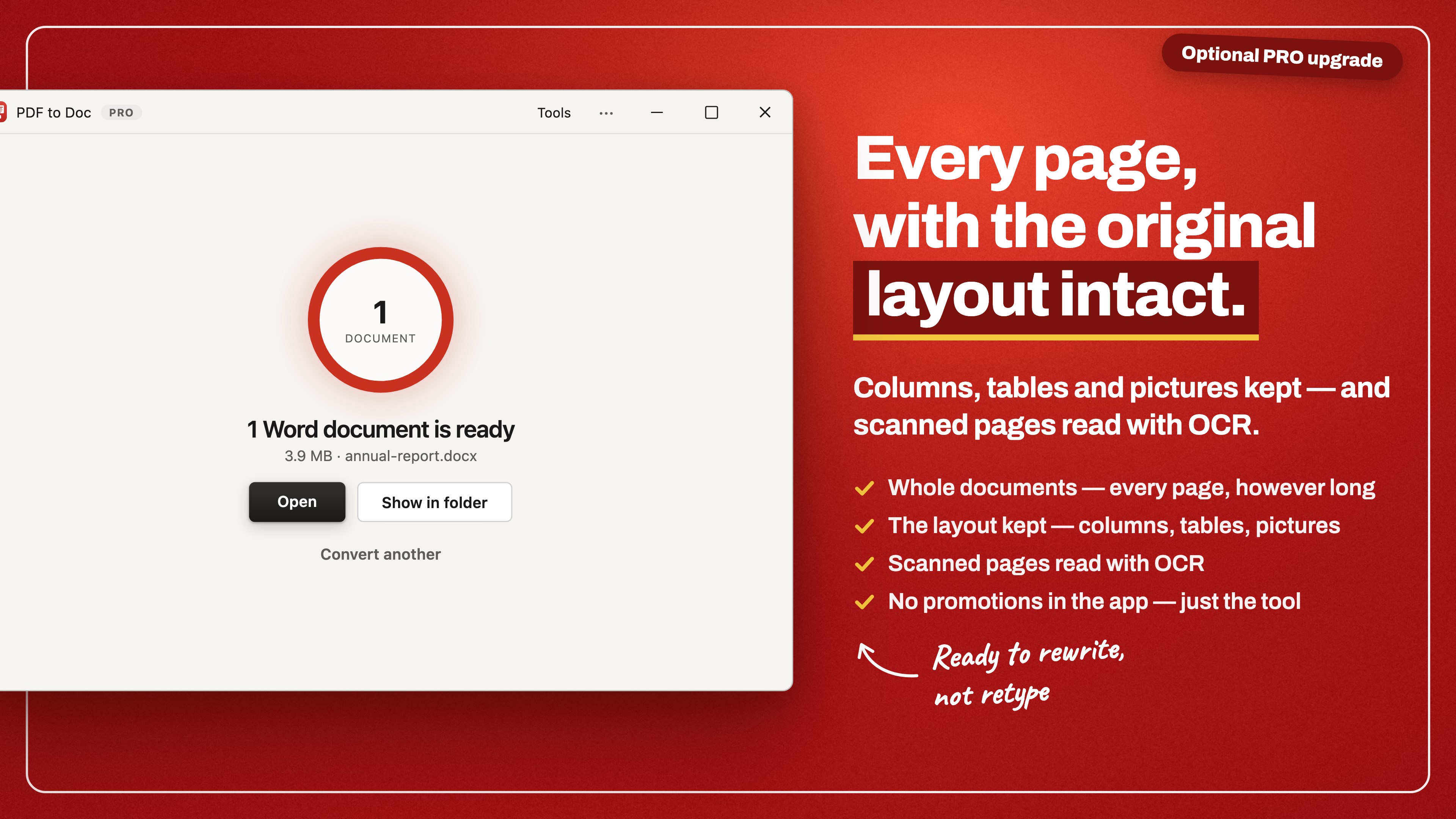
Turn a PDF into a Word document you can actually edit. PDFs go in, real .docx files come out — the Word document format, which any word processor opens. Free conversion happens on this PC. Drop a PDF onto the window and press Convert. The free conversion takes the document's words out and writes them into a Word file as flowing, editable paragraphs: the text, ready to rewrite. It is not a picture of the page and it is not a copy of the original layout — columns, tables and pictures are not rebuilt on the free path. That is what the PRO upgrade is for. There is nothing to sign into and nothing to wait on for a free conversion: it runs in the app itself, and you choose where the Word document is saved. WHAT YOU CAN SET • Output — plain text: flowing paragraphs, ready to edit. Or, with PRO, keep the layout: columns, tables and pictures where they were, and scanned pages read with OCR. • Files — one PDF or a stack of them, at any size. There is no file-count limit and no file-size limit in any version. FREE AND PRO The free version is great for one-page PDFs: a one-page document converts in full, into text you can edit straight away — however large that file is, and however many of them you convert. A longer document is held whole instead of half-converted, so you never get the first page of a report and nothing else. A scanned PDF — a picture of a page, with no real text inside it to pull out — is held the same way, whatever its length. Reading one is exactly what PRO's OCR is for. Whole documents are what the optional PRO upgrade is for. It adds: • Every page — documents of any length, not just one-page PDFs • The layout kept — columns, tables and pictures land where they were • Scanned pages read with OCR — a scan comes back as text you can edit • No promotions in the app Free conversion happens on this PC and asks for no account and no sign-in. The app's interface is available in 13 languages.
Productivity · Windows · Free
Rating: 4.2 out of 5, based on 17 user ratings.