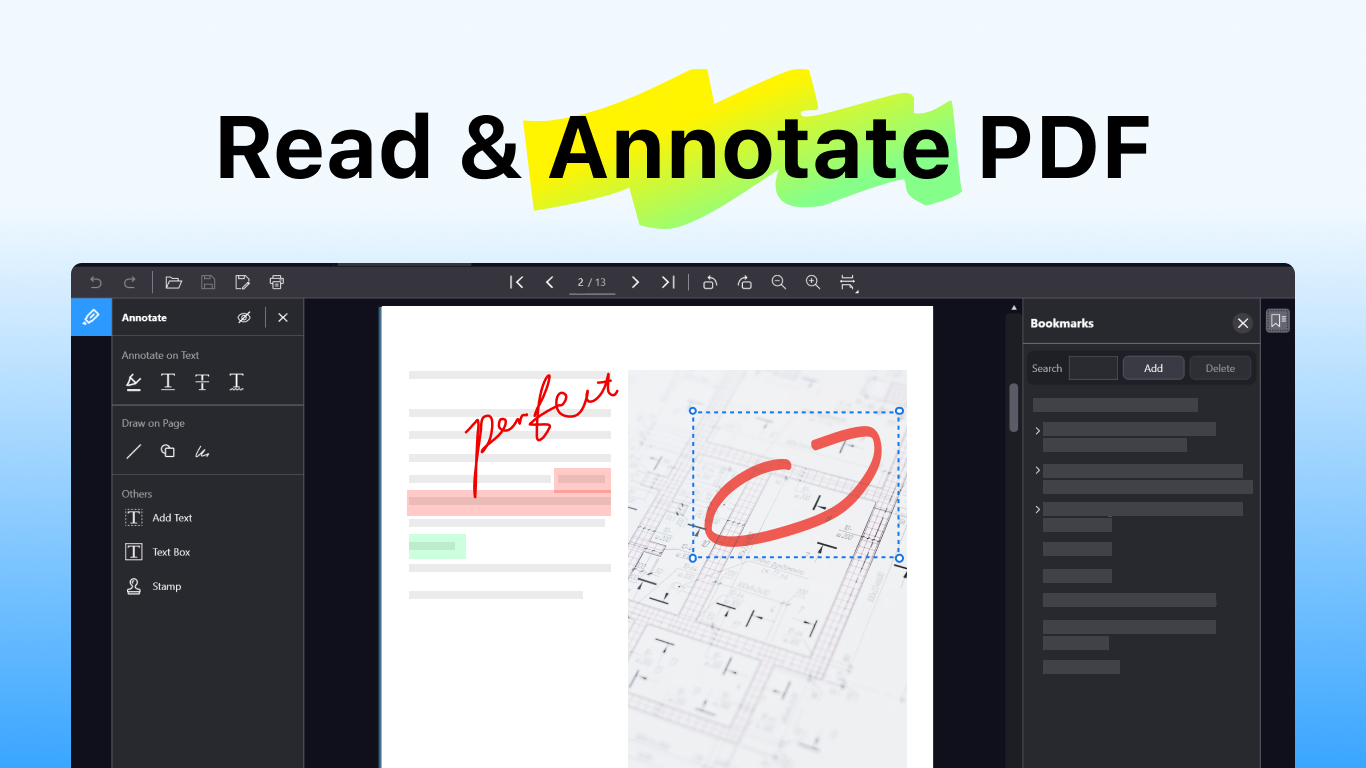
PDF Reader is a free, fast, and lightweight document reader for Windows — built to open, read, annotate, and manage your PDF files with ease. It also supports more popular document, ebook, text, help, and comic book formats, including EPUB, MOBI, AZW, AZW3, FB2, PDB, TCR, XPS, CHM, TXT, Markdown, LOG, CBZ, CBR, CBT, and CB7. Whether you need a powerful PDF viewer, a simple PDF annotator, a clean tool to highlight and bookmark documents, or a lightweight reader for ebooks and text-based files, PDF Apps has you covered. From textbooks to contracts, from research papers to ebooks, comics, help files, and plain text documents, PDF Apps handles your files smoothly and lets you focus on what matters: reading and getting work done. FEATURES AT A GLANCE Multi-Tab Reading Open several PDFs and supported document files side by side in tabs. Switch between documents instantly. Powerful Annotation Tools - Highlight, underline, strikethrough, and wavy underline - Draw lines, shapes, and freehand notes - Add text, text boxes, and custom stamps - Show or hide annotations with one click Smart Bookmarks Save pages you care about. Search, add, or remove bookmarks in seconds. Effortless Navigation - Jump to first, last, or any specific page - Rotate, zoom, and fit pages to your screen - Smooth performance even with 400+ page documents Essential File Tools Open, save, edit, and print PDFs. Full undo and redo keeps you in control. Expanded Format Support Read more than PDFs in one lightweight Windows app. PDF Apps now supports: - PDF documents - eBooks: EPUB, MOBI, AZW, AZW3, FB2, PDB, and TCR - Text and markup files: TXT, MD, and LOG - Comic book archives: CBZ, CBR, CBT, and CB7 - Other document formats: XPS and CHM WHY CHOOSE PDF APPS? - Beautiful dark interface — easy on the eyes for long reading sessions - Fast and lightweight — opens instantly, runs smoothly - More than a PDF reader — open ebooks, comics, text files, and help documents too - No clutter — just the tools you need, where you expect them - Built for Windows — designed to feel right at home MADE FOR - Students marking up textbooks and lecture notes - Professionals reviewing reports, contracts, and proposals - Researchers annotating papers and references - Readers enjoying ebooks, comics, and long-form documents - Anyone who wants one lightweight app for PDFs, ebooks, text files, and document reading
Productivity · Windows · Free
Rating: 4.4 out of 5, based on 19 user ratings.