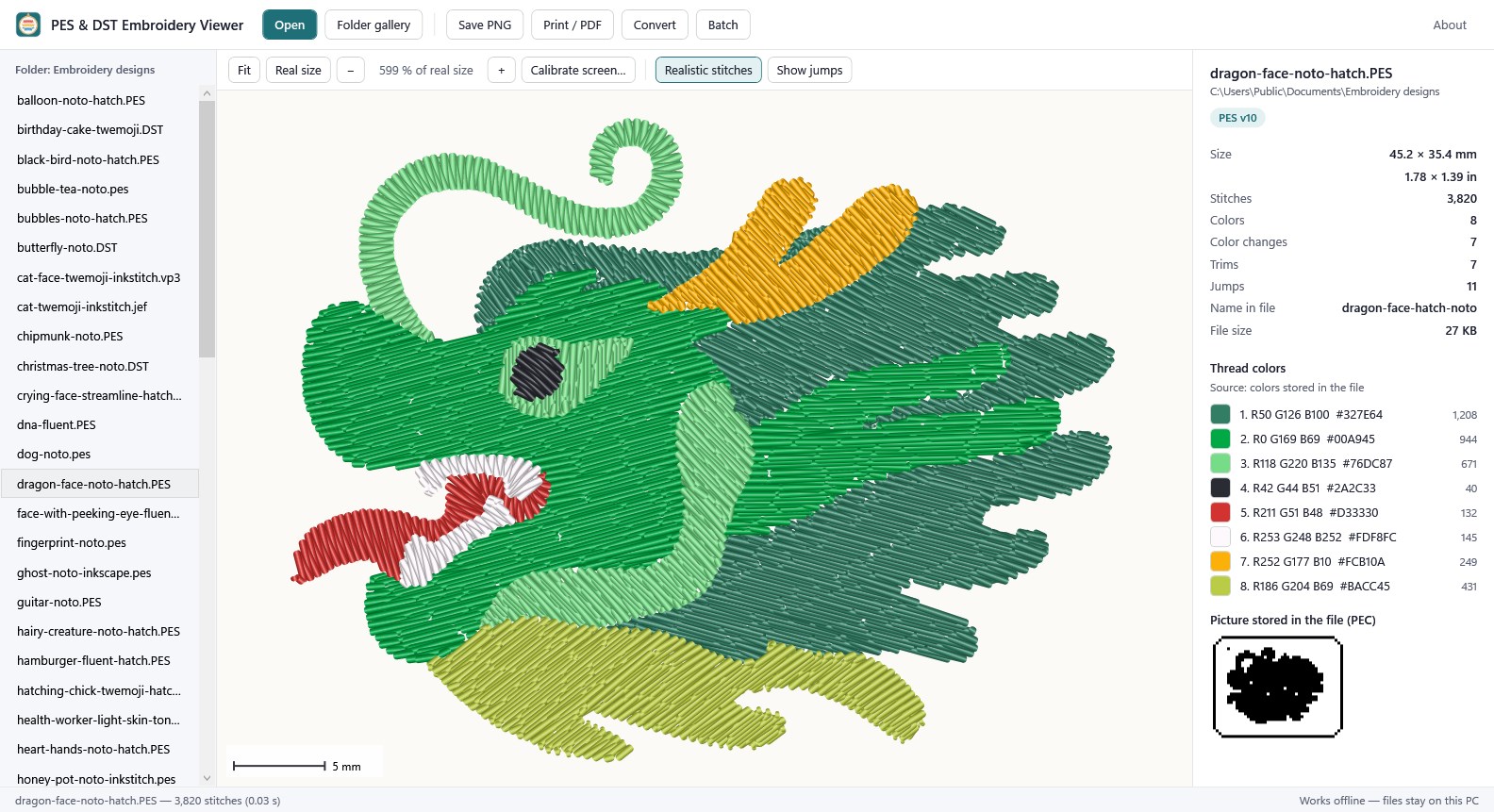
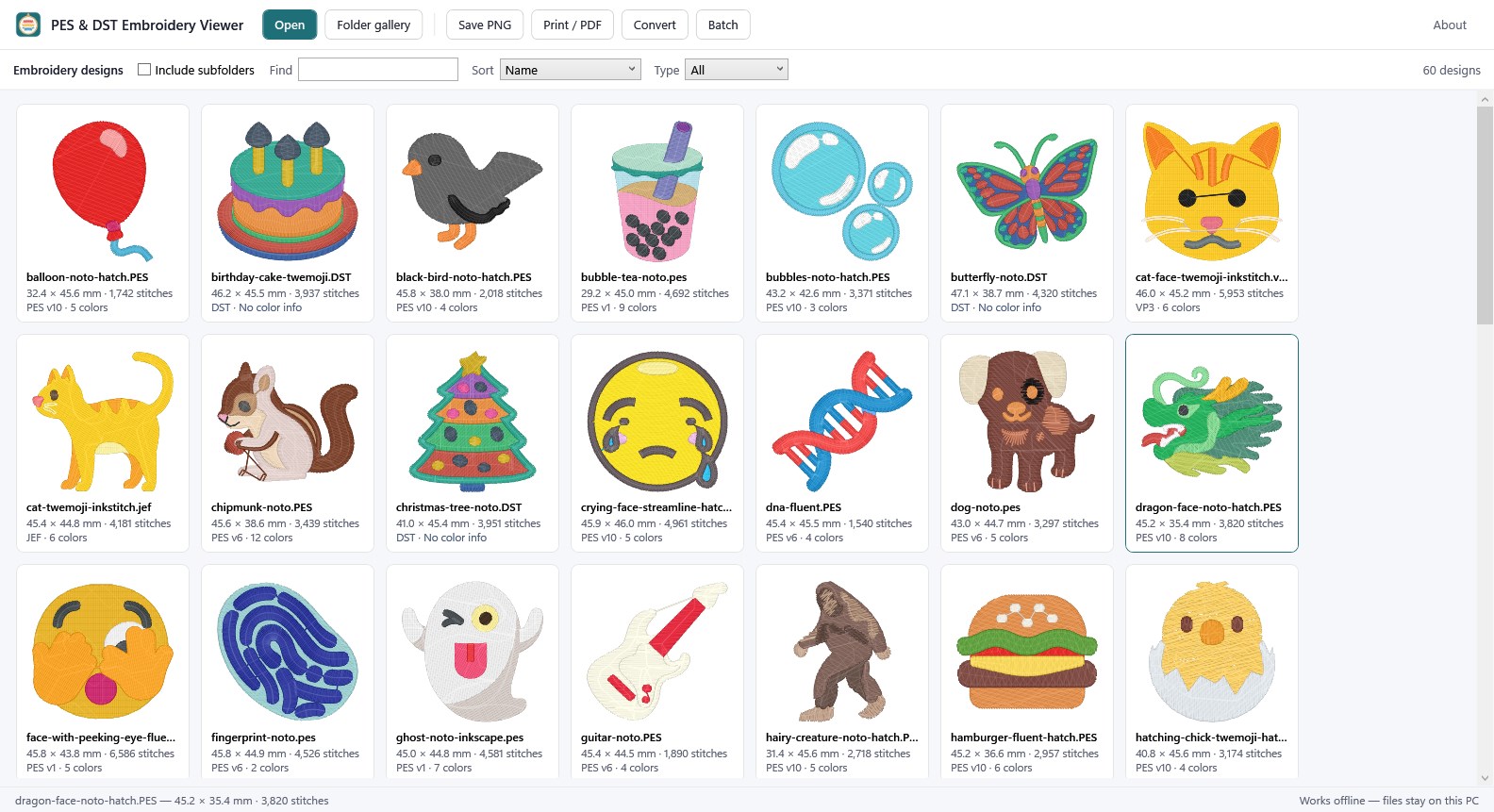
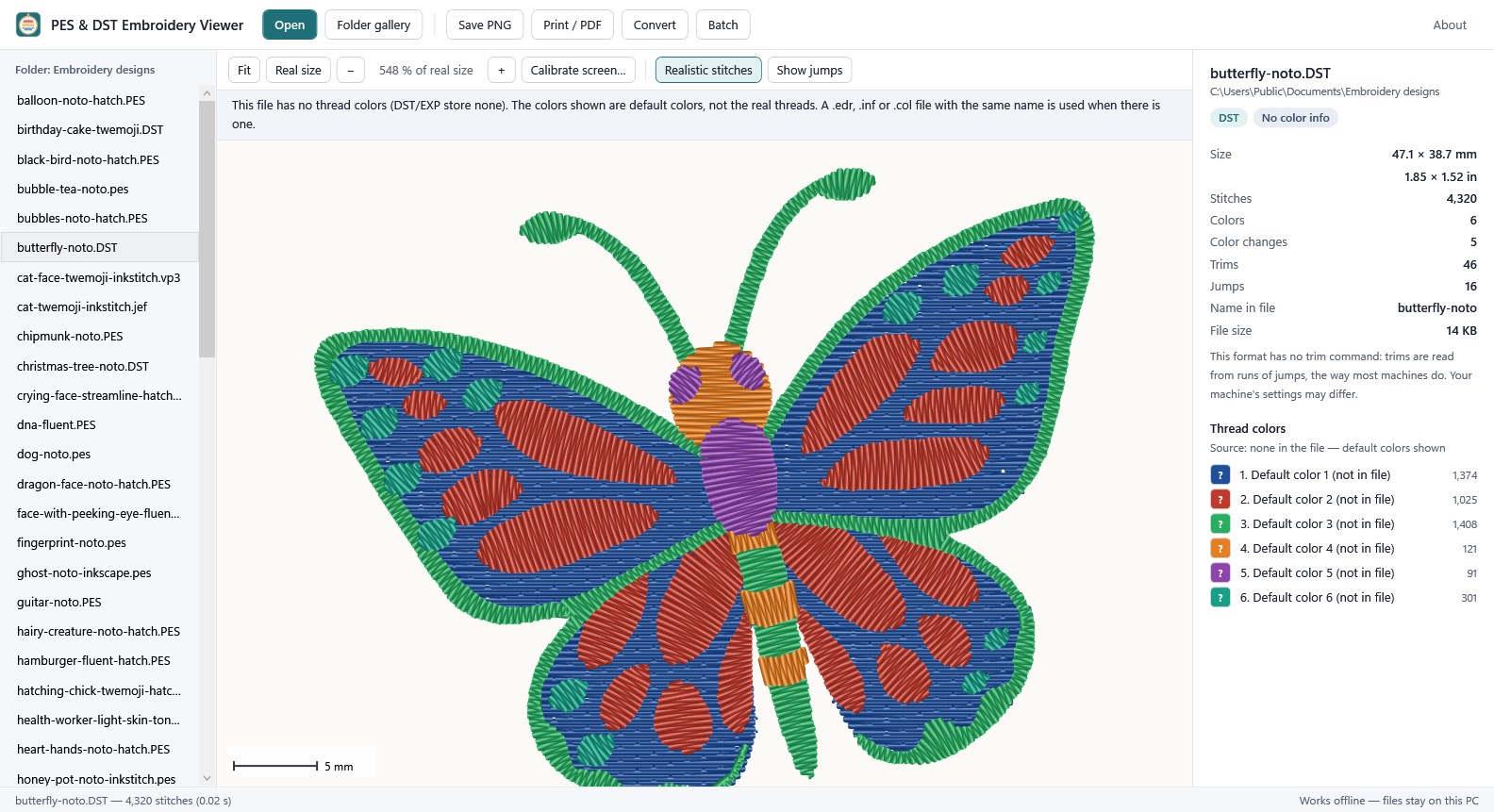
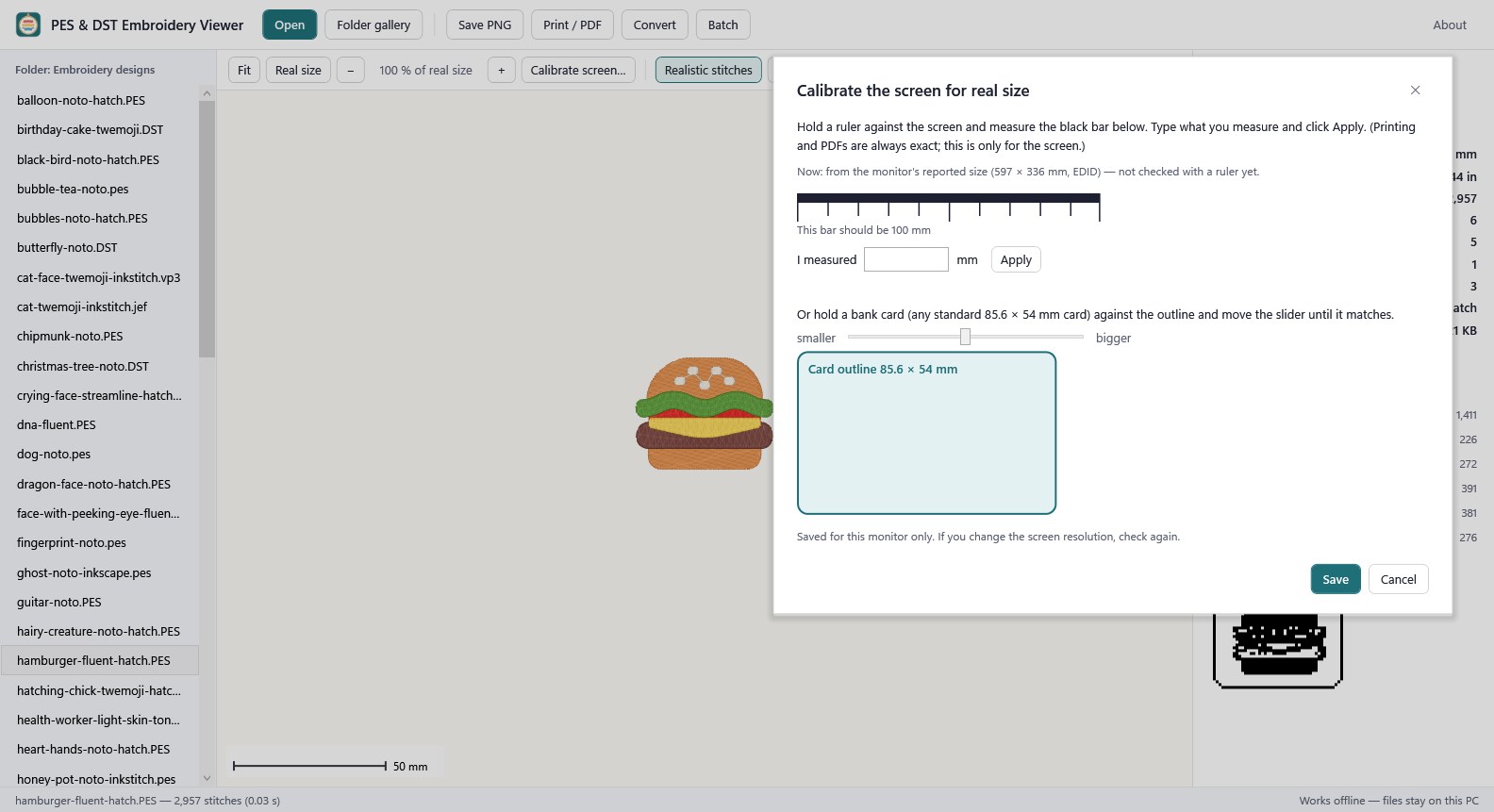
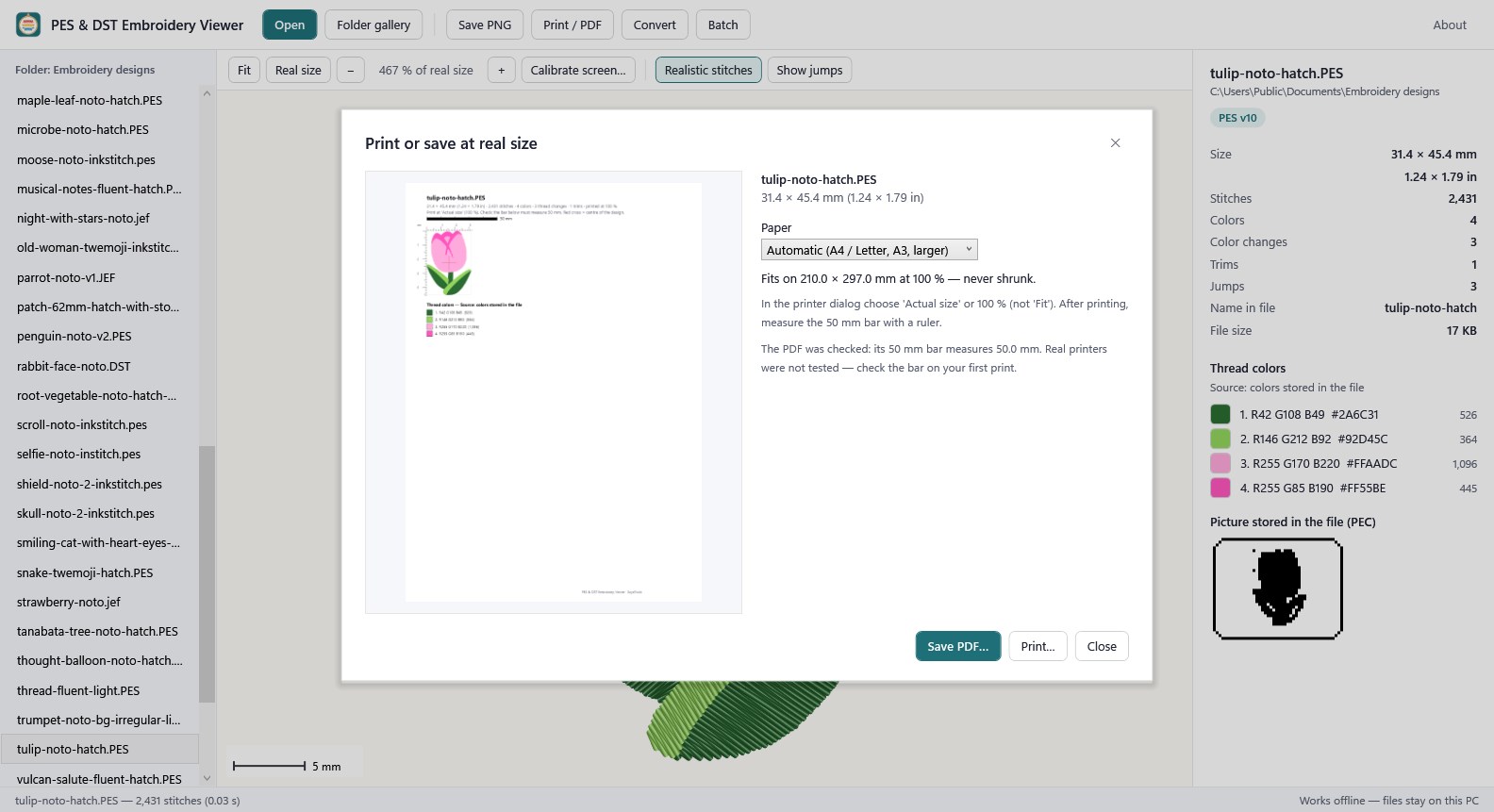
Look inside your embroidery design files on your PC — no machine software, no account, nothing uploaded. Open and view (free) • Opens .pes (all versions we could find), .pec, .dst, .jef, .exp, .vp3, .xxx and .hus (.hus is marked beta: few test files). Drag a file or a whole folder on the window. • Stitches drawn the way thread looks, or flat while you zoom; show the jumps if you want. • Size in mm and inches, stitches, colors, color changes, stops, trims and jumps; the design name and the small picture stored in PES/PEC files. • Thread color list with where the colors come from: stored in the file, a thread-chart number, a color file next to the design, or none. • Real size on screen: 100 % uses the size your monitor reports, and you can check it once with a ruler or a bank card. • Folder gallery: pictures of every design in a folder (and subfolders), sorted by name, size, stitches or colors, filtered by type. Double-click to open. • Save one picture as PNG. Pro — one-time $14.99, not a subscription • Print or save a PDF at real size: rulers, a 50 mm check bar, a centre cross and the color list. The design is never shrunk to fit; if it does not fit the paper, the app says so. • Convert to PES, PEC, DST (with or without a color list in the header), JEF or EXP. Before saving, the app converts in memory, reads the result back and lists what changes for that file — thread changes, trims (original 4 → result 3), colors lost or moved to the nearest chart color, stops that become color changes. The original file is never overwritten. • Batch a folder: a PNG and/or a real-size PDF of every design, one catalog PDF (20 designs per page) and one info CSV. Progress and Stop. Honest about colors and limits • DST and EXP files store no thread colors. The app shows default colors, marks the file "No color info" and does not pretend to know them. A .edr, .inf or .col file with the same name is used when there is one (.rgb files are read but not checked yet). • Converted files were not tested on real embroidery machines. Stitch a test on scrap fabric first. • DST and JEF have no trim command: trims are written and read as runs of jumps; whether your machine cuts there depends on its settings. • Damaged files are not repaired. The app opens what it can read and tells you the file may be damaged. • No hoop checks for particular machines (we found no official hoop sizes); the size is shown so you can compare. Measured, not promised • 795 test files in 8 formats: stitch by stitch the same result as pyembroidery, an open-source reference reader, for 789; the other 6 differ only because the app also reads the color file next to them. • 6,360 conversions read back: every needle position and every thread change kept. Trims kept for 93 % (DST) and 48 % (JEF) of PES designs — the formats above. • Real-size PDF: the 50 mm bar measures 50.0 mm. Real printers were not tested — measure the bar on your first print. • 4,770 deliberately damaged copies: none crashed or froze the app; 82 % were flagged as possibly damaged. Brother (PES/PEC), Tajima (DST), Janome (JEF), Bernina and Melco (EXP), Husqvarna Viking and Pfaff (VP3, HUS) and Singer (XXX) are trademarks of their owners. This app is not made by, endorsed by or affiliated with them; the names only describe file formats. File reading and writing is based on pyembroidery (MIT License). Sample designs in the screenshots: Emoji Embroidery Project by Daniel K. Schneider (University of Geneva), CC BY-SA 4.0.
Productivity · Windows · Free