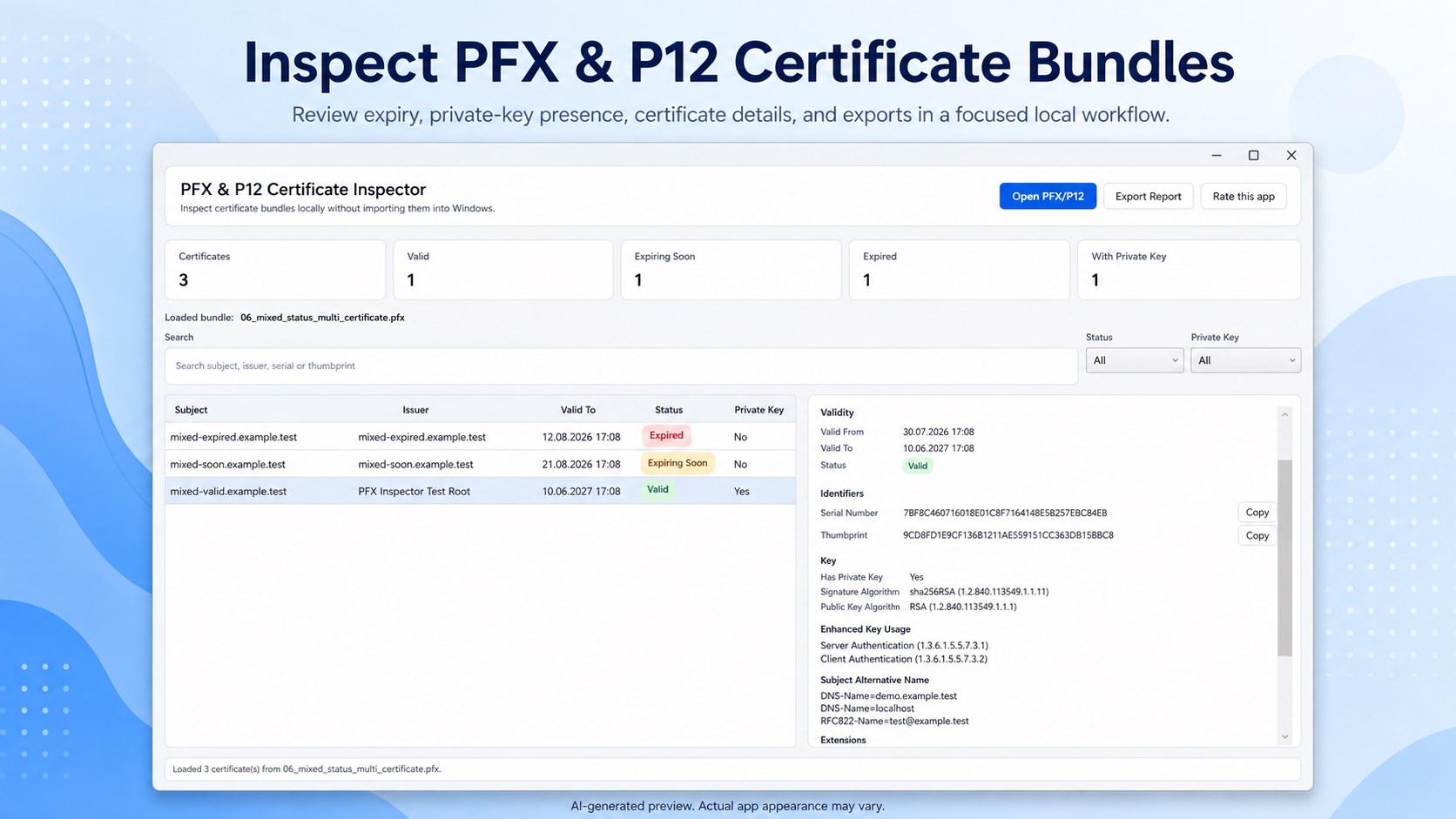
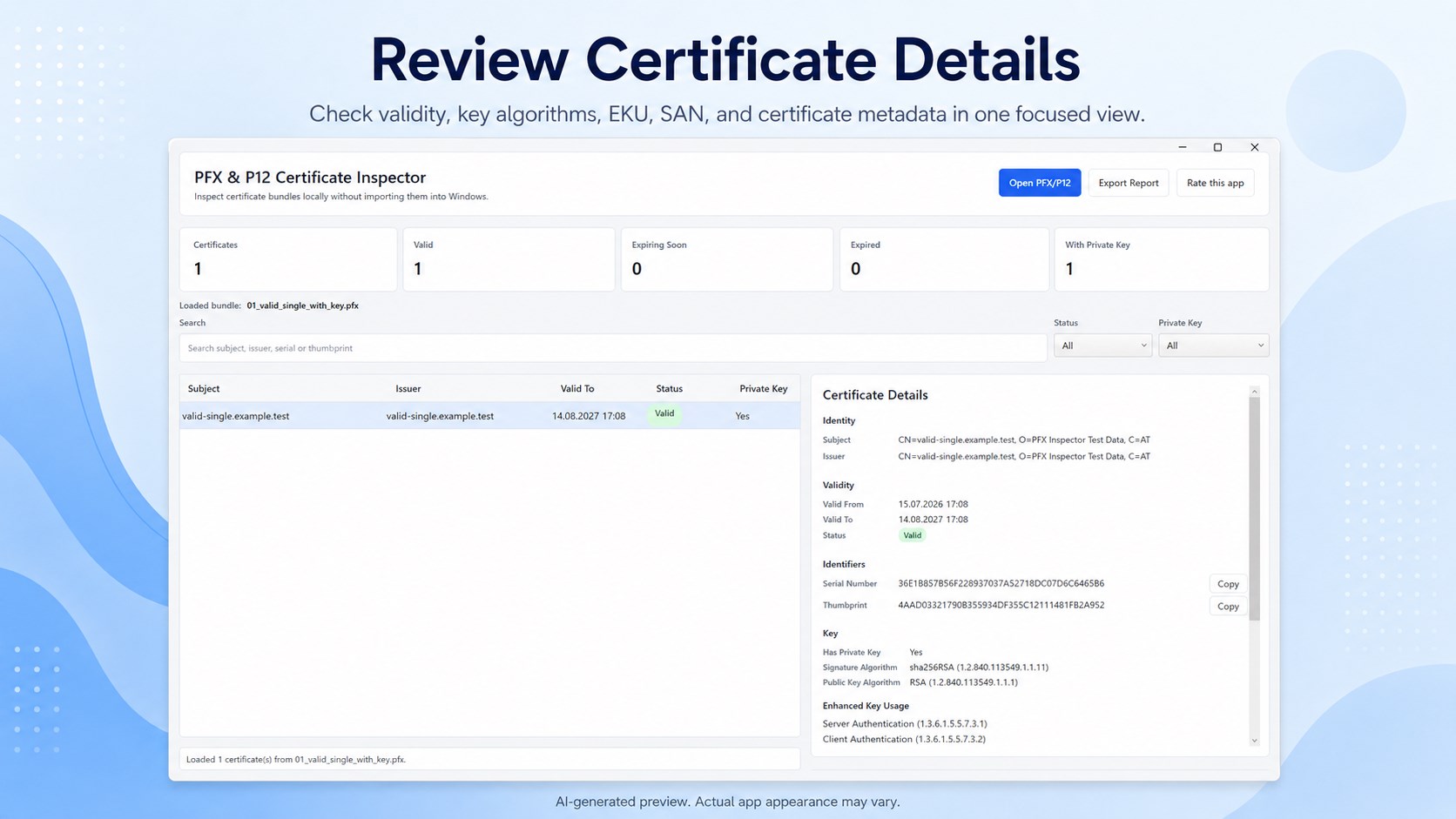
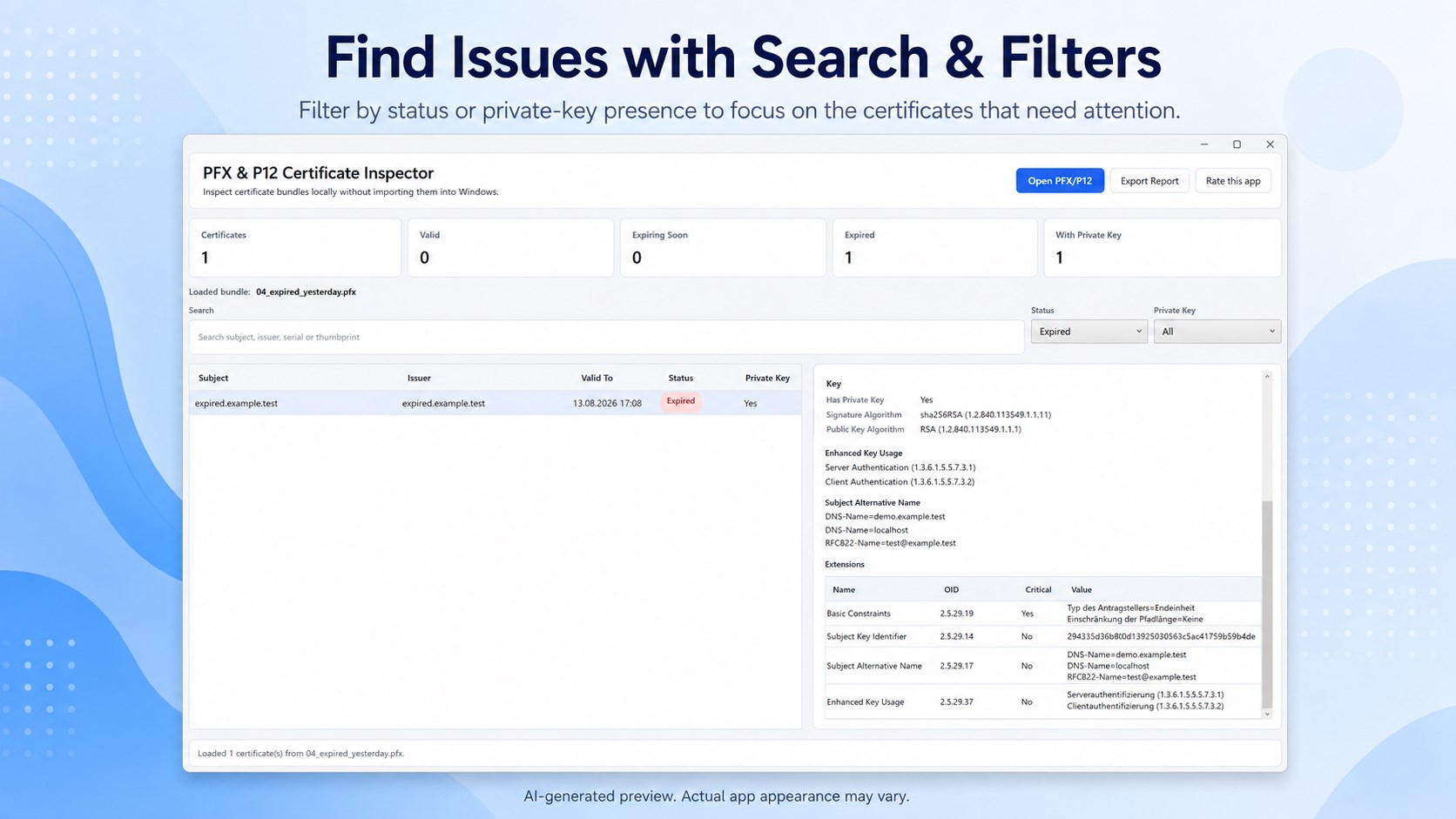
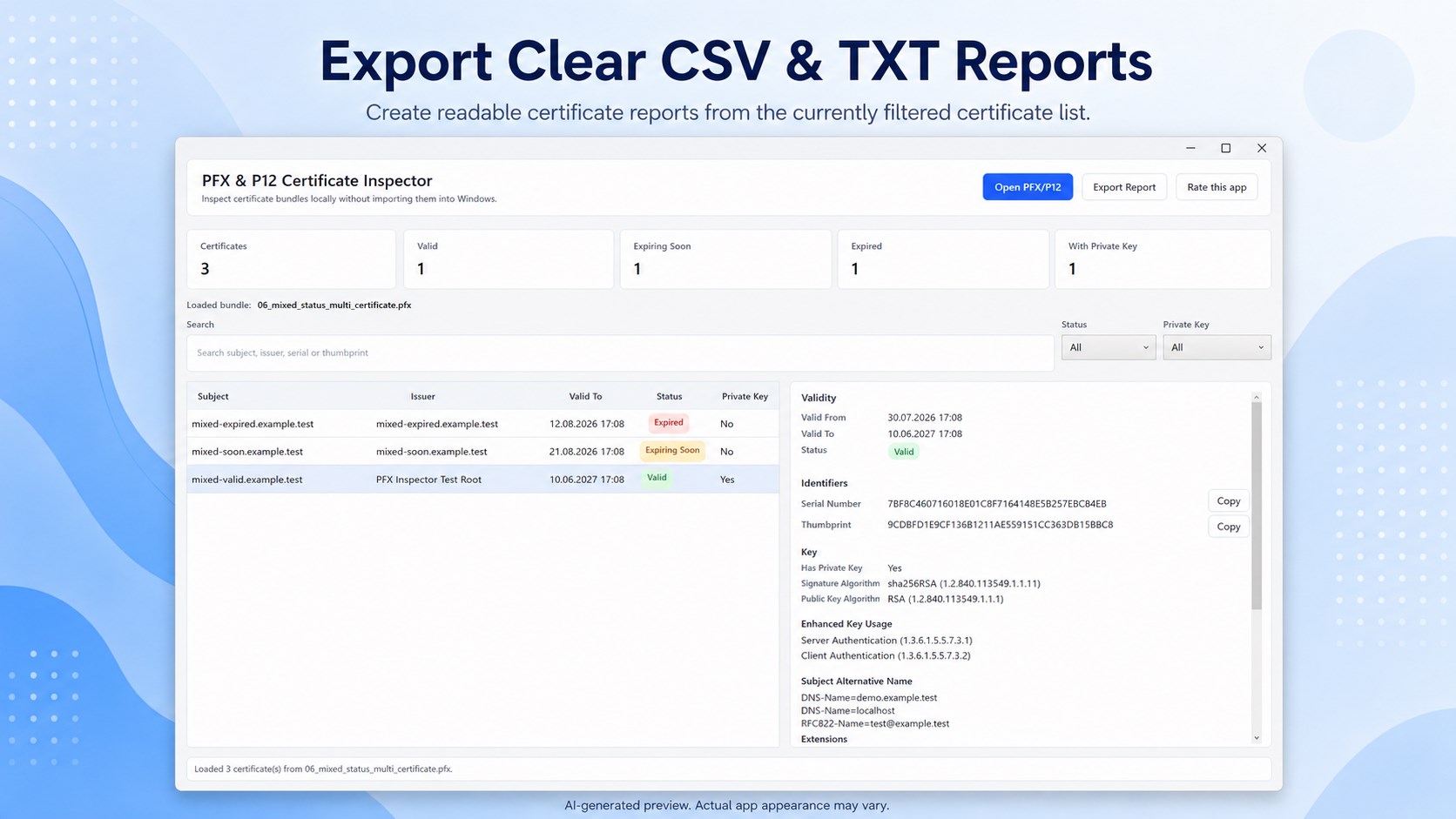
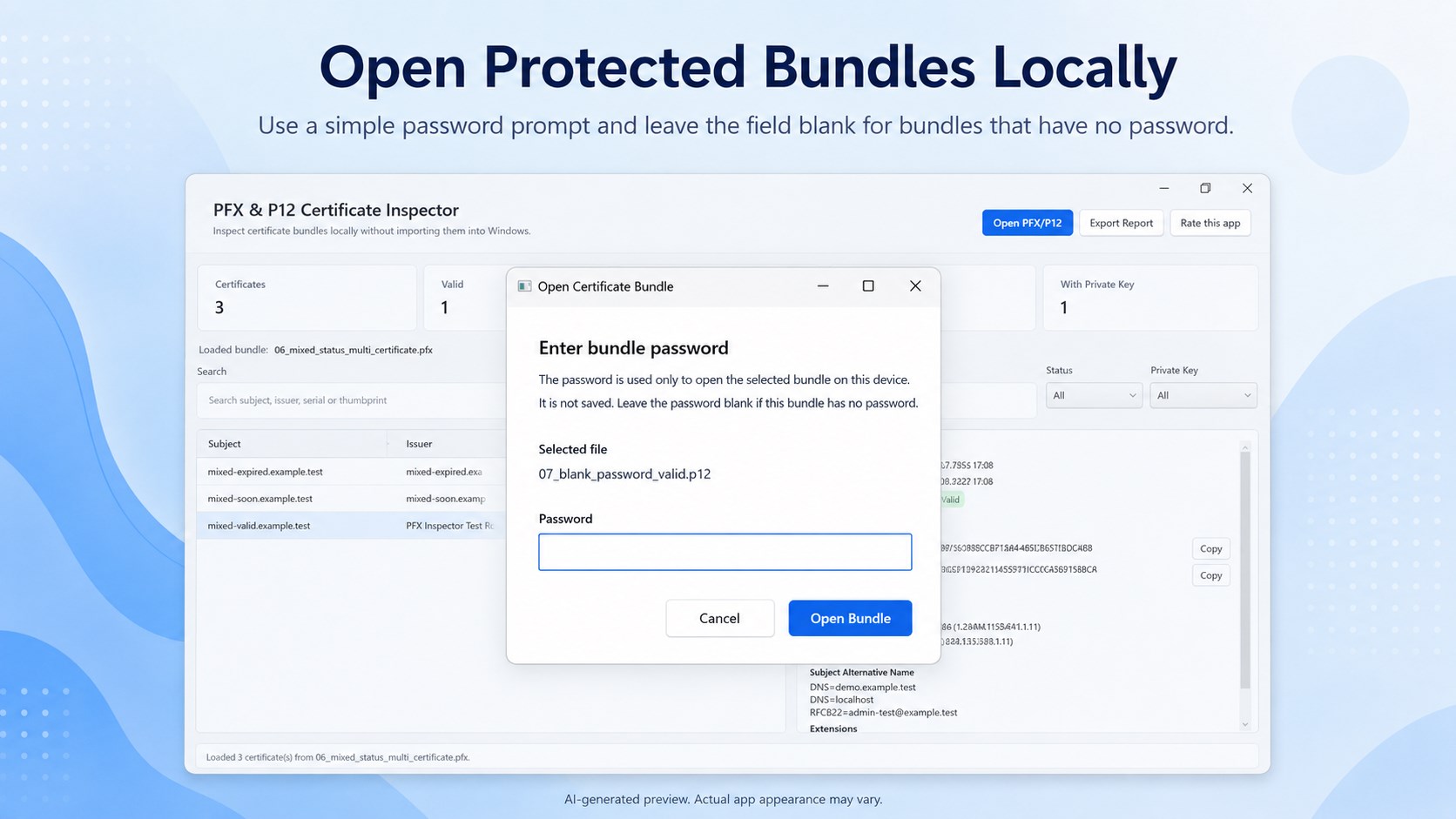
Inspect PFX and P12 certificate bundles without importing them into the Windows certificate store. 🔎 INSPECT PFX & P12 BUNDLES Open .pfx and .p12 PKCS#12 files and review the certificates they contain in a clear, focused desktop interface. 📅 REVIEW EXPIRY AT A GLANCE See certificate validity dates and quickly distinguish Valid, Expiring Soon, and Expired certificates. Expiring Soon uses a clear 30-day window. 🔑 CHECK PRIVATE-KEY PRESENCE See whether a loaded certificate reports an associated private key. The app does not extract or export private keys. 🧾 REVIEW CERTIFICATE DETAILS Inspect Subject, Issuer, Serial Number, Thumbprint, Valid From, Valid To, signature algorithm, public-key algorithm, Enhanced Key Usage (EKU), Subject Alternative Name (SAN), and certificate extensions where available. 🔍 SEARCH & FILTER Search certificate metadata and filter by expiry status or private-key presence to focus on the certificates you need. 📤 EXPORT CLEAR REPORTS Export the currently filtered certificate list as CSV or TXT for documentation, handoff, support, or review. 🔒 LOCAL, READ-ONLY WORKFLOW Certificate bundles are processed locally on your device. The app does not upload certificate files or metadata, does not install certificates, and does not modify the original PFX or P12 bundle. Designed for IT professionals, support teams, developers, deployment workflows, and anyone who needs a fast read-only view of PKCS#12 certificate bundle metadata. IMPORTANT This app is a metadata inspection and reporting utility. It does not validate certificate trust chains, check revocation or OCSP status, determine whether a certificate is secure, or recover passwords.
Developer Tools · Windows · $3.79