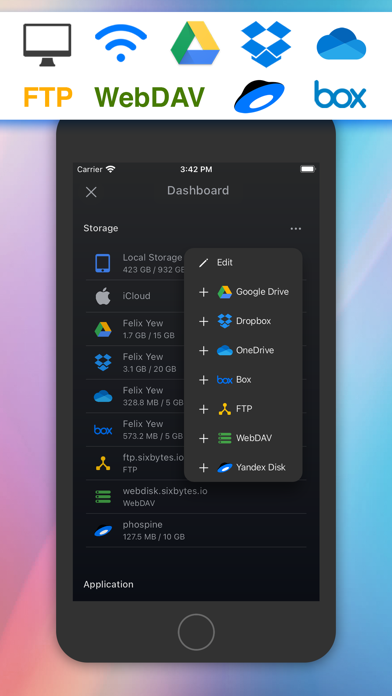
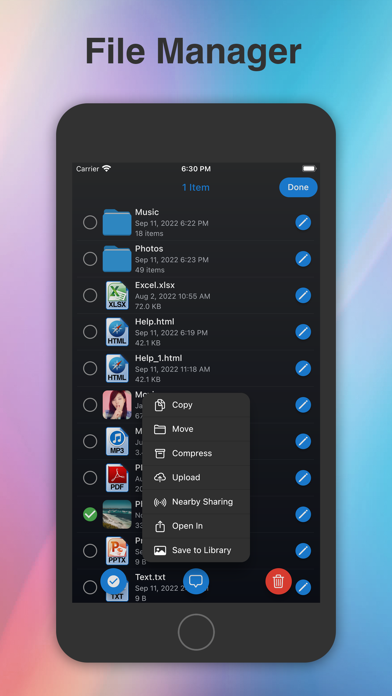
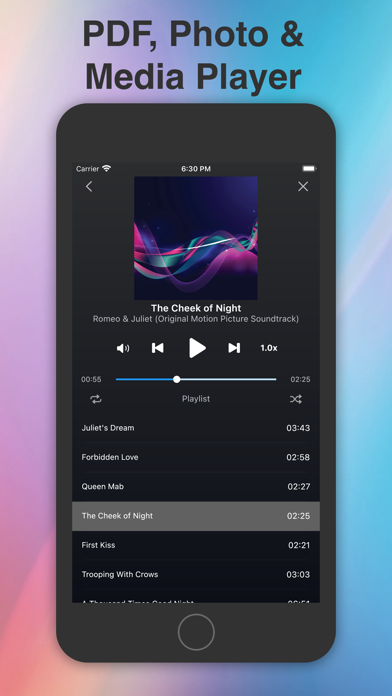
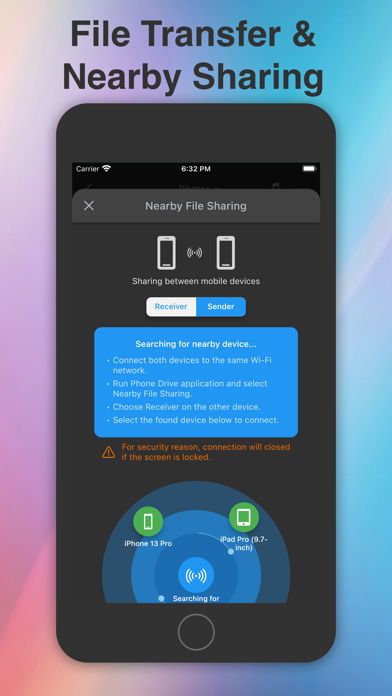
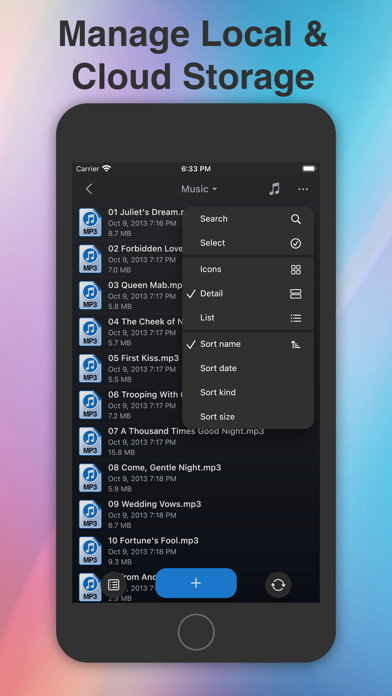
Turn your iPhone or iPad into a wireless file drive. Phone Drive Pro helps you transfer files to your computer, organize documents and media, read PDFs and play music in one app. TRANSFER FILES OVER WI-FI Move files between Phone Drive Pro and your Mac or Windows PC over the same Wi-Fi network. Start the transfer feature in the app and open its address in your computer's web browser. Upload and download files without a USB cable or separate desktop app. ORGANIZE YOUR FILES Create folders for projects, work documents, photos and music. Copy, move, rename, delete and share files. ZIP related files together or unzip an archive you receive. Keep local files in Phone Drive Pro available for offline access. READ DOCUMENTS AND EDIT TEXT Open PDFs and preview supported Microsoft Office and iWork documents, including Word, Excel, PowerPoint, Pages, Numbers and Keynote files. View images, create text files and edit plain text or source code. ENJOY YOUR MUSIC AND VIDEOS Build playlists from your own audio files and listen with shuffle, repeat and background playback. Watch supported videos and stream compatible music or video from connected cloud storage. CONNECT CLOUD ACCOUNTS AND SERVERS Access supported Dropbox, OneDrive, Box, iCloud Drive and Yandex Disk accounts, plus FTP and WebDAV servers. Browse connected storage and move files between supported locations. Cloud connections require additional in-app purchases. PROTECT ACCESS TO THE APP Set a passcode and use Face ID or Touch ID on supported devices to restrict access to Phone Drive Pro. KEEP USEFUL FILES CLOSE Carry reference documents to a meeting, organize photos from your library or keep PDFs and music ready for a trip. Use your iPhone or iPad as a place to store, open and manage the files you need. Phone Drive Pro is the paid edition of Phone Drive. Optional cloud connections are sold separately through in-app purchases. For local Wi-Fi transfers, keep the app open and your device awake until the transfer finishes. Cloud services require an internet connection and a supported account. Learn more: https://sixbytes.io/products/phone-drive Privacy Policy: https://sixbytes.io/products/phone-drive/legal/privacy-policy Terms of Use: https://sixbytes.io/products/phone-drive/legal/terms
Utilities · iPhone, iPad · Free
Rating: 4.7 out of 5, based on 2264 user ratings.