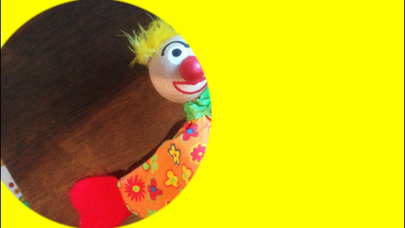
Set three of your photos behind the three 'Tumble Tap' coloured spots, for children to find and discover, just like Mr Tumble does. Choose from pictures in your iPhone or iPad picture gallery, or take photos using your device camera. To set the pictures, tap one bottom corner of the screen, then the opposite corner. On load / restart, the corners will appear as Spanner Icons to remind you how to set the pictures. -- Unofficial app, like the fictional one off the telly! Ad supported. You will be occasionally shown interstitial ads after setting new photos in the app. * * Optionally, you can remove the advertisements entirely with an In-App Purchase.
Games:Roleplaying · iPhone, iPad · Free
Rating: 4.0 out of 5, based on 3 user ratings.