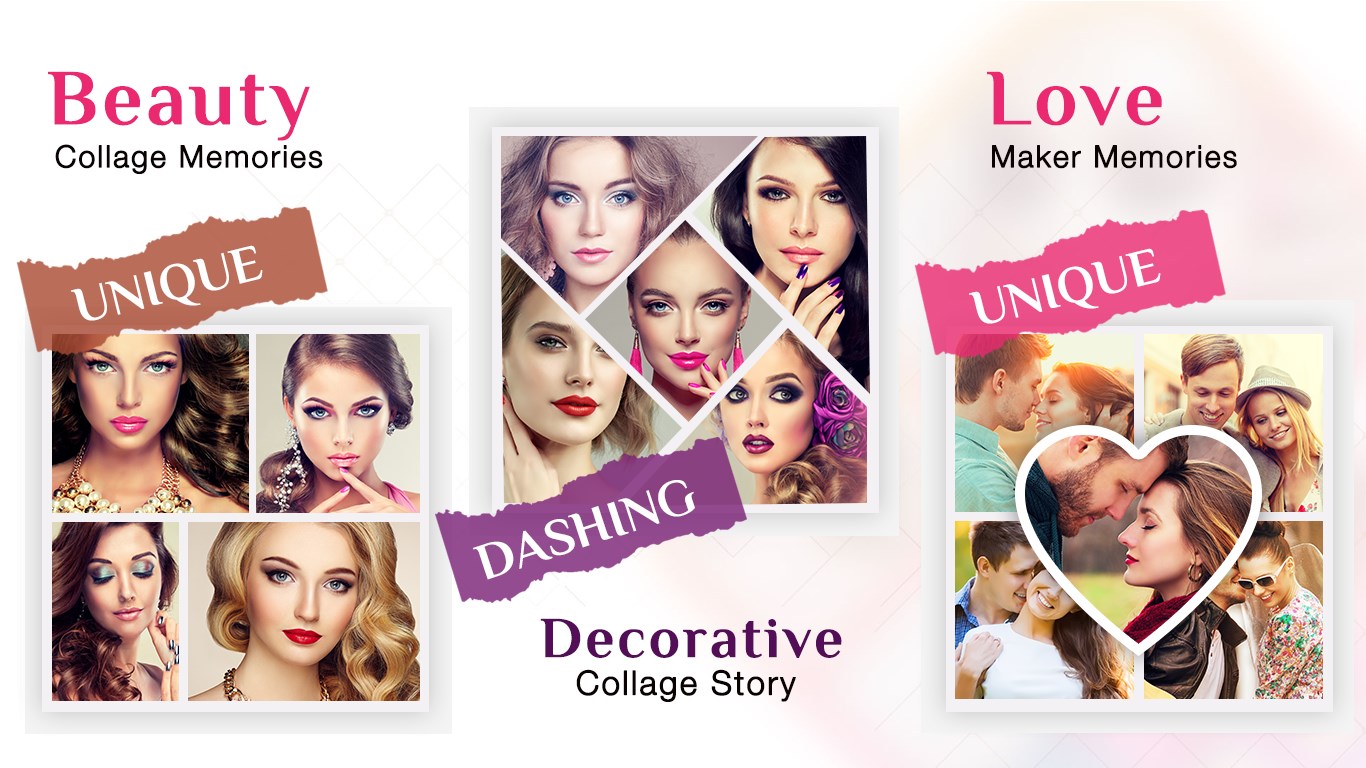
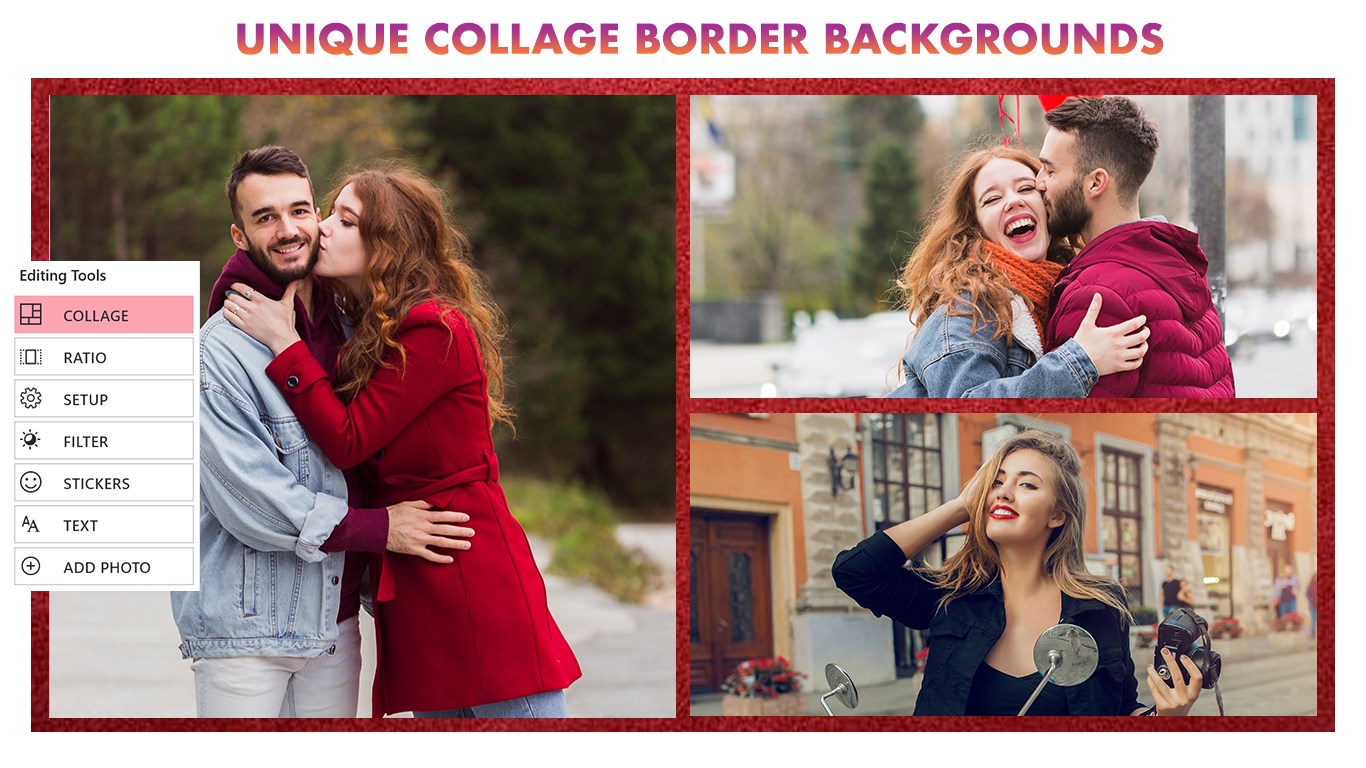
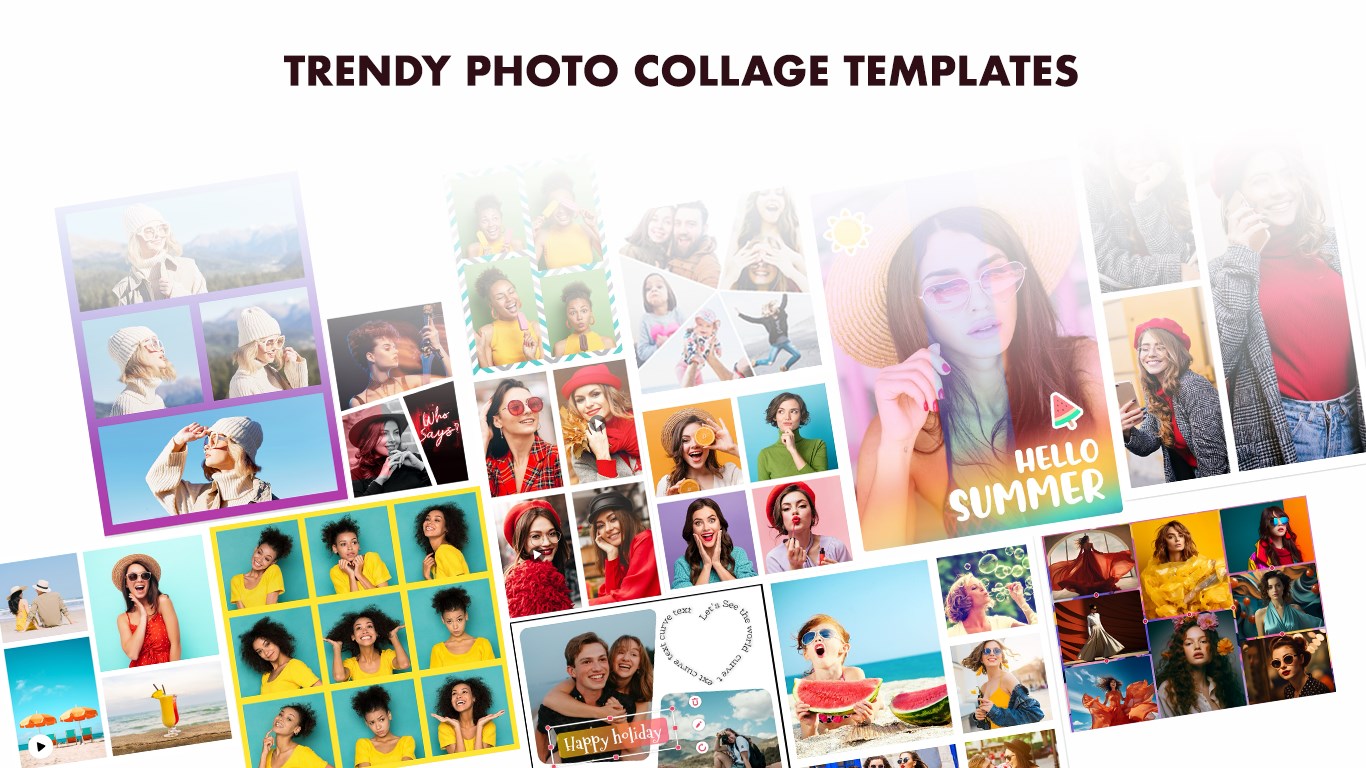
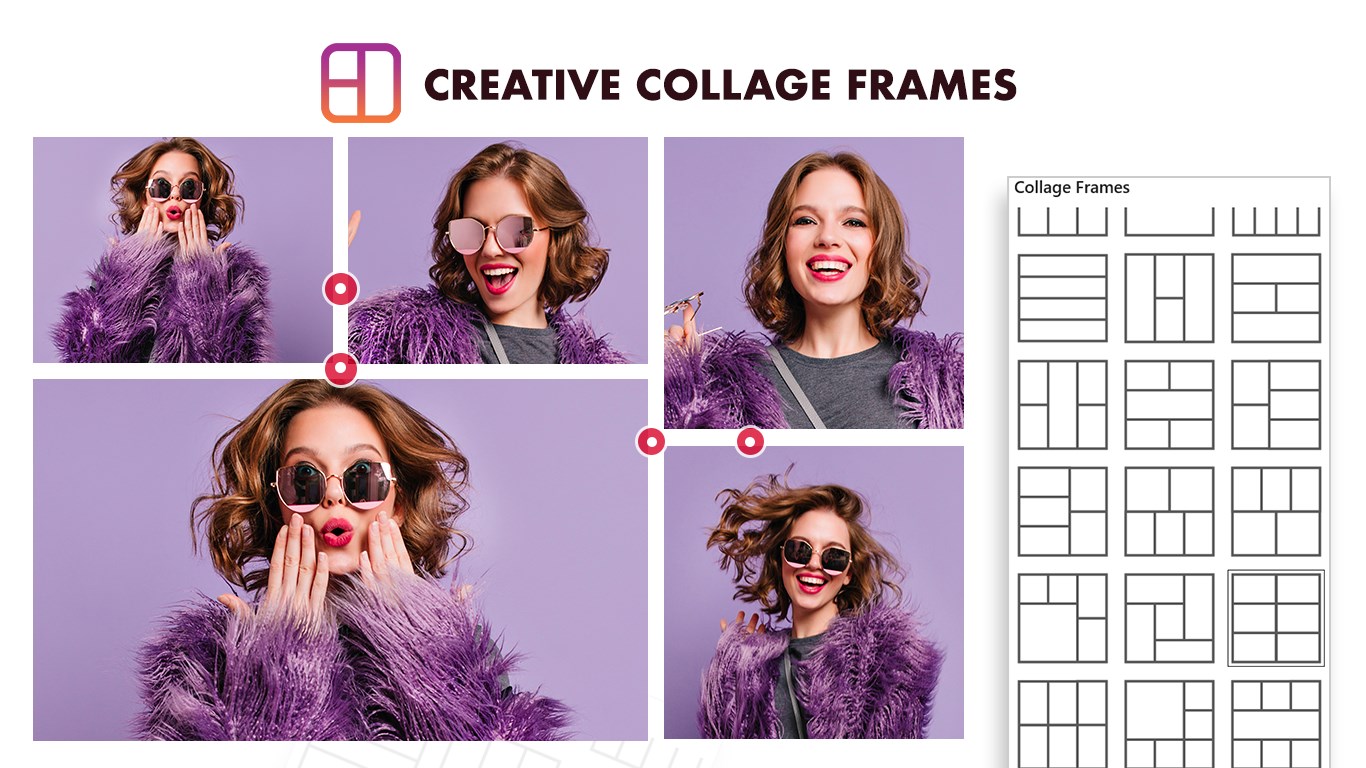
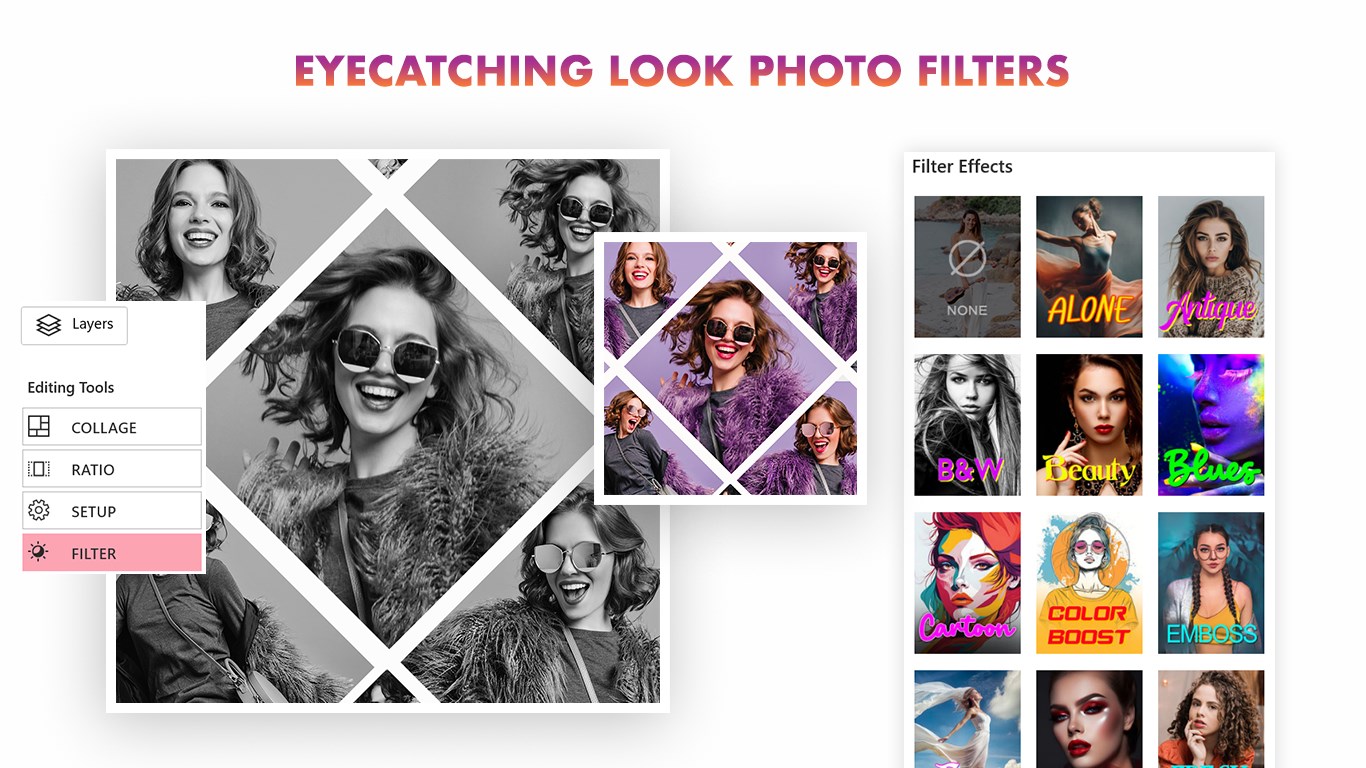
Photos Collage is a creative and user-friendly collage maker designed to help you transform your favorite images into beautifully arranged visual stories. With a wide selection of layout grids, artistic effects, and customization tools, you can build unique collages that truly reflect your style—all from photos already saved in your gallery. Key Features: Versatile Collage Grids Choose from 15+ professionally designed grid layouts. Easily create collages with 3, 4, or up to 9 images in a single layout. Manual Photo Selection Add photos directly from your device’s gallery—no live camera access required. Build your collage using existing images with full creative control. Powerful Editing Tools Enhance your collages with frames, filters, textures, and advanced editing controls. Adjust brightness, contrast, saturation, and sharpness for the perfect look. Full Layout Control Rotate, flip, zoom, and reposition individual photos within the collage. Seamlessly switch between grid modes and templates. Creative Enhancements Add stylish text, backgrounds, and multi-layer textures. Apply 20+ filters with fine-tuned effect control for standout results. Flexible Crop & Orientation Tools Use the free-form crop tool and simple gestures to get the exact shape and angle you want. Save in Multiple Formats Export your collages in formats including JPG, PNG, BMP, PDF, MP4, GIF, SVG, and more. You can also save your work as a draft and continue editing later. Express with Text Add captions, notes, or fun messages directly to your collage with easy-to-use text tools. Easy Sharing Create a visual family tree to organize and showcase your family members. Add names, photos, and relationship information, then build and customize family connections in an easy-to-use visual layout. Personalize your family tree with photos and create meaningful designs that bring different generations together. Blend Collage Blend multiple photos together to create artistic and creative compositions. Combine images with smooth blending effects and adjust their placement, size, rotation, transparency, and other elements. Customize your creations with backgrounds, overlays, shapes, stickers, and text. Save in Multiple Formats Share your creations instantly with friends and family through social platforms, email, or messaging. Photos Collage is perfect for creating quick photo layouts, memory boards, greeting cards, or personal projects. Bring your photos together in a fun, polished, and highly customizable way—no camera needed, just your creativity. Support: Tutorial: https://www.cidadeapps.com/photos-collage-tutorial/ Web: https://www.cidadeapps.com Email: cidadeapps@hotmail.com https://apps.microsoft.com/detail/9NBLGGH67TWG?hl=en-us&gl=IN&ocid=pdpshare
Photo & Video · Windows · Free
Rating: 3.7 out of 5, based on 1045 user ratings.