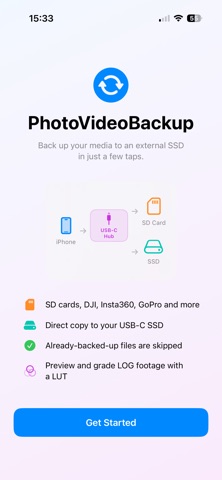
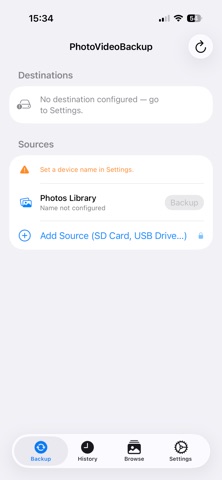
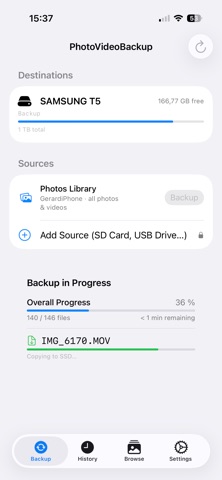
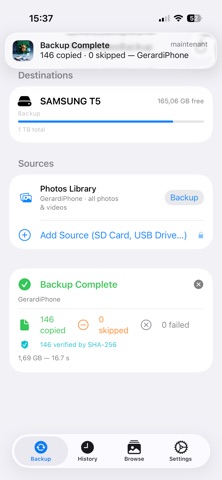
PhotoVideoBackup transfers your photos and videos from your iPhone directly to an external SSD over USB-C fast, private, and offline. No cloud. No subscription. No middleman. WHY PHOTOVIDEOBACKUP? Most backup solutions send your files to a cloud server you don't control. PhotoVideoBackup sends them straight to your drive. Your memories stay yours. HOW IT WORKS 1. Plug in your USB-C SSD 2. Select the destination folder once 3. Tap Backup — done Access is preserved across launches via secure bookmarks. You never have to pick the folder again. FREE FEATURES - Back up your iPhone Photos Library (photos & videos) - Single SSD destination - Real-time progress with file-by-file status - Full backup report: copied, skipped, failed, duration - History of all past backup sessions PRO FEATURES — one-time $4.99 - Add external sources: SD cards, USB drives, Insta360, DJI, Blackmagic cameras, and more - Mirror backup to a second SSD simultaneously - Perfect for photographers and videographers who shoot on multiple devices No subscription. Pay once. Use forever. PRIVACY PhotoVideoBackup does not collect, transmit, or store any of your data. Everything stays on your device and your drive.
Photo & Video · iPhone, iPad · Free