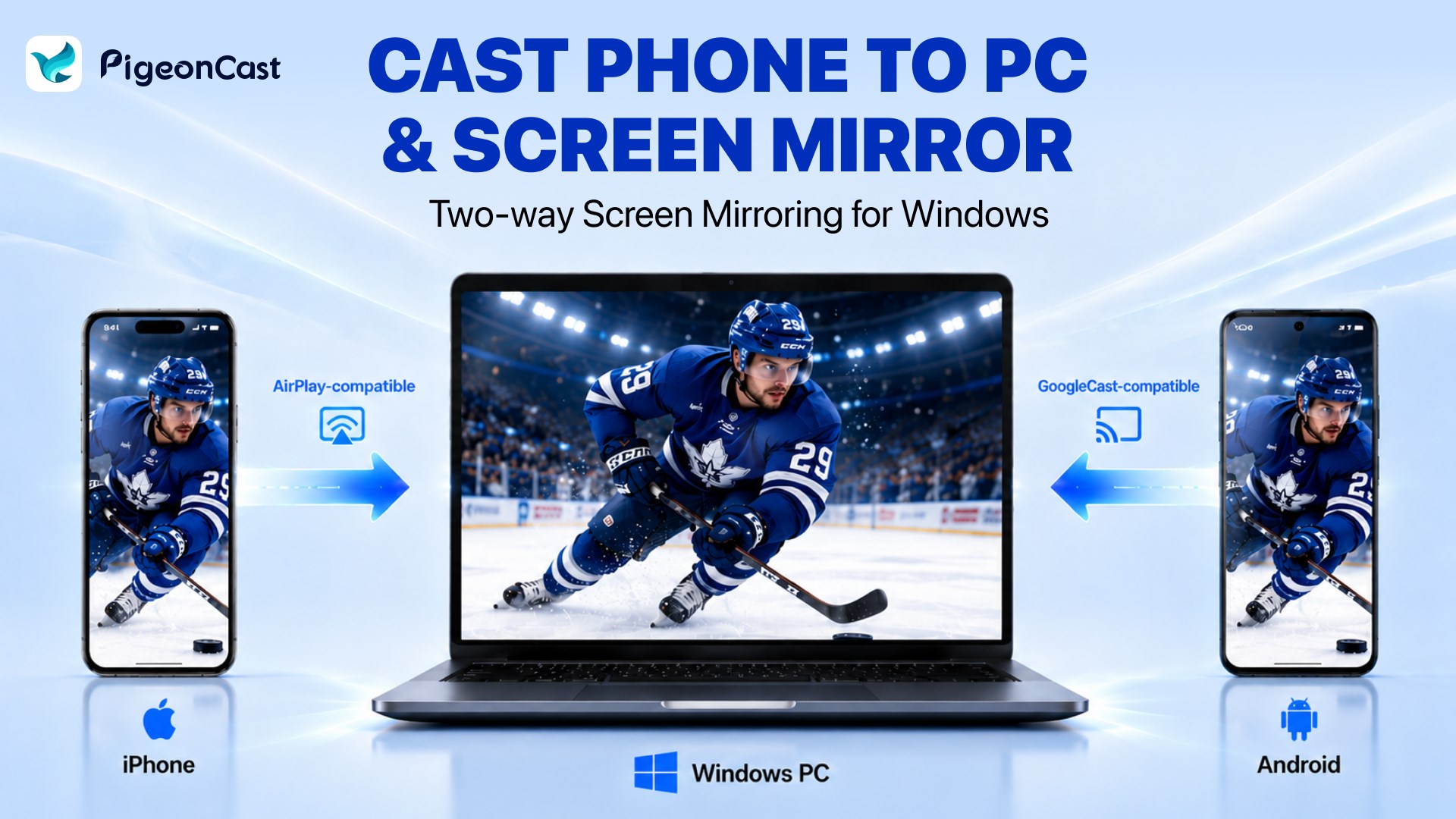
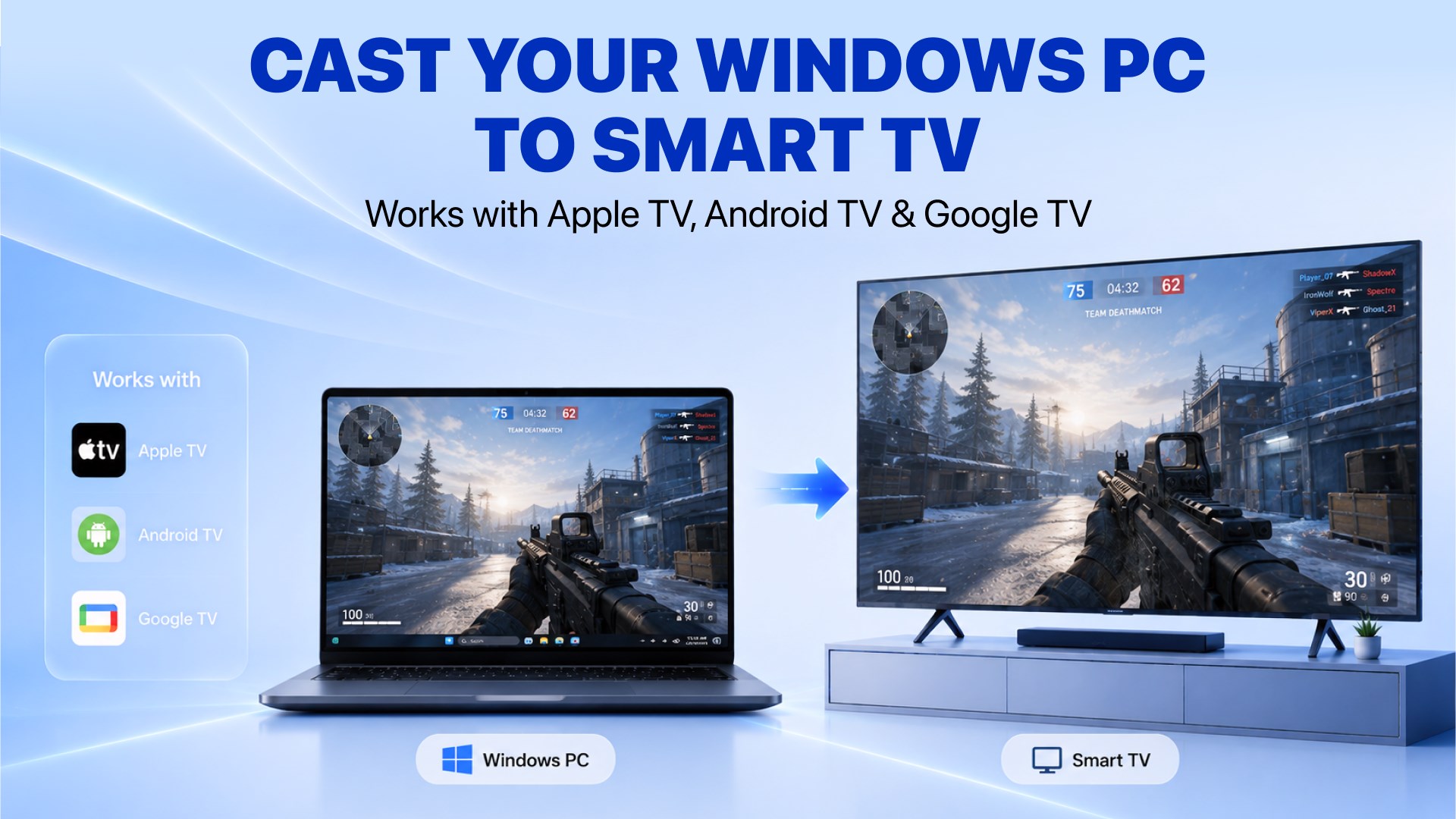
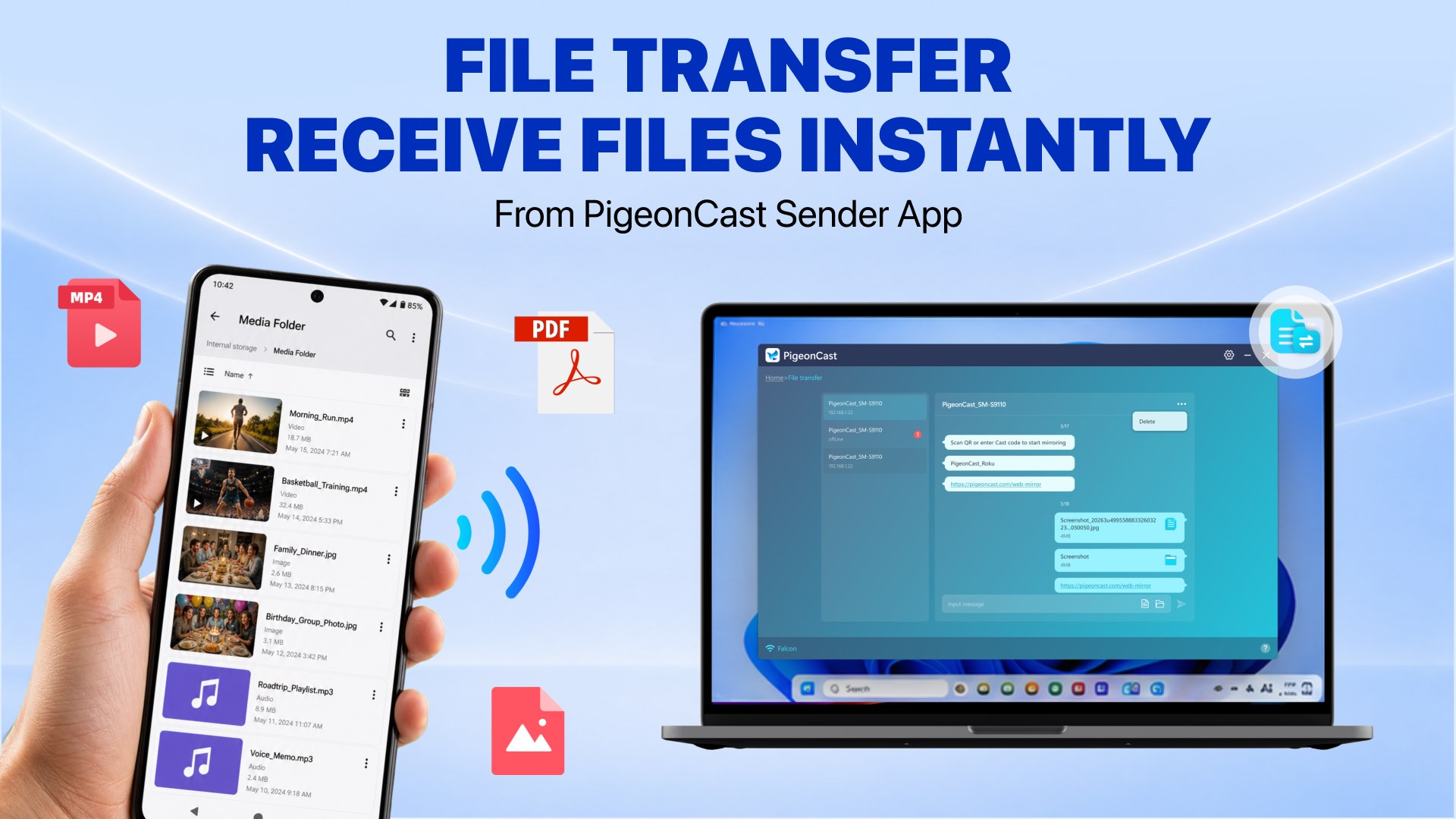
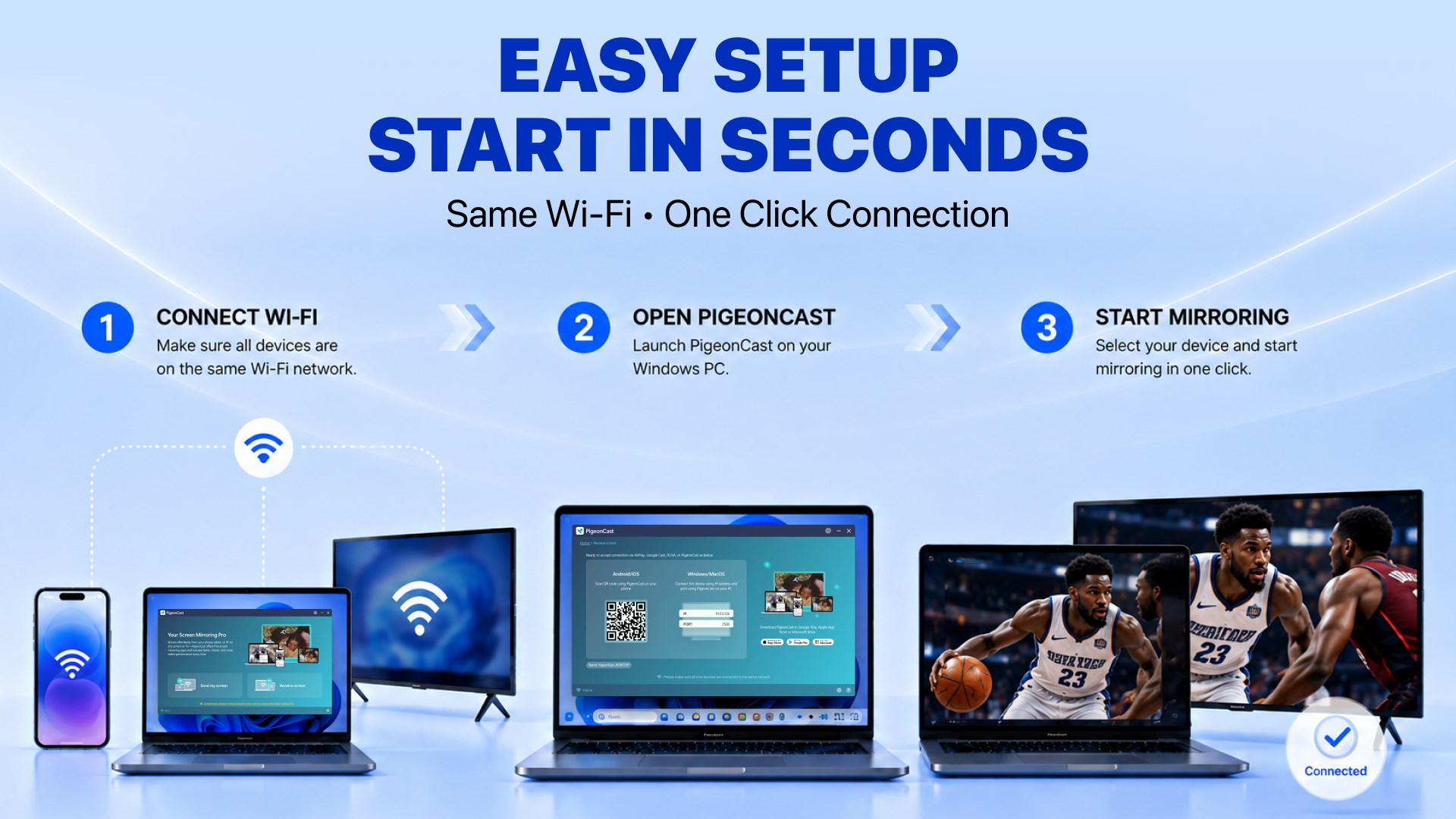
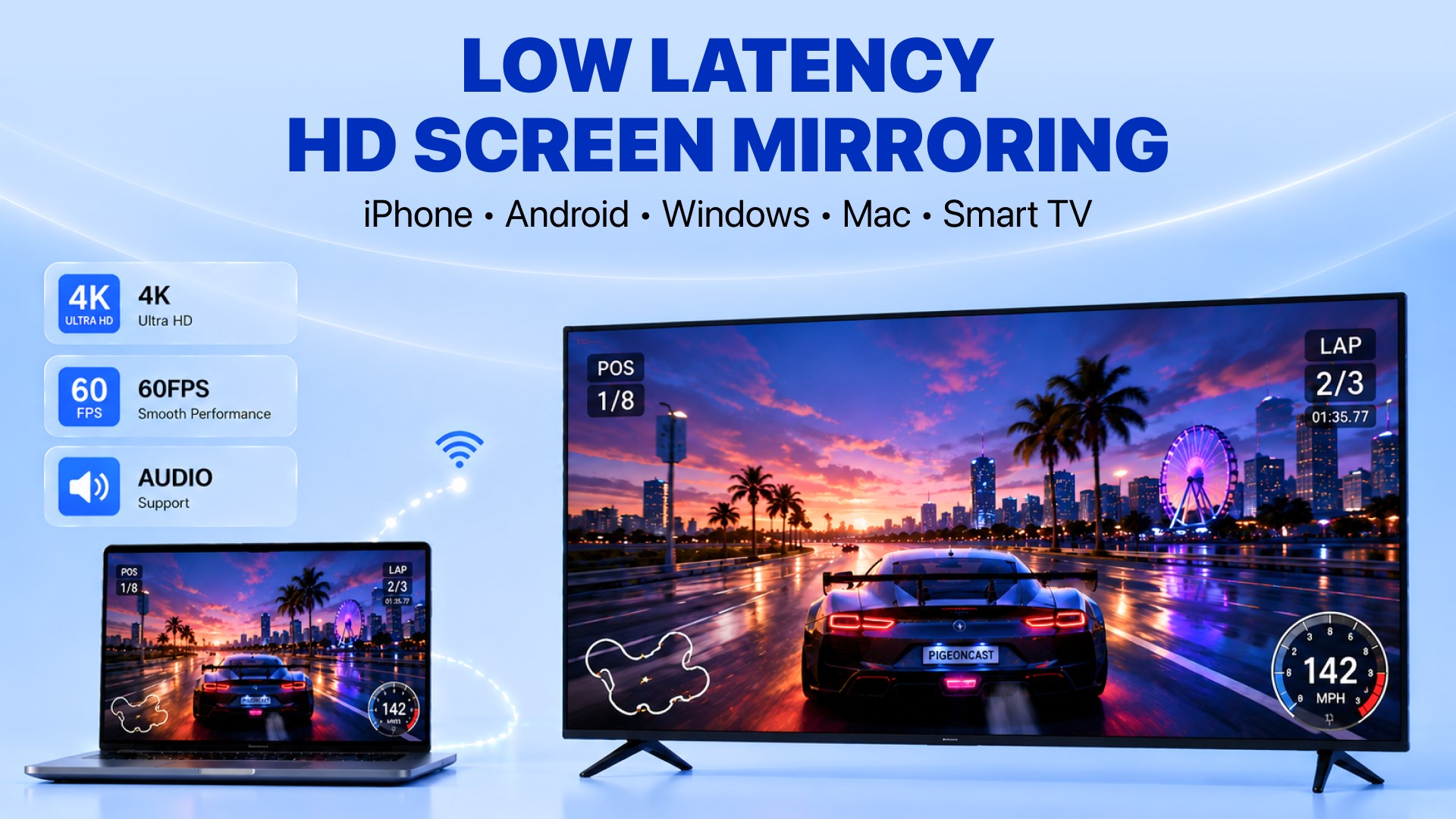
Mirror and cast your iPhone or Android phone to a Windows PC with PigeonCast. PigeonCast turns your Windows PC into a wireless screen mirroring and casting receiver. Easily mirror iPhone to PC, cast iPhone to PC, mirror Android phone to PC, or cast phone to PC for a larger-screen experience. View your phone screen, photos, videos, apps, presentations, and other supported content on Windows without cables or adapters. PigeonCast also works in the other direction, allowing you to cast your Windows PC to Smart TVs and compatible displays. 🚀 MIRROR & CAST PHONE TO PC Use your Windows PC or laptop as a wireless screen receiver. • Mirror iPhone to PC with AirPlay support • Cast iPhone to Windows PC • Mirror iPad to PC or laptop • Mirror Android phone to PC • Cast Android phone screen to PC • Stream supported audio, video, photos, apps, and screen content • Enjoy phone screen mirroring on a larger Windows display Whether you're presenting, sharing photos and videos, demonstrating an app, or simply viewing your phone on a bigger screen, PigeonCast makes phone-to-PC screen mirroring simple. 📺 CAST PC TO TV PigeonCast also lets you send your Windows screen to compatible TVs and displays. • Cast Windows PC to Smart TV wirelessly • Mirror PC screen to TV • Share your desktop on a larger display • Cast browser tabs, presentations, videos, and supported content • Connect to compatible Smart TVs, Apple TV, Android TV, and Google TV Use one app for both casting phone to PC and casting PC to TV. 📃 FILE TRANSFER Receive photos, videos, music, files, folders, and messages on your Windows PC from the PigeonCast Sender app. ✨ AI-ASSISTED CASTING Use natural language commands to make casting easier. Just tell AI what you want: • "Find available displays" • "Cast my screen to the meeting room TV" • "Start screen mirroring" • "Stop casting" AI-assisted controls help reduce the steps needed to discover compatible displays and start or stop casting. 💻 CROSS-DEVICE COMPATIBILITY • iPhone & iPad • Android phones & tablets • Windows PCs & laptops • Mac computers • Smart TVs, Apple TV, Android TV & Google TV 🔗 MULTIPLE CASTING TECHNOLOGIES • AirPlay / AirPlay 2 support • Google Cast-compatible devices • DLNA support • Browser casting from Chrome & Edge • PC-to-PC screen sharing PigeonCast can also serve as a practical Miracast alternative for Windows users looking for broader compatibility across phones, computers, and TVs. 🎬 SMOOTH WIRELESS MIRRORING • Low-latency screen mirroring • HD quality up to 4K, depending on device and network • Audio and video streaming support • 30FPS / 60FPS options • Wireless connection over your local Wi-Fi network 🌟 EASY SETUP Connect compatible devices to the same Wi-Fi network and start screen mirroring or casting. No cables. No adapters. No complicated setup. ⚠️ IMPORTANT NOTES • Android devices must support compatible wireless screen casting • iPhone, iPad, and Mac devices must support AirPlay or AirPlay 2 • TVs must support compatible wireless casting or screen mirroring • Compatibility may vary by device and operating system • Network firewall access may be required for device discovery • PigeonCast does not support unauthorized streaming of copyright-protected content AirPlay is a trademark of Apple Inc. Chromecast and Google Cast are trademarks of Google LLC. Terms of Use: https://pigeoncast.com/terms Privacy Policy: https://pigeoncast.com/privacy
Utilities · Windows · Free
Rating: 4.8 out of 5, based on 584 user ratings.