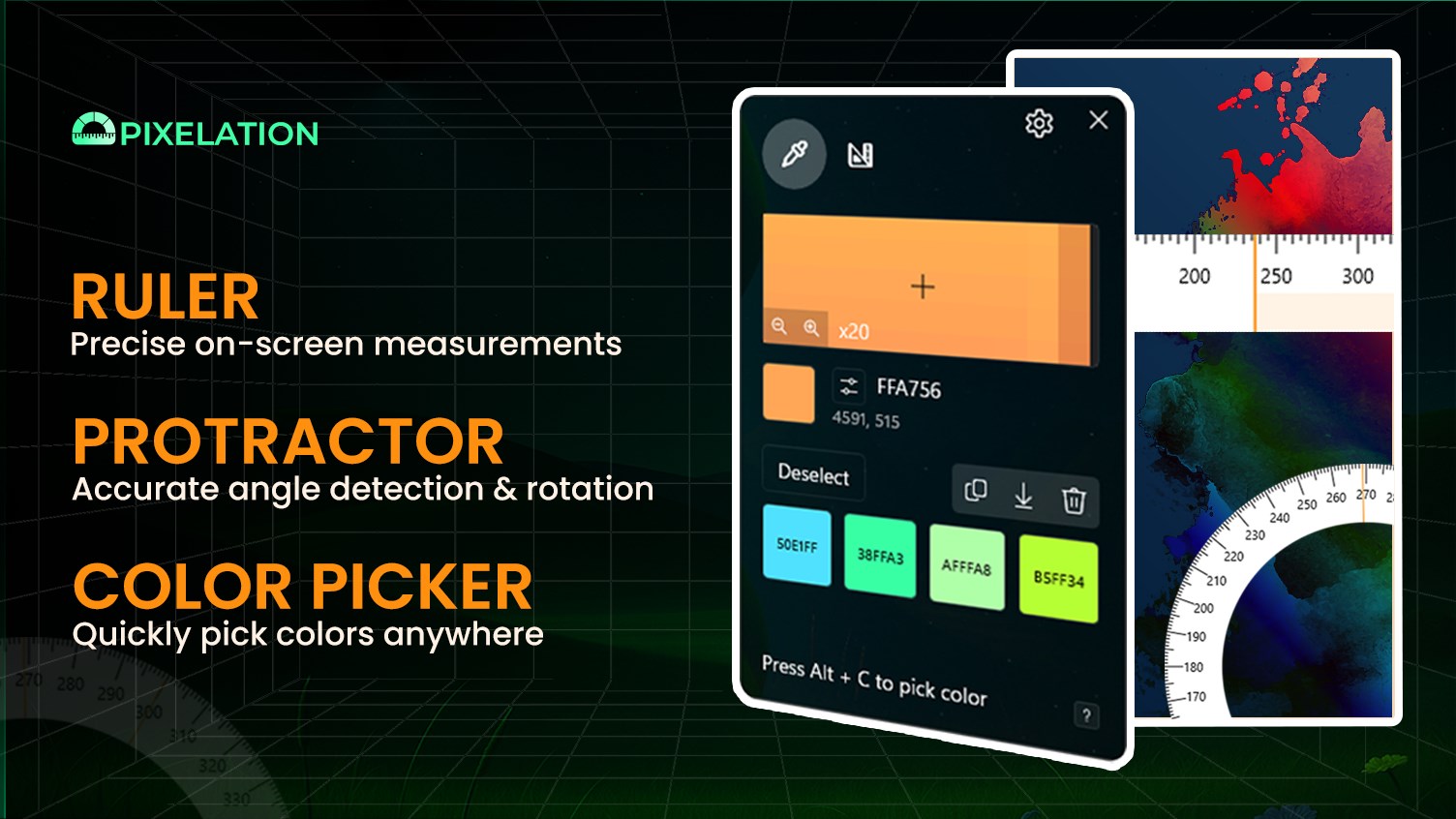
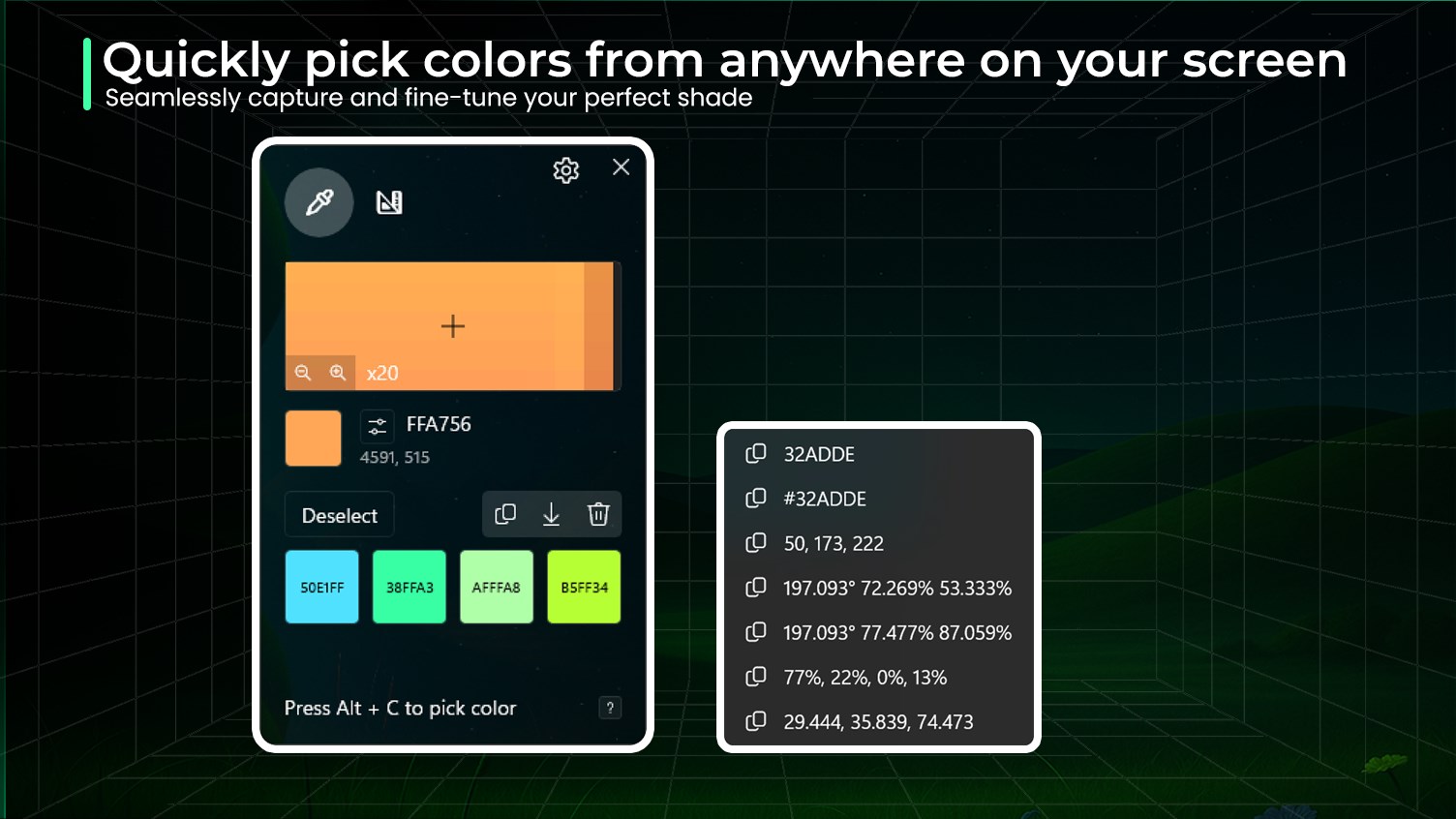
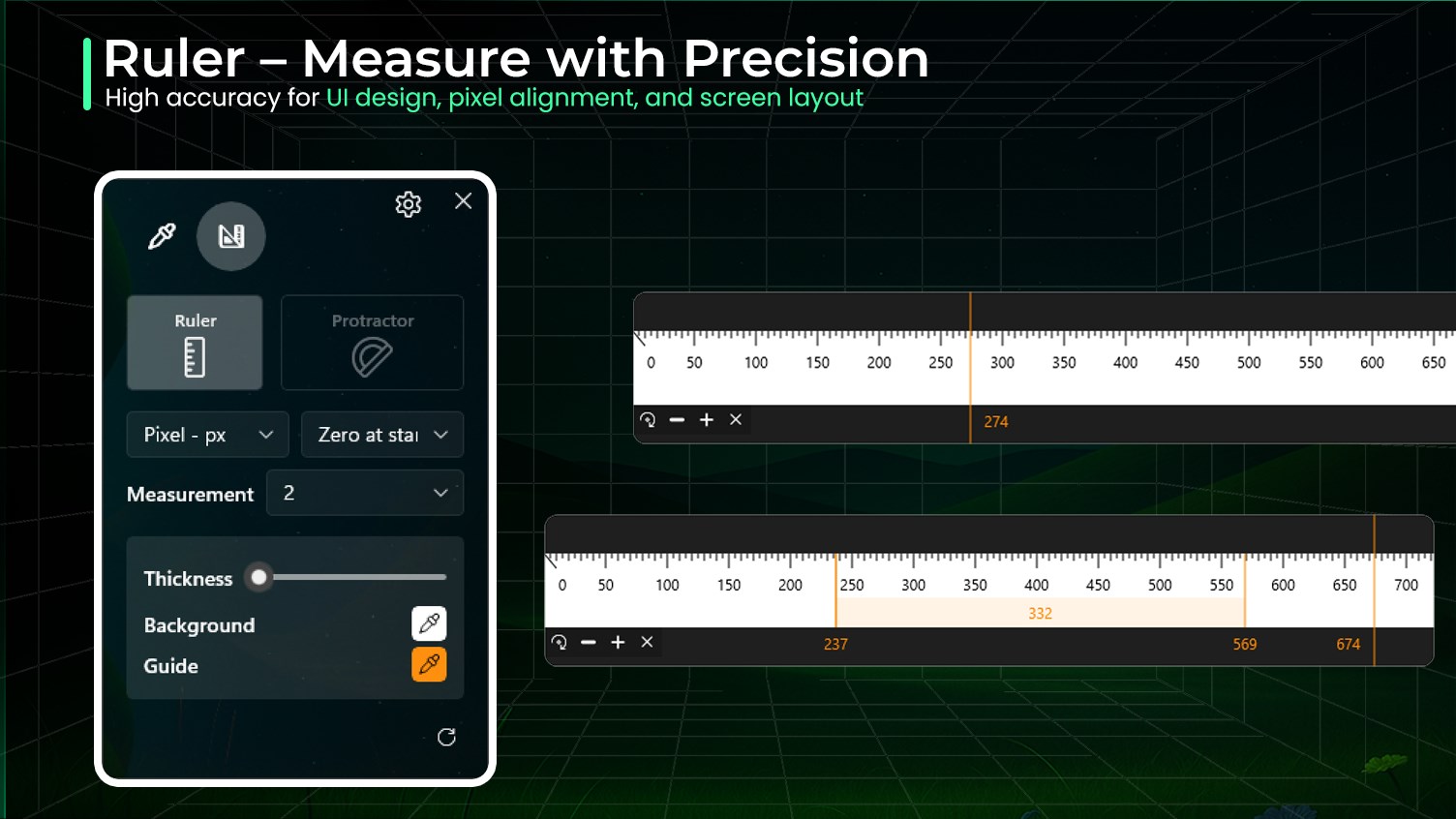
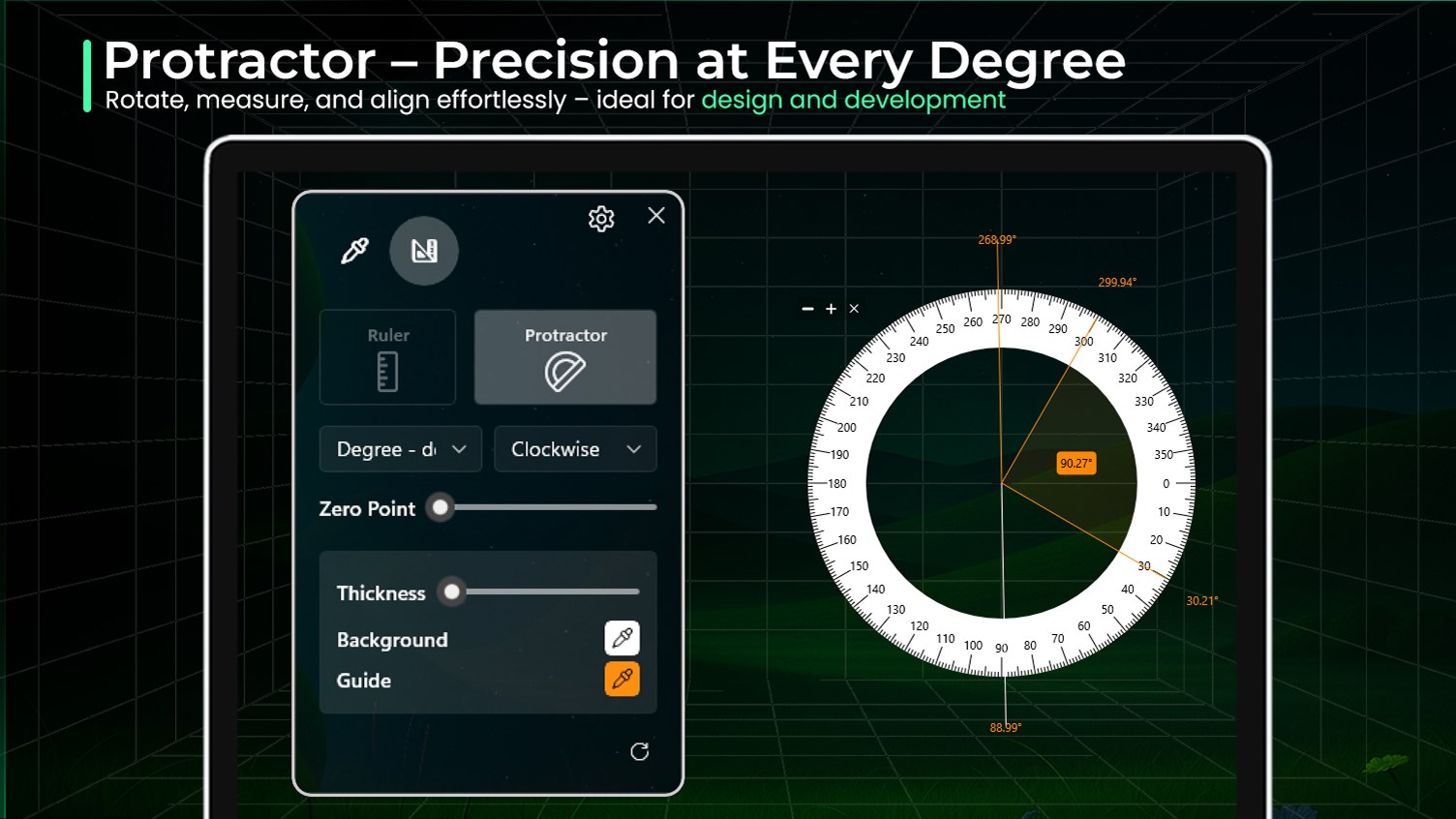
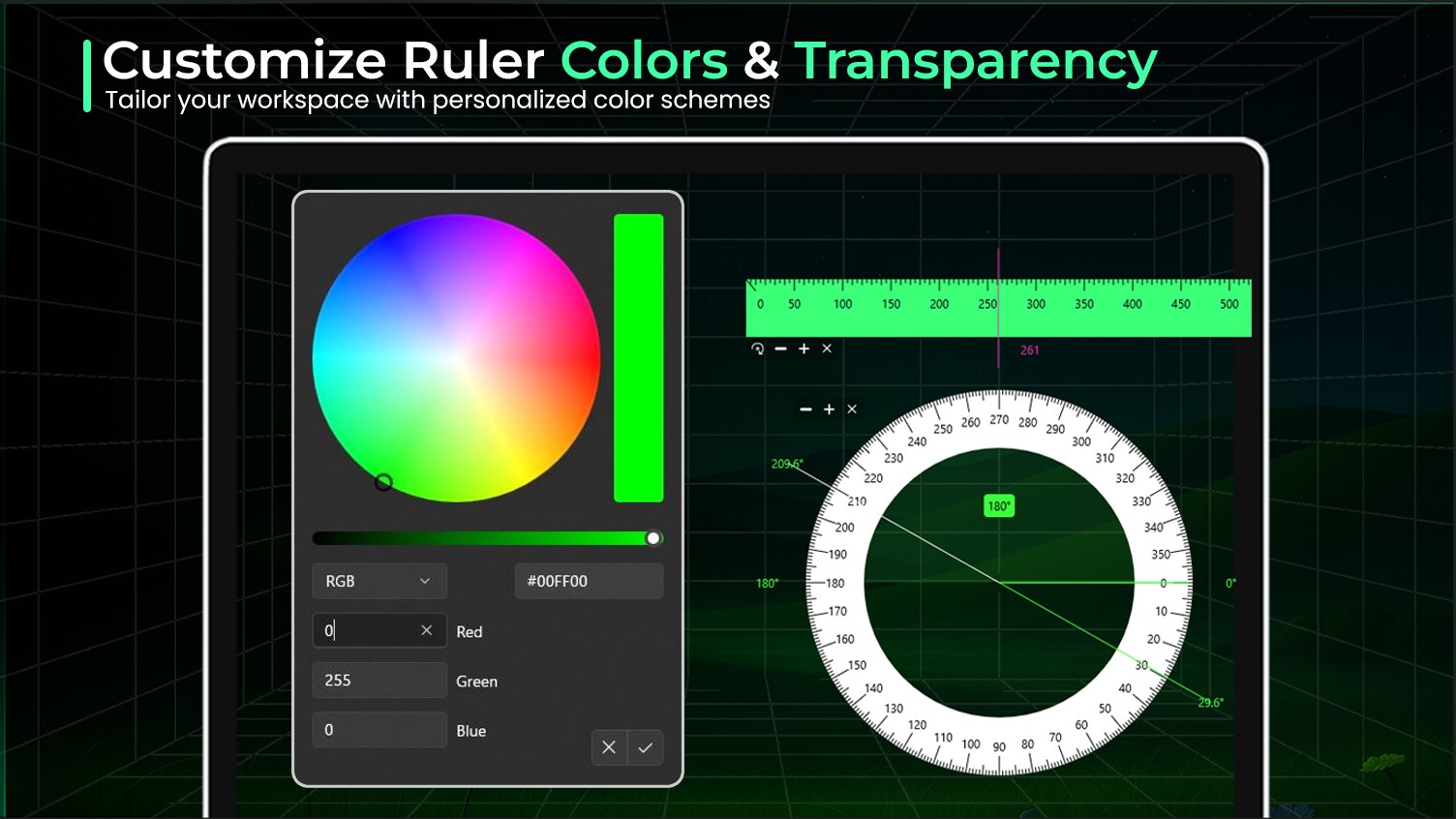
Pixelation is the definitive all-in-one precision toolkit for UI/UX designers, web developers, and visual perfectionists. Stop guessing and start measuring with pixel-perfect accuracy directly on your screen. ## 🎨 PRO SCREEN COLOR PICKER Pick colors from any pixel with extreme precision. Perfect for matching brand colors or extracting palettes from websites. ✅ Instant Pick: Grab color codes using your mouse cursor with up to 36x zoom. ✅ Format Support: Copy in HEX, RGB, HSL, CMYK, and more. ✅ Color Strategy: Adjust secondary colors from a base color using built-in transformation tools. ✅ History Management: Store picked colors in a local history and export them for your projects. ## 📏 PRECISION SCREEN RULER Measure distances between UI elements, margins, and paddings without leaving your workflow. ✅ Multi-Unit: Measure in Pixels, Millimeters, or Inches. ✅ Dynamic Control: Easily resize and rotate for horizontal or vertical measurements. ✅ Smart Path: Support for continuous measurement with up to 3 points for complex layouts. ## 🧭 ADVANCED SCREEN PROTRACTOR A specialized tool for measuring angles on any visual element or corner. ✅ Versatile Units: Measure in Degrees (°), Radians, DMS, or DMM. ✅ Flexibility: Resize the radius and adjust the 0° angle position to align with your references. ✅ Pro Modes: Support for both clockwise and counter-clockwise measurements. ## ⚡ POWER USER FEATURES 🔷 Transparency Control: Adjust tool opacity via mouse scroll to see what is underneath. 🔷 Workflow Efficiency: Global keyboard shortcuts for instant access and tool switching. 🔷 Premium Styling: Customize guide and background colors to match your dark/light workspace. Whether you are aligning elements for a pixel-perfect UI or extracting color codes for CSS, Pixelation provides the professional tools you need in one sleek, native Windows 11 app.
Productivity · Windows · Free
Rating: 4.7 out of 5, based on 9 user ratings.