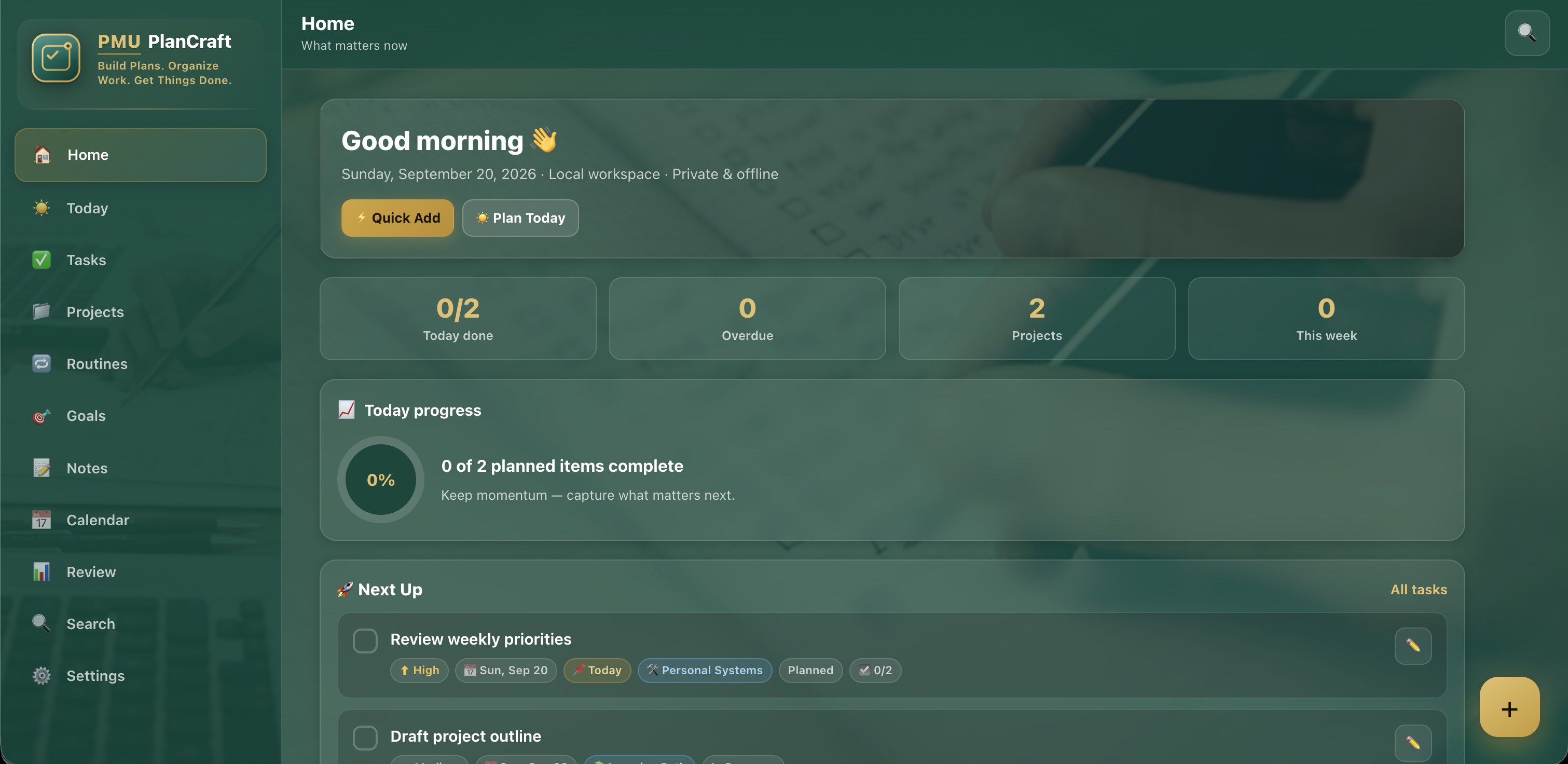
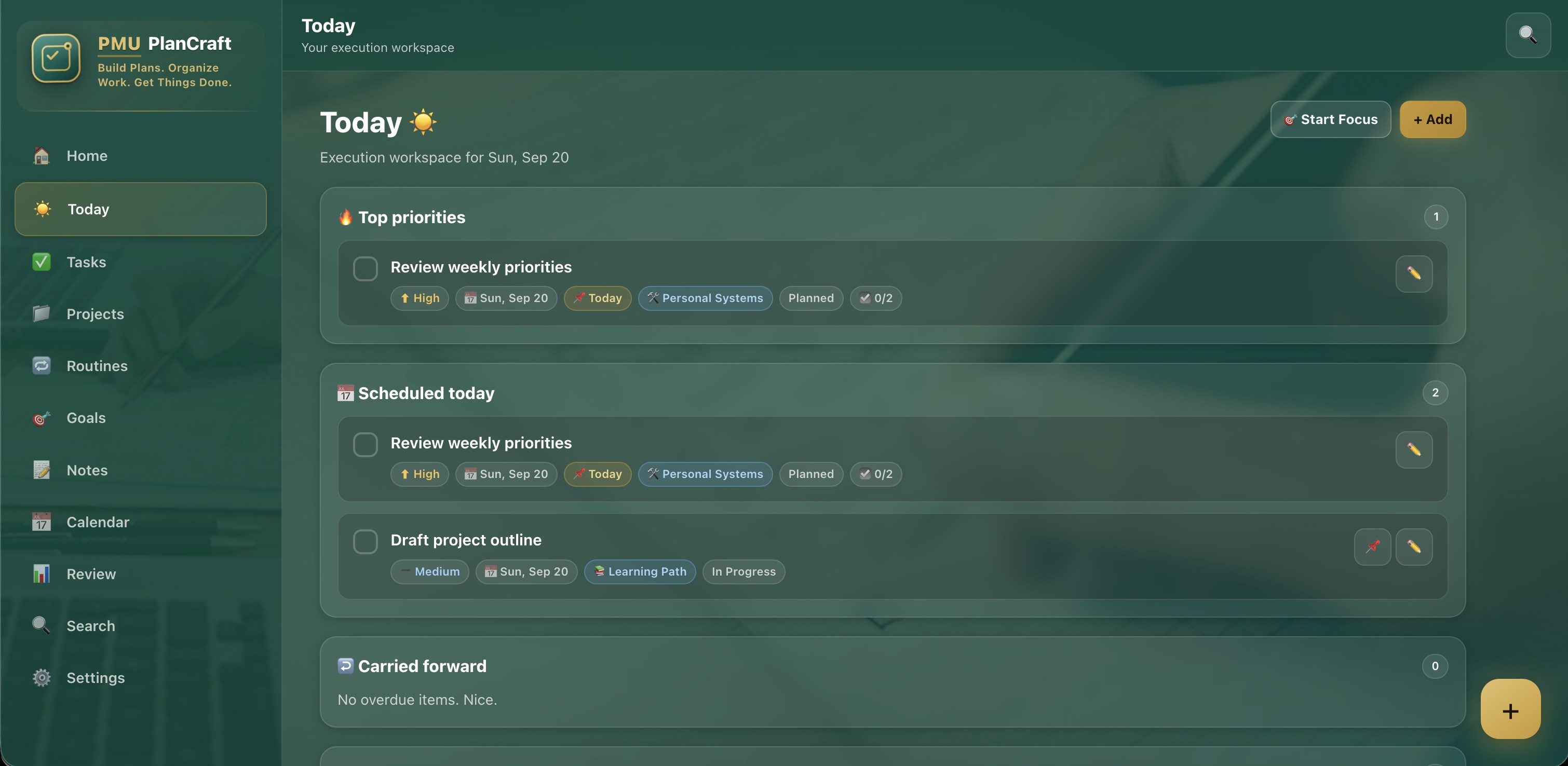
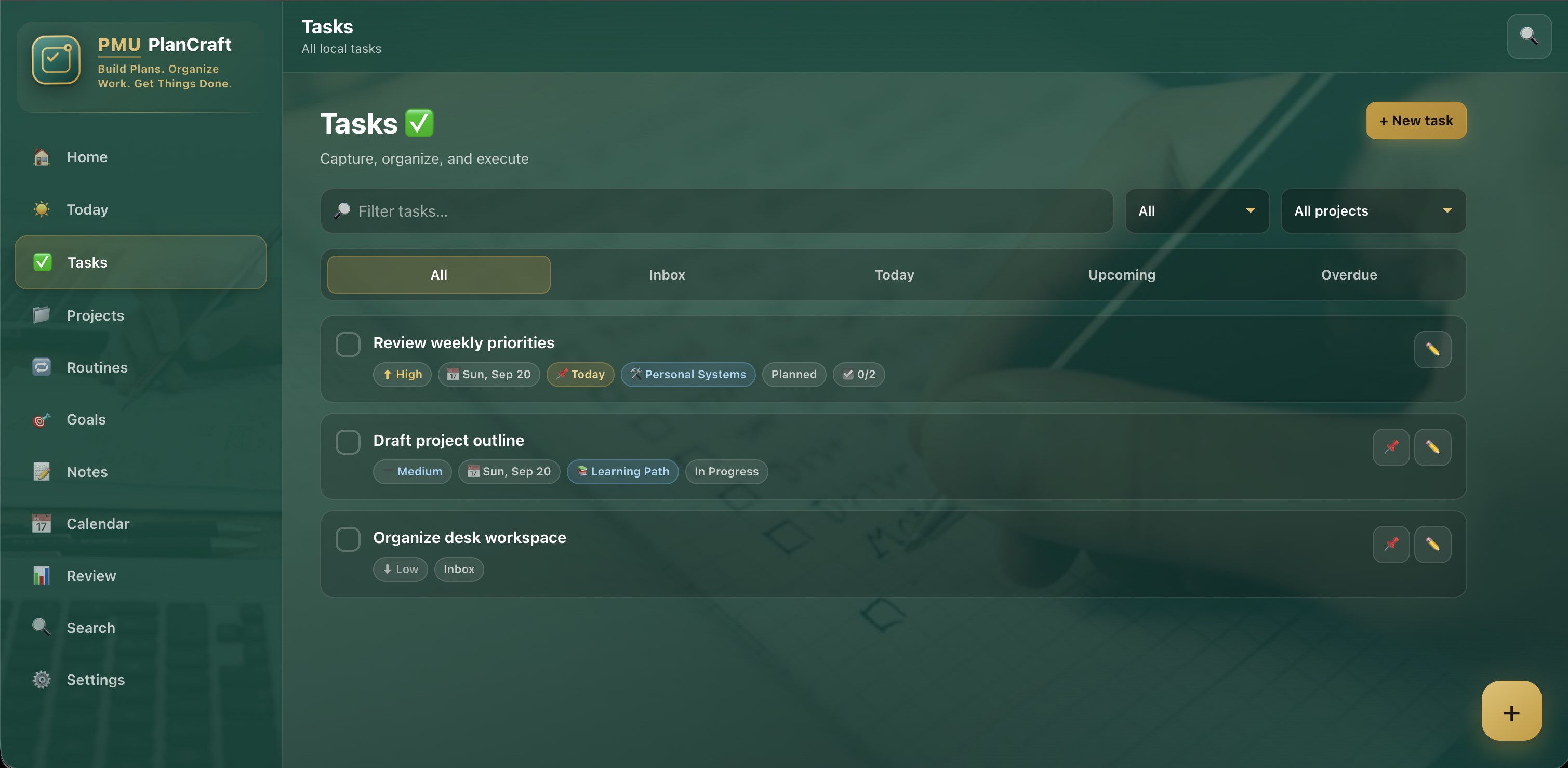
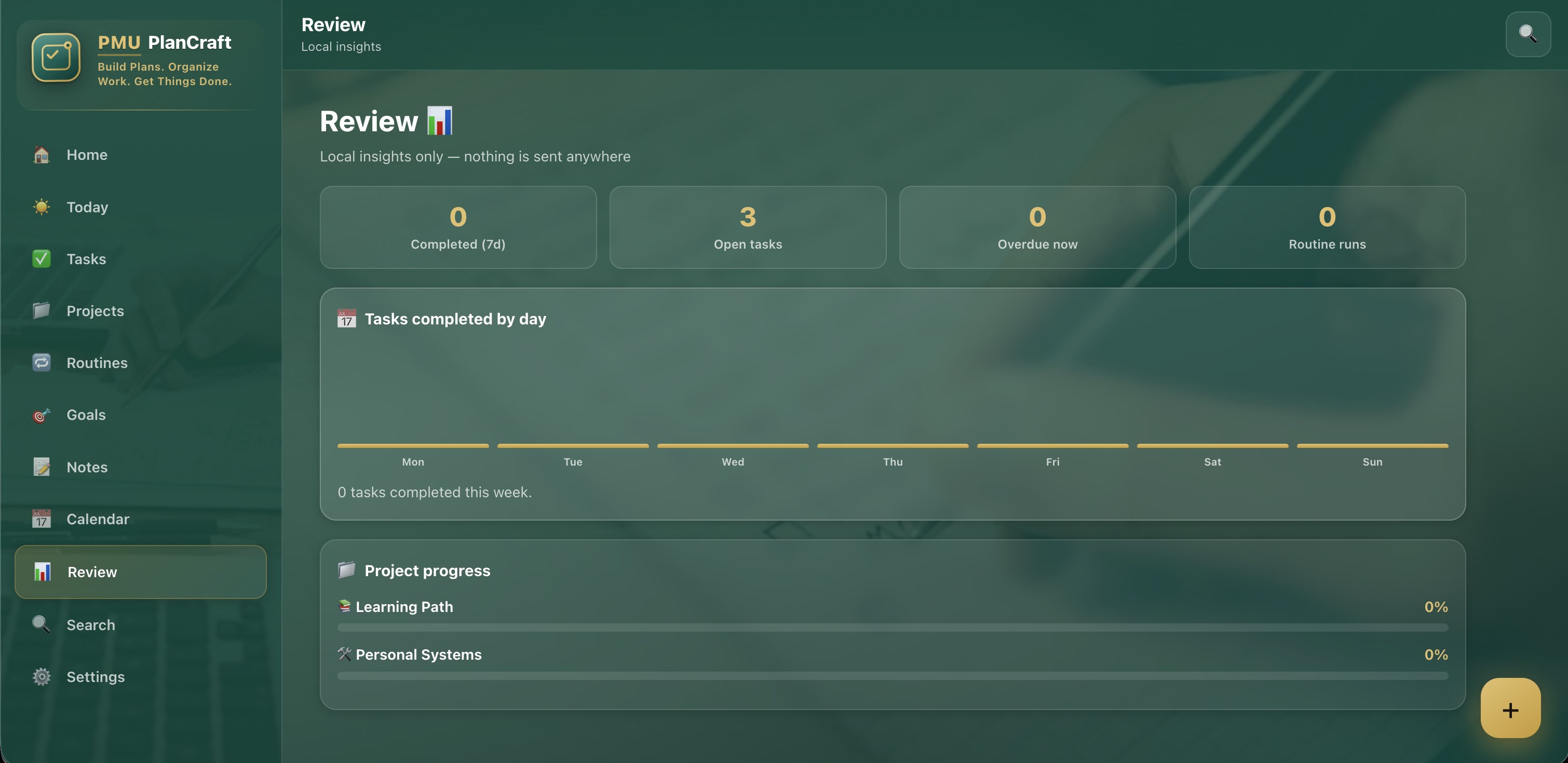
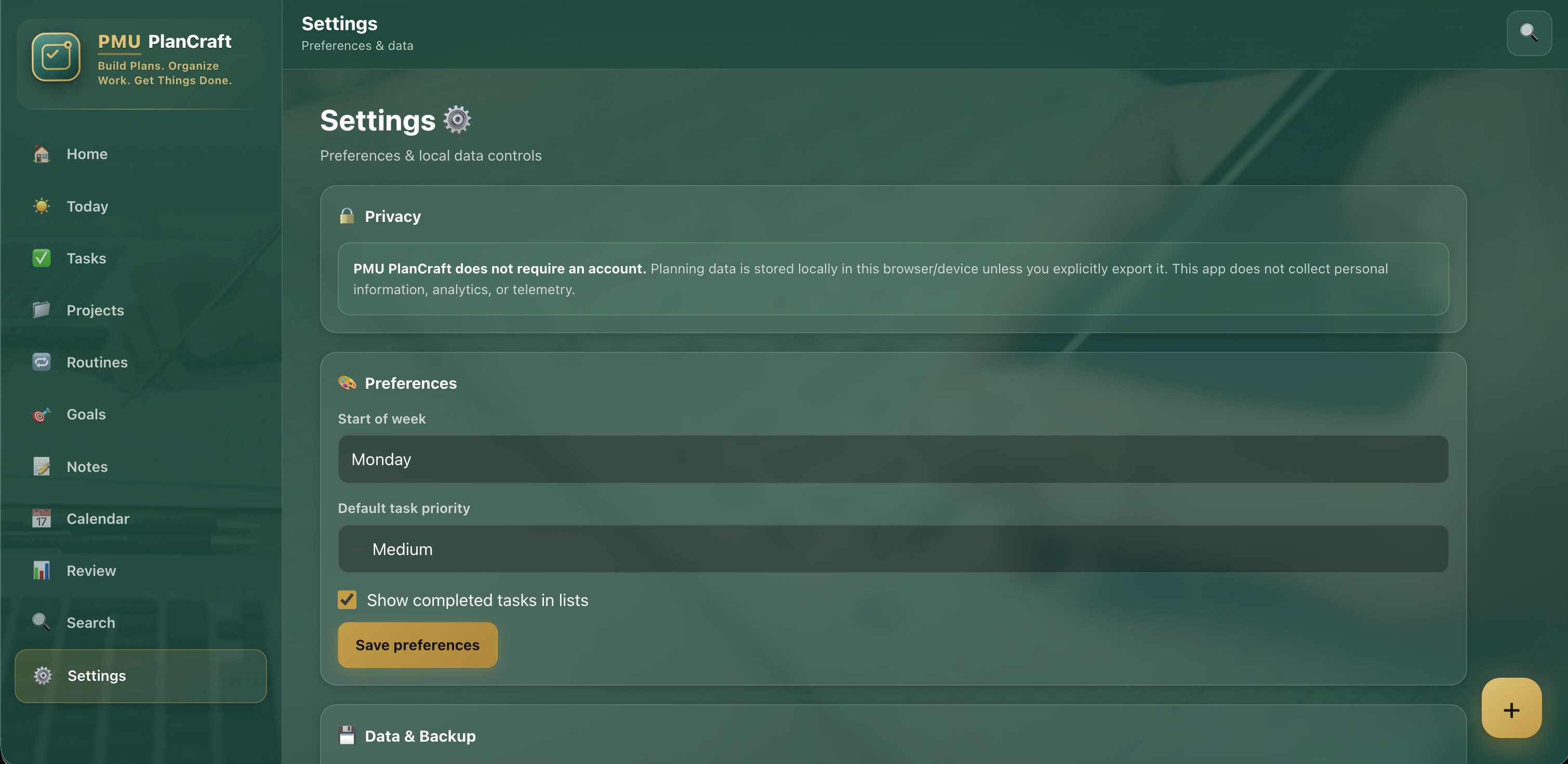
PMU PlanCraft is a flexible offline planning and productivity application designed to bring tasks, daily plans, projects, routines, goals, notes, and personal organization together in one convenient workspace. Whether you are organizing today's priorities, preparing a study schedule, managing a personal project, creating a recurring routine, recording an idea, or planning the next steps toward a goal, PMU PlanCraft gives you a structured environment for turning plans into actionable work. PMU PlanCraft is designed around a straightforward principle: planning should help you get organized without making organization itself complicated. Instead of requiring multiple applications for tasks, projects, routines, notes, and goals, PMU PlanCraft provides a unified planning experience where different types of information can be organized and reviewed from one application. PLAN YOUR DAY Use PMU PlanCraft to create a clear plan for the day. Add tasks, identify important priorities, organize what needs attention, and keep completed work separate from remaining activities. The Today workspace helps you concentrate on what you intend to accomplish without losing sight of your wider plans. PMU PlanCraft can be used for professional responsibilities, personal activities, study sessions, household work, errands, fitness planning, event preparation, creative projects, and many other everyday planning scenarios. CREATE AND MANAGE TASKS Tasks are at the center of PMU PlanCraft. Create tasks with useful planning information such as titles, descriptions, priorities, dates, categories, tags, project associations, and completion states. A simple task can remain simple, while more detailed work can be organized with additional planning information. PMU PlanCraft helps you distinguish between work that needs immediate attention and activities that can wait. Priorities make important items easier to identify, while status information helps you understand what is planned, underway, waiting, or completed. Tasks can be organized for today, upcoming work, individual projects, priorities, categories, and other useful planning contexts. ORGANIZE PROJECTS Not everything fits into a single task. PMU PlanCraft provides project organization for activities that require multiple actions or stages. Create projects for work, study, home organization, personal objectives, events, travel preparation, creative activities, learning plans, or any other multi-step effort. Projects provide a dedicated place for related tasks and planning information. Instead of scattering related activities across separate lists, PMU PlanCraft helps you keep the work associated with a project together. Monitor project progress and see which actions remain before a project can be considered complete. BUILD USEFUL ROUTINES Many important activities happen repeatedly. PMU PlanCraft includes routine planning so users can organize repeatable sequences for mornings, evenings, workdays, study preparation, exercise preparation, household responsibilities, weekly reviews, and other recurring activities. Build a routine as a structured sequence of actions and work through those steps whenever the routine is needed. This makes PMU PlanCraft useful not only for one-time tasks but also for maintaining repeatable processes. ORGANIZE PERSONAL GOALS Use PMU PlanCraft to turn larger objectives into manageable progress. Goals can represent personal development, study targets, work objectives, project milestones, recurring achievements, or other outcomes you want to monitor. Instead of keeping a goal isolated from everyday activities, PMU PlanCraft can help connect broader objectives with the tasks and projects that contribute toward them. Review progress and continue building toward your intended outcome at your own pace. CAPTURE NOTES AND IDEAS Planning often begins with an idea. PMU PlanCraft provides a convenient space for notes, ideas, reminders, planning details, reference information, and other useful text. Save information when you need it and organize notes using categories or tags. Notes can complement tasks and projects so supporting information stays available alongside your planning workspace. Use PMU PlanCraft for brainstorming, meeting notes, study information, project ideas, personal reminders, checklists, preparation notes, and other text-based information. PRIORITIZE WHAT MATTERS When everything appears equally important, planning becomes difficult. PMU PlanCraft provides priority levels that make it easier to distinguish routine activities from items requiring greater attention. Organize work using Low, Medium, High, or Urgent priorities and combine priorities with dates, projects, categories, and status filters. The result is a planning system that can remain simple for casual use while providing additional organization when your workload becomes more complex. CATEGORIES AND TAGS Different users organize information differently. PMU PlanCraft provides flexible categories and tags so the workspace can adapt to your own planning method. Create organizational structures such as Work, Personal, Study, Home, Fitness, Shopping, Travel, Projects, Ideas, or any custom categories appropriate for your activities. Tags provide another flexible way to connect information across different parts of PMU PlanCraft. SEARCH AND FILTER As your workspace grows, PMU PlanCraft helps you locate information quickly. Search your locally stored planning information and use filters to narrow your workspace by criteria such as priority, project, category, tag, status, or date. Instead of manually browsing through long lists, use PMU PlanCraft search and organization tools to reach relevant information more efficiently. TRACK PROGRESS Planning is more useful when you can see what has already been accomplished. PMU PlanCraft helps you review completed tasks, remaining activities, project progress, routine completion, and goal development. Progress information provides a practical overview of your planning activity without requiring an online analytics service. Use the review experience to understand what you completed and what still needs attention. A FLEXIBLE WORKSPACE FOR DIFFERENT AREAS OF LIFE PMU PlanCraft is not restricted to one type of planning. For work, PMU PlanCraft can organize project actions, deadlines, meeting follow-ups, preparation activities, priorities, and recurring responsibilities. For study, use PMU PlanCraft for assignments, revision schedules, reading plans, subject organization, examination preparation, and learning goals. For personal organization, create errands, reminders, routines, goals, event plans, shopping tasks, and personal projects. For home organization, use PMU PlanCraft for chores, maintenance activities, household projects, recurring responsibilities, and preparation checklists. For creators and independent workers, PMU PlanCraft can organize ideas, project stages, production tasks, priorities, notes, and completion milestones. For travel or events, create preparation projects containing individual tasks and supporting notes. PMU PlanCraft adapts to what you need to organize. OFFLINE-FIRST PRODUCTIVITY PMU PlanCraft is designed as an offline-first application. Core planning functionality does not depend on an active internet connection. Your tasks, projects, routines, goals, notes, categories, and other planning records are stored locally on your device using the application's local storage system. This makes PMU PlanCraft useful when you want access to your planning workspace without depending on a remote service. Work from home, an office, a classroom, while travelling, or anywhere else your device is available. NO ACCOUNT REQUIRED PMU PlanCraft does not require you to create an account before you can begin organizing your work. There is no mandatory signup process and no need to create an online profile just to maintain your personal planning workspace. Open PMU PlanCraft and start planning. LOCAL DATA CONTROL PMU PlanCraft is built around local data storage. Your planning information remains associated with the application on your device rather than requiring an external database or cloud account. Where backup and export functionality is available, you remain in control of when you explicitly create or import your own local backup. Because locally stored application information can be affected if application or browser storage is manually cleared, users should create backups of important planning information when appropriate. PRIVACY-FOCUSED BY DESIGN PMU PlanCraft does not gather or access personal information from the user. PMU PlanCraft does not require access to your location, contacts, photographs, videos, media library, camera, or microphone for its core planning functionality. The product does not gather or access user information for advertising, profiling, or remote analytics. Information intentionally entered into PMU PlanCraft for planning purposes is used locally to provide the application's organizational functionality. QUICK PLANNING WITHOUT UNNECESSARY COMPLEXITY PMU PlanCraft is designed to make common planning actions easy to reach. Quickly create a task when something comes to mind. Add additional information only when you need it. Organize larger activities into projects. Build routines for repeatable processes. Capture supporting notes. Track goals. Search existing information when your workspace grows. This allows PMU PlanCraft to support both simple and more detailed planning styles. DESIGNED FOR FOCUSED ORGANIZATION PMU PlanCraft uses a clear productivity-oriented interface intended to make important information easy to distinguish. Tasks, priorities, progress information, projects, notes, routines, and goals are organized into dedicated areas while remaining part of the same planning environment.
Productivity · Windows · Free