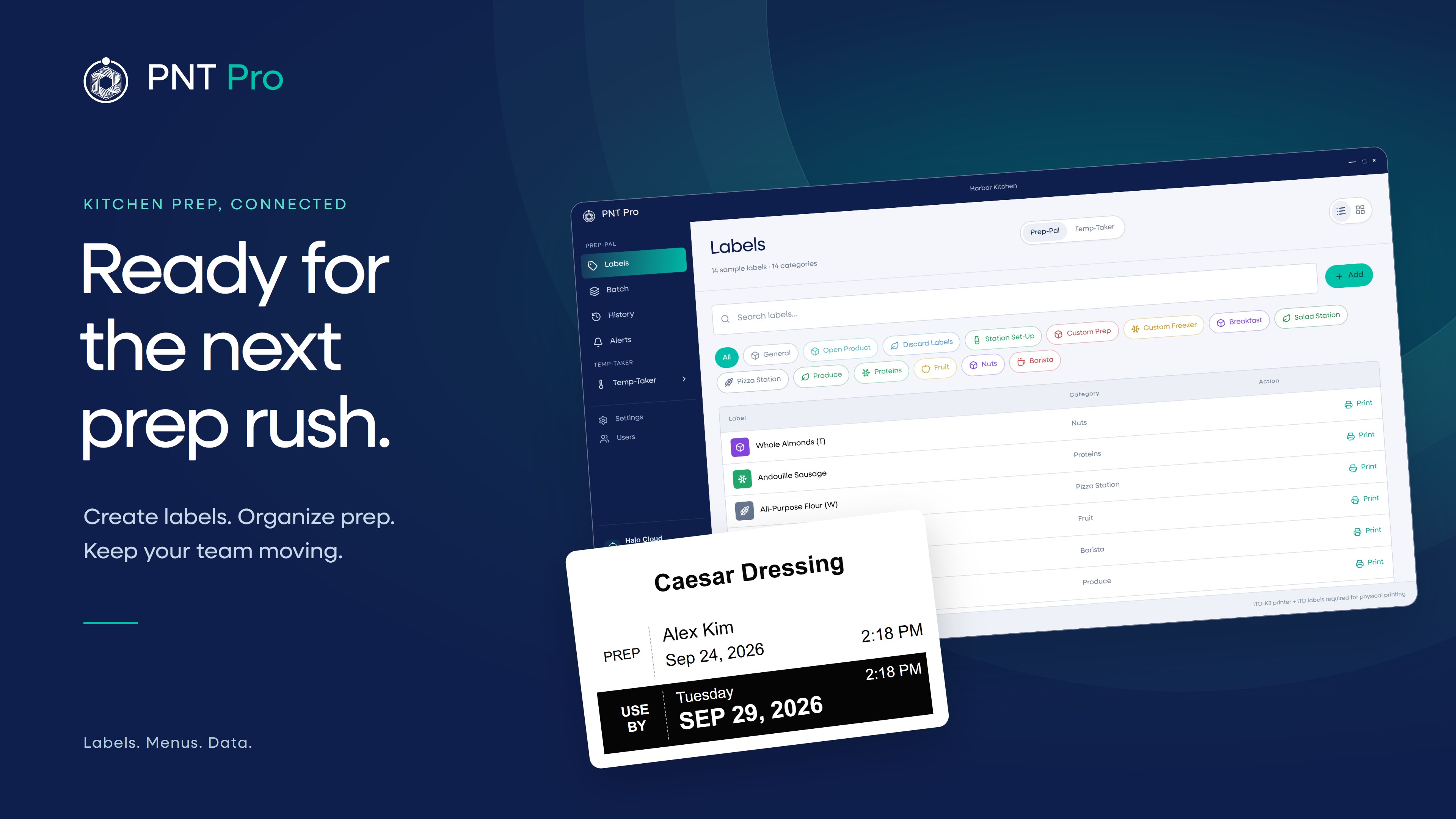
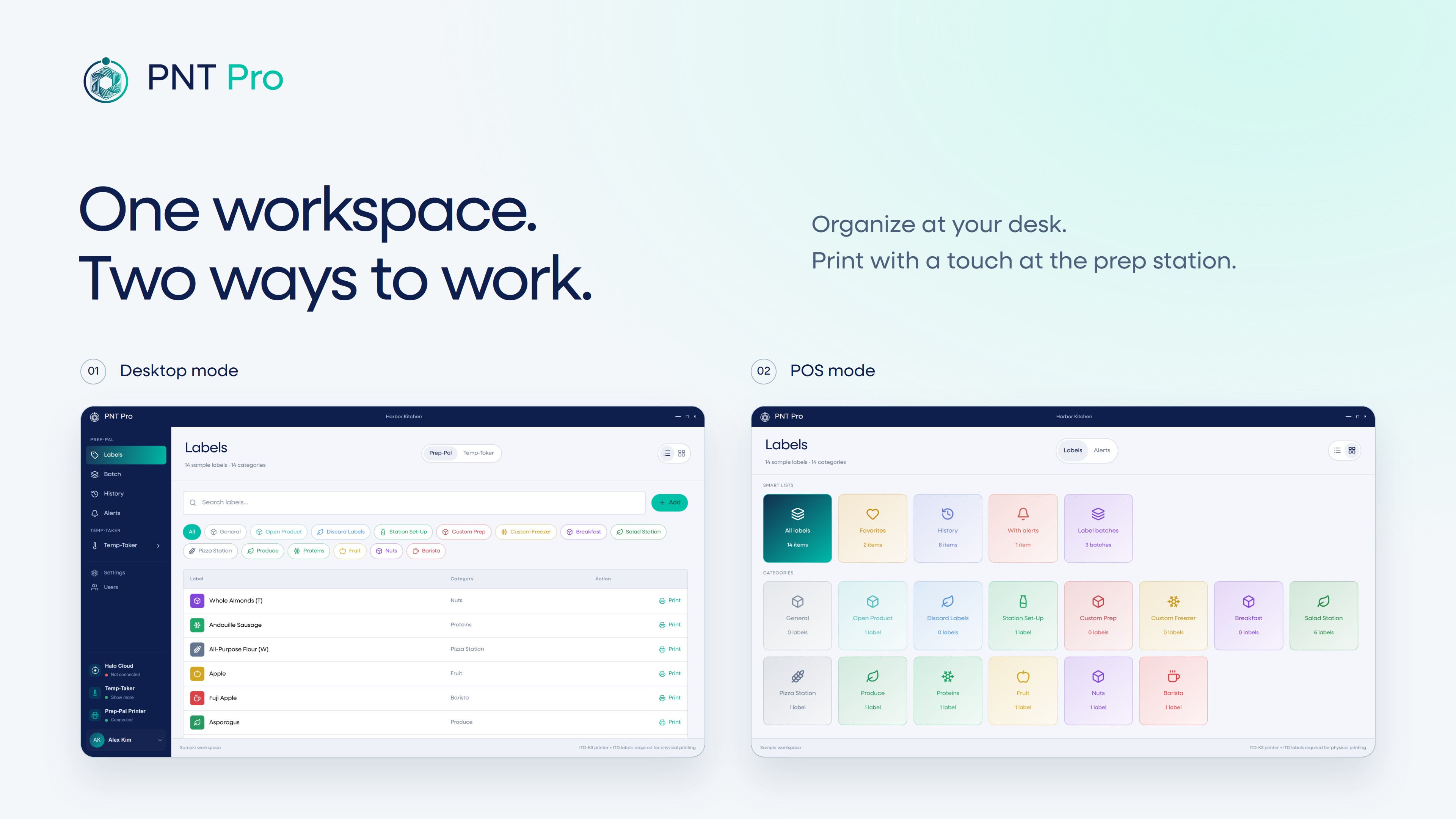
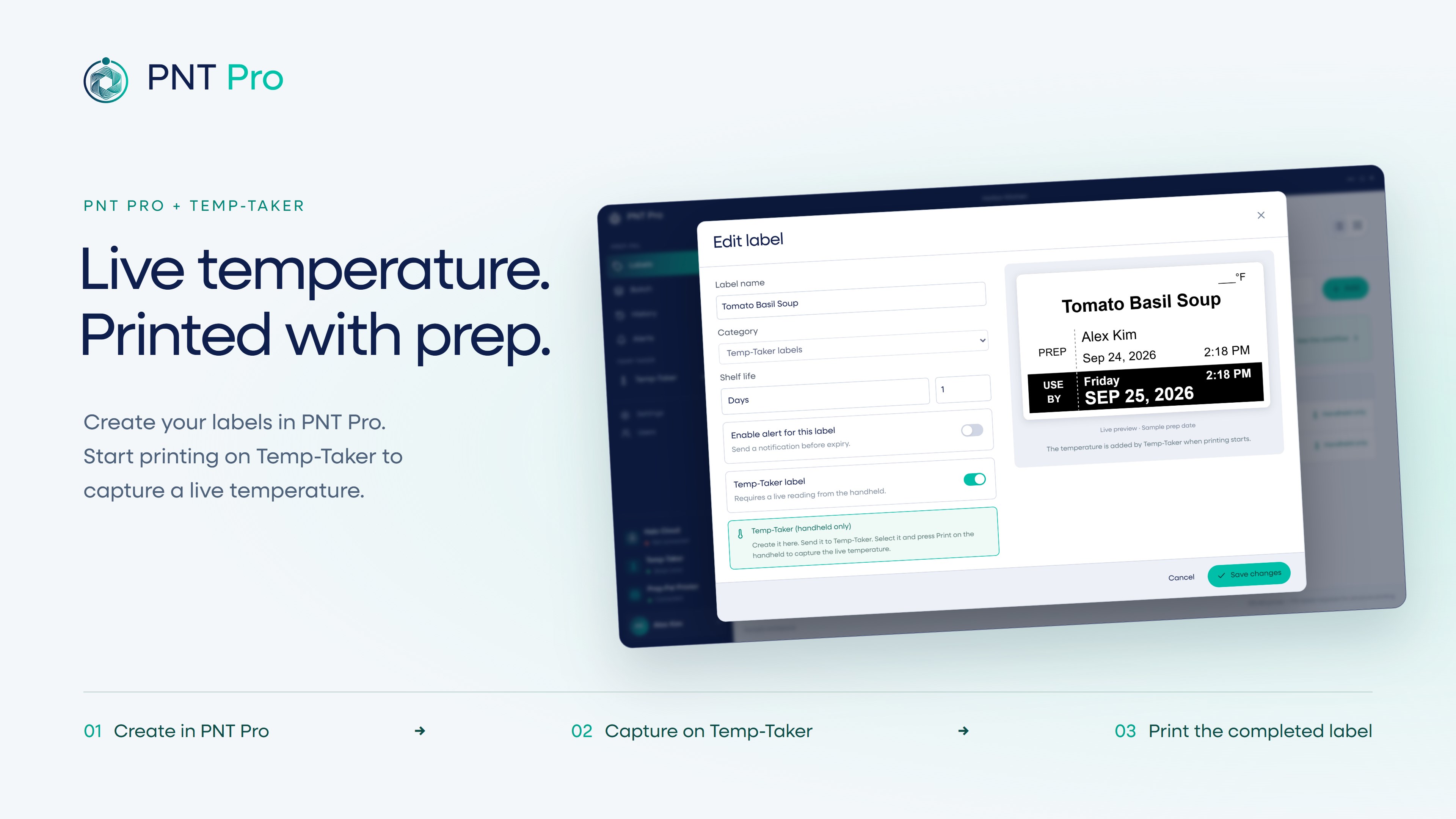
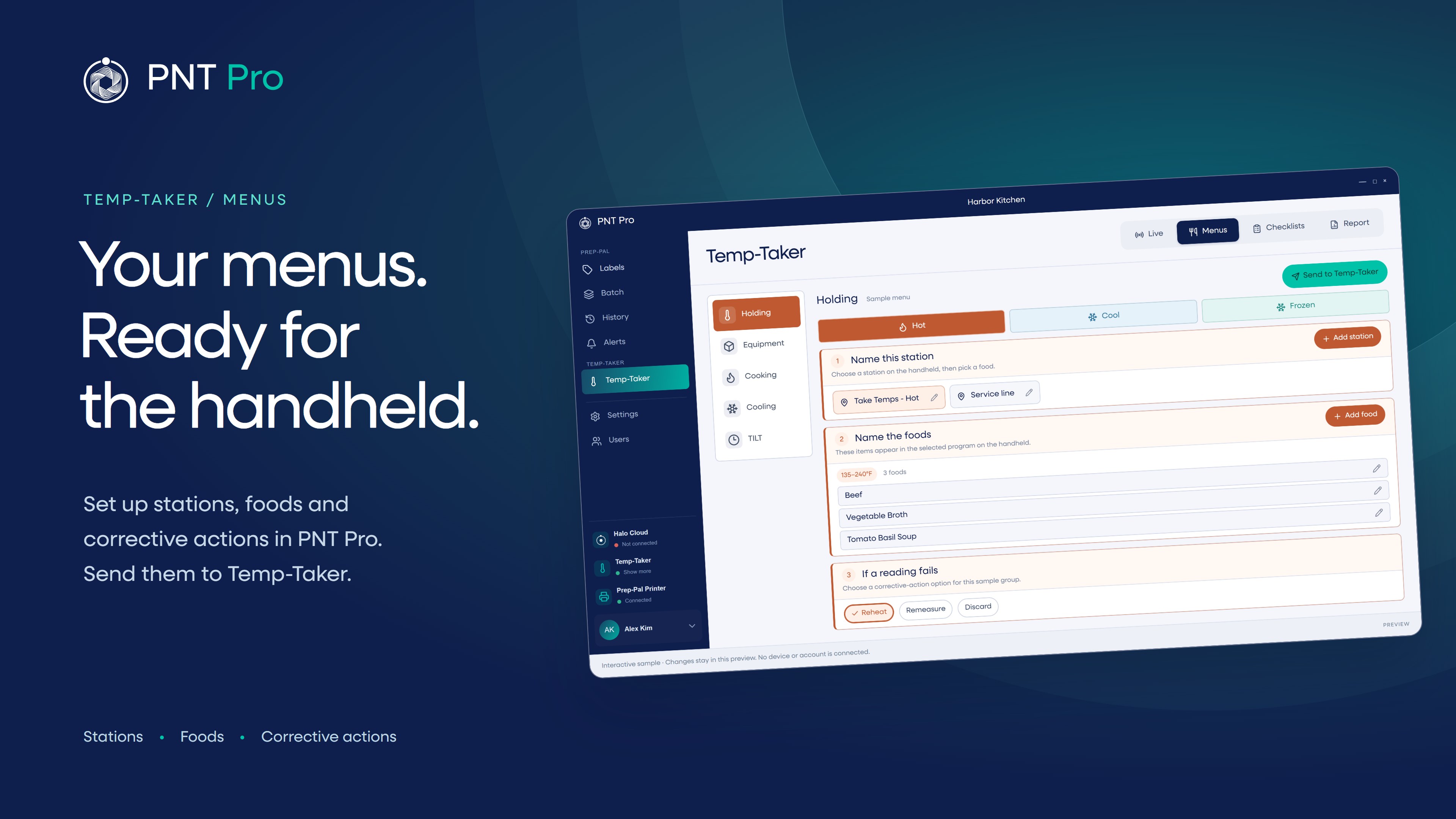
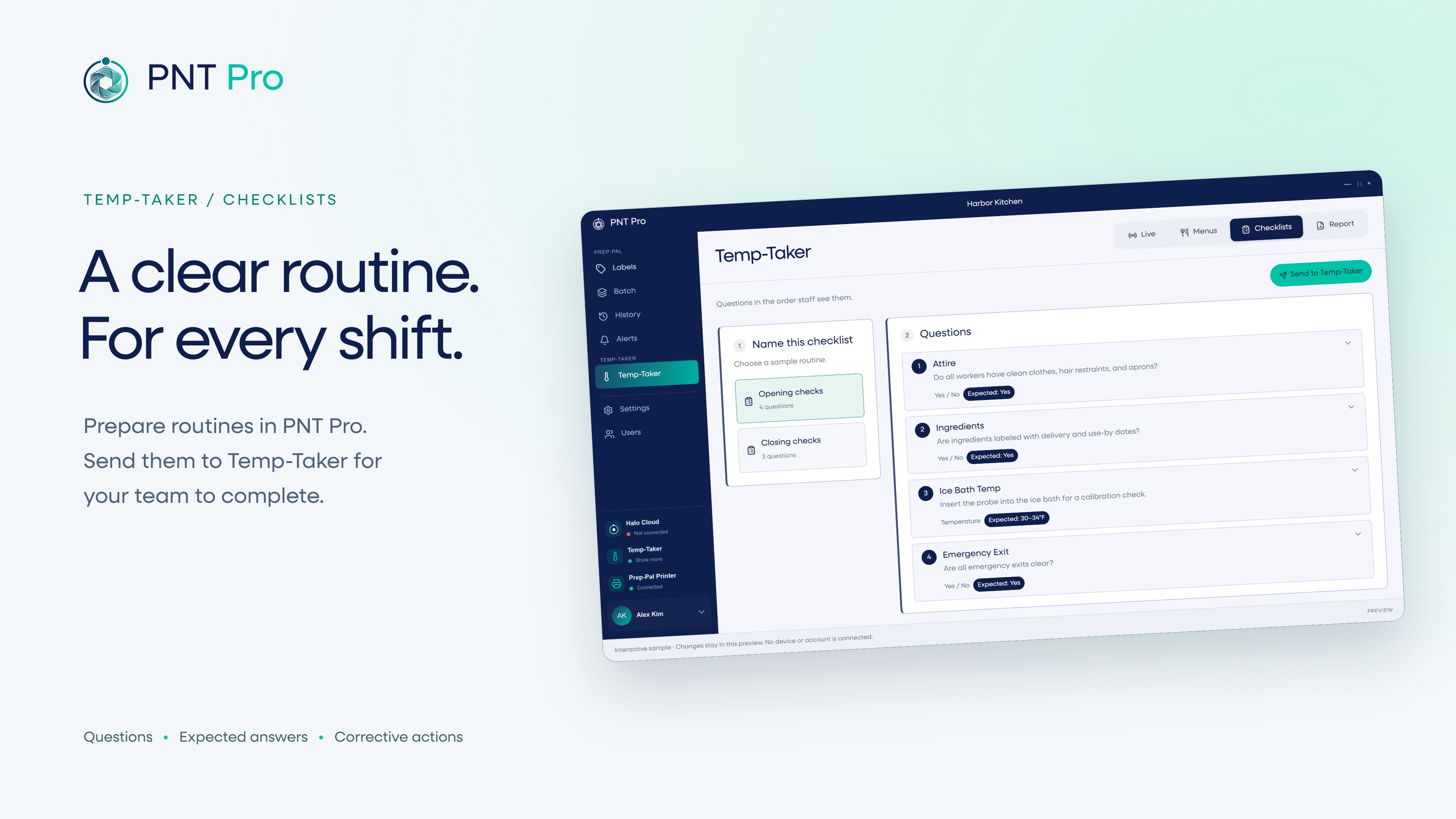
PNT Pro helps food-service teams manage prep labels, food temperature checks, menus, and checklists from one Windows application. Designed for restaurants, convenience stores, and commercial kitchens, PNT Pro brings Prep-Pal labeling and Temp-Taker workflows together. Organize your work at a desktop or switch to POS mode for larger controls suited to a touchscreen prep station. CREATE AND PRINT PREP LABELS Build and organize your label library with preparation dates, use-by information, and other product details. Print individual labels or prepare batches with the quantities your team needs. Review print history and keep track of upcoming preparation and expiration needs with Prep-Alerts. MANAGE TEMP-TAKER MENUS AND CHECKLISTS Set up foods, stations, temperature ranges, and checklists, then send menus to a compatible Temp-Taker handheld. Bring recorded readings and completed checks back into PNT Pro to review the item, time, user, result, and corrective action together. PRINT LABELS WITH A LIVE TEMPERATURE Prepare Temp-Taker labels in PNT Pro. When an operator starts a print from the handheld, Temp-Taker captures a live temperature reading and returns it to PNT Pro, which sends the completed label to the printer. REVIEW YOUR RECORDS Find and filter recorded checks, review operational history, and export reports for your team's records. CONNECT YOUR LOCATIONS WITH HALO CLOUD Connect PNT Pro to Halo Cloud to share labels and Temp-Taker menus across stations and locations. Bring temperature readings, print records, checklist results, and reports together for management review. REQUIREMENTS Physical label printing requires an ITD-K3 printer and ITD labels. Temperature capture and Temp-Taker label printing require a compatible Temp-Taker handheld. Grab & Go labels, automatic report generation, and other cloud-connected features require a Halo Cloud connection. Feature availability depends on your organization's configuration and connected equipment.
Business · Windows · Free