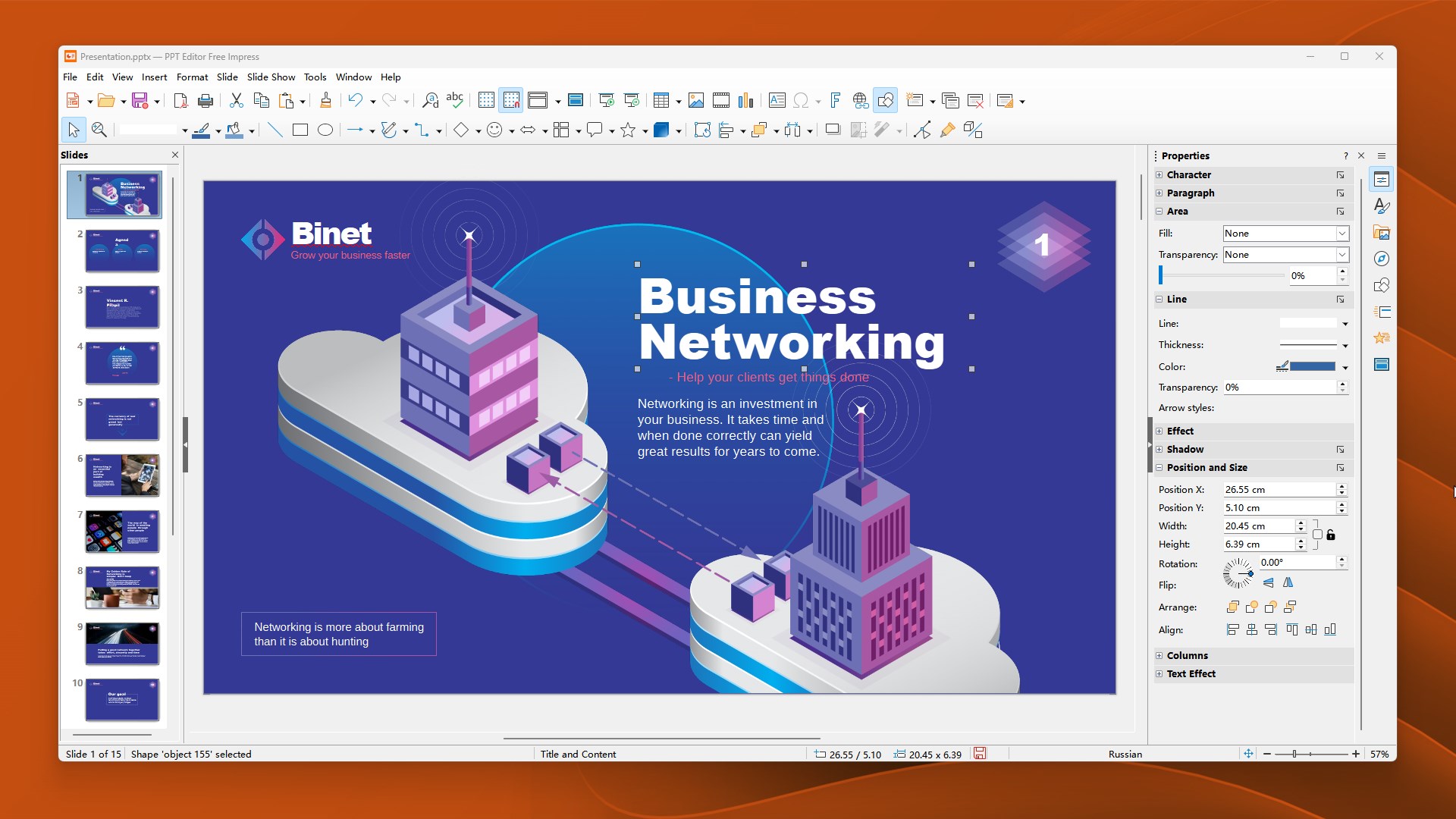
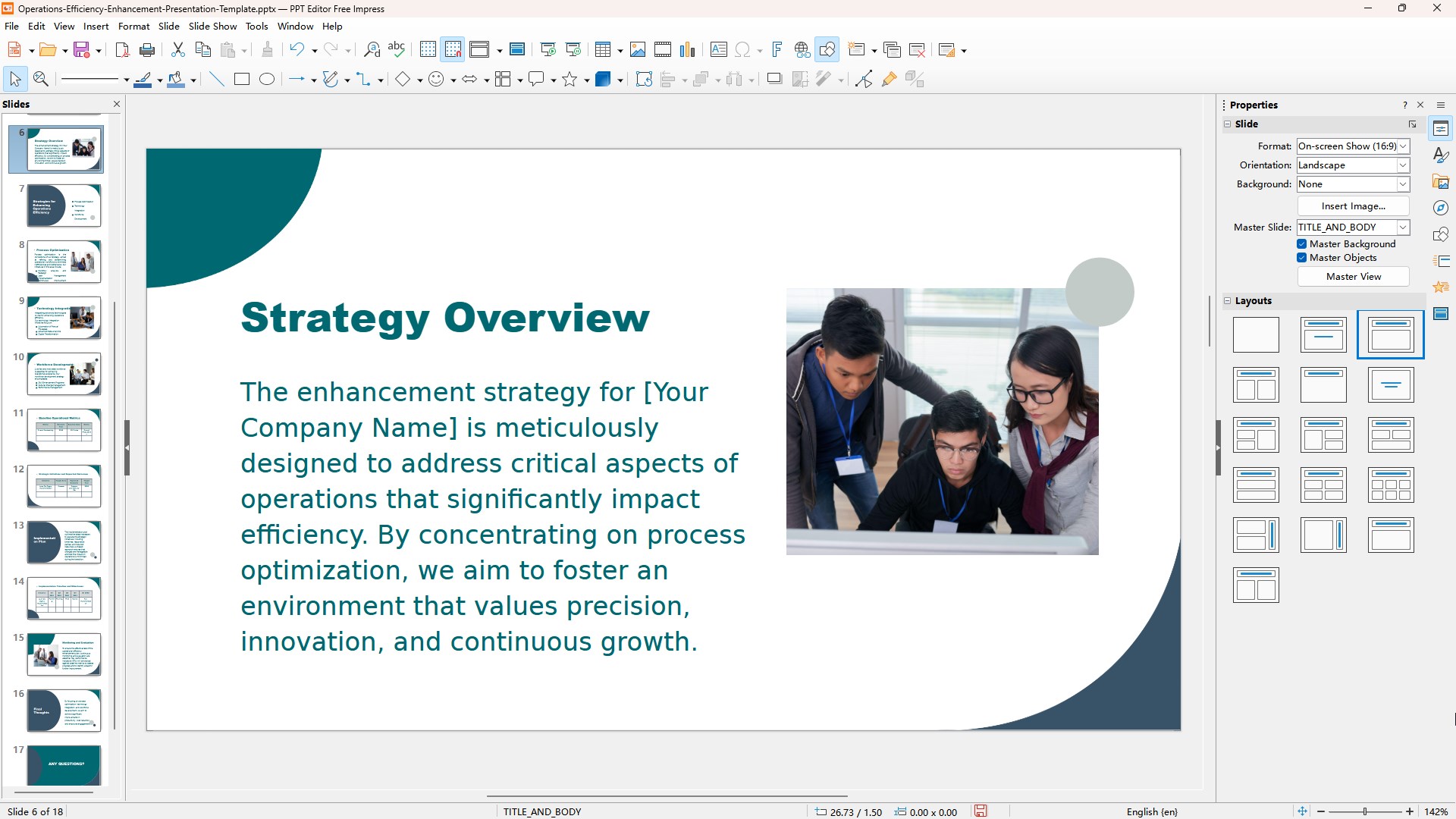
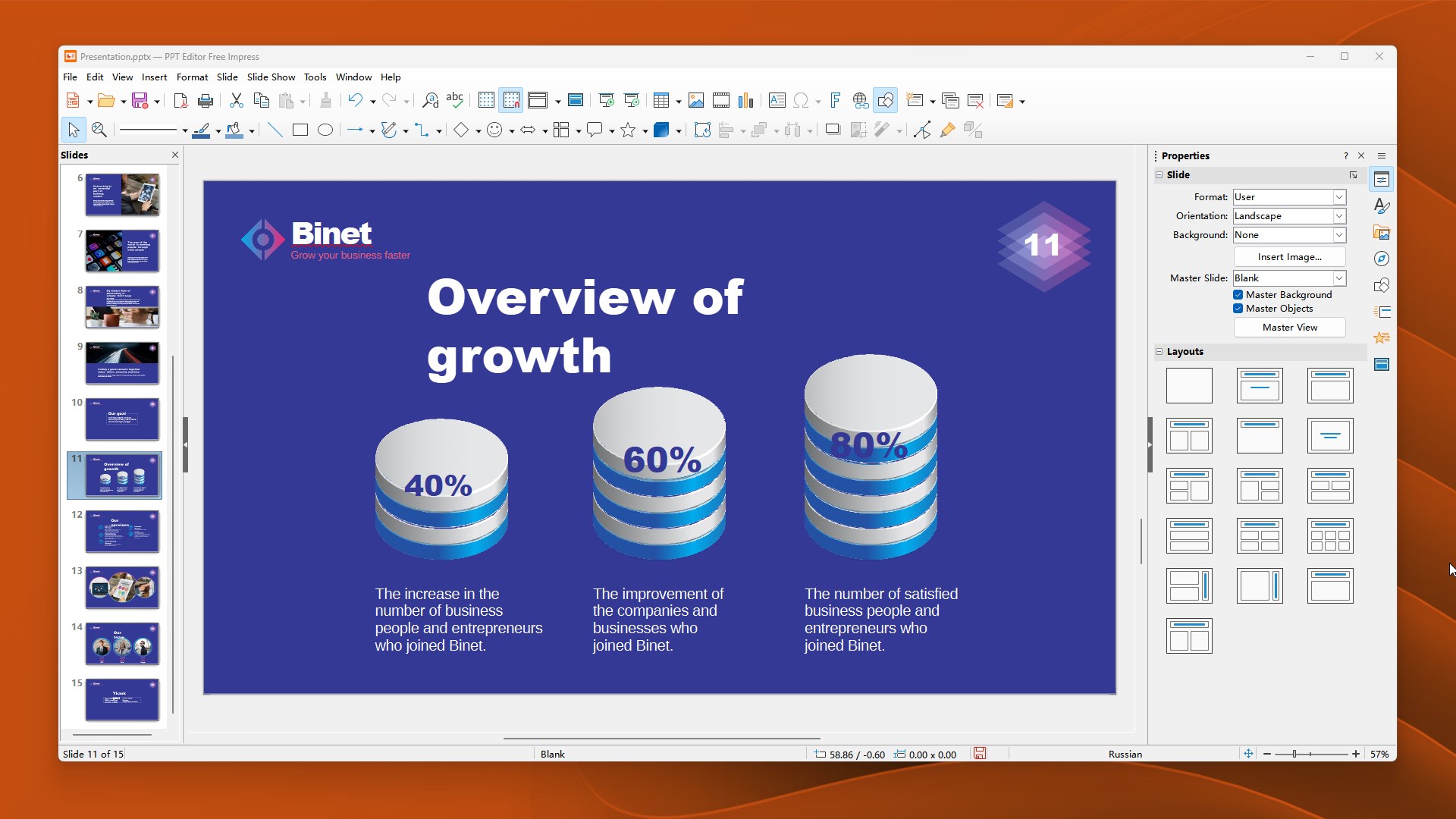
Create, view, and edit professional presentations with ease. Whether you're preparing a pitch deck, a class lecture, or a project update, this app provides the essential tools to bring your slides to life with clarity and precision. PPT Editor Free offers a full-featured presentation solution for users seeking a capable alternative to Microsoft PowerPoint — from home offices to professional settings. Use built-in layouts, drawing tools, animations, and multimedia to build compelling, well-structured presentations. Key Features • Open and edit .pptx and .ppt files with high compatibility • Add shapes, text boxes, images, and diagrams with intuitive drawing tools • Apply slide transitions and object animations • Work with master slides and templates for consistent design • Export to PDF or other formats for easy sharing Supported File Formats PowerPoint-related formats: .pptx, .ppsx, .ppmx, .potx, .pomx, .ppt, .pps, .ppm, .pot, .pom OpenDocument Presentation formats: .odp, .otp Other formats: .pdf, .svg, .fodp PPT Editor Free is part of the AIxOffice suite, designed for those who want dependable presentation tools without the burden of traditional software costs.
Productivity · Windows · Free
Rating: 4.5 out of 5, based on 23 user ratings.