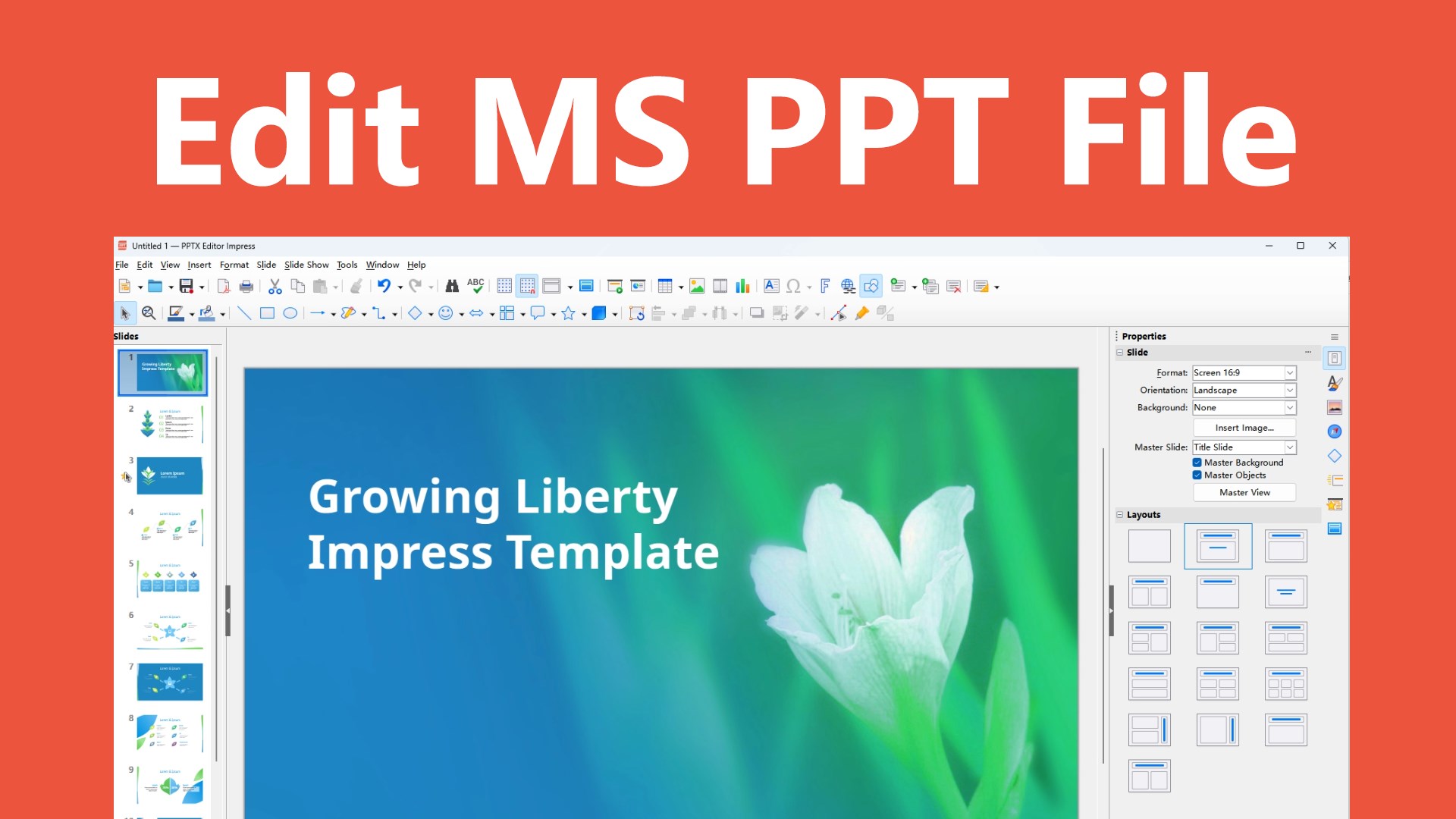
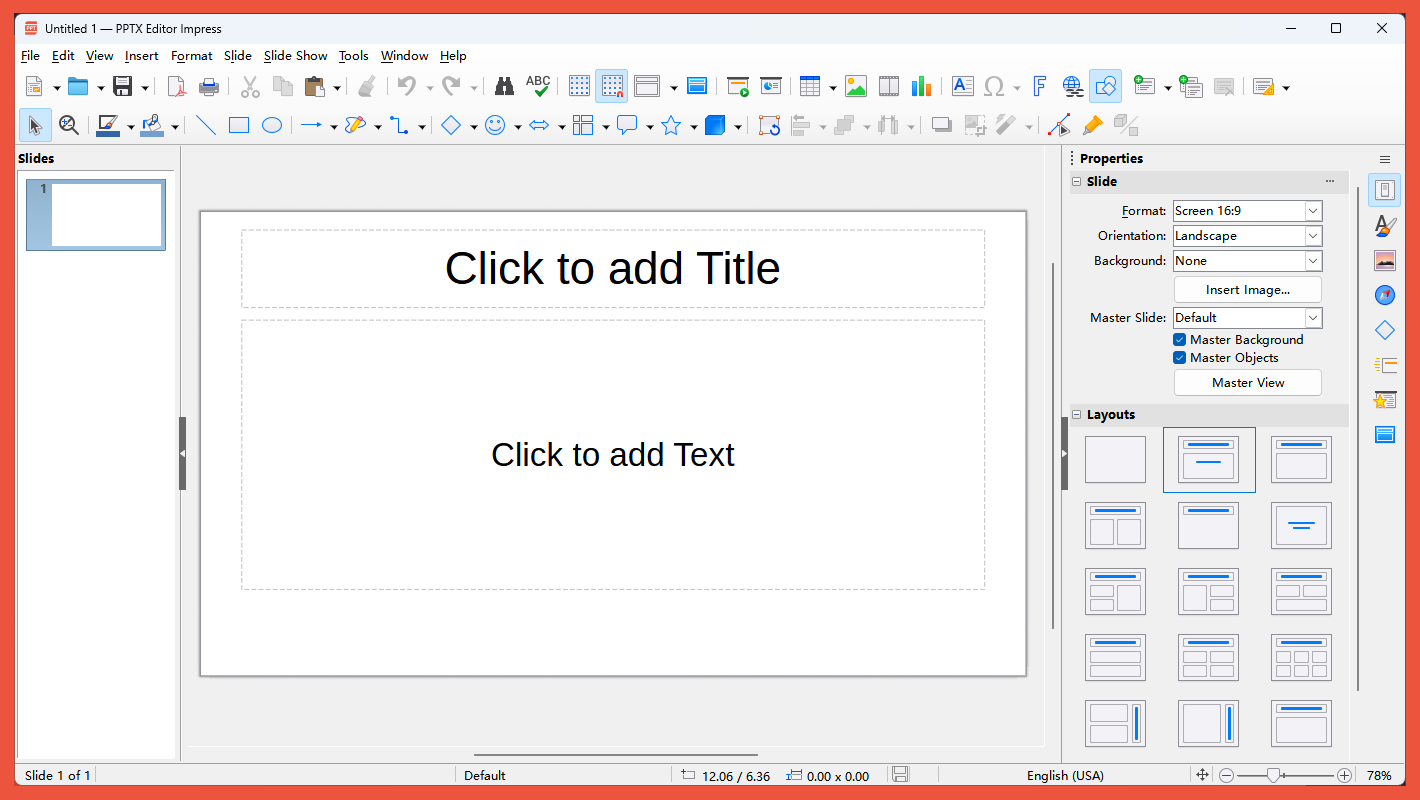
PPTX+ Editor is a modern, professional presentation editing and creation tool built to help you efficiently open, edit, and generate .pptx, .ppt, and other mainstream PowerPoint presentation files. Whether for business briefings, academic defenses, product pitches, or training courseware, PPTX+ Editor delivers a stable, smooth, and fully‑featured creative experience. PPTX+ Editor now not only supports opening, creating, and editing PowerPoint (.pptx, .ppt) documents, but also supports editing Excel (.xlsx, .xls, .csv) and Microsoft Word (.docx, .doc, .rtf) files as well as other Office documents. PPTX+ Editor currently supports batch conversion of PowerPoint documents to PDF documents. Opening – Fully compatible with Microsoft PowerPoint 97–2021 and Office 365 formats, supporting .pptx, .ppt, .odp, and other common presentation formats. Even decks with complex master slides, nested shapes, embedded charts, audio/video media, animation sequences, and transition effects are loaded swiftly while preserving every design detail. Editing – Provides a WYSIWYG slide editing environment with extensive formatting options: rich text styling (fonts, sizes, colors, paragraph spacing, bullets and numbering), shape drawing and styling, image cropping and filters, table and chart insertion, as well as headers/footers, notes, and comments. It also includes slide master view for unified style adjustments, plus an animation pane and transition effects library to easily apply entry, emphasis, exit, and motion path animations, along with page transition effects. Generating – Enables rapid creation of polished presentations using built‑in professional templates or custom themes, with automatic generation of table‑of‑contents slides and chapter navigation. For output, it exports to PDF, images (JPEG/PNG), HTML, plain text, and more, supporting various use cases such as projection display, online sharing, handout printing, or archiving.
Productivity · Windows · Free
Rating: 4.4 out of 5, based on 11 user ratings.