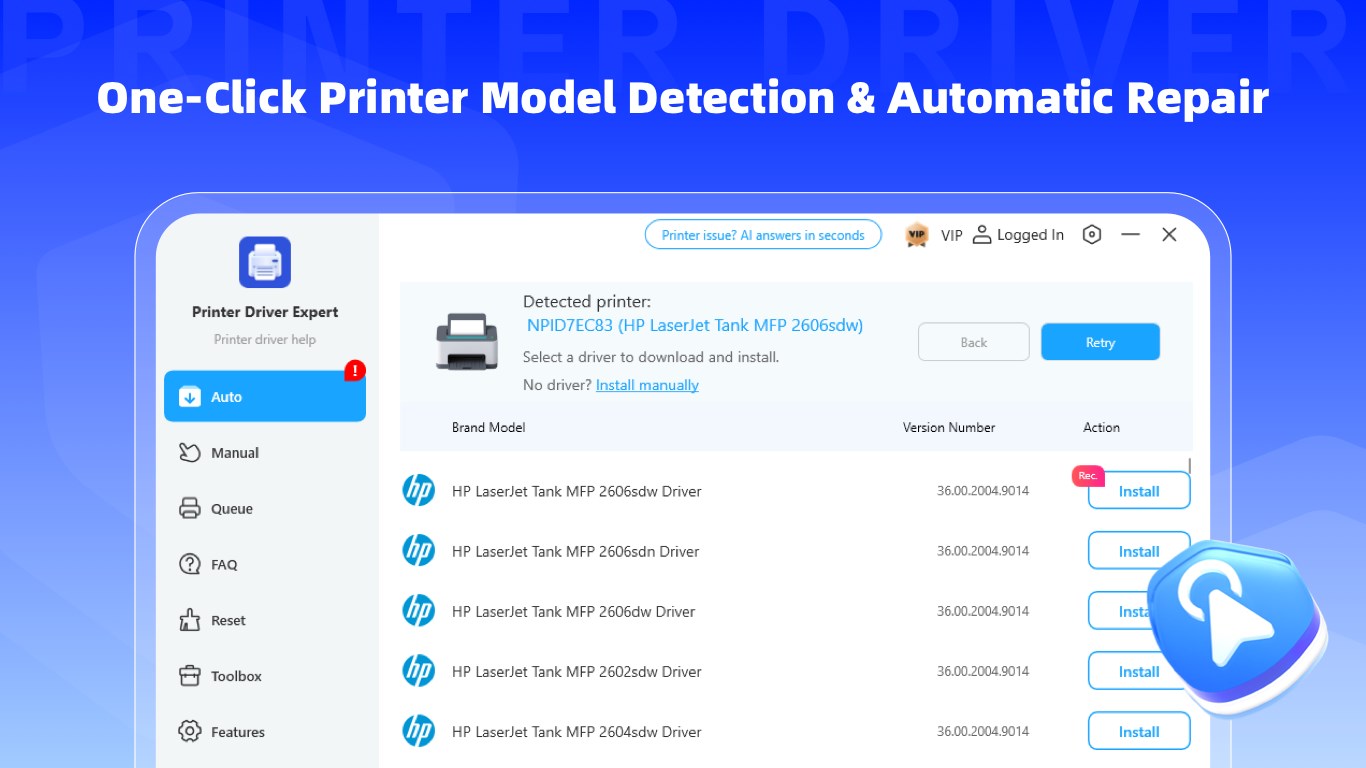
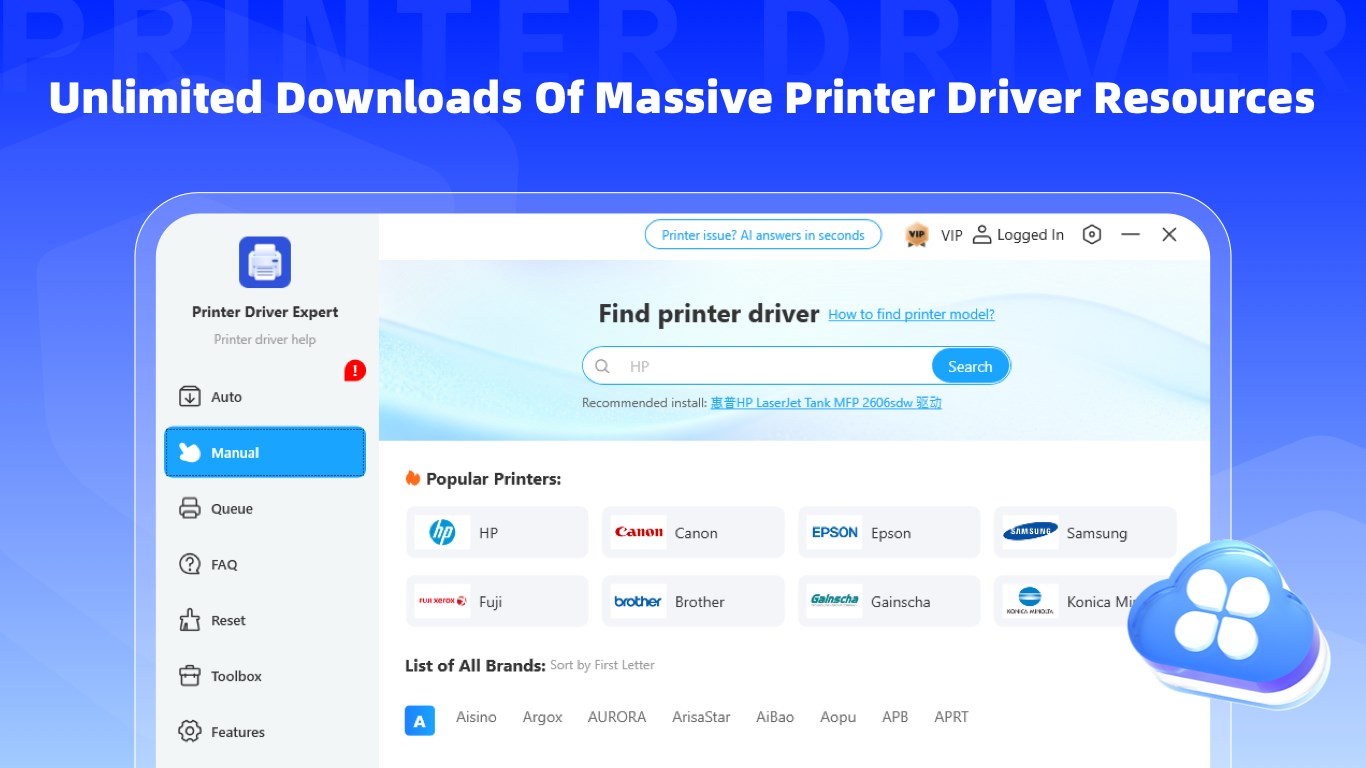
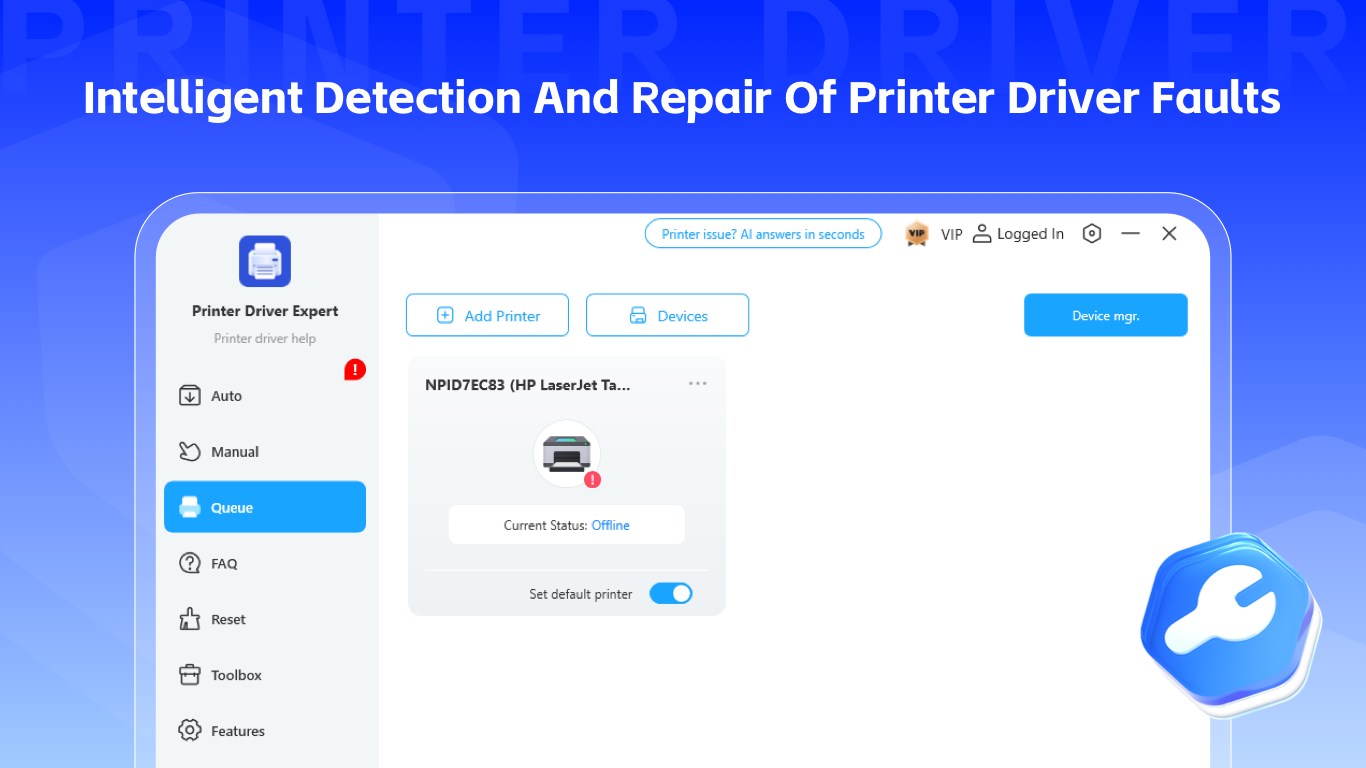
🖨️ Printer Fixer: All-in-One Smart Driver & Repair Tool Printer Fixer is a professional printer driver tool covering full-cycle services: driver download, driver update, driver installation, driver repair and driver management, serving as a driver master, system repair tool and official driver database. It one-click fixes printer offline, print errors, printer connection issues, connection failures and driver unavailable problems, supporting all mainstream printer models. Key Features ✨ Smart Installation & Wide Compatibility Auto detect drivers, detect printer brand and model, auto match printer model for one-click printer driver install. Covers laserjet driver, universal print driver and universal printer drivers, compatible with USB, network, shared and wireless printers, supporting printer driver download and standard printer driver installation. 🛠️ Full Troubleshooting & Driver Repair As driver repair software and printer driver repair software, it provides full printer troubleshooting and printer error repair, acting as a practical printer troubleshooting tool. One-click printer driver repair fixes corrupted drivers, corrupted printer drivers, missing printer drivers, driver incompatible and printer driver incompatible issues; resolves cannot print, printer connection failed, printer not detected, printer driver error problems, supports printer spooler fix, repairs drivers, solves driver installation failed and driver conflicts via one-click system repair, with built-in printer error detection. ⚡ Efficient Management & Version Update Delivers complete driver management and printer driver management. As a printer driver updater, it supports one-click printer driver update, allows you to check printer driver status, scan printer drivers and detect printer drivers, with a built-in printer driver manager, updated printer driver library and driver database. 📂 Lightweight & Stable Supports cloud printing and printer status monitoring, with simple ad-free interface, regular driver library maintenance and efficient installation processes, covering all types of printer models. ⚠️ Version and Subscription The current version is a Free-to-Get edition with unlimited diagnostics; to unlock the repair function and premium features, you can choose a monthly, quarterly, or annual subscription (billed via Microsoft account), a 7-day free trial (automatically renews to a paid plan after the trial), or a one-time payment for Lifetime Membership.
Utilities · Windows · Free
Rating: 1.6 out of 5, based on 7 user ratings.