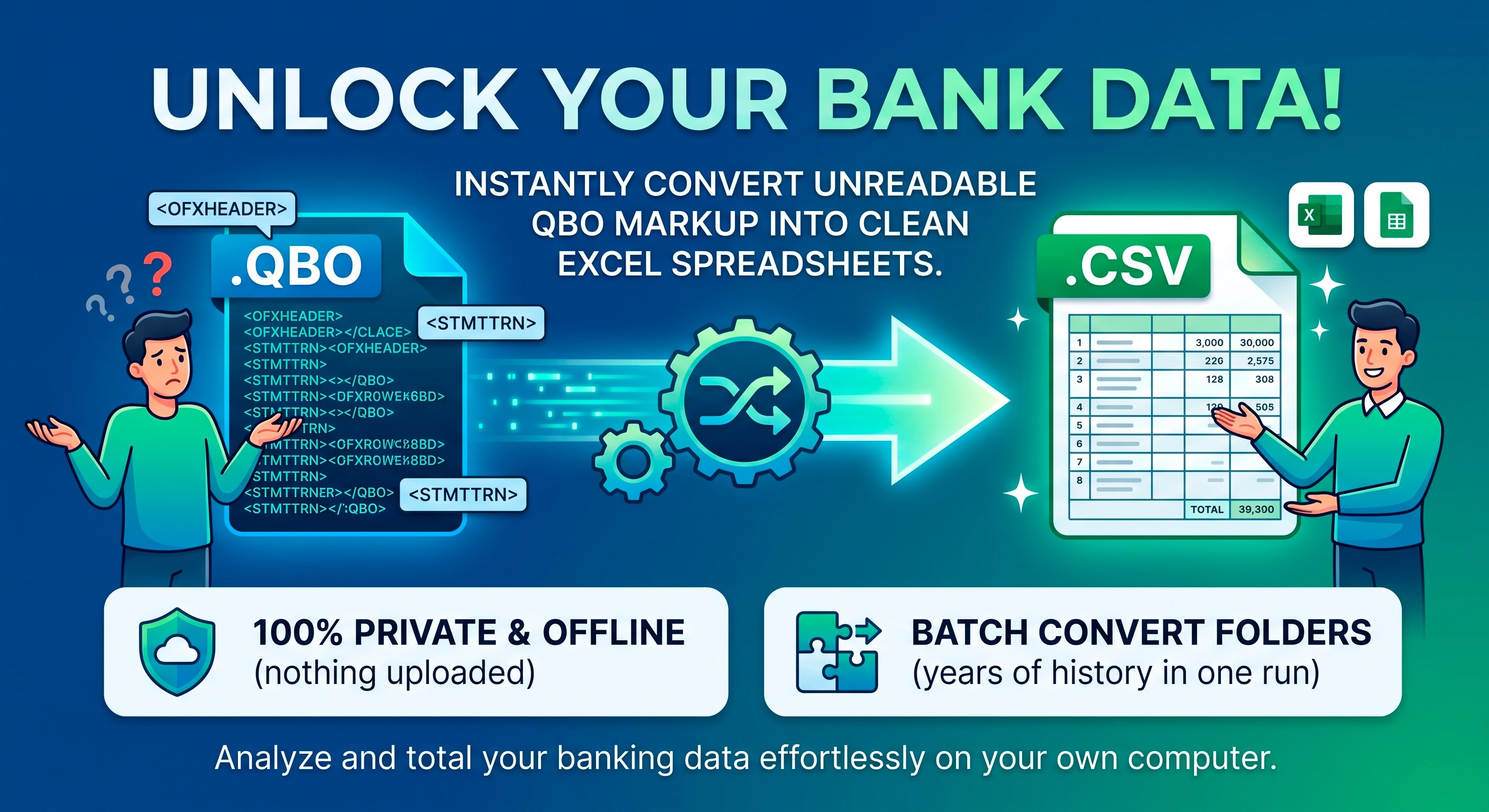
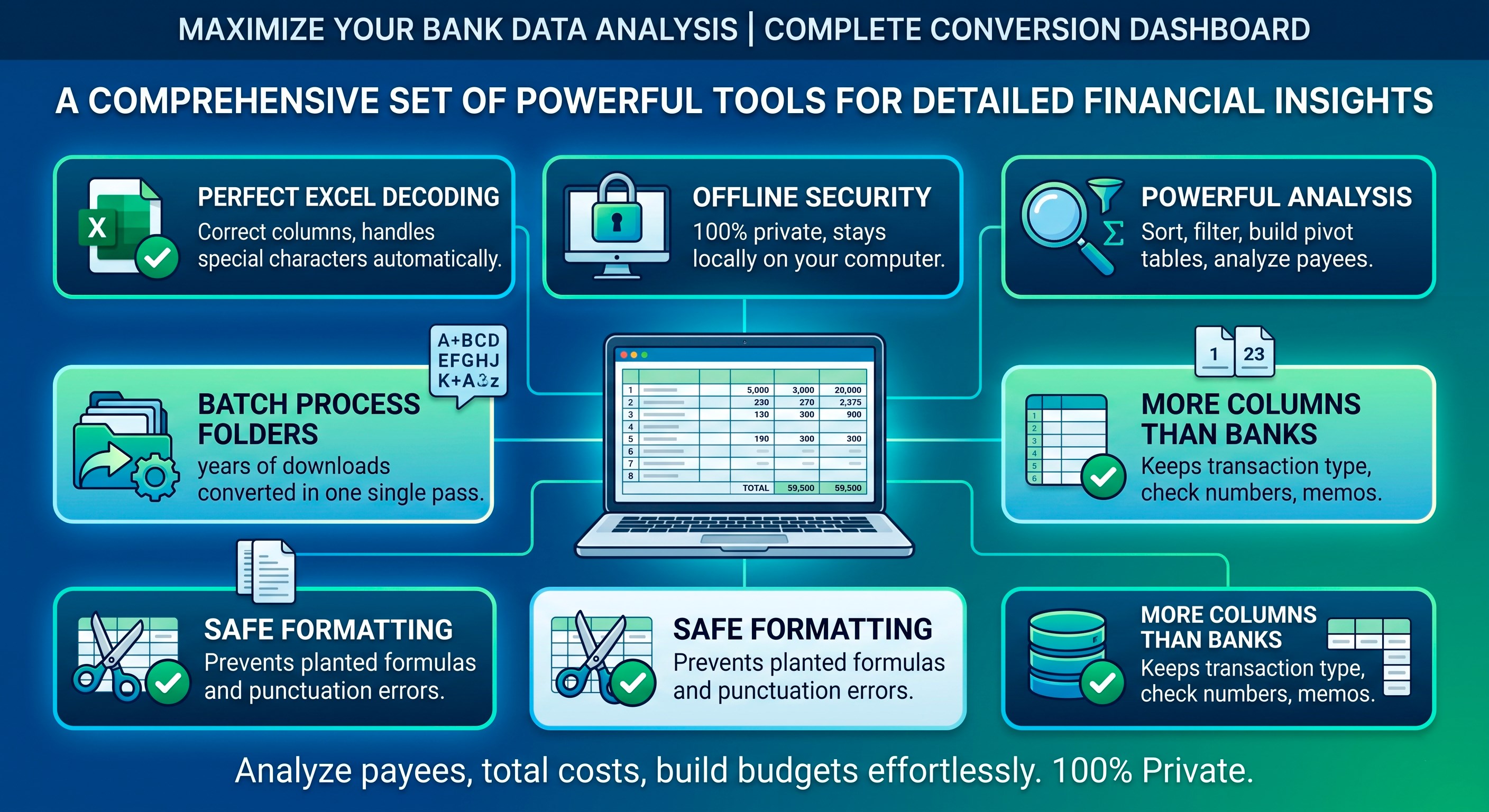
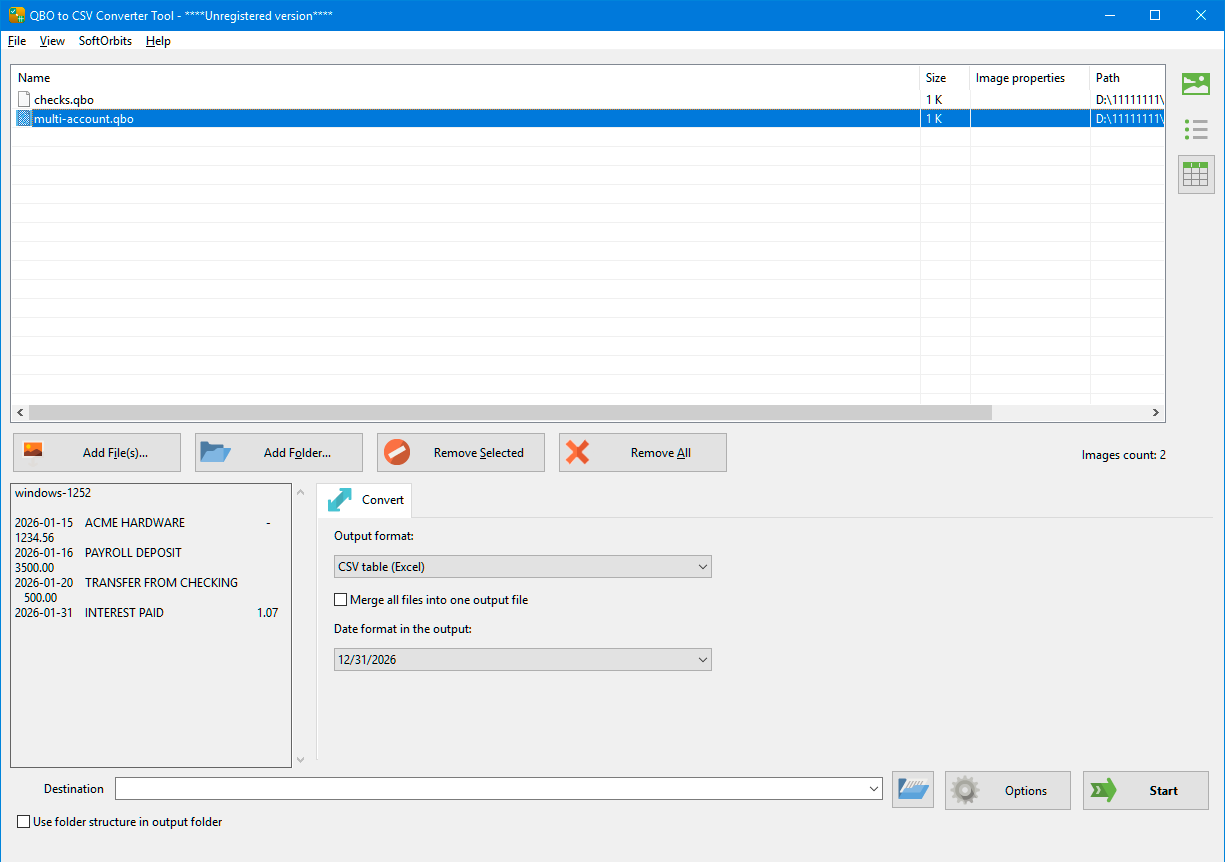
A .qbo download is markup, not a spreadsheet. Rename one to .csv and Excel shows you tags. QBO to CSV Converter Tool reads what those tags hold and writes the transactions as rows and columns, so a bank download turns into a sheet you can sort, filter and total. Conversion happens on your own computer, and .ofx is read too. 🔰 How to use QBO to CSV Converter Tool 1. Install and open the app. 2. Drag your .qbo or .ofx downloads in, press Add Files, or press Add Folder for a whole directory. 3. Select a file and read its text preview, which counts the transactions recognized, names the encoding and prints the first records. 4. Set the output format to CSV. 5. Tick the columns you want and choose how dates should be printed. 6. Pick a destination folder and press Start. 7. Open the result in Excel or Google Sheets. ℹ️ A trial version does not process all files. The full version does not show this message and has no limitations. Without a license key each run writes 20 transactions, enough to open a real sheet of your own and see where every field lands. 👍 Top 🔟 reasons to choose QBO to CSV Converter Tool by SoftOrbits 1️⃣ Excel decodes the result without being asked. A byte-order mark leads the UTF-8 text that QBO to CSV Converter Tool writes, and Excel consults that mark before settling on an encoding. Lacking it, a Cyrillic or Japanese payee arrives as rubble and the text import dialog is where your next five minutes go, picking code pages by hand. 2️⃣ Punctuation inside a field stays inside that field. Output follows RFC 4180, so a payee holding a comma, a memo in quotation marks or a description broken across two lines gets wrapped and escaped, and column six never spills into column seven. 3️⃣ A planted formula cannot fire. Any cell beginning with =, + or @ is written with an apostrophe in front, since spreadsheets treat those characters as code, and text from a bank should stay text. 4️⃣ Nothing is written blind. A truncated download or the wrong month shows up in the preview, before any sheet exists to be sent on. 5️⃣ Give it a folder. Twelve monthly downloads come back as twelve sheets in one run, which is how banks hand them out, one per statement period. 6️⃣ Both extensions are read. Banks label the same download .qbo or .ofx depending on the button pressed, and QBO to CSV Converter Tool accepts either. 7️⃣ Your account number never leaves the desk. Conversion runs where the file already sits, so the only computer that sees those numbers is the one you own. 8️⃣ Rows can be questioned. Sort by amount for the quarter's largest charge, filter a single payee, total a column, build a pivot table. A .qbo does none of that while it stays a .qbo. 9️⃣ A .csv answers to more programs. Spreadsheets, databases and budgeting tools all read it, whereas a .qbo was addressed to one accounting suite. 🔟 More columns than the bank's own CSV button. Where both downloads are offered, the .qbo commonly carries fields the shorter export drops: transaction type, check number, the memo line. QBO to CSV Converter Tool keeps them. ❓ Why would you need QBO to CSV Converter Tool? ✅ Add up what a month actually cost, once groceries, fuel and three subscriptions sit in one column. ✅ Match a statement against your own invoices by date and amount, without retyping either side. ✅ Search a year by payee, since a filter beats paging through statements period by period. ✅ Hand an accountant, an adviser or a landlord a sheet from QBO to CSV Converter Tool, since almost nobody keeps software that opens .qbo. ✅ Feed a budgeting or analytics tool that imports .csv and knows nothing about Intuit formats. ✅ Study your own banking privately. The file came from your bank, and the questions you want to ask of it are yours alone. ❓ Frequently Asked Questions: ❔ Can I open a QBO file in Excel? 💡 Not by renaming it. A .qbo is a tagged SGML document: a header block, then every value fenced between markers such as and , one per line. That is a shape for a program to parse, not a grid of cells. Change the extension and a spreadsheet does as it is told, reading the tags as data and giving you a tall single column of angle brackets. QBO to CSV Converter Tool lifts the values out of that markup and puts them where a spreadsheet expects them. ❔ Can you convert a QuickBooks file to Excel? 💡 It depends which file you mean. Web Connect downloads, the .qbo and .ofx that banks publish, are what this app reads. A company file with a .qbw or .qbb extension is another thing entirely, a live database belonging to the accounting program, and QBO to CSV Converter Tool does not open it. ❔ Is there a way to export all data from QuickBooks Online? 💡 Not from here, and nothing here logs in anywhere. This app contacts no bank and no cloud service; it reads a file already on your disk. So the sheet covers whatever period the bank put in that download, no more. Need an earlier stretch, and the earlier download is what you fetch. ❔ Can Excel replace QuickBooks? 💡 For reading what has already happened, a sheet is usually enough, and that is the job QBO to CSV Converter Tool does. Categories, reconciliation and a tax return still want proper bookkeeping. The sheet is also a snapshot rather than a live link, so fresh transactions mean a fresh download.
Utilities · Windows · Free