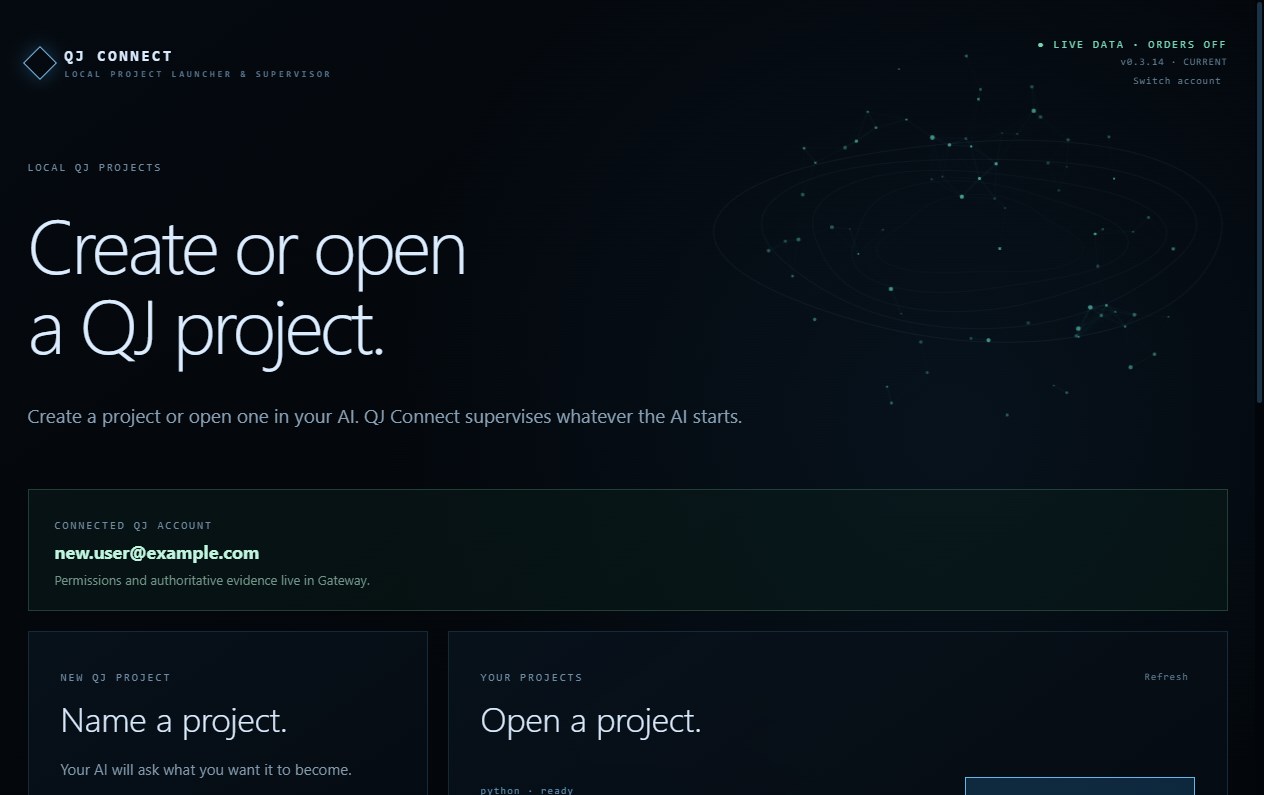
QJ Connect is the local project launcher and runtime supervisor for QJ Gateway. It helps you create, open, run, and stop local QJ market-data projects built with Codex, Claude Code, Cursor, or another AI workspace—without manually managing Python, terminals, environment files, or API keys. Pair this computer securely with your QJ Gateway account in the browser. QJ Connect stores credentials in the Windows credential vault, starts a private Python runtime, brokers only reviewed short-lived capabilities, supervises the complete process tree, and verifies each stop. New projects use sandbox market data by default. Production data and Order Entry are controlled separately by your Gateway account and require the appropriate entitlement and explicit approval. Local settings and AI cannot widen those server-side permissions. A QJ Gateway account is required. Paid Production service is contracted separately.
Developer Tools · Windows · Free