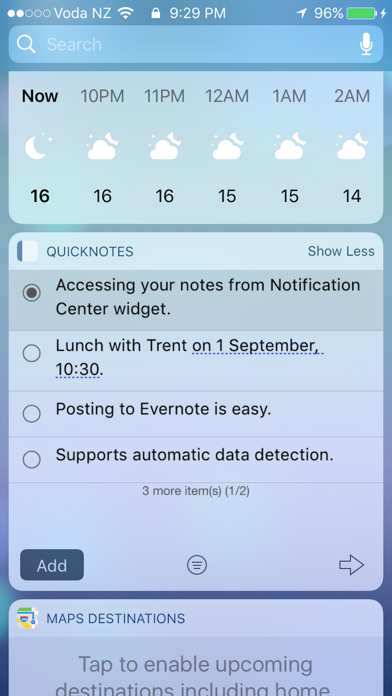
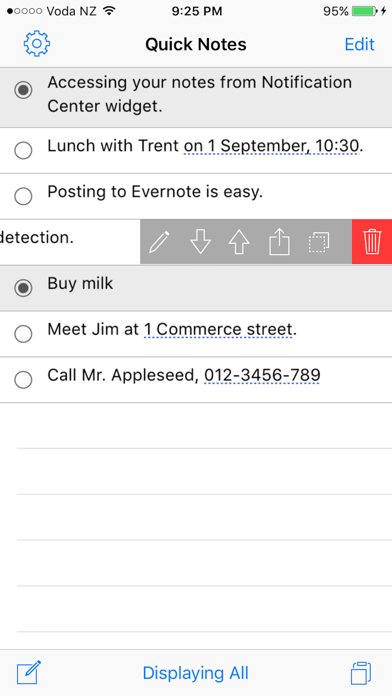
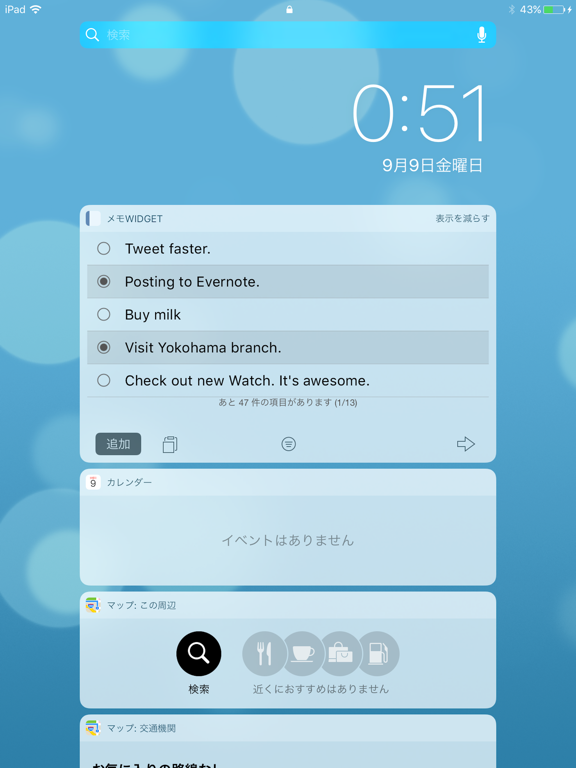
This app enables you to display notes in Notification Centre. Take some notes in this app then you can read them anytime from Notification Centre Widget. 【How to install widget】 [1] After downloading this app, open Notification Center by swiping your finger from the top of the screen towards the bottom of the screen. [2] Tap "Edit" then enable "QuickNotes"
Utilities · iPhone, iPad · Free
Rating: 3.4 out of 5, based on 5 user ratings.