Screenshots
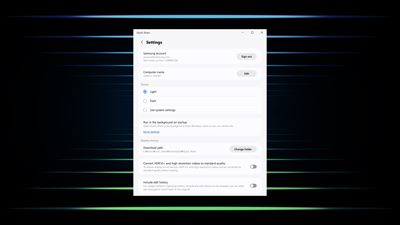
About Quick Share
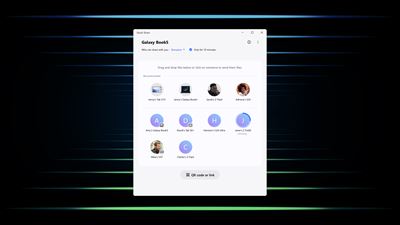
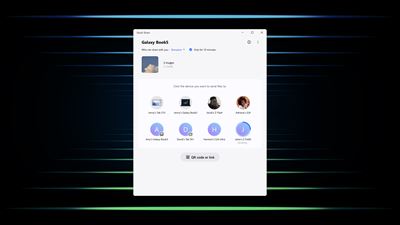
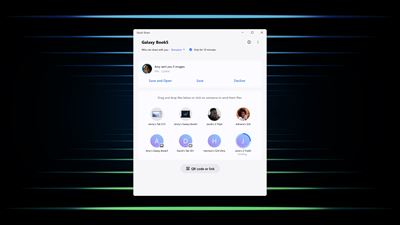
Share files with your friends quickly, safely and easily with the Quick Share feature.
Just a few taps and you’ll be sending photos, videos, documents and more.
You can share files from your Samsung Galaxy device to other Samsung Galaxy devices as well as supported Android devices or PCs from other manufacturers.
※ On a non-Galaxy Book PC, you can find Google Quick Share at the link below.
(https://support.google.com/android/answer/13801258)
[Key features]
• Share to devices nearby: Quickly and easily share files with nearby Galaxy and other third-party Android devices and PCs (including Chromebooks).
• QR code or link: Easily share your files by scanning the QR code you’ve generated with the receiving mobile device (including iOS devices). You can also copy the link you’ve created and paste it into the app of your choice for easy file sharing.
• Private sharing: Set how long the file can be shared with the recipient. Also, the recipient can’t take screenshots or save and then re-share.
[Supported specifications and devices]
• Supported specifications
- OS : Windows 10 2004 (build number 19041) version or higher
- Bluetooth driver : (Intel) 22.50.02 version or higher
- Wi-Fi driver : (Intel) 22.50.07 version or higher
• Supported devices
- Samsung Galaxy Book (including Qualcomm-based PCs released in 2020 or later)
※ To ensure optimal performance, please keep the Windows OS and Bluetooth/Wi-Fi drivers up to date.
※ Shared links expire in two days.
※ Sharing via QR codes and links is limited to up to 1,000 files at a time, 10 GB per file, and 10 GB per day.
※ Private sharing can transfer up to 20 files, 200 MB each, at a time.
AVALW Coverage
Not yet mentioned in AVALW articles.
Similar apps


 Phone by GoogleGoogle LLCReliable phone calls with spam protection, caller ID and more helpful features★ 4.4 52440k


 Google Play servicesGoogle LLCGoogle Play services - Google services for Android apps★ 4.3 44573k



 Call of Duty®: Modern Warfare® 4 (Windows)Activision Publishing Inc.War erupts on the Korean Peninsula as North Korea launches a full-scale invasion that threatens to destabilize the world in Call of Duty®: Modern Warfare® 4. A ★ 4.3 16579k


 gov.brServiços e Informações do BrasilGov.br is a means of user access to digital public services.★ 4.6 14047k


 MyTelkomsel – Buy InternetTelkomselBuy credit, internet quota, streaming, game voucher & get cashback with e-wallet★ 3.8 12353k


 myIM3: Data Plan & Buy PackageIndosat Ooredoo HutchisonCheck balance & quota, detect & block spam, exchange IMPoin only on myIM3★ 4.4 11302k


 Files by GoogleGoogle LLCClean up your phone, find files, play media, and share files offline★ 4.5 9097k


 CNH do BrasilServiços e Informações do BrasilDigital driver's license and vehicle registration certificate, first driver's license, traffic violation and vehicle information.★ 4.9 8390k
More by this developer
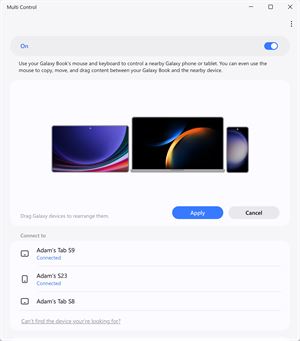
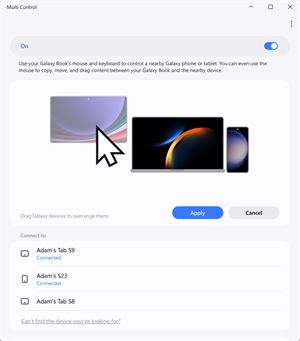
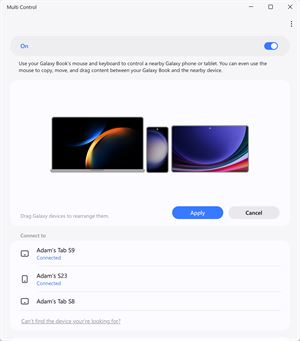
 Multi controlSamsung Electronics Co, Ltd."Multi control lets you use the mouse and keyboard on your PC to control your Galaxy phone or tablet and drag and drop files, photos, and more between your devi★ 2.4 20
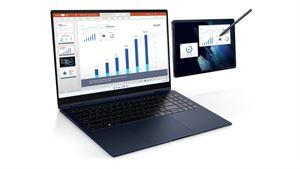
 Second ScreenSamsung Electronics Co, Ltd.An expanded experience with two monitors When you feel like your laptop screen is not enough, try expanding it with the Galaxy Tab. Write and draw directly with★ 3.4 161
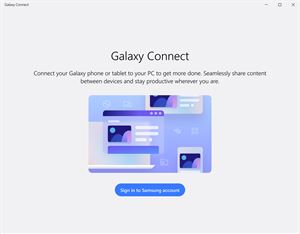
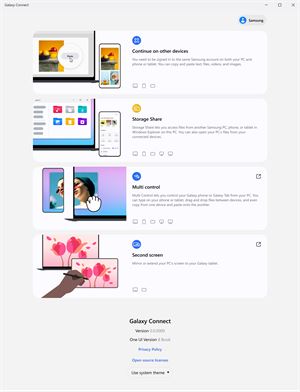
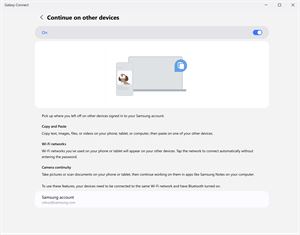
 Galaxy ConnectSamsung Electronics Co, Ltd.With the Galaxy Connect app, you can connect your Galaxy phones and tablets to Windows PCs and do more work with ease. Wherever you are, you can enjoy an amazin★ 2.7 76
 Samsung FlowSamsung Electronics Co, Ltd.Samsung Flow is a software product that enables a seamless, secure, connected experience across your devices. You can authenticate your Tablet/PC with your smar★ 3.4 23k