Screenshots
About Second Screen
An expanded experience with two monitors
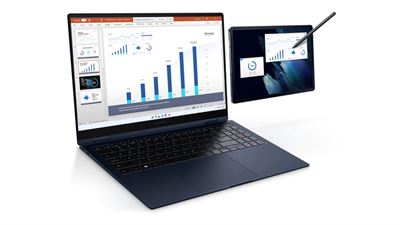
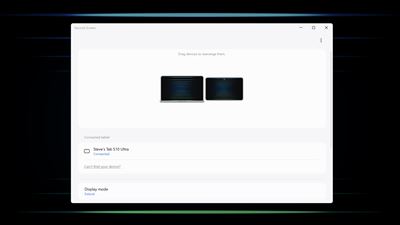
When you feel like your laptop screen is not enough, try expanding it with the Galaxy Tab.
Write and draw directly with the S Pen in a wider workspace, and express your creativity freely.
Install the Second Screen app on your PC for more convenient features.
1. Supports tablet screen ratio
You can also display it as a full screen on your tablet for a wider screen.
2. Sync with the power settings of your PC
It syncs with the power settings and screen saver settings of your PC to give you the same experience as you would have on your monitor.
3. Auto connection support
When the tablet you last used is detected, it will connect automatically.
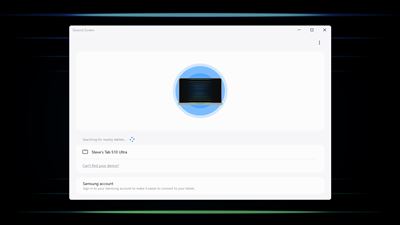
4. Easy tablet connection support
Expand the screen to a tablet without having to operate the tablet separately.
(* One UI 5.1.1 or higher Galaxy Tabs, Galaxy Books released from 2020 onwards, PCs/tablets must be logged in to the same Samsung account)
A product that meets the specific Second Screen support criteria is required.
* PC: Galaxy Books that are Windows 11 or higher
* Tablet: One UI 5.1.1 or higher Galaxy Tab S12+, S12 Ultra, S11, S11 Ultra, S10+, S10 Ultra, S10 FE, S10 FE+, S10 Lite, S9, S9+, S9 Ultra, S9 FE, S9 FE+, S8, S8+, S8 Ultra, S7, S7+, S7 FE, Active4 Pro, Active5, Active5 Pro, Z TriFold
Second Screen is optimized for Galaxy Book.
Depending on the model/manufacturer, there may be restrictions on some features and differences in usage.
AVALW Coverage
Not yet mentioned in AVALW articles.
Similar apps


 Phone by GoogleGoogle LLCReliable phone calls with spam protection, caller ID and more helpful features★ 4.4 52440k


 Google Play servicesGoogle LLCGoogle Play services - Google services for Android apps★ 4.3 44573k



 Call of Duty®: Modern Warfare® 4 (Windows)Activision Publishing Inc.War erupts on the Korean Peninsula as North Korea launches a full-scale invasion that threatens to destabilize the world in Call of Duty®: Modern Warfare® 4. A ★ 4.3 16579k


 gov.brServiços e Informações do BrasilGov.br is a means of user access to digital public services.★ 4.6 14047k


 MyTelkomsel – Buy InternetTelkomselBuy credit, internet quota, streaming, game voucher & get cashback with e-wallet★ 3.8 12353k


 myIM3: Data Plan & Buy PackageIndosat Ooredoo HutchisonCheck balance & quota, detect & block spam, exchange IMPoin only on myIM3★ 4.4 11302k


 Files by GoogleGoogle LLCClean up your phone, find files, play media, and share files offline★ 4.5 9097k


 CNH do BrasilServiços e Informações do BrasilDigital driver's license and vehicle registration certificate, first driver's license, traffic violation and vehicle information.★ 4.9 8390k
More by this developer
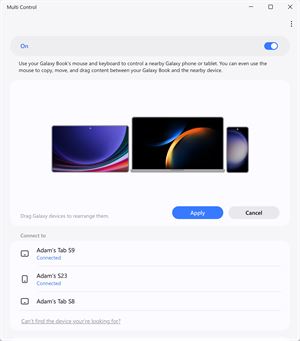
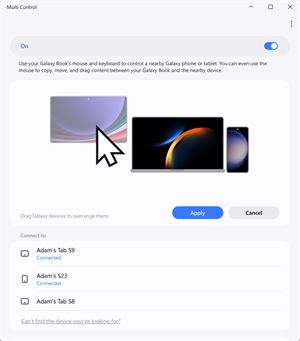
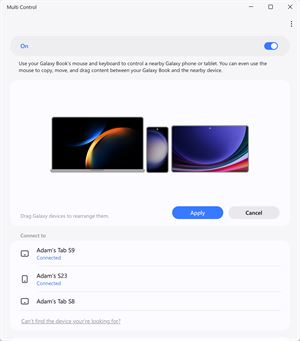
 Multi controlSamsung Electronics Co, Ltd."Multi control lets you use the mouse and keyboard on your PC to control your Galaxy phone or tablet and drag and drop files, photos, and more between your devi★ 2.4 20
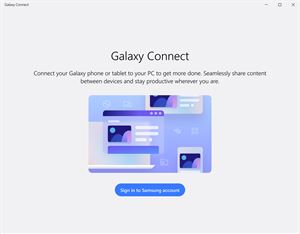
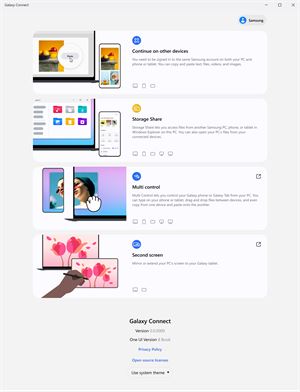
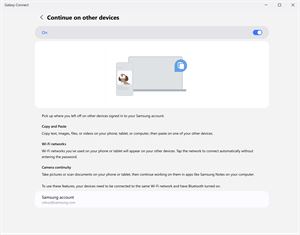
 Galaxy ConnectSamsung Electronics Co, Ltd.With the Galaxy Connect app, you can connect your Galaxy phones and tablets to Windows PCs and do more work with ease. Wherever you are, you can enjoy an amazin★ 2.7 76
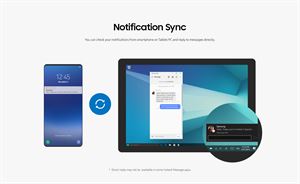
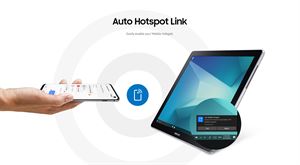
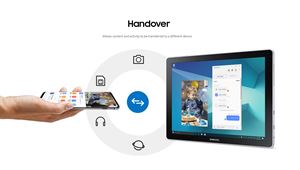
 Samsung FlowSamsung Electronics Co, Ltd.Samsung Flow is a software product that enables a seamless, secure, connected experience across your devices. You can authenticate your Tablet/PC with your smar★ 3.4 23k
 Quick ShareSamsung Electronics Co, Ltd.Share files with your friends quickly, safely and easily with the Quick Share feature. Just a few taps and you’ll be sending photos, videos, documents and more.★ 3.2 959