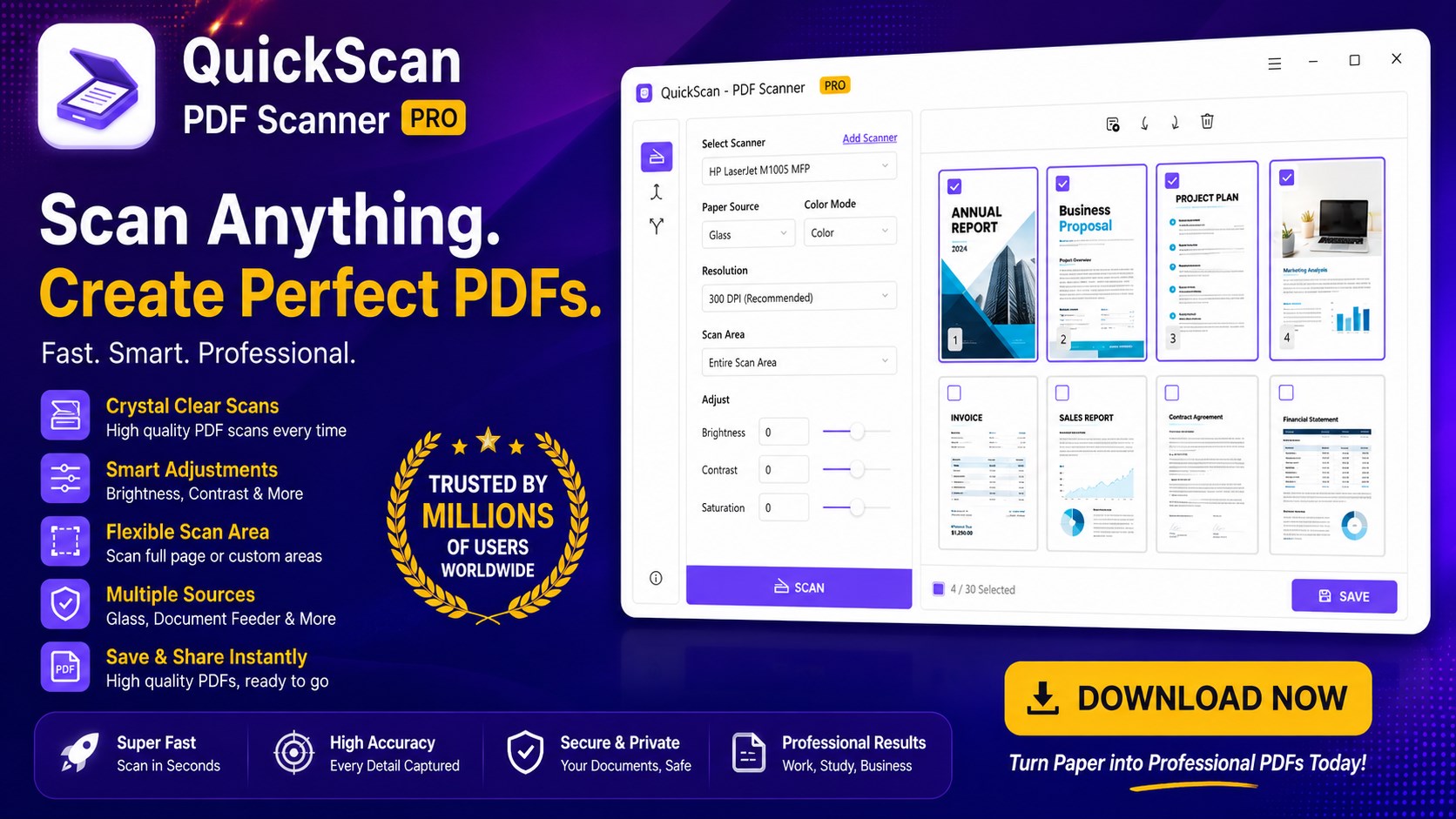
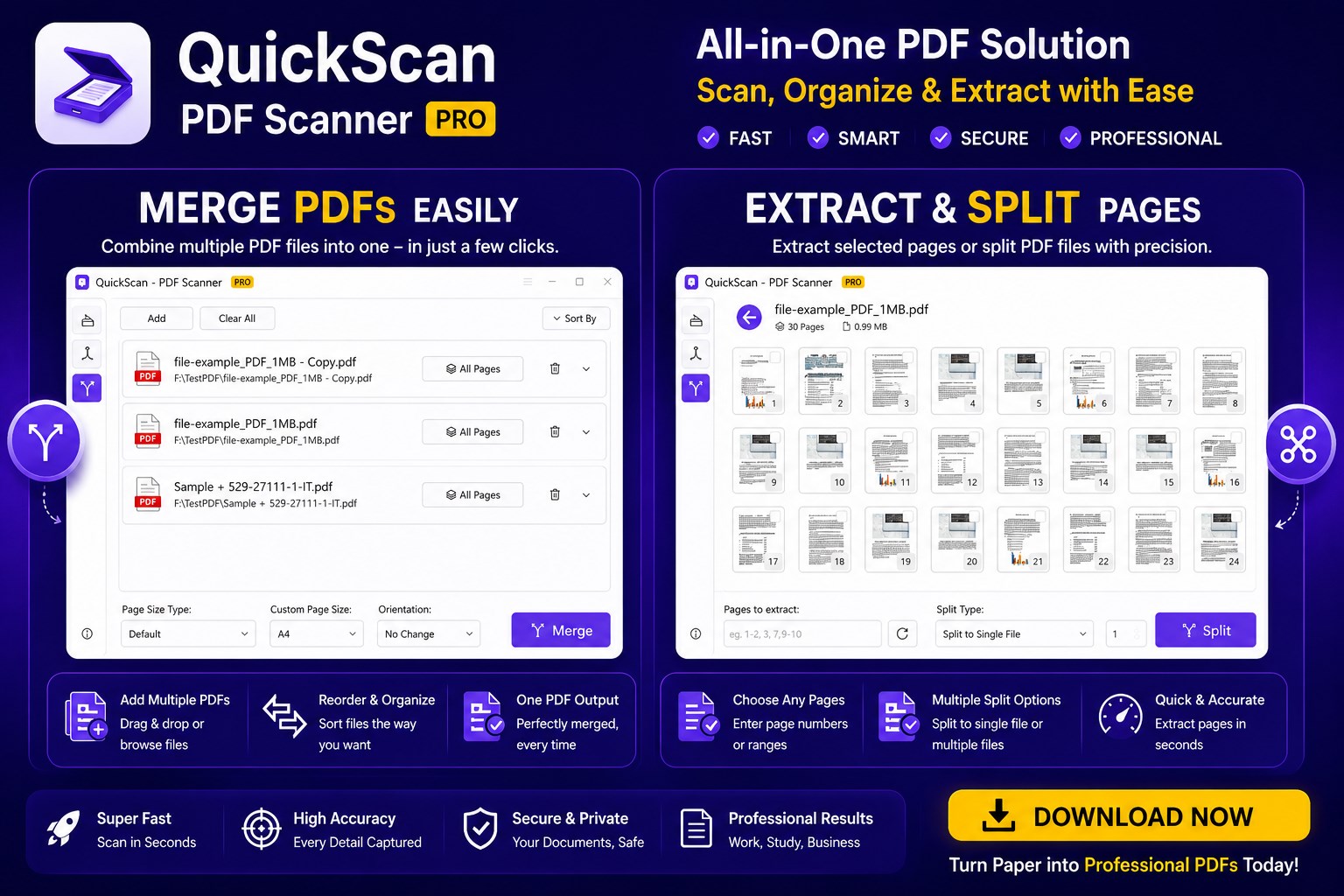
PDF Scanner & OCR for Windows Turn your scanner into a powerful PDF Scanner and Document Scanner for Windows. Scan documents, receipts, ID cards, books, invoices, contracts, notes and photos into high-quality PDF files or images. QuickScan is an all-in-one Scanner App, Scan to PDF solution and OCR Scanner that helps you digitize paper documents in seconds. Scan Documents to PDF • Scan documents to PDF • Scan receipts • Scan ID cards • Scan books • Scan notes • Scan contracts • Scan invoices • Scan forms • Scan certificates • Scan photos Create professional PDF files with just one click. Built-in OCR Convert scanned images into editable text. • OCR PDF • Image to Text • Extract Text • Copy Text • Search Text Perfect for digitizing printed documents. PDF Tools • Merge PDF • Split PDF • Reorder pages • Rotate pages • Auto Crop • Auto Detect • Image Enhancement • Remove Blank Pages Everything needed to manage scanned PDFs. Save in Multiple Formats Export your scans as • PDF • JPG • PNG • TIFF Share documents easily with coworkers, schools and businesses. Compatible with Most Devices Works with most Windows scanners and multifunction printers including HP, Canon, Epson, Brother, Xerox and more. Great For • Students • Teachers • Offices • Home users • Businesses • Accountants • Lawyers • Medical offices Why Choose QuickScan? ✓ PDF Scanner ✓ Document Scanner ✓ OCR Scanner ✓ Scan to PDF ✓ Image to PDF ✓ PDF Creator ✓ PDF Converter ✓ Receipt Scanner ✓ ID Scanner ✓ Book Scanner ✓ Windows Scanner App Whether you need a Document Scanner, PDF Scanner, OCR Scanner, Scan to PDF tool, or Image to PDF converter, QuickScan helps you create professional documents quickly on Windows. ⚠️ Note: Free version lets you scan 2 pages, split 2 pages, and merge 2 pages at a time. Upgrade to the paid version for unlimited use.
Business · Windows · Free
Rating: 4.9 out of 5, based on 52 user ratings.