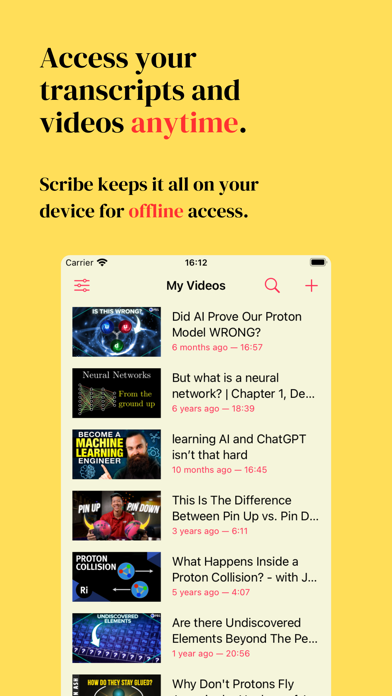
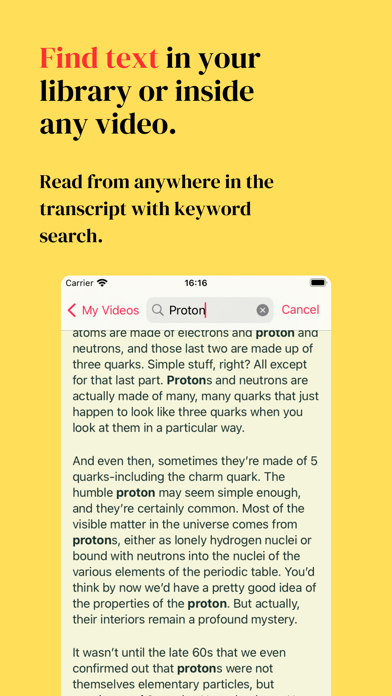
Turn any YouTube video into a clear, beautifully formatted transcript with QuickScribe. Read, watch, search, and follow along with synchronized word-by-word highlighting. Key Features: - AI-powered punctuation and paragraph formatting - Private, on-device AI summaries - Four summary styles: TL;DR, Key Points, Detailed Summary, and Action Items - Switch between multiple saved summaries for each transcript - Smart table of contents with AI-generated chapters when needed - Full-text search across transcript content and video titles - Find saved transcripts directly through Apple Spotlight - Filter transcripts by publishing date, channel, or video length - Organize your library with folders - iCloud transcript, summary, highlight, and folder sync across iPhone and iPad - Synchronized YouTube playback with word-by-word highlighting - Full-screen landscape playback with a resizable transcript column - Highlight important passages - Copy an entire transcript in just two taps - Export as PDF, plain text, HTML, Markdown, or a screenshot - Manage downloaded AI models from Settings - Modern search, sharing, and reading interfaces QuickScribe streams videos directly from YouTube and does not download video or audio files. Contact laurent@appblit.com with ideas or feedback. QuickScribe uses Apple’s Standard End User License Agreement: https://www.apple.com/legal/internet-services/itunes/dev/stdeula/
Productivity · iPhone, iPad · Free
Rating: 4.2 out of 5, based on 13 user ratings.