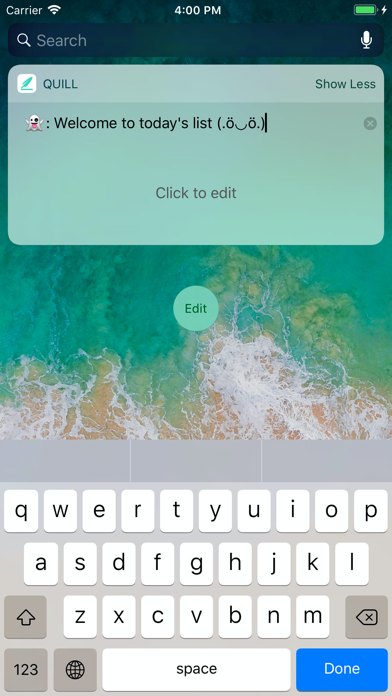
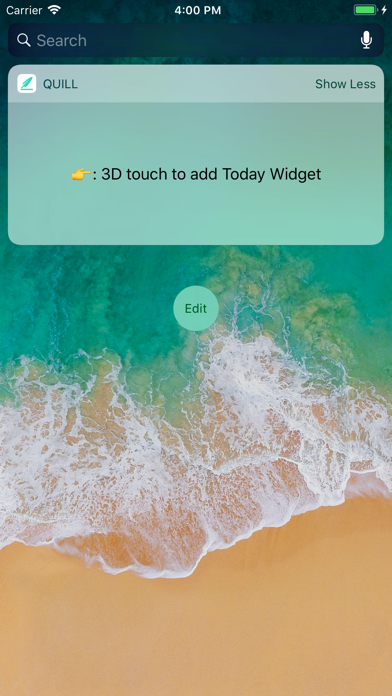
Feather Pen · Minimalist TODO Widget Capture it. Get it done. Whether it’s a thought after waking up, an idea on the go, a small task between classes, or something from work — capture and manage it anytime. 【Features】 ∙ See at a Glance Quickly view your todos from the Today View and stay on top of what matters. ∙ Check Off Quickly Mark todos as complete directly from the widget, without opening the app. ∙ Simple & Efficient No unnecessary features. Just what you need to keep things simple. ∙ Dark Mode Easy on the eyes, day or night. ∙ iCloud Sync Automatically sync your todos across your devices with iCloud. ∙ Reminders Set reminders for important tasks and never miss what matters. 【Add a Widget】 How to add the Feather Pen widget? ∙ Add it to the Today View Swipe right from the Lock Screen to quickly view all your todos. ∙ Add from the Feather Pen app Long-press the Feather Pen app icon, then choose the widget style you like. ∙ Add from the Home Screen Long-press an empty area → tap + → search for or find Feather Pen → choose your favorite widget style. 【Contact Us】 [developer.feedbacks@gmail.com](mailto:developer.feedbacks@gmail.com) Have a feature request or need help? Feel free to contact us. If Feather Pen makes your day a little easier, we'd really appreciate a five-star review. Thank you! ~
Productivity · iPhone, iPad · Free
Rating: 4.7 out of 5, based on 23 user ratings.