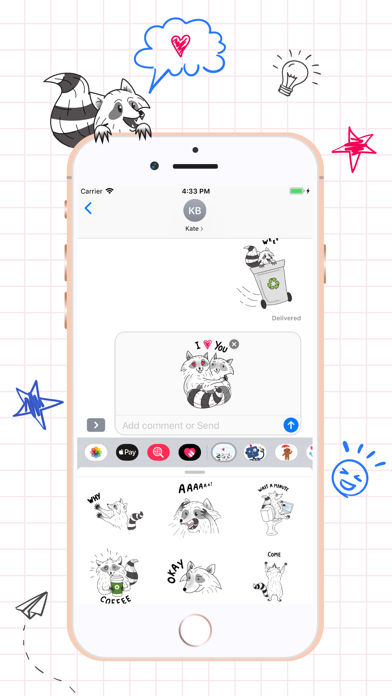
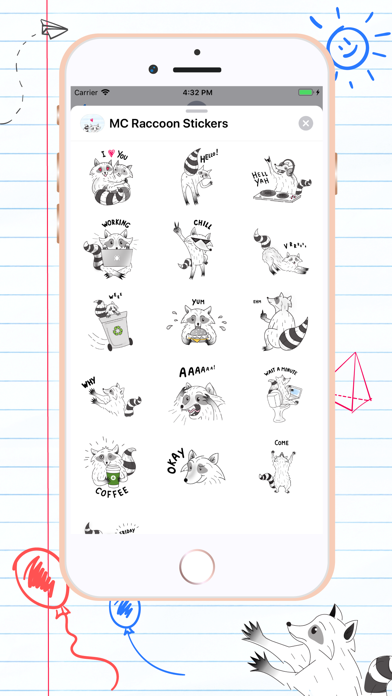
Raccoons day Stickers pack for iMessage. With Raccoons funny actions your i Message messages will be better than ever. Download Raccoons day Stickers now and enjoy! How to use iMessage stickers: 1. Open iMessages and start a new message, or go to an existing conversation. 2. Swipe left or right over the app drawer to find Raccoons day Stickers app 3. Tap the Raccoons day Stickers icon to open it. 4. Select the sticker which you want to use. Peel and place them on anything in your conversation.
Stickers · iPhone, iPad · Free
Rating: 4.8 out of 5, based on 5 user ratings.