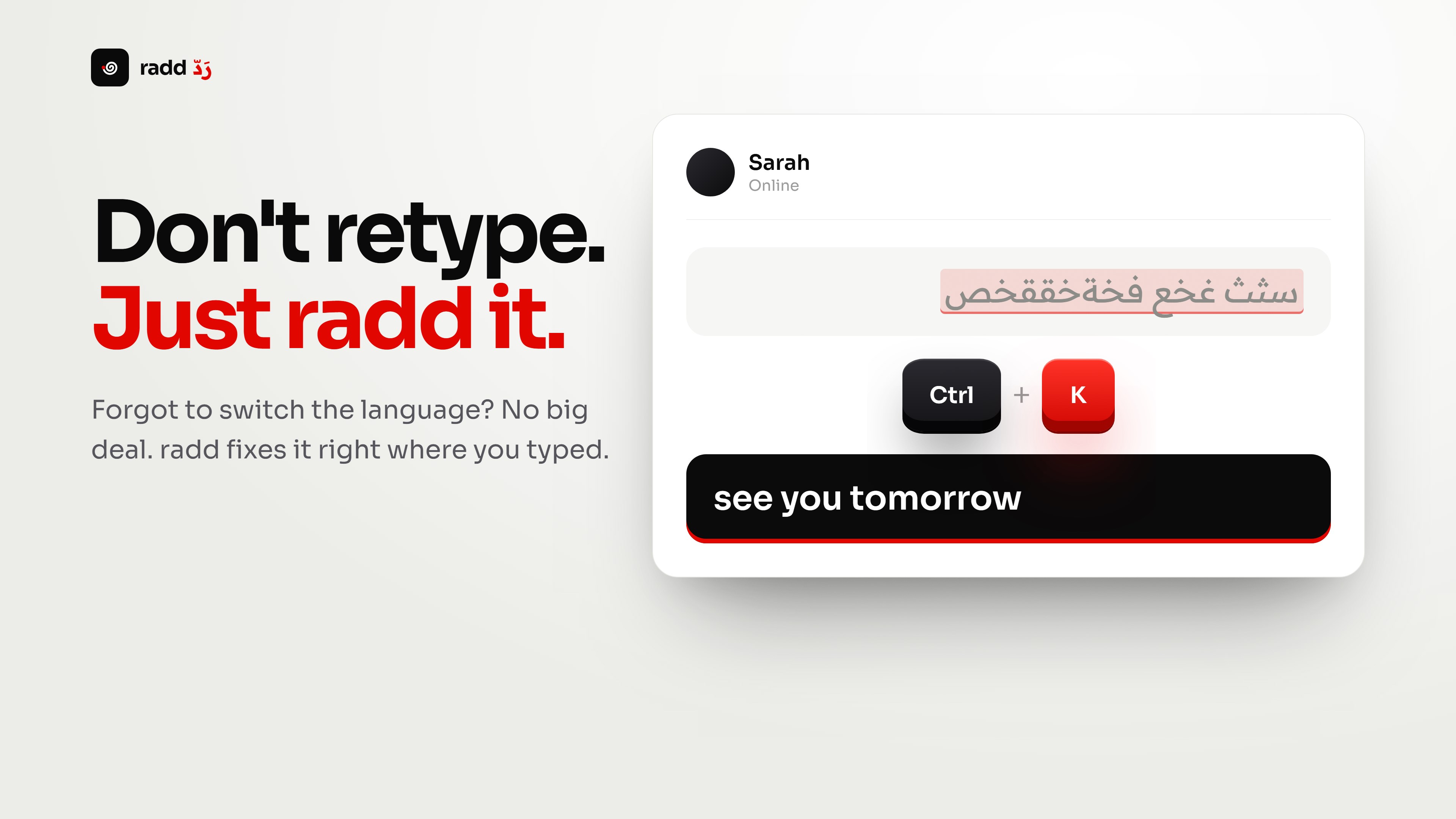
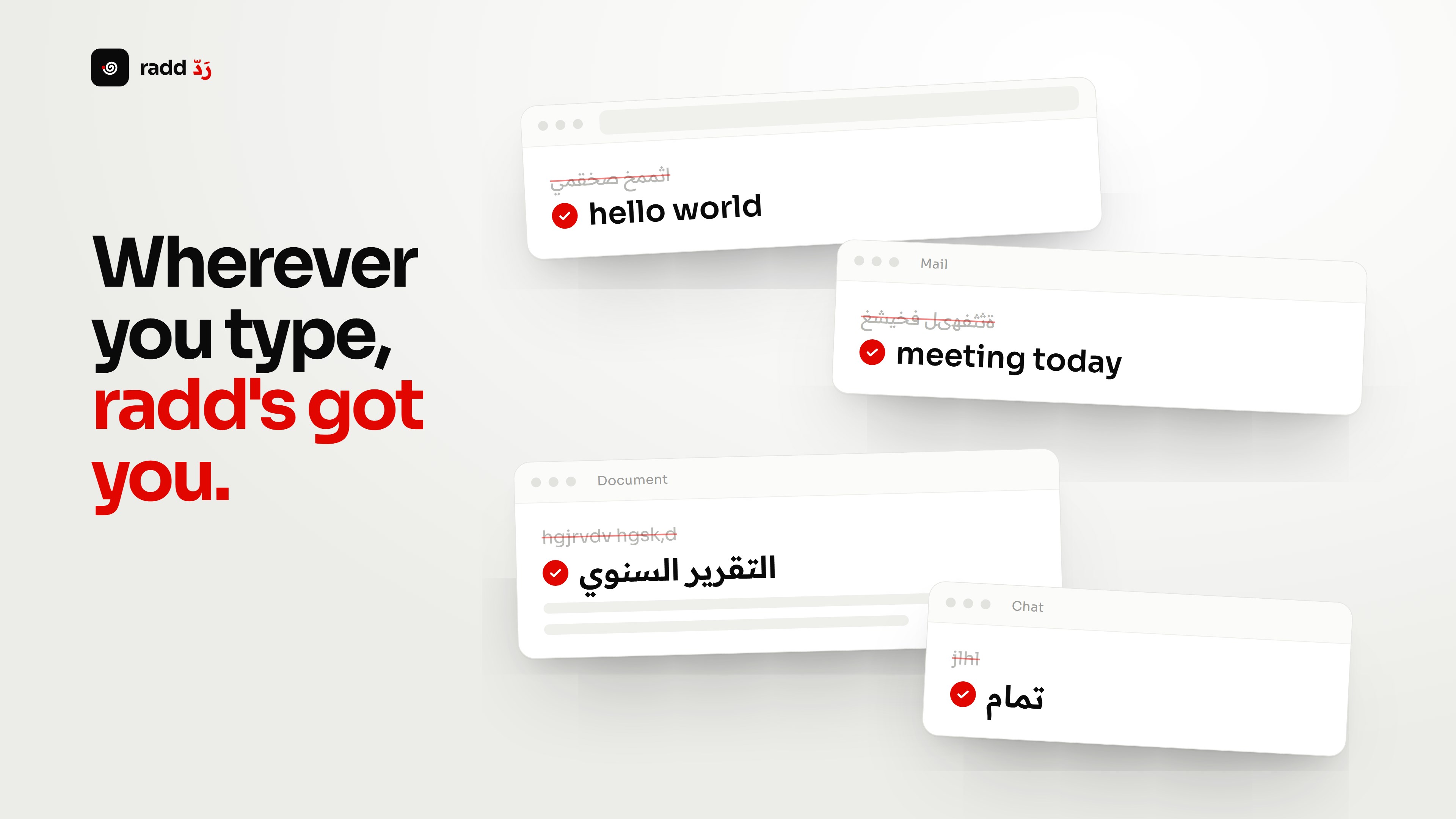
Typed it wrong? radd it. radd fixes text typed in the wrong keyboard layout right where you typed it, in any app. Press Ctrl + K and it's corrected instantly, even without selecting anything. • 46 languages and 59 keyboard layouts: Arabic, English, Persian, Urdu, Hebrew, Russian, Turkish, Greek, Hindi, Korean, Thai and more, built from official Unicode data for Windows keyboards. • Follows your PC's keyboard languages automatically, in the same order, or pick and order them yourself. • Convert without selecting: press Ctrl + K to fix what you just typed, and your cursor stays put. • Switches your keyboard language automatically after converting, so you keep typing. • Fixes mixed text: corrects mistyped words inside correct text, and leaves intended words like "PDF" alone. • Works with Caps Lock, no stray symbols. • Works everywhere you type: browsers, WhatsApp, Word, Outlook, Teams, Discord, Telegram, Notepad and any text field. • Your clipboard stays yours: restored exactly as it was, images and files included. • Safe by design: password fields, administrator windows and terminals are never touched. • Private: conversion happens on your device. Your text is never stored or sent anywhere. No account, no ads, no AI. • Built-in self-test checks that everything works on your PC and gives you a ready report. • Make it yours: remap any shortcut, keep shortcut profiles, exclude apps. Every new feature can be turned on or off. • Arabic and English interface. Default shortcuts: Ctrl+K smart convert · Ctrl+Alt+A to Arabic · Ctrl+Alt+E to English · Ctrl+Shift+Z undo.
Utilities · Windows, iPhone, iPad · Free
Rating: 4.8 out of 5, based on 29 user ratings.