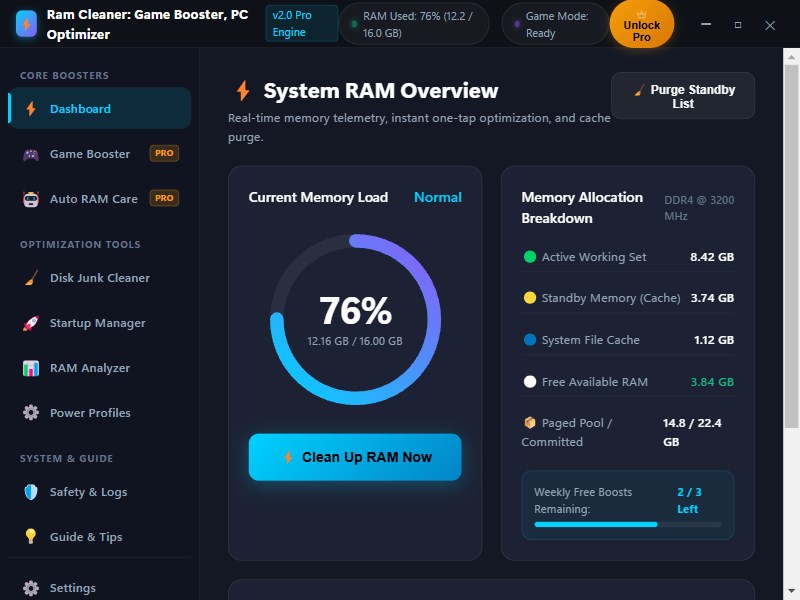
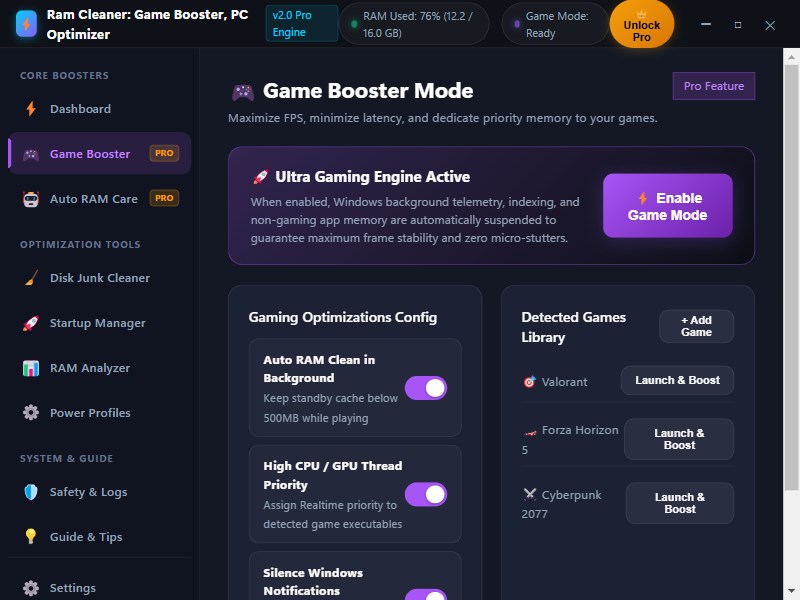
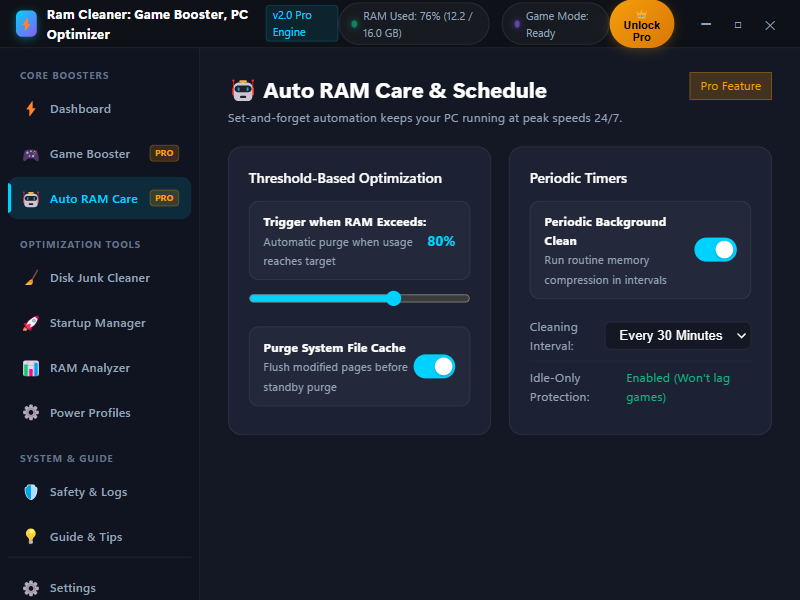
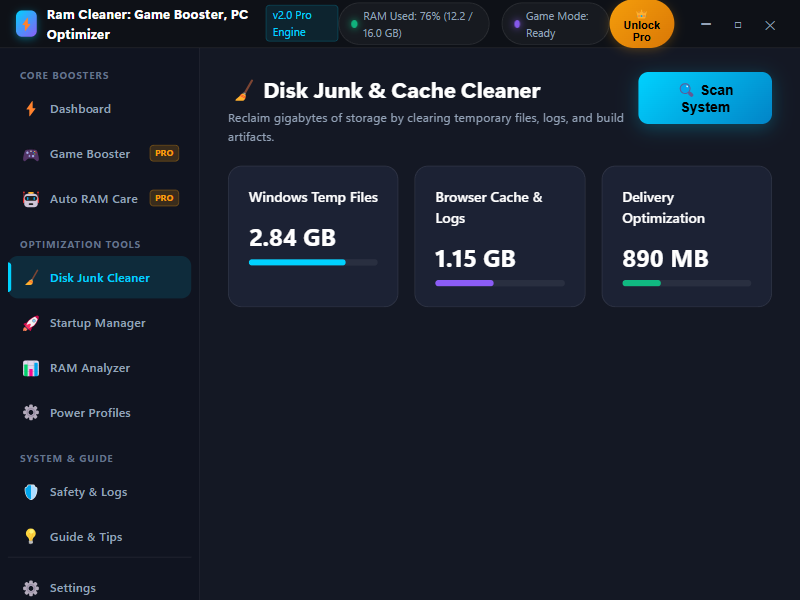
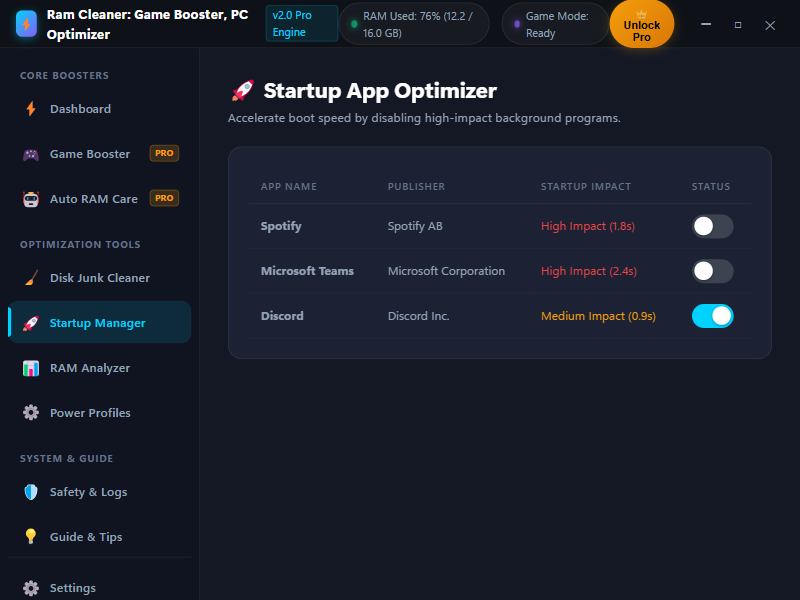
# 🚀 Ram Cleaner: Game Booster & PC Optimizer **The Complete Memory Optimizer, Game Accelerator & System Performance Tool for Windows 10 & 11!** --- ### ⚠️ IMPORTANT PURCHASE & ADD-ON INFORMATION Ram Cleaner includes essential real-time memory monitoring, system health diagnostics, manual working-set memory trims, startup impact review, and storage cache scanning with your base purchase. To unlock advanced automation, dedicated game boosting, desktop overlay widgets, and unlimited deep standby list purges, optional Pro Add-On upgrades are available via in-app purchase (Monthly Subscription with a 7-Day Free Trial or One-Time Lifetime Access). All features below are explicitly labeled so you know exactly what is included with the base product and what requires an optional Pro Add-On. --- ### 🌟 DETAILED FEATURE BREAKDOWN #### 🔹 Included with Base Product Purchase: * 📊 Real-Time Live Memory & Hardware Monitor [Included with Base Product] - High-precision visual gauge tracking used RAM, available physical memory, committed memory, and cache levels. - Live system health score and performance bottleneck indicator. * ⚡ Manual RAM Working-Set Trimming [Included with Base Product] - Quickly trim application working sets to reduce active memory footprint. - Includes an allowance of up to 3 Full Deep RAM Boosts per week. * 🚀 Windows Startup App Manager [Included with Base Product] - Inspect high-impact applications configured to launch at Windows boot. - Review startup load to reduce boot delays. * 🧹 PC Storage & Cache Scanner [Included with Base Product] - Scan temporary files, system cache, and junk data bottlenecks. * 🛡️ Safety Center & Safe Controls [Included with Base Product] - 100% safe Windows API operations that never crash active processes. - Rollback and undo tracking for system power and startup adjustments. - On-device local activity logs and history. #### 🔹 Available via Optional Pro Add-On (In-App Purchase / Subscription): * 🚀 Unlimited Deep RAM Optimization & Standby Purge [Requires Pro Add-On] - Unlimited one-click deep RAM sweeps: purges the Windows Standby list, empties system working sets, and clears file system cache. * 🎮 Dedicated Game Booster Mode [Requires Pro Add-On] - Automatically prioritize CPU and RAM process priority for active game sessions. - Temporarily pause non-essential background services and switch to High-Performance power plan. - Auto-restore original system state when your gaming session ends. * 🤖 Smart Auto-Clean & Custom Schedules [Requires Pro Add-On] - Set-and-forget background memory maintenance. - Automatically cleans RAM whenever memory pressure exceeds your custom threshold (e.g., 80% or 90%). - Set custom time intervals (every 15, 30, or 60 minutes) for automatic sweeps. * 🖥️ Floating Desktop RAM Overlay (HUD Widget) [Requires Pro Add-On] - Compact on-screen widget displaying real-time memory usage without interrupting gameplay or work. - Custom high-RAM alerts and threshold notifications. * 🧹 Advanced PC Junk & System Cache Cleaner [Requires Pro Add-On] - One-click removal of temporary system junk, delivery optimization files, and application caches. * ⚙️ Performance Profiles [Requires Pro Add-On] - Instant preset switching between Gaming, Creative/Work, Battery Saver, and Balanced modes. * 🔄 Settings Backup & Extended Activity Reports [Requires Pro Add-On] - Full configuration backup and exportable diagnostic reports (CSV, HTML, TXT, Excel). --- ### 📖 QUICK START: HOW TO USE IN 4 EASY STEPS 1. Step 1: Launch & Monitor — Open the app to view your live memory pressure and system health score (Included with Base Product). 2. Step 2: Clean Memory — Click ‘Clean Up RAM’ to trim working memory and free up trapped RAM (Included with Base Product). 3. Step 3: Game Booster — Activate ‘Game Booster’ before gaming to optimize process priorities and eliminate stutter (Requires Pro Add-On). 4. Step 4: Enable Auto RAM Care — Check ‘Auto RAM Clean’ for 24/7 background memory maintenance (Requires Pro Add-On). --- ### 💎 FEATURE COMPARISON: BASE PRODUCT vs. PRO ADD-ON | Feature / Capability | Included with Base Product | Pro Add-On (Optional In-App Purchase) | | :--- | :---: | :---: | | Real-Time RAM & Hardware Telemetry | ✅ Included | ✅ Included | | System Health Score & Diagnostics | ✅ Included | ✅ Included | | Manual RAM Working-Set Trimming | ✅ Included | ✅ Included | | Startup App Impact Analyzer | ✅ Included | ✅ Included | | PC Storage & Cache Scanner | ✅ Included | ✅ Included | | Deep RAM Boost & Standby List Purging | 3 Boosts / Week | 🚀 Unlimited | | Smart Auto-Clean (Threshold & Timer Automation) | Not Included | ✅ Full Access | | Game Booster Presets & Service Pausing | Not Included | ✅ Full Access | | Floating Desktop RAM Overlay HUD Widget | Not Included | ✅ Full Access | | Performance Profiles (Gaming / Work / Battery) | Standard | ✅ All Profiles | | Advanced PC Junk & Cache Deep Clean | Scan Only | ✅ Full Clean | | Settings Backup & Extended Diagnostic Export | 7-Day History | ✅ Full History & Export | --- ### 💳 IN-APP PURCHASES & SUBSCRIPTION TERMS Ram Cleaner provides optional in-app purchases through the Microsoft Store: 1. 🔹 Pro Monthly Pass (Auto-Renewing Subscription · Store ID: 9P1C16WQNVQD): - Price: $2.99 USD / month (or localized regional equivalent). - Free Trial: Includes a 7-Day Free Trial ($0.00 charged for the first 7 days). - Subscription Terms: Billed monthly through the Microsoft Store after the 7-day trial until canceled. Unlocks all Pro features including unlimited RAM boosts, Game Booster mode, 24/7 background automation, and overlay HUD. - Cancellation: Cancel anytime with 1 click in your Microsoft Account (account.microsoft.com/services). 2. 🔹 Pro Lifetime Access (Durable One-Time Purchase · Store ID: 9NSHGP1SQ01P): - Price: $4.99 USD (or localized regional equivalent). - Terms: Single one-time purchase for permanent, lifetime access to all Pro features with zero recurring fees. Works across all Windows 10 & 11 devices signed into your Microsoft account. 3. 🔹 Range of In-Product Purchase Prices: $2.99 USD – $4.99 USD. --- ### 🤖 AI COACH & CONTENT REPORTING - On-Device Telemetry: Ram Cleaner's optional AI Coach feature provides performance suggestions based on local system telemetry. - Content Reporting: Users can report any AI response or feedback using the '🚩 Report AI Response' or '🚩 Report an Issue' buttons located directly on the AI Coach screen, main navigation, and About page.
Utilities · Windows · Free
Rating: 4.4 out of 5, based on 1060 user ratings.