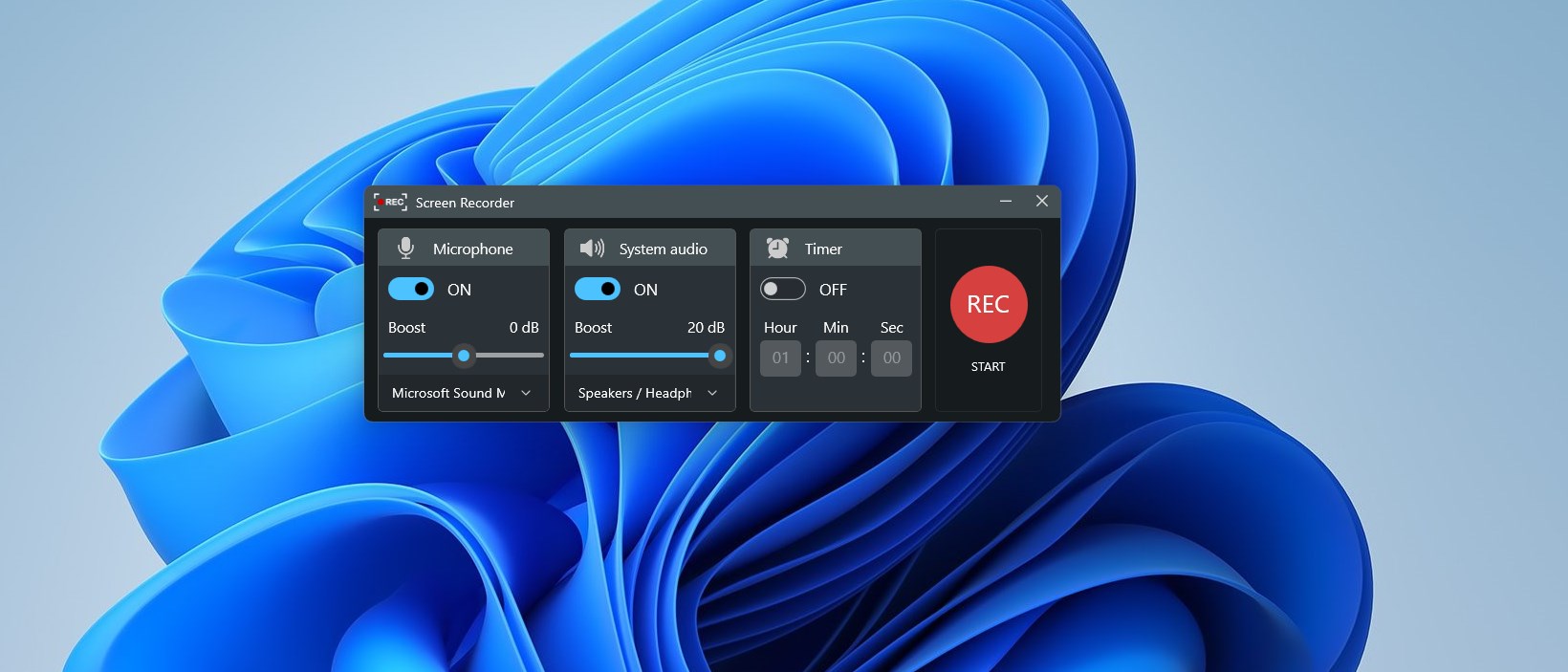
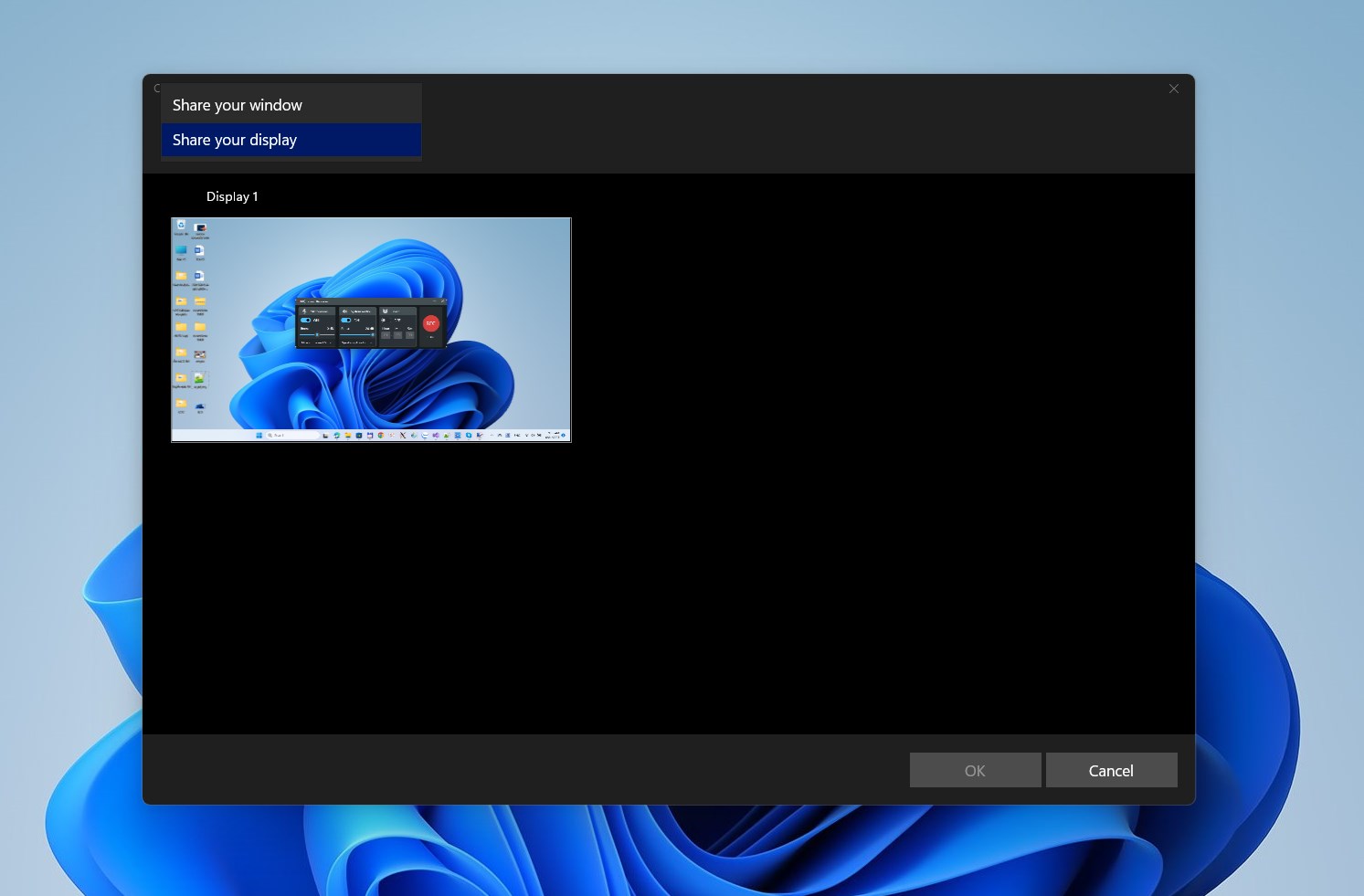
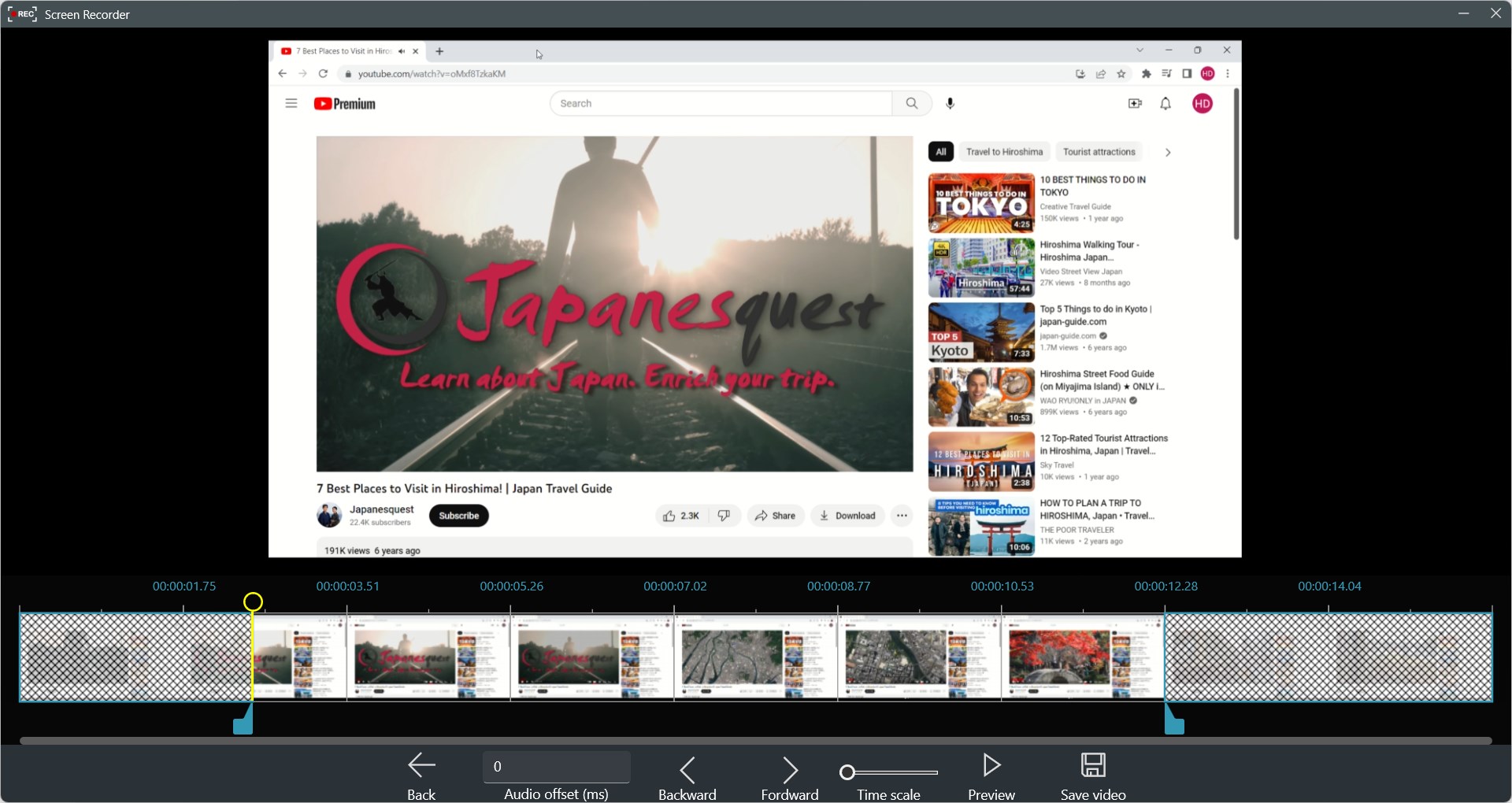
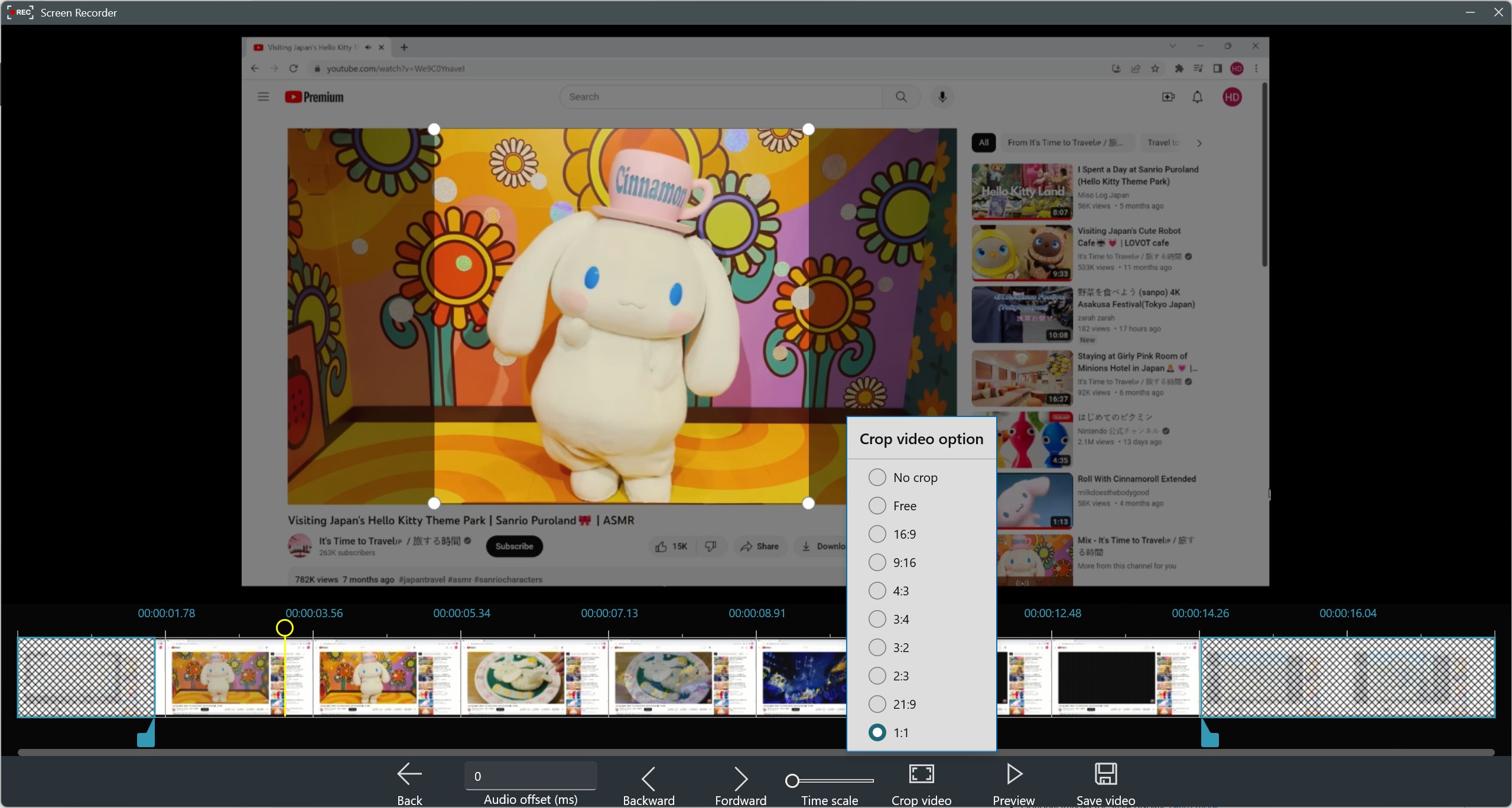
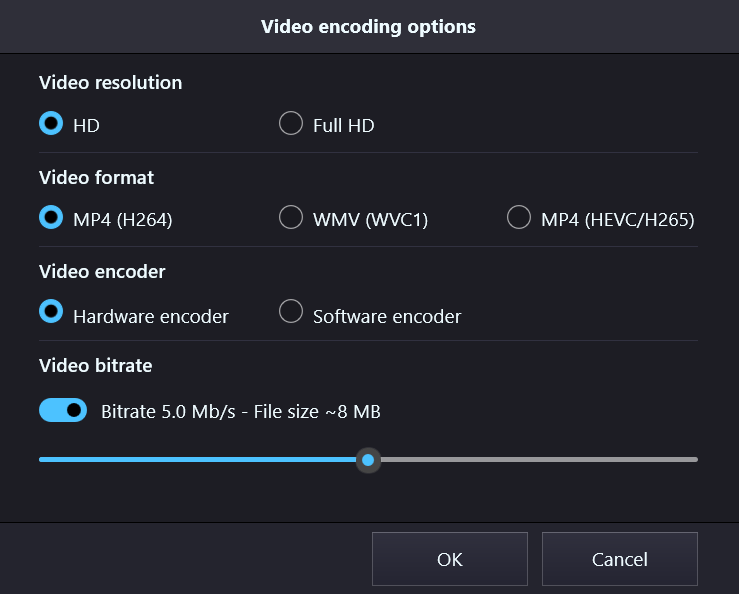
Record Screen – Screen Recorder for Windows 10 & 11 🎥 Trusted by thousands of users. Capture your screen or app windows in Full HD up to 60 fps, with no watermark. Perfect for recording tutorials, gameplay, presentations, meetings, or online classes. Simple to use, powerful enough for creators and professionals. ✨ Key Features - Flexible recording – record a single window or the entire screen. - Audio options – capture microphone, system sound, or both at the same time. - Boost audio – increase recorded sound volume easily. - Recording timer – schedule and record unattended sessions. - Video export – save in MP4 (H.264 / H.265) format. - High quality – Full HD (1080p) recording, up to 60 fps. - Bitrate control – adjust video file size as you need. 🎬 Edit Your Recordings After recording, enhance your videos with our Movie Maker – Video Editor: - Trim and split video or audio. - Sync audio & video. - Add music, text, stickers, and overlays. - Apply filters and transitions. 📌 Why choose Record Screen? - No Watermark. - Easy-to-use screen recorder for Windows 10 & 11. - Add support for Windows on ARM devices with native ARM64 package. - Ideal for YouTubers, gamers, teachers, and professionals.
Utilities · Windows · Free
Rating: 4.5 out of 5, based on 13941 user ratings.