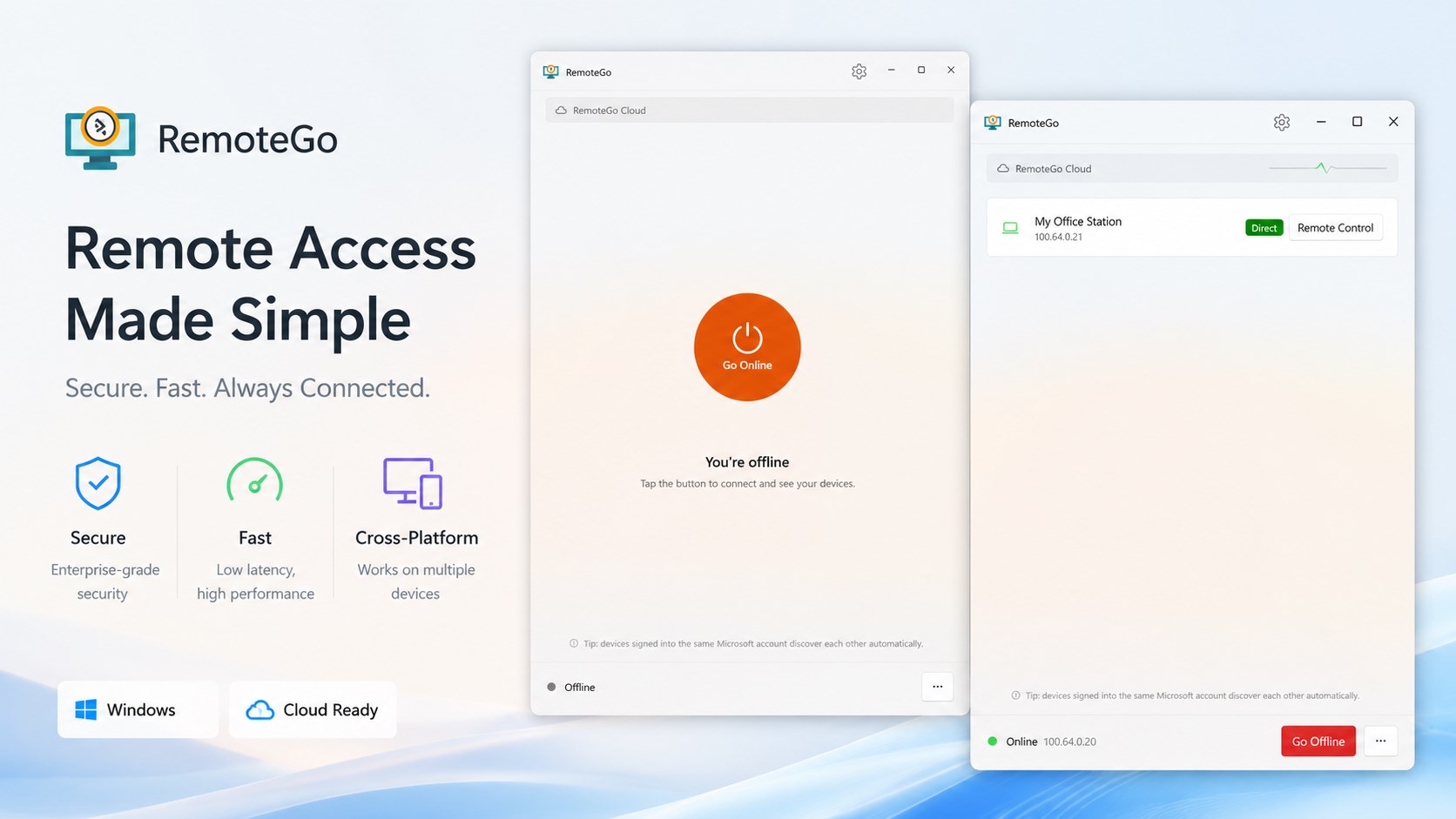
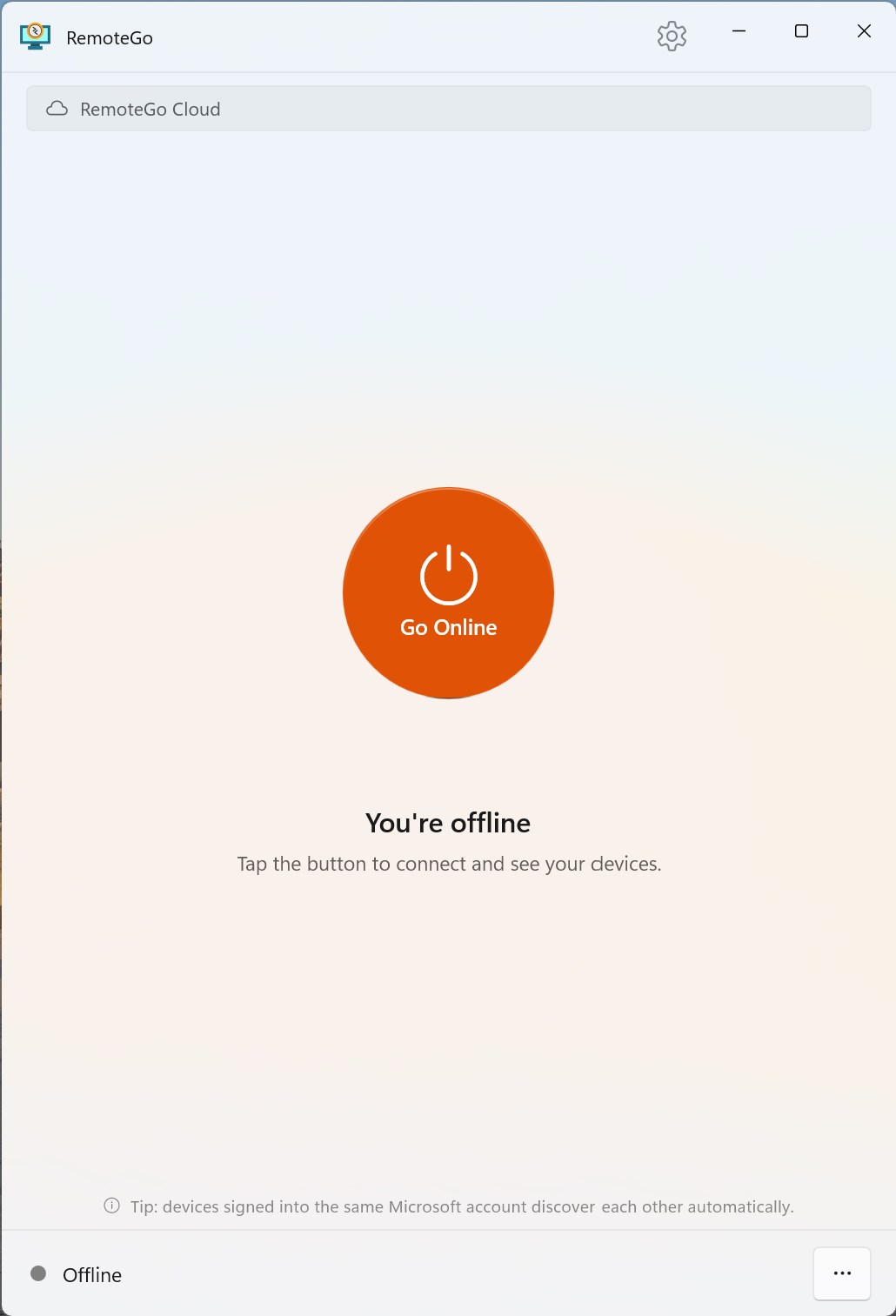
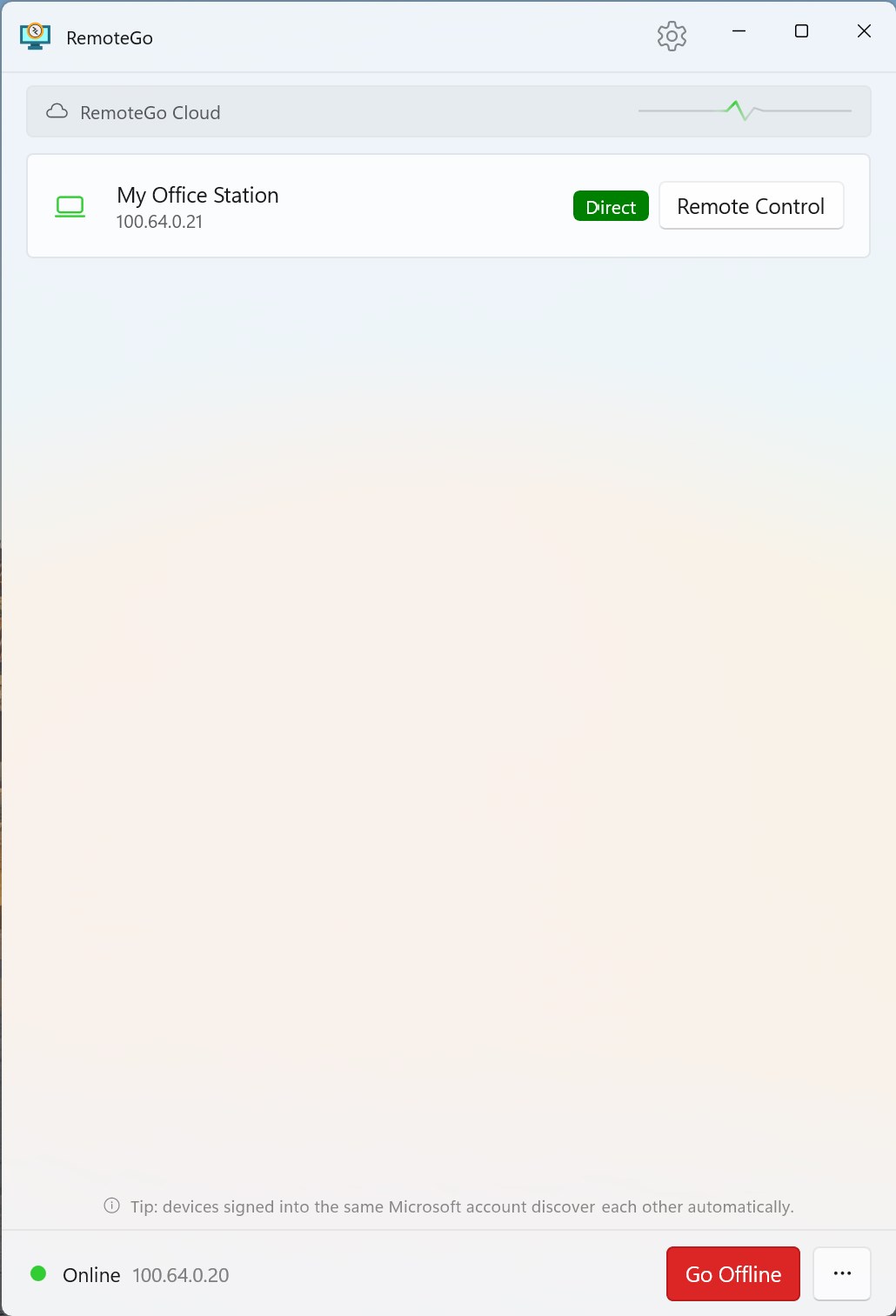
Remote Go — flexible Remote Desktop for Windows, beyond the LAN Remote Go makes Windows Remote Desktop (RDP) work anywhere — not just on your local network. It's a lightweight connection manager that brings your PCs together over a secure private mesh network, then hands off to the native Windows Remote Desktop you already know and trust. Bring your own network. Remote Go connects your devices through the backend you choose: • Tailscale — sign in with your own Tailscale account and you're online in seconds. The Personal plan is free, and there's nothing to host. • Self-hosted Headscale — point Remote Go at your own control server for complete ownership of your data and network. • Local network (LAN) — discover and connect to Remote Desktop PCs on the same network, no account required. (More backends, including Cloudflare, are on the way.) Why Remote Go: • Native performance & feel — it drives Windows' own Remote Desktop, so you keep the speed, multi-monitor support, clipboard, and file transfer you expect. • Secure by design — traffic runs over an encrypted WireGuard-based mesh, connecting peer-to-peer whenever possible. • Truly cross-network — office to home, home to office, or on the road — no port forwarding and no VPN gateway to babysit. • Dead simple — one toggle to go online, then click a PC to connect. • One-time purchase — pay once, no subscription. Sign in, go online, and control your Windows PCs from anywhere.
Productivity · Windows · Free