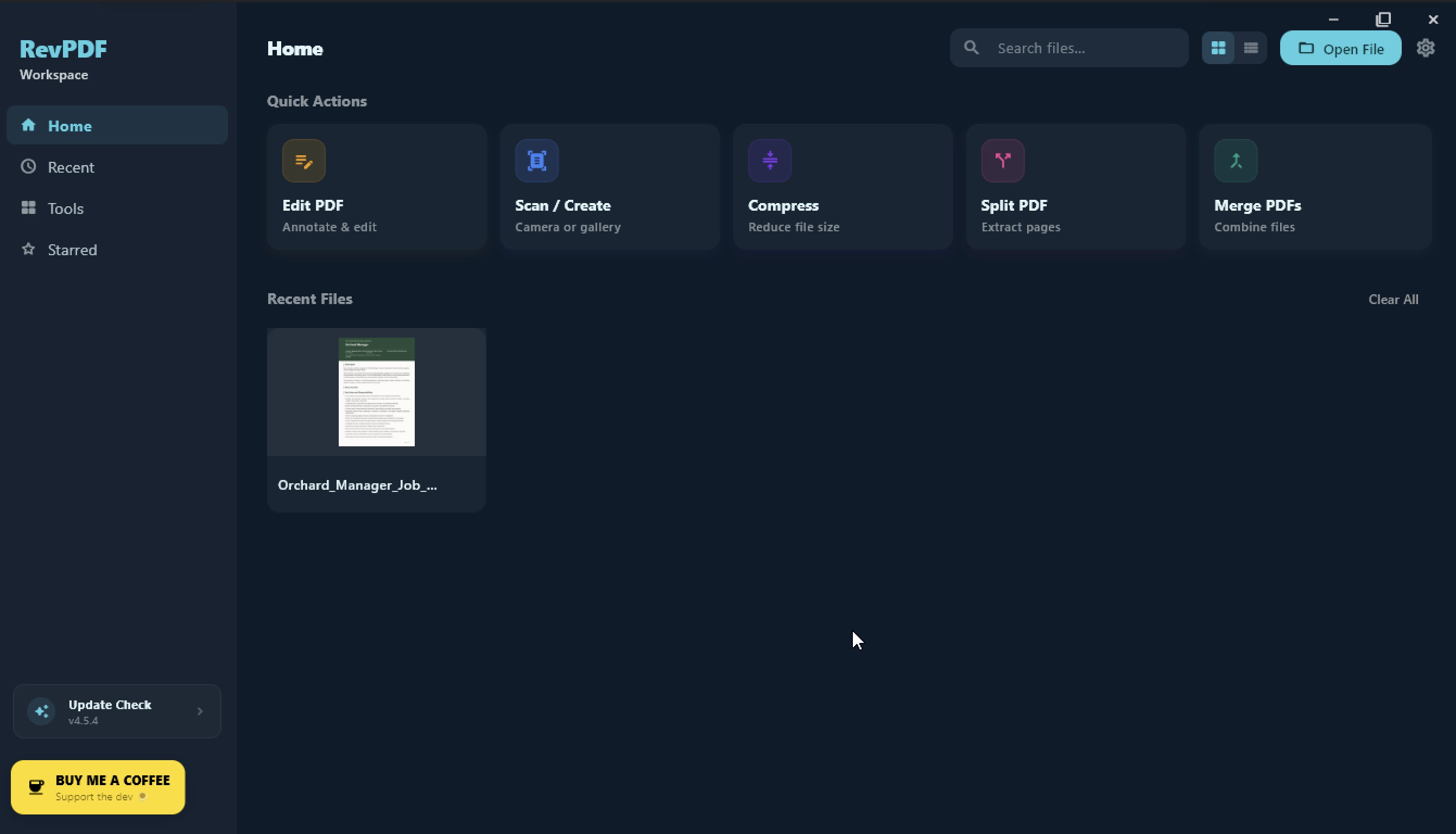
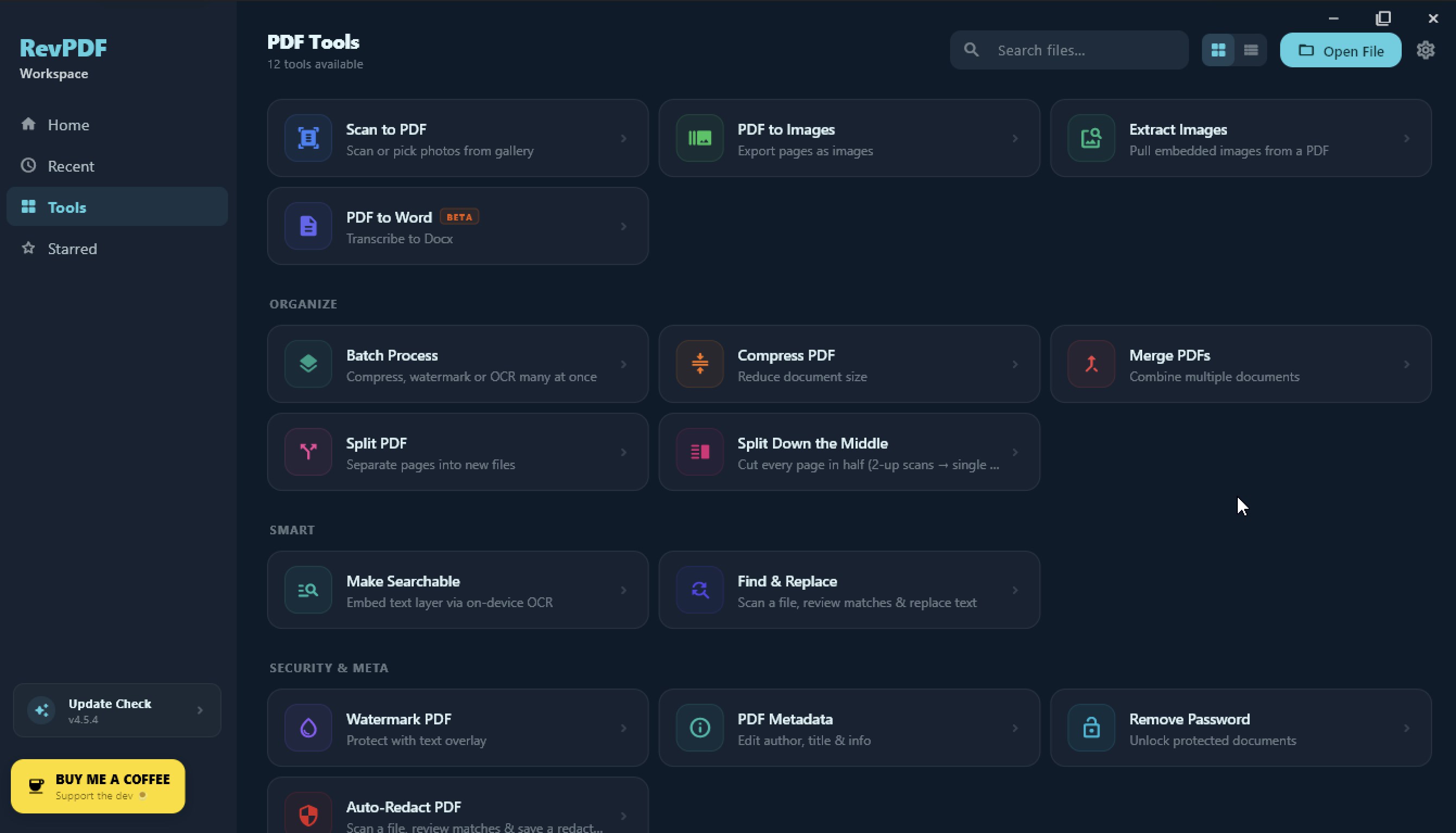
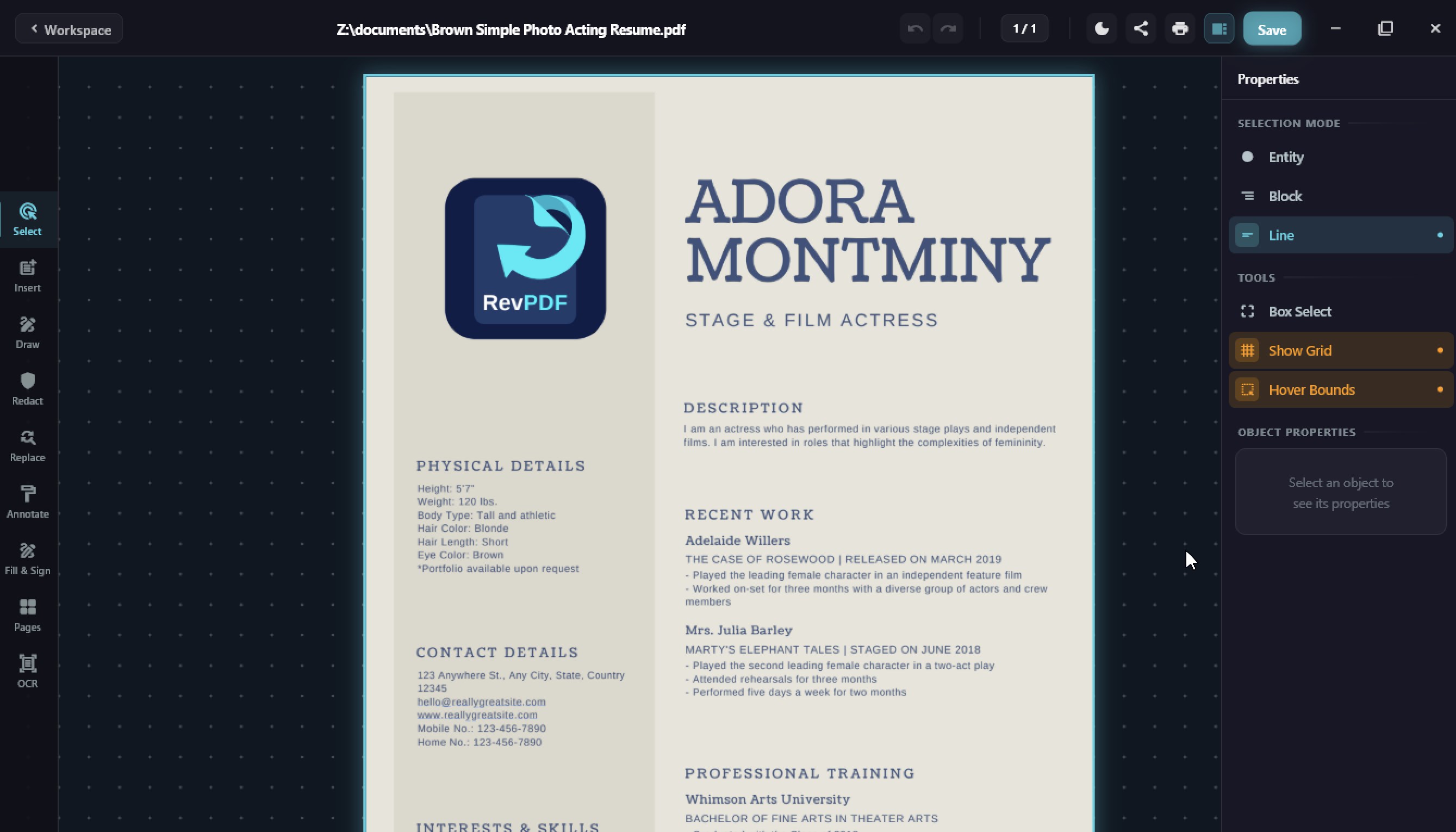
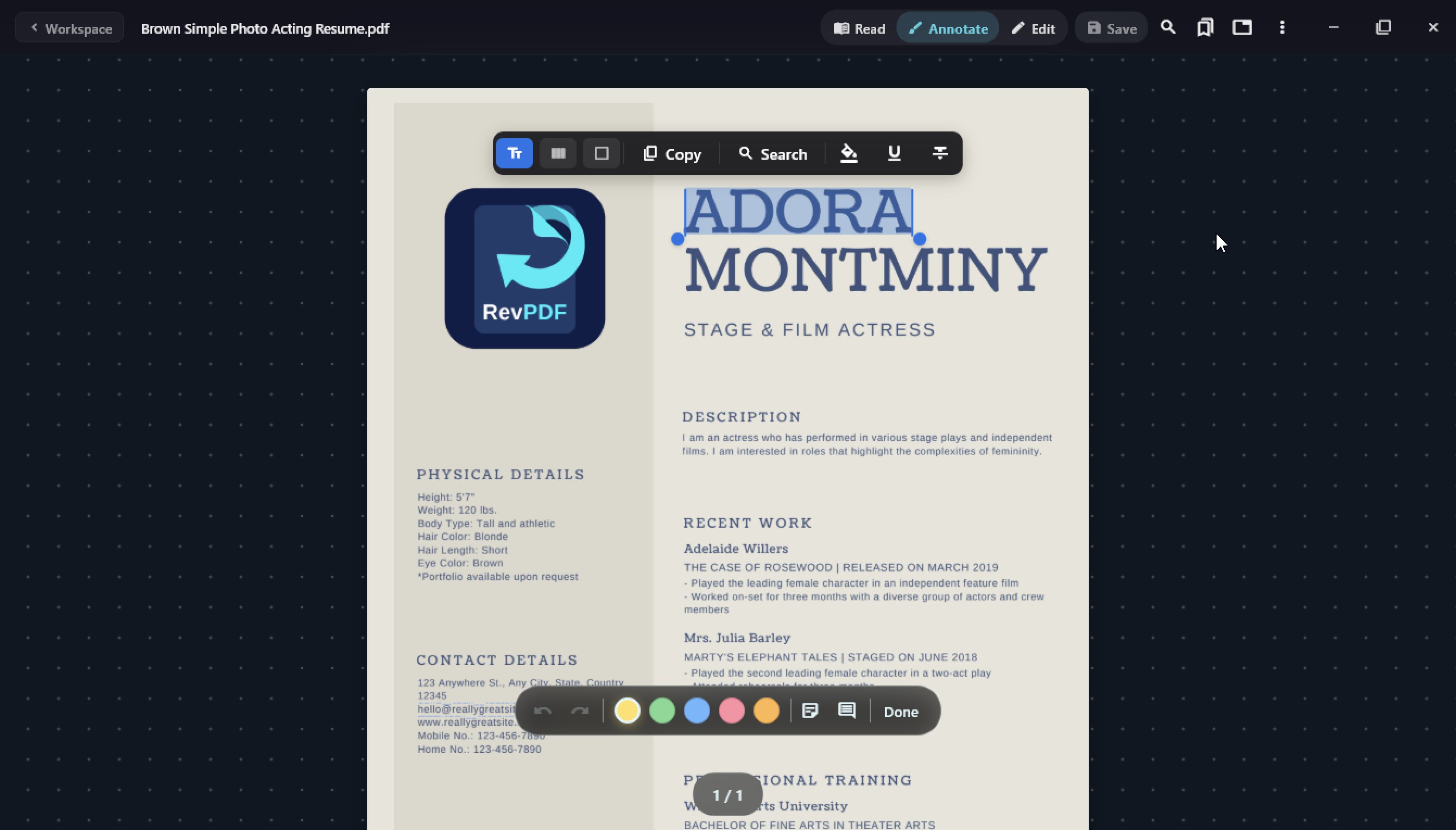
RevPDF is a powerful PDF editor for Windows. It runs offline, so you can edit documents whether you're on a plane, a train, or anywhere without a connection. There's no account to create, no email to verify, and nothing to log into. You just open the app and get to work. What you can do with RevPDF ? Edit PDFs the way they were meant to be edited. You can change existing text directly in the document, replace or add images, and place new content anywhere on the page. If you need to sign something, draw your signature. If you need to annotate a document, highlight passages, leave comments, or draw freehand. Forms are fully supported. Fill out existing PDF forms or build new fillable forms from scratch without needing any other tool. Need to do more with your files? RevPDF handles that too. Merge multiple PDFs into one, split a large file into smaller ones, compress files to reduce size, convert PDFs to images (JPG or PNG), turn images into PDFs, and export PDF pages to Word (DOCX) format. Privacy you can actually trust A lot of PDF tools today upload your files to their servers for processing, sometimes to run AI features on them. RevPDF never does that. Everything happens on your device. Your files are never sent to any server and never stored anywhere except where you put them. For anyone working with contracts, invoices, medical records, or any sensitive document, that matters. One app across all your devices RevPDF is available on Windows, macOS, Linux, Android, and iOS. If you work across more than one device, you only need one app to learn. Lightweight and fast It installs in seconds and starts up immediately. No bloat, no loading screens, no waiting. RevPDF is built and maintained by an independent developer and is always improving. If you have feedback or run into anything, your input genuinely shapes what gets built next.
Utilities · Windows · Free