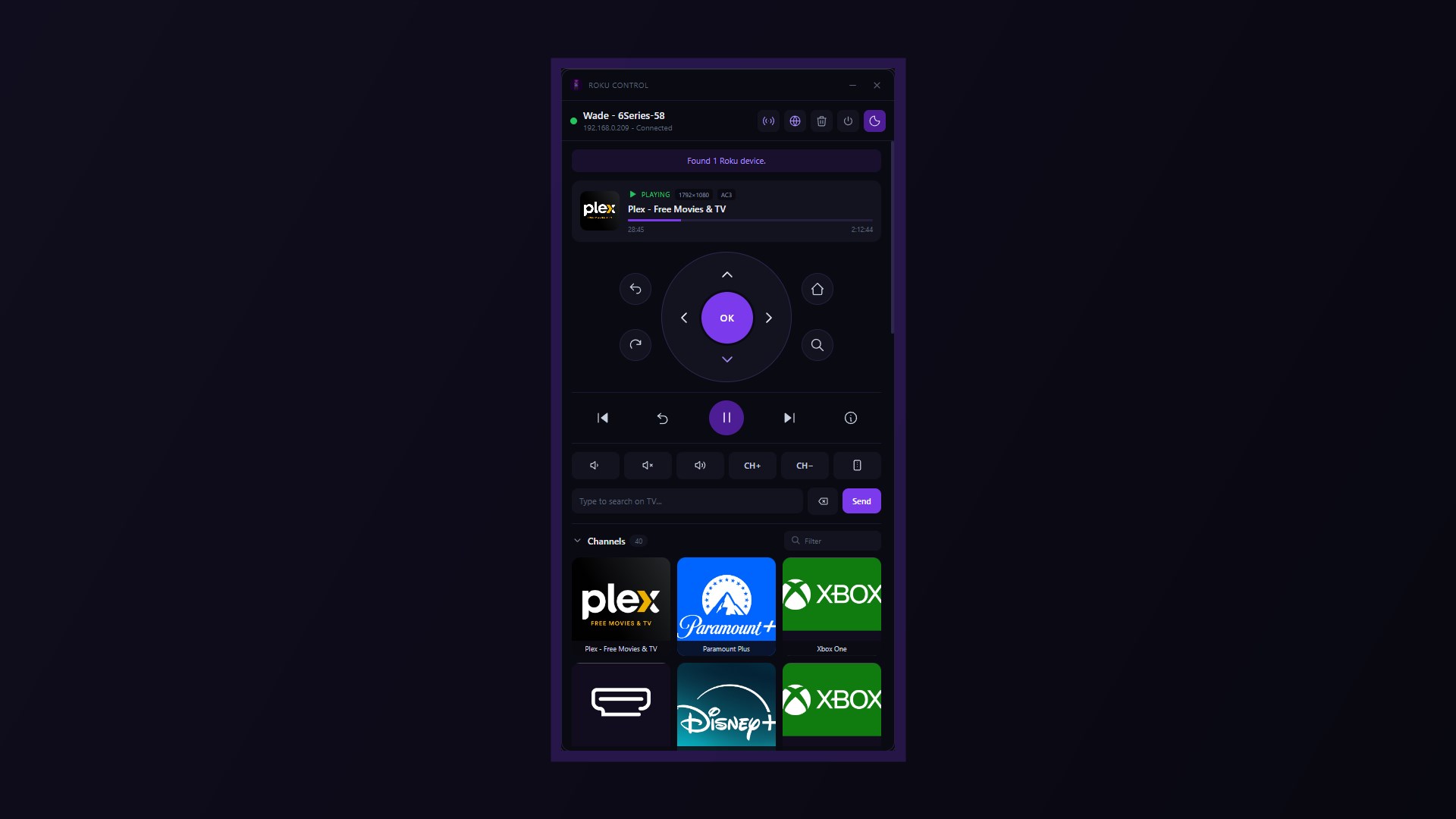
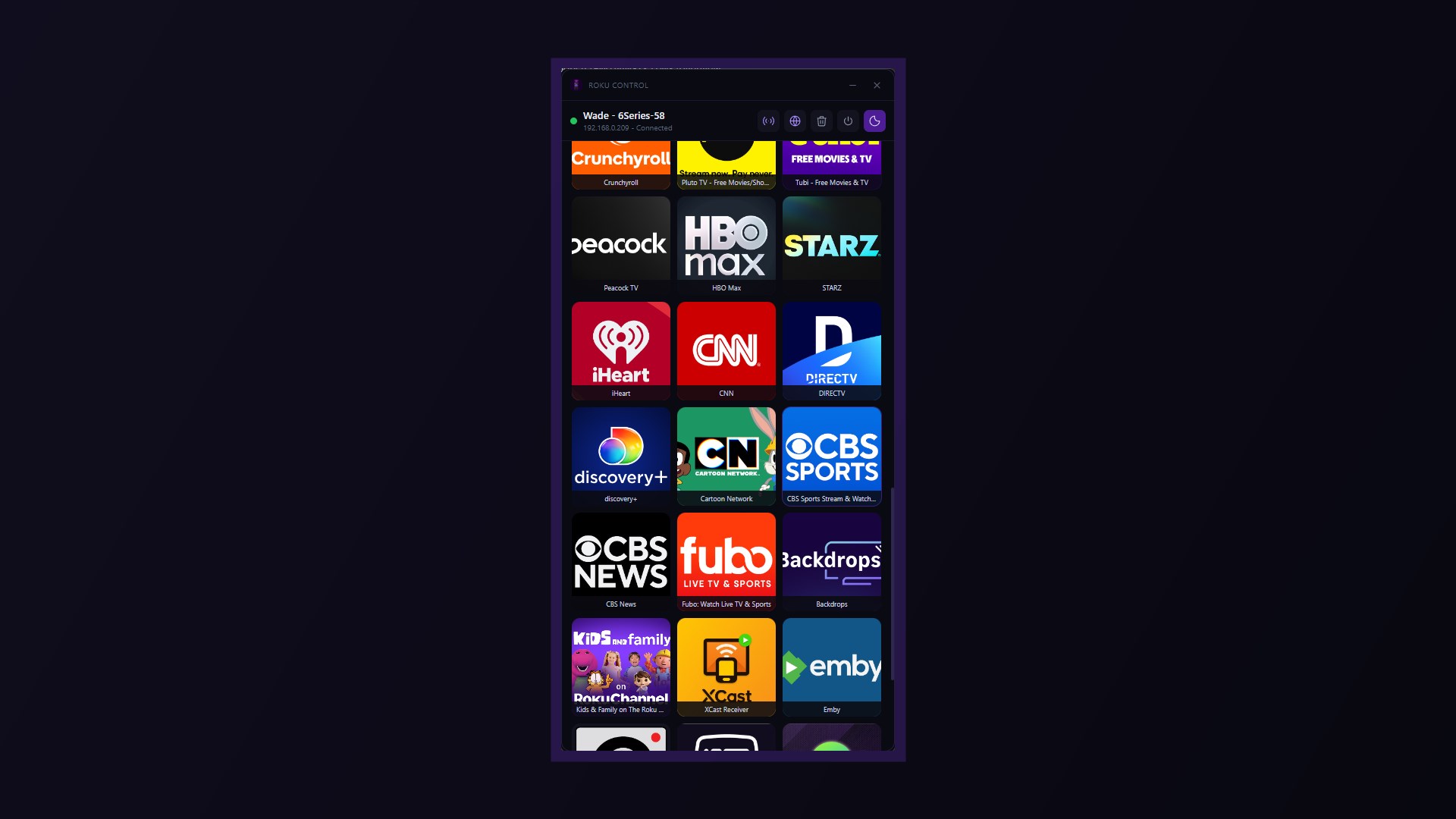
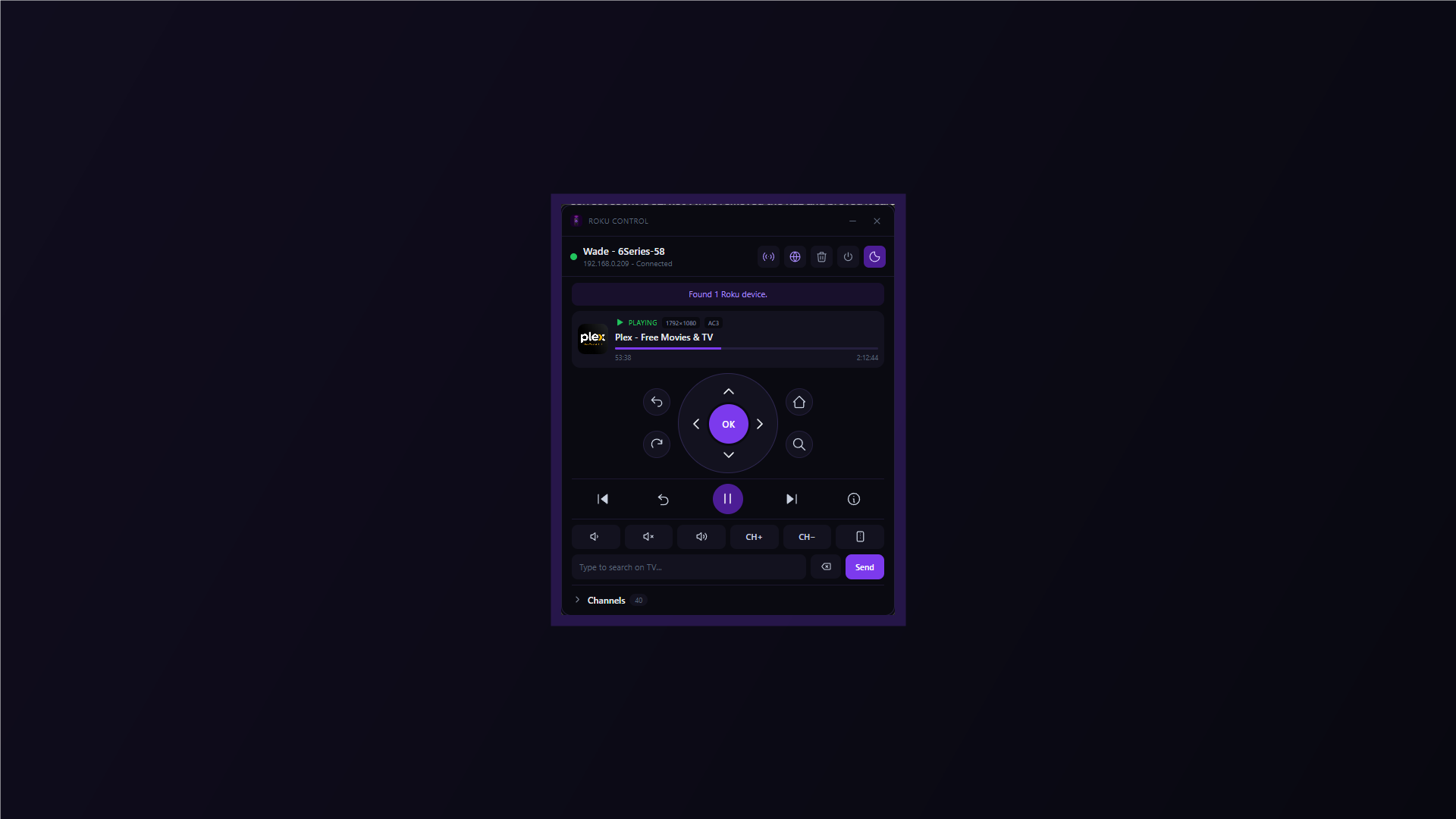
Control any Roku TV or streaming device on your local network. No account, no ads, no tracking, and no internet connection required. FULL REMOTE • D-pad with OK, plus Back, Home, Replay and Search • Play/Pause, Rewind, Fast Forward, Instant Replay and Info • Volume up, down and mute, with press-and-hold repeat • Channel up and down • Your TV's real inputs, listed by their actual names rather than "HDMI 1" • Wake and Sleep • Find My Remote, to make your physical remote beep NOW PLAYING See what is on, whether it is playing or paused, how far into it you are, and the stream's resolution and audio format. CHANNEL LAUNCHER Every installed channel, shown with the real artwork pulled from your own TV. Filter by name and launch with one click. A channel with no artwork shows its name instead, so a tile is never blank. KEYBOARD INPUT Type into search fields on your TV using your keyboard. Arrow keys, Enter, Backspace and Space also work as remote buttons. FINDS YOUR TV, AND KEEPS UP WITH IT Your Roku is remembered by its serial number, so it is still found after your router hands it a new IP address. Discovery retries and, on networks where mesh Wi-Fi blocks it, falls back to a direct search. You can also add a Roku by IP address at any time. The connection indicator reflects a live check, so it never claims to be connected when it isn't. COMPACT MODE Fold the channel wall away to shrink the remote to about half its height, so it can sit beside whatever you are watching. MULTI-DEVICE Control every Roku in your home and switch between them in one click. PRIVATE BY DESIGN Roku Control talks directly to your Roku over your local network. No accounts, no analytics, no telemetry, and nothing leaves your home.
Utilities · Windows · Free
Rating: 2.9 out of 5, based on 17 user ratings.