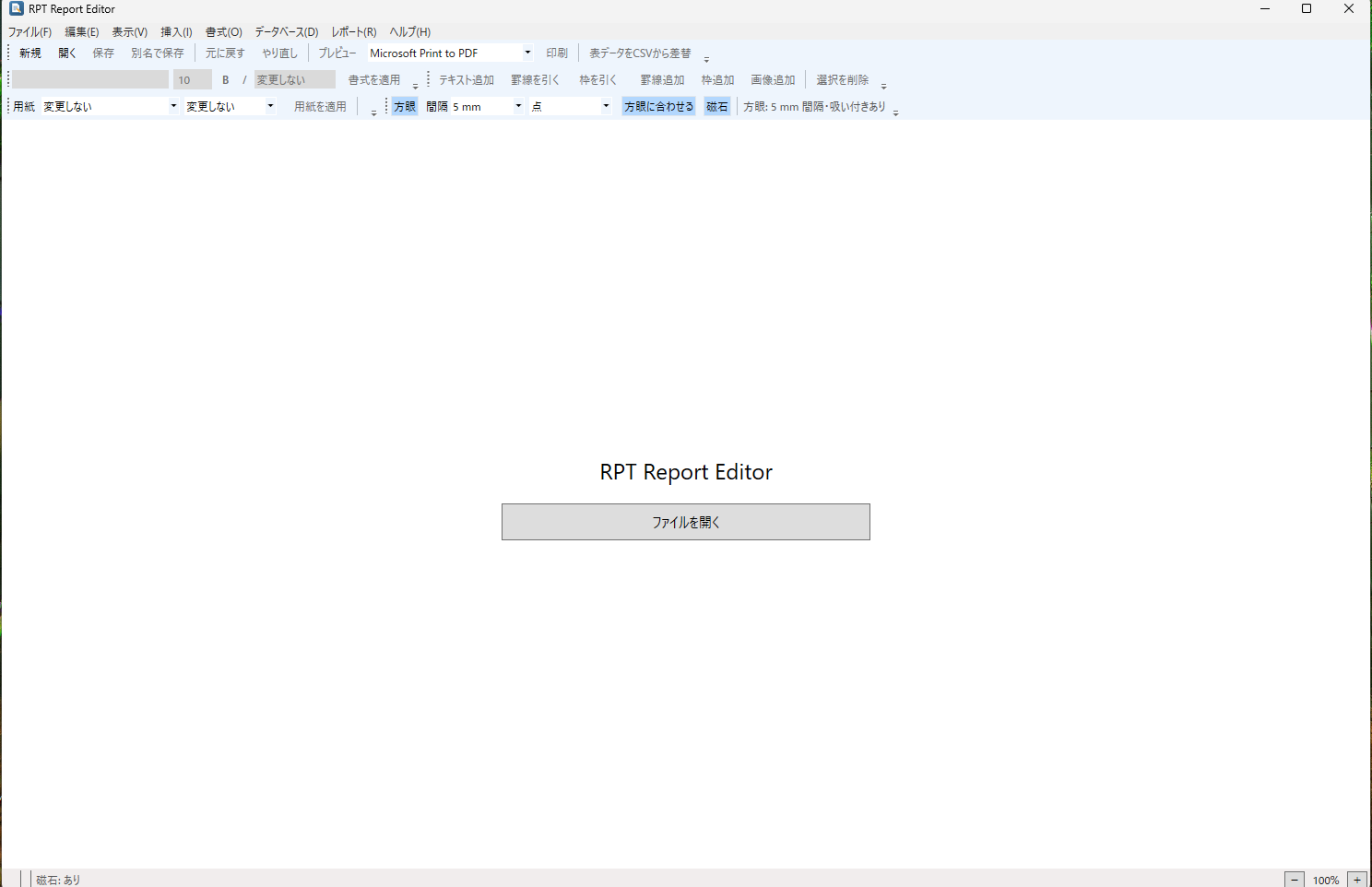
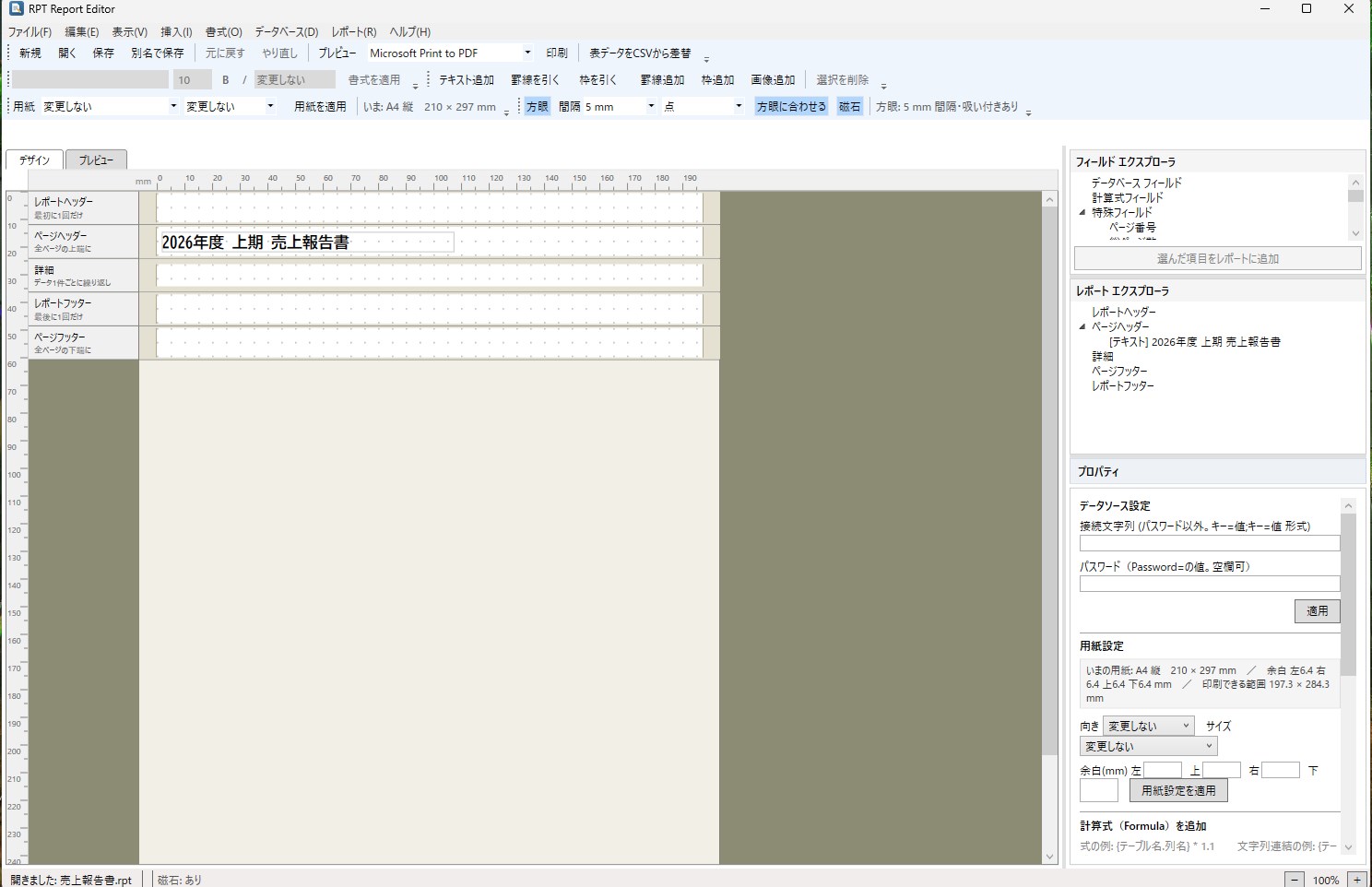
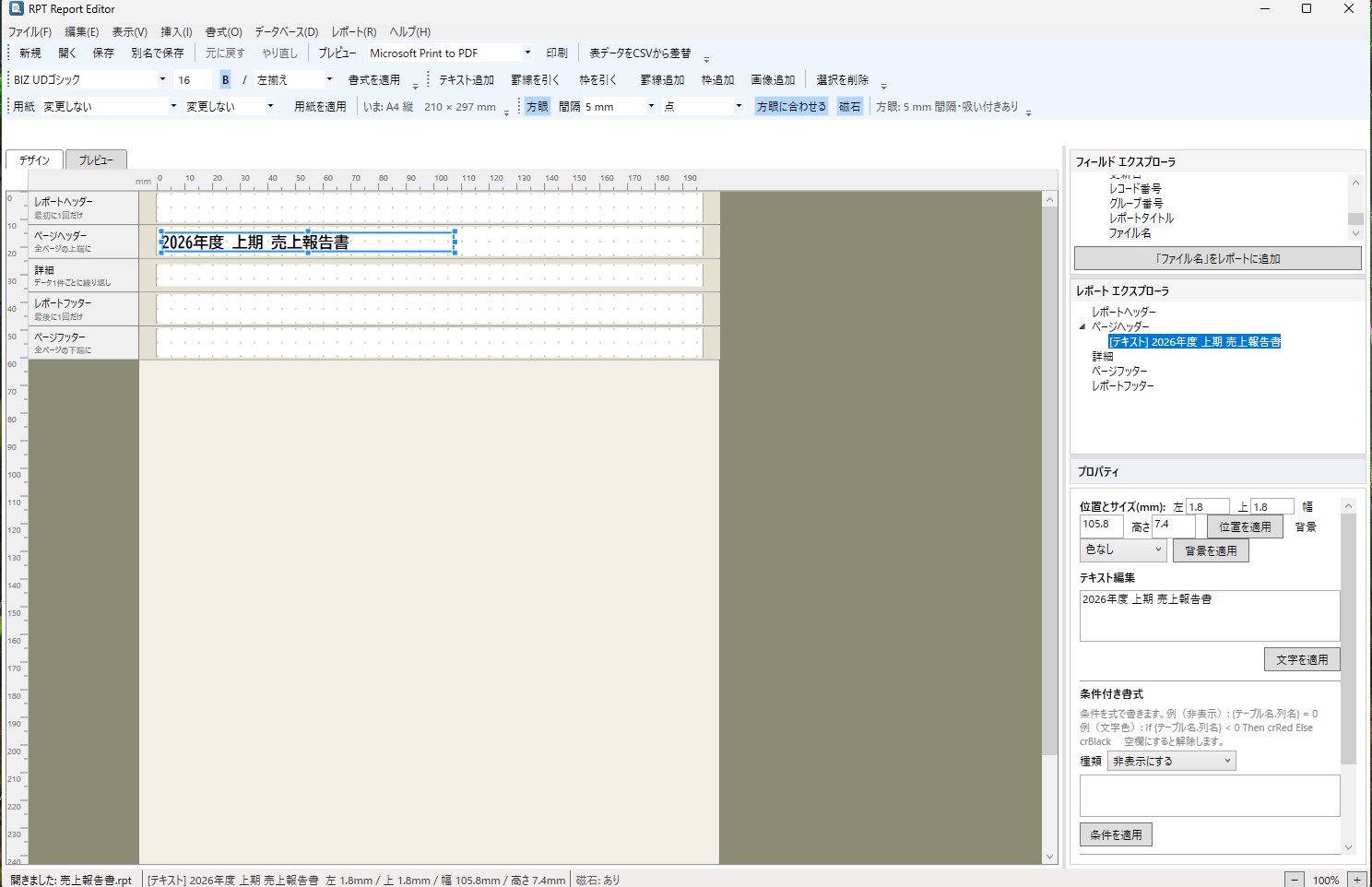
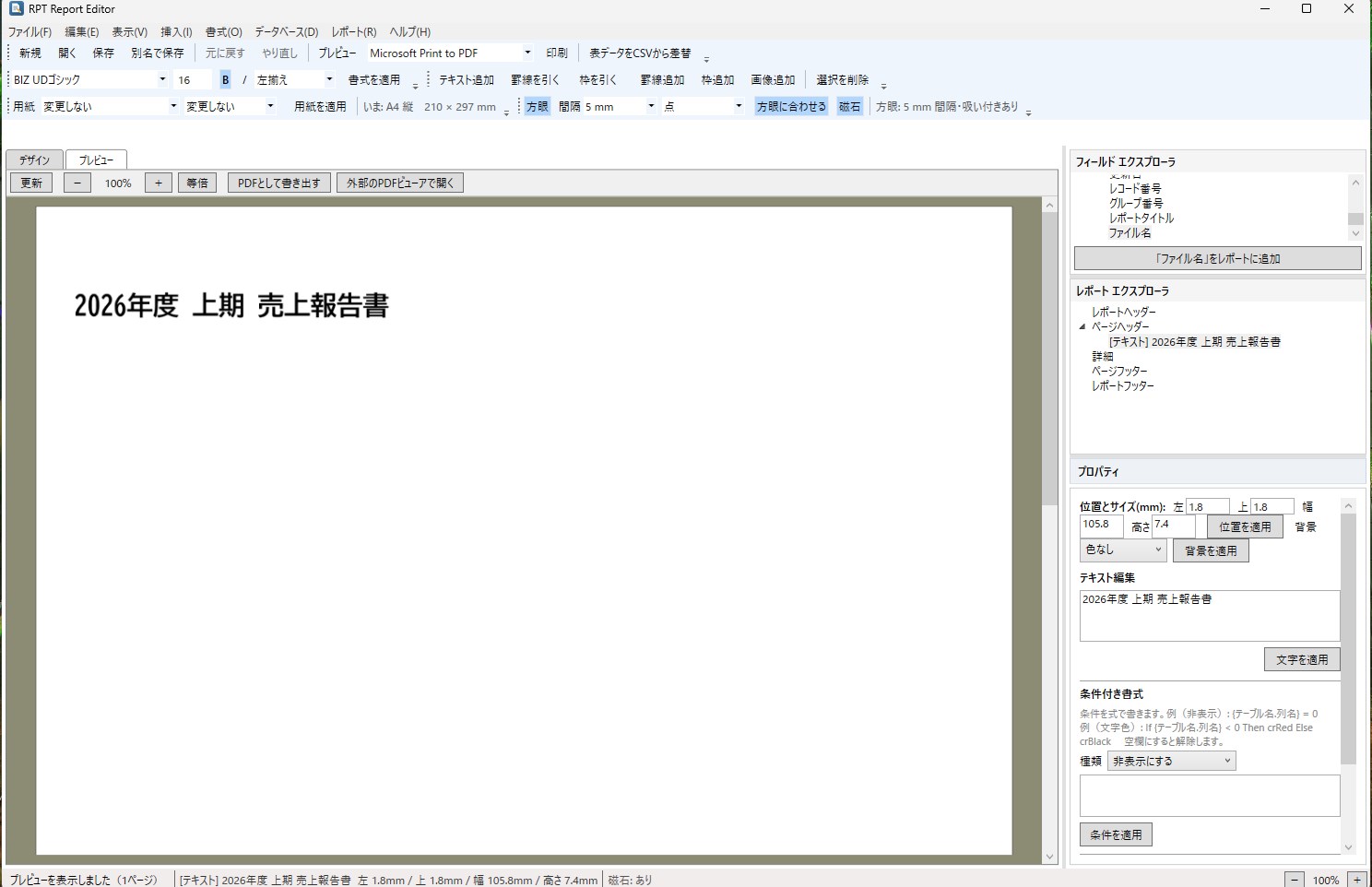
RPT Report Editor opens .rpt report files created with Crystal Reports, lets you edit them, and prints or exports them — without needing Crystal Reports itself. You should not have to buy an expensive report designer just to correct a date on an invoice, update a company name, or reprint a form after the person who maintained it left. Use it when • You need to change wording, logos or layout in .rpt files produced by a business system • You have no Crystal Reports licence, or it has expired • You want to turn a report into a PDF What you can do ■ Open, save, output • Open, save, save-as and create .rpt files • Export to PDF, print to a printer, print preview ■ Edit text and objects • Replace text (full support for Japanese and other multi-byte scripts) • Font, size, bold, italic, alignment, text colour, text rotation, background colour, borders • Add and delete text, lines, boxes, pictures and data fields • Drag to move, drag handles to resize, or type exact millimetre values • Multi-select to align and equalise size, change stacking order, cut / copy / paste / duplicate • Undo and redo ■ Alignment aids • Millimetre ruler, grid (1 / 2 / 2.5 / 5 / 10 / 20 mm, dots or lines) • Magnetic snapping to other objects, guidelines, margin underlay, page-break line • Zoom in, zoom out, 100 % ■ Report features • 17 paper sizes: A3, A4, A5, A6, B4, B5, B6, Japanese postcard, reply postcard, business card, Chou-3 and Kaku-2 envelopes, Letter, Legal, Tabloid, and custom size in millimetres • Orientation and margins • 10 special fields: page number, total page count, page N of M, print date, print time, modification date, record number, group number, report title, file name • Create and edit formulas, with a Formula Workshop • Summaries (subtotals and grand totals), grouping and sorting • Select Expert — build record-filter conditions without writing an expression • Section Expert — per-band page break, suppress, background colour and more • Parameter fields, data source connection settings, summary info (title, author and so on) • Replace table data from a CSV file Privacy and safety • No network communication at all. Your files and your edits never leave your PC • No administrator rights required, to install or to run • Japanese fonts are bundled (BIZ UDGothic / BIZ UDMincho) and are never installed into your system. They are embedded into exported PDFs, so layout holds up on other machines Please read before buying • The main purpose is editing existing .rpt files. You can create a blank report, but connecting a newly created report to a database is not supported • Cross-tabs, charts, subreports, OLAP grids and maps cannot be edited. Files containing them open normally and those parts are preserved unchanged when you save — you simply cannot modify them from this app. A notice is shown when such a file is opened • Running totals are not supported (subtotals and grand totals are) • This is not a full reimplementation of Crystal Reports Designer
Productivity · Windows · Free